AirScreen
Entertainment
2026-10-27
79.74MB
2.14.2
Android
235
Screenshots
Introduction
AirScreen is a screen-mirroring application designed specifically for Android users. It features a clean, minimalist interface and intuitive functions, allowing users to get started quickly and easily. By connecting Android devices to the same Wi-Fi network, the app enables screen sharing, facilitating remote casting. It operates with impressive speed, letting you begin casting content in just a few seconds. Furthermore, it offers a robust suite of features and is compatible with a wide range of applications and services, making it highly versatile for streaming various types of videos and files. AirScreen also incorporates strong security and privacy protections—ensuring data safety during transmission and utilizing encryption for stored backup files.
Features:
Multi-Protocol Reception
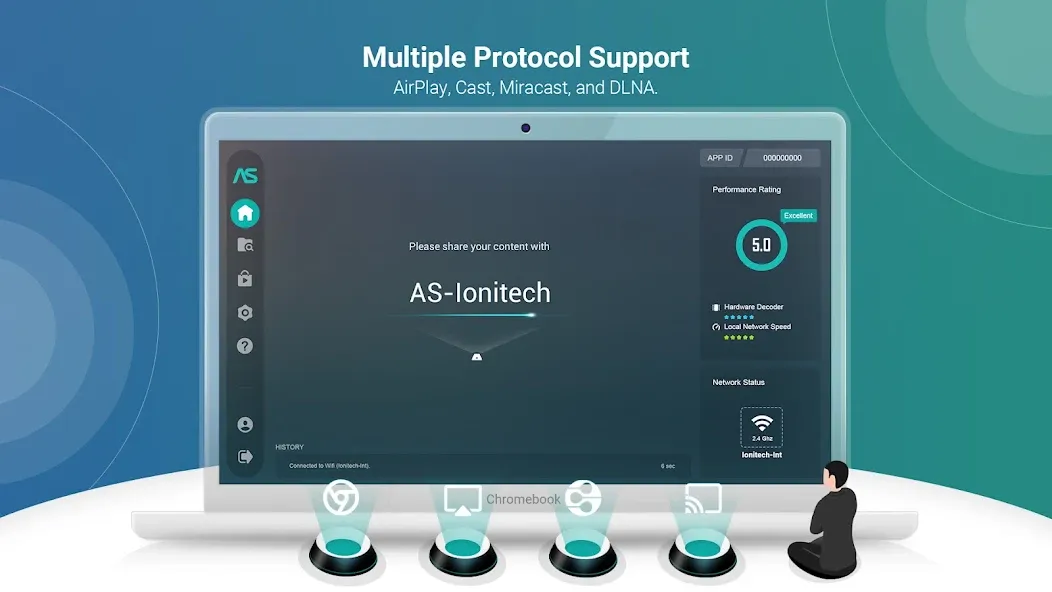
Supports AirPlay, Google Cast, Miracast, and DLNA, enabling screen mirroring and casting from most smartphones, tablets, and laptops. This minimizes the need for constant switching, allowing you to easily share content using your favorite applications.
Broad Device and Application Compatibility
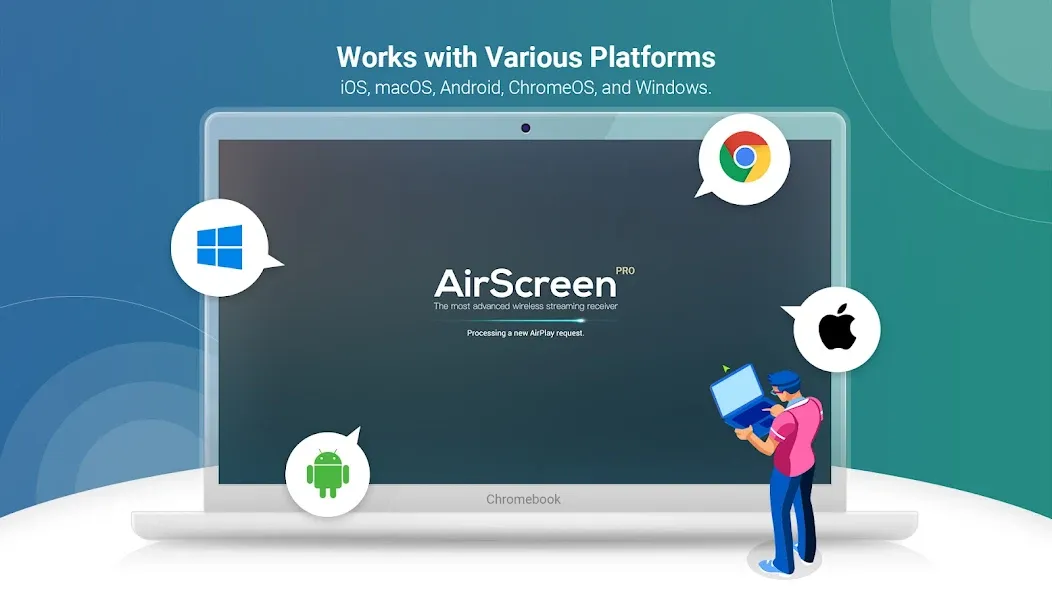
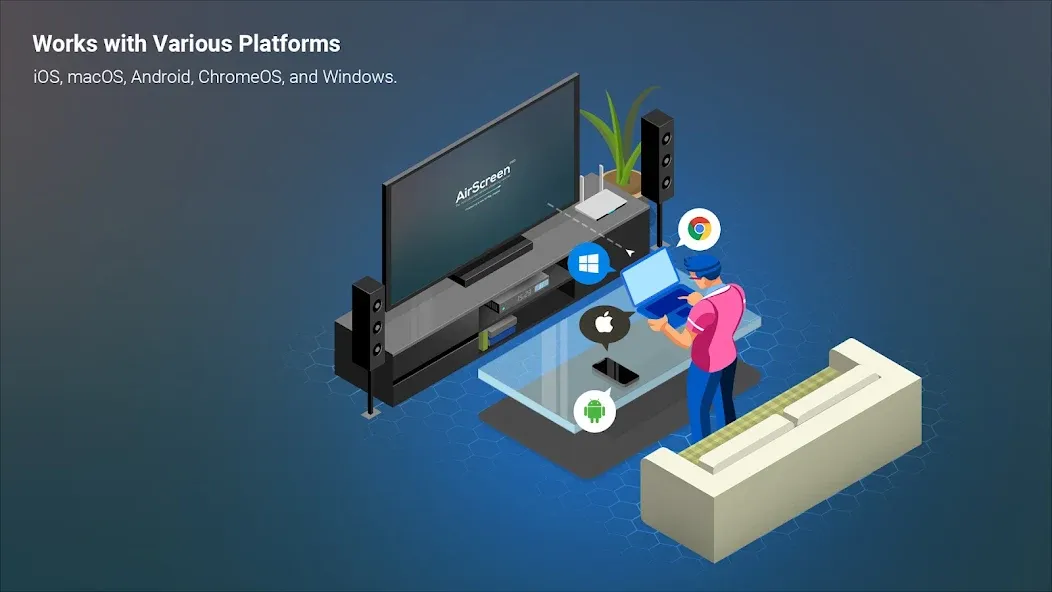
Compatible with iOS 8–18, macOS 10.5–15, Android 5–15, ChromeOS 63–134, and Windows 7–11. It also works with a wide range of popular applications and web browsers, ensuring that videos and web pages are rendered correctly.
Installation Required Only on the Receiver
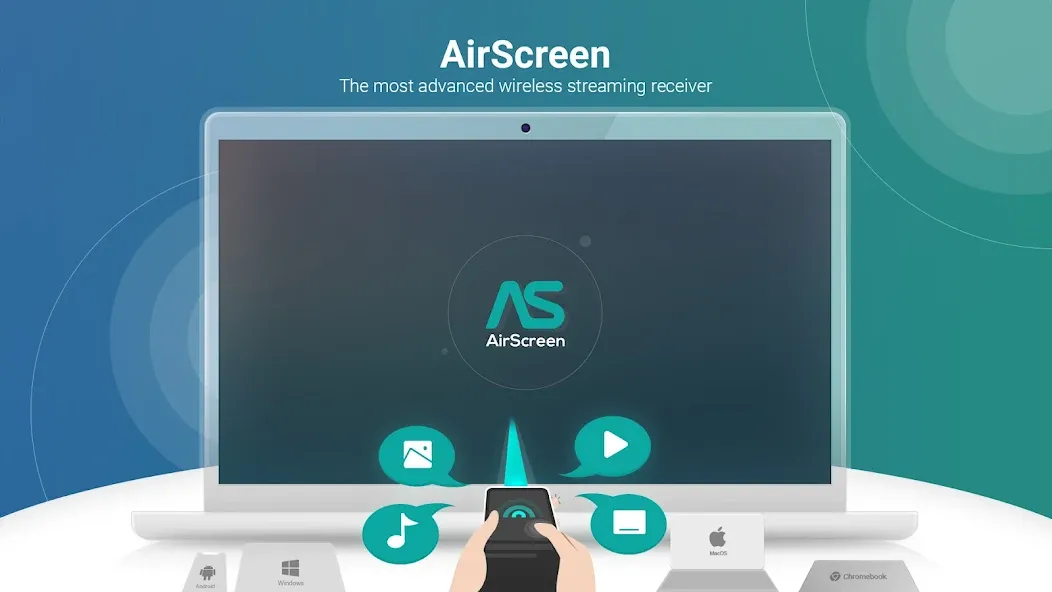
Simply set up AirScreen on your TV box or smart TV—there is no need to install any casting apps on your phone or computer. This keeps your source devices clutter-free while enabling casting from platforms like YouTube, iTunes, Safari, Chrome, and many others.
Secure and Controllable Streaming
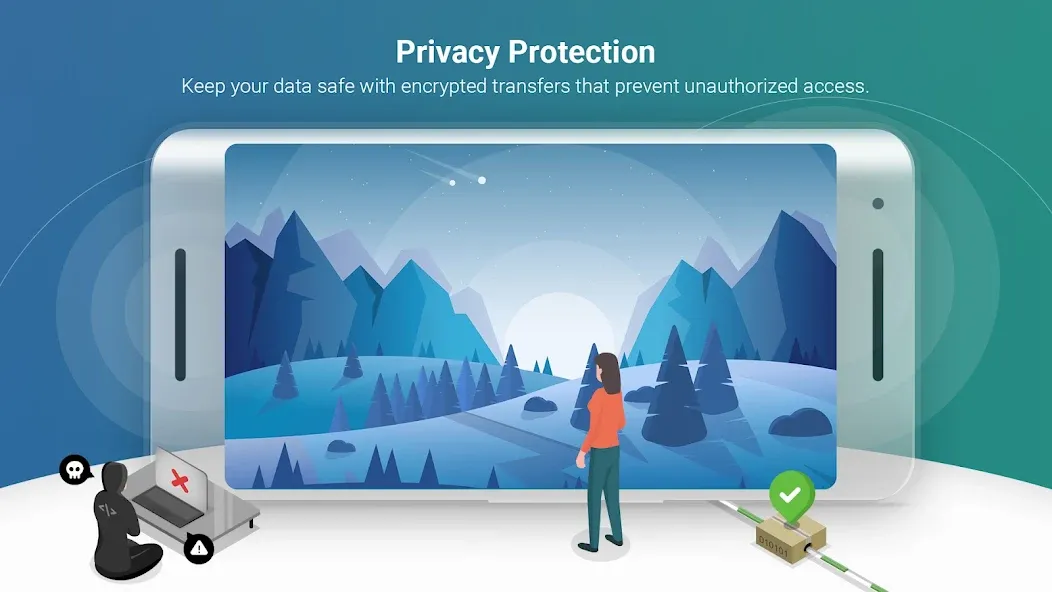
Content is protected during transmission using AES, RSA, and SHA encryption. You can implement access controls to restrict connections to users within your network—a highly useful feature for classrooms and shared spaces.
High-Quality Playback and Performance
Supports 4K Ultra HD (where available) and utilizes hardware acceleration to minimize latency. The casting rendering engine enhances compatibility with cast-enabled applications, while background services ensure your session remains active even when you are multitasking.
Recording and Multi-Display Options
You can record your sessions for later review—an excellent feature for presentations and educational purposes. Additionally, you can mirror a shared screen across multiple devices, facilitating viewing in different rooms.
Highlights:
Seamlessly stream content: The application provides a much-needed content streaming service for users. The ability to quickly stream information enhances the user experience. Users will not need to perform complicated operations to connect.
Compatible with various protocols: Traditional protocols, such as cables, will be eliminated. Replacing them is the appearance of other software. Users can connect based on the support of AirPlay or Cast. There are many options for users to start touching and connecting.
Easy sharing across devices: The application can work on many different devices. Users can connect tablets or even laptops to the TV screen. The application will break all the limitations that may appear. The screen-sharing process will no longer have any obstacles.
Quick setup process: Users just need to launch the application and start the setup process. The application will search and connect to the compatible device. The program that the user plays on the original device will be immediately shared on the big screen.
User-friendly experience: When enjoying content on the big screen, users can share it with more people. Everyone can enjoy interesting content together. Music to long movies can also become shared and shown content. All can be shared and enjoyed easily by touching.
Saves time and effort: Users will no longer spend a lot of time on the connection process. They can also easily learn how to connect themselves when there is no cable. Besides, the connection process is always guaranteed. The application will not affect personal information or intrude.
FAQS:
Which devices can connect to AirScreen?
It can receive content from compatible iOS, iPadOS, macOS, Android, ChromeOS, and Windows devices. The connection method depends on the protocols supported by the sending device.
Does AirScreen need to be installed on both devices?
Compatible sending devices can typically connect using their existing AirPlay, Cast, DLNA, or other supported sharing features.
Is it possible to record the mirrored screen?
Yes. A recording feature is included, allowing you to capture supported screen-sharing sessions and save the resulting content to the receiving device.
Is 4K streaming supported?
UHD resolution is supported; however, the actual playback quality depends on the source media, network speed, the sending device, the receiving hardware, and the connected display.
Advantages and disadvantages:
Pros
Simple to use
Good compatibility
Regular updates
Cons
Advanced features require payment
Conclusion:
Download the AirScreen APK and say goodbye to Chromecast. With this app, you can easily cast content from your Android device to any large-screen display, Android TV, or any device that supports AirPlay, Cast, or Miracast. Whether you want to showcase photos and videos from your gallery or play your favorite movies, this app is incredibly useful.