Icon Pack Studio
Personalization
2026-08-20
60.12MB
2.4build000
Android
154
Screenshots
Introduction
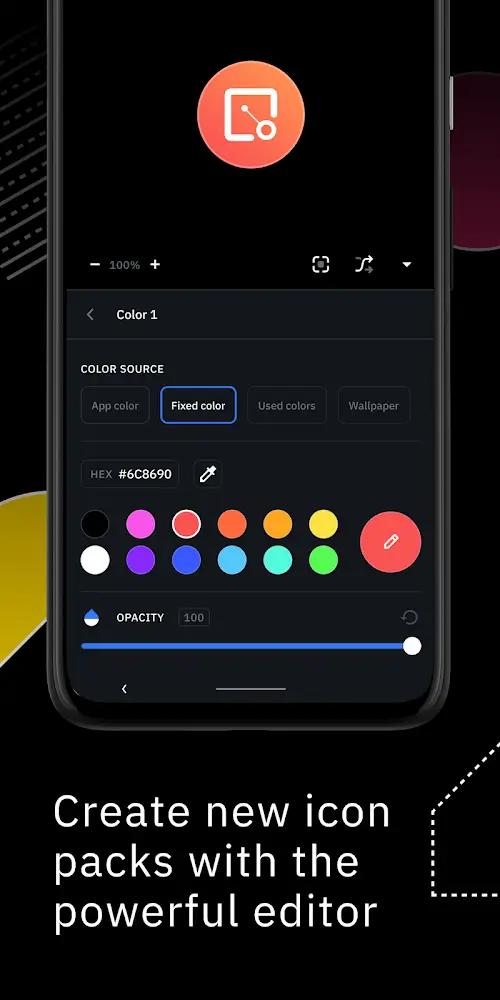
Icon Pack Studio is a theme customization tool for Android devices. It allows users to create their own custom icon packs and decorate their phone's home screen. The app provides a wealth of templates, making it easy to create your own personalized icon pack. It offers various precise controls, allowing users to freely adjust the size, position, lighting, and other effects of the icons according to their preferences. This app is compatible with multiple launchers and supports almost all Android devices currently on the market.
Features:
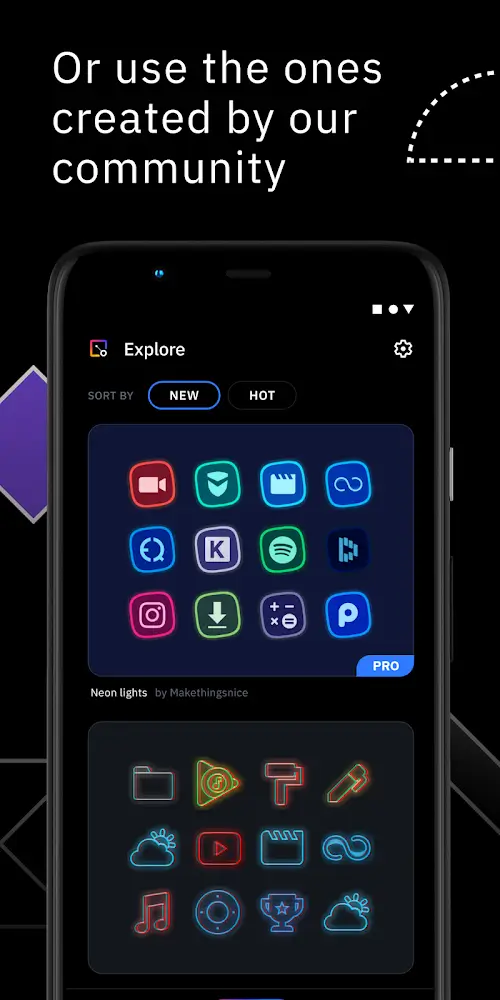
Create your own or start from community designs
You can build an icon pack from scratch using templates, or pick a community-made pack and adapt it to your layout. This helps when you want a uniform look that matches your home screen.
Edit with precise controls
Resize and move elements on each icon with fine control.
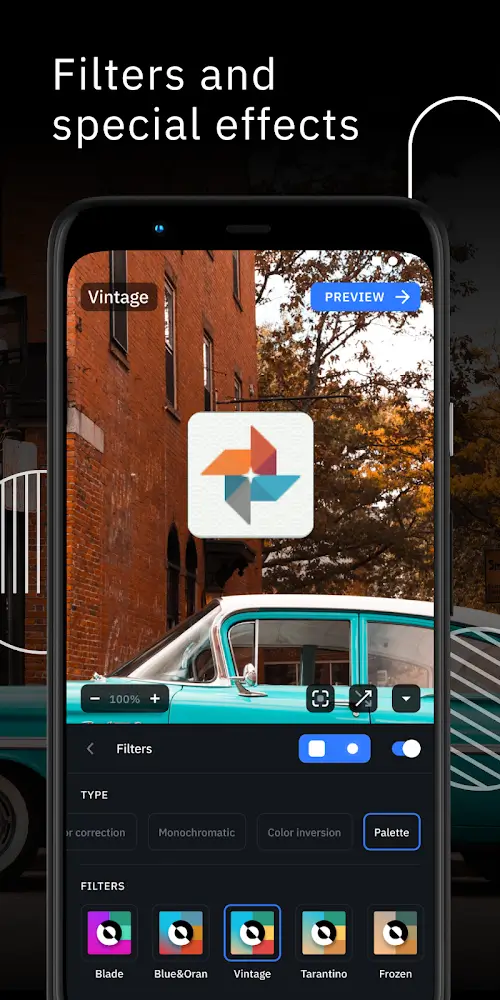
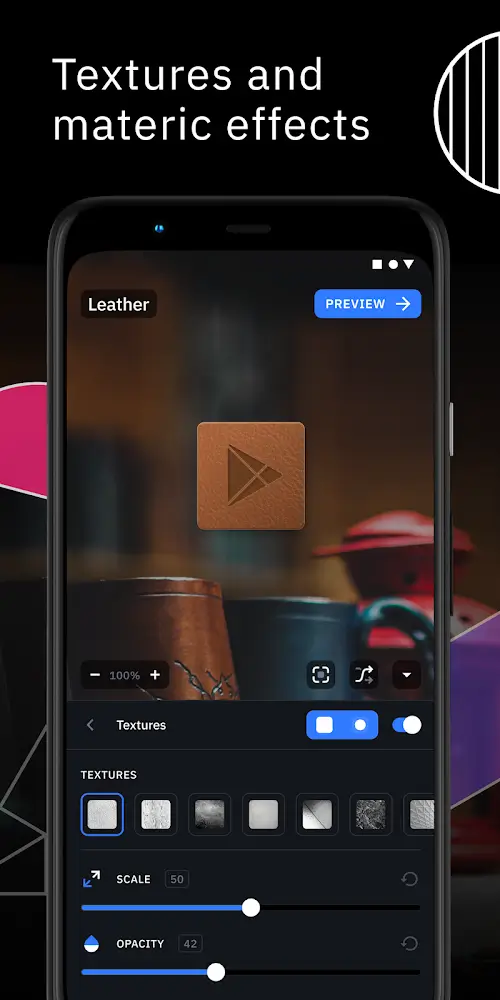
Apply filters including lights, shadows, textures, and bezels.
Preview results and apply the pack to your launcher in a few taps.
Import and refine installed icon packs
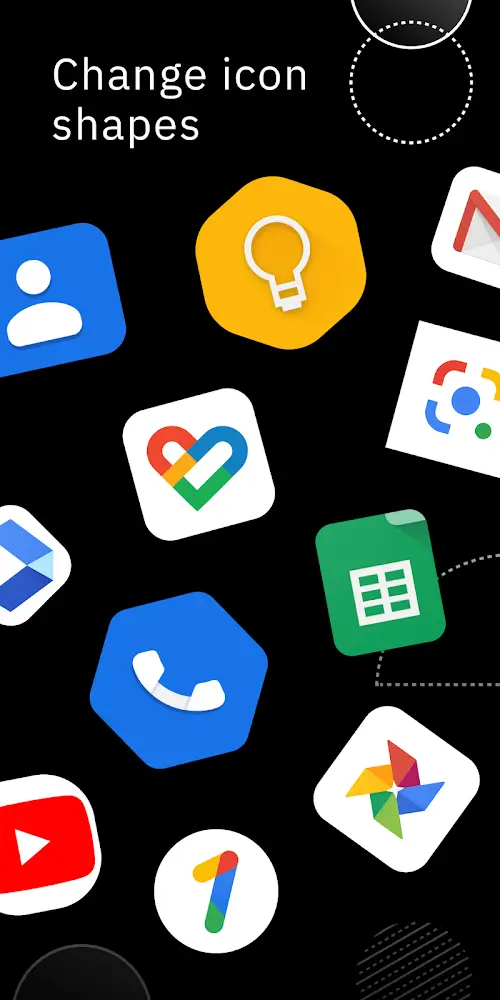
After installing the Icon Pack Studio APK, you can import any icon pack already on your device and adjust shapes, layers, and effects to match your theme.
Wide launcher compatibility and app coverage
Icon Pack Studio is designed for Smart Launcher and works with many others. Packs you create can apply to all apps on your device.
Tested: Nova, Action, Lawnchair, Hyperion, Poco, MIUI, ADW, Microsoft, Evie, Total, Niagara, Square Home, Apex.
Currently unsupported: Xperia Home, Aviate, Pixel, AOSP, Huawei, +Home, Samsung One UI Home, LINE Dodol, Yandex.
Highlights:
It can fit your home screen better than the one you create by yourself
It can create an icon pack from scratch
Download and apply one of the thousand uploaded every day by our community
Resize and move any element of your custom icon
Use special filters like lights, shadows, textures, and bezels
Pros and Cons:
Pros
Create entire icon packs from scratch
Precisely move and resize elements
Import and modify already installed packs
Supports many popular alternative launchers
Cons
Doesn't work with Pixel Launcher, Samsung One UI Home, and several other default launchers
Can't reliably back up and transfer library to another device
FAQs:
What is Icon Pack Studio?
Icon Pack Studio is an Android app that lets users create and customize their own icon packs using built-in editing tools and filters.
Can I import existing icon packs into Icon Pack Studio?
Yes, starting from version 2.0, you can import and modify any installed icon pack directly within the app.
Which launchers work with Icon Pack Studio?
It works with most third-party launchers like Nova, Action, Lawnchair, Hyperion, Poco, and Smart Launcher.
Does Icon Pack Studio work on Samsung or Pixel devices?
Some stock launchers like Samsung One UI Home and Pixel Launcher are not supported, but it works with compatible third-party launchers.
Who should use Icon Pack Studio?
It’s ideal for Android users who want a personalized home screen or designers looking to create professional-quality icon sets easily.
Conclusion:
Beyond being a simple icon pack maker, Icon Pack Studio supports importing and modifying any installed icon pack on your device starting from version 2. It is primarily designed for Smart Launcher but is compatible with numerous other launchers, including popular options like Nova Launcher and Microsoft Launcher. This flexibility ensures that users can customize their home screens effectively, making it a powerful tool for personalization enthusiasts.
-
Latest Updates
-
Featured Apps