HTML Website Inspector Editor
Tools
2026-09-22
13.54MB
2.998
Android
287
Screenshots
Introduction
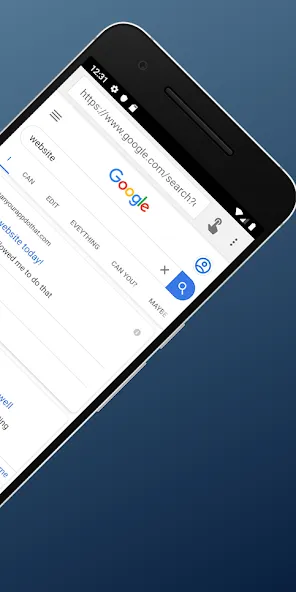
HTML Website Inspector Editor is a web editing tool for Android devices. It allows for the real-time reading of HTML code, serving as a valuable resource for testing and learning. The tool quickly lists elements, links, and styles, and can load the basic page structure. It enables real-time modification of web source code and precise element targeting—including searches via class or ID selectors—while also facilitating the analysis of responsive web designs to help solve complex design challenges. It is a highly powerful tool.
Function
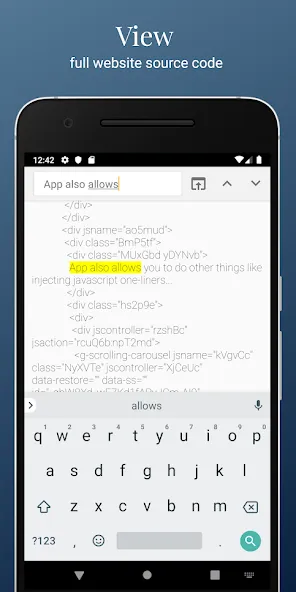
View and edit page source locally
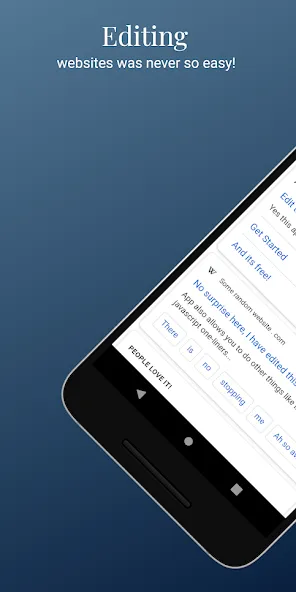
HTML Website Inspector Editor loads a web page and shows its HTML in a readable view, then lets you make edits for testing or study. You can tweak tags or text to see how small changes would look as you learn. These edits do not touch the real site. They are stored on your device and are removed when you refresh the page, which keeps experiments safe.
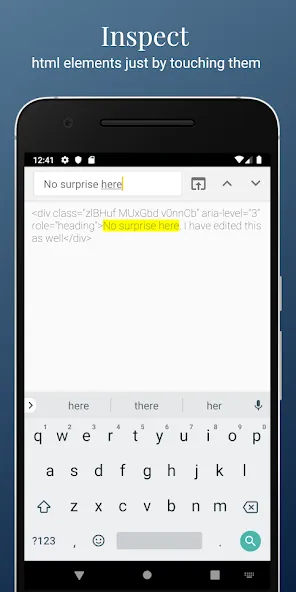
Inspect elements, links, and styles
List elements such as links on the page
Check CSS style details for selected items
Review the basic structure of the loaded page
See where links point at a glance
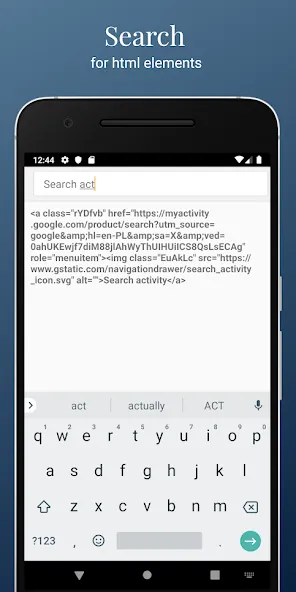
Search inside source code
When a document is long, you can search within the HTML to locate tags, classes, or text quickly. Use simple keywords to jump to the right section and focus your review. This reduces time spent scrolling and helps you work more precisely on a phone.
Learn HTML and CSS safely
Reading real page code and trying temporary tweaks can help you learn HTML and CSS with practical examples. It is simple to begin, since you only enter a web address to start exploring. Even so, the functionality is limited compared with desktop editors. Use it only on pages where you have the right to make changes.
Features
Live Source Code: Learn how web design effects are achieved by viewing the website’s source code.
Real-Time Changes: Change the website’s source code and view the changes in the design immediately. Test the effects of changing the design by altering or removing web elements.
Precision in Element Location: Enable accurate selection and pinpoint any area on a web page to find its related code. A site code view with a precision placement tool is now at your disposal.
Enhanced Search and Alteration: Have the ability to search and find specific tags, classes or IDs in the entirety of the code structure. A search tool in a code structure consisting of a few thousand lines is extremely fast.
Analysis of Responsive Web Design: Understand and study the responsive nature of web design and the media queries and styles that enable it.
Understanding of Web Design: Understand the design and structure of complex websites to enhance your web development skills.
User comments
Excellent. With this I was able to locate the streaming urls for some radio stations.
Love messing with friends, changing source code to page, pretending that friends are on news, lol, no damages done to websites
Boi This App I amazingly Worked Gosh I was so happy I know it's very slow but meh it's alright but legit it's Awesome!!
Thank you for making this app. It is very useful to keep my porn secret. It also automatically deletes browse history and search history.
Summarize
All in all, if you’ve ever thought about trying your hand at web editing on an Android device, give HTML Website Inspector Editor a try. It is simple yet practical—a tool that can help you truly shine in the world of web editing. Go ahead and give it a shot!
-
Latest Updates
-
Featured Apps