GCamator
Tools
2026-07-16
9.44MB
5.4.403
Android
456
Screenshots
Introduction
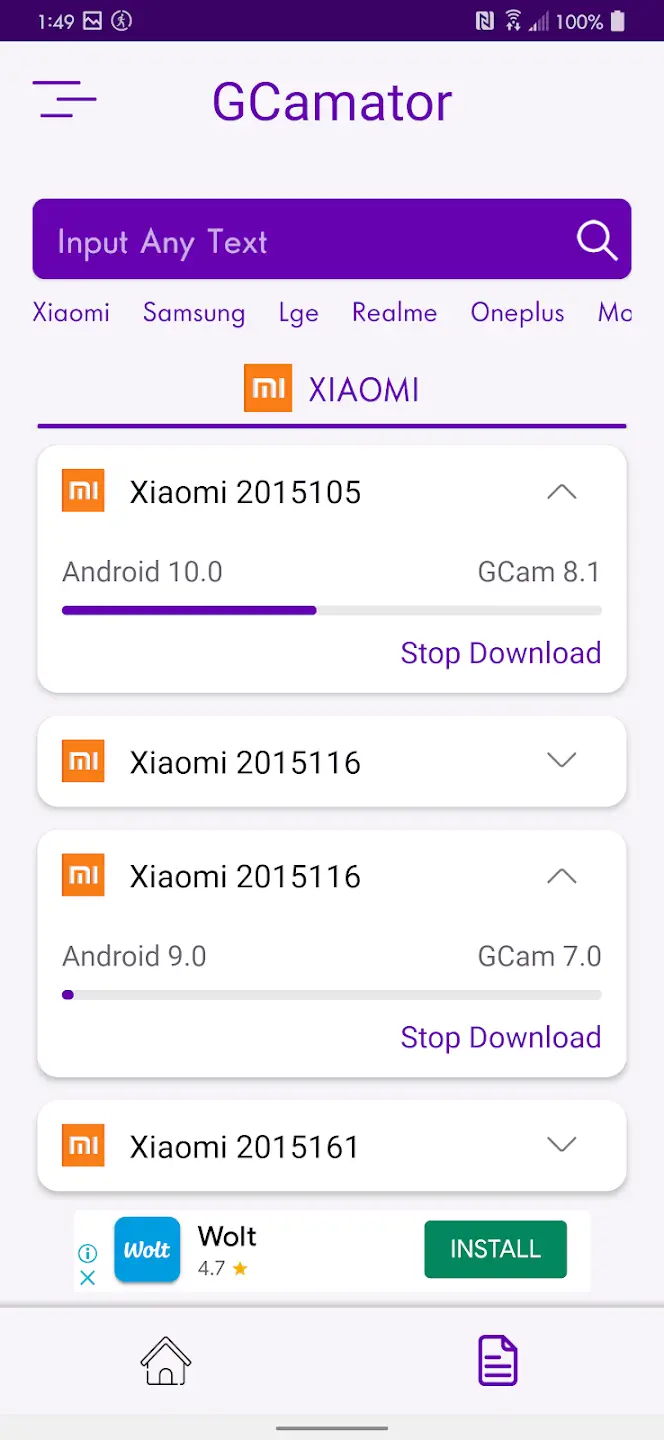
GCamator is a camera tool that brings the exceptional camera capabilities of the Google Pixel to your device. It offers users HDR+, Portrait, Night Sight, and Astronomy modes, each with distinct features, allowing users to choose the appropriate mode based on their needs. GCamator also boasts an intuitive and user-friendly interface. Download options and brief compatibility information are clearly displayed. A basic installation guide is included within the app, making it easy for even users without advanced technical knowledge to get started.
Features:
HDR+ Mode
This feature vastly improves the photographic capabilities of your phone by enhancing the dynamic range and detailing of the photos. GCamator's HDR+ ensures extraordinary results even in versatile lighting conditions, enabling magnificent low-light photography.
Portrait Mode
GCamator is equipped with the Portrait Mode, a must-have for every modern photography enthusiast. This helps to focus on the subject and create professional portraits by beautifully blurring the background.
Night Sight
Night Sight revolutionizes the way you take photos in low light. Night Sight leverages the power of GCamator to capture clear, detailed, and vibrant photos in low lighting conditions without the need for a flash.
Astrophotography Mode
Astrophotography Mode makes astrophotography accessible to everyone with a smartphone. It allows you to capture the night sky's stunning views, enhancing the stars' details and brightness.
Google Lens
This app's lens effects provide an intelligent search capability using your camera and AI. With Google Lens, you can explore what's around you in a new way, identify different plants and animals, recognize objects in your photos, and even translate text instantly.
Highlights:
User Experience
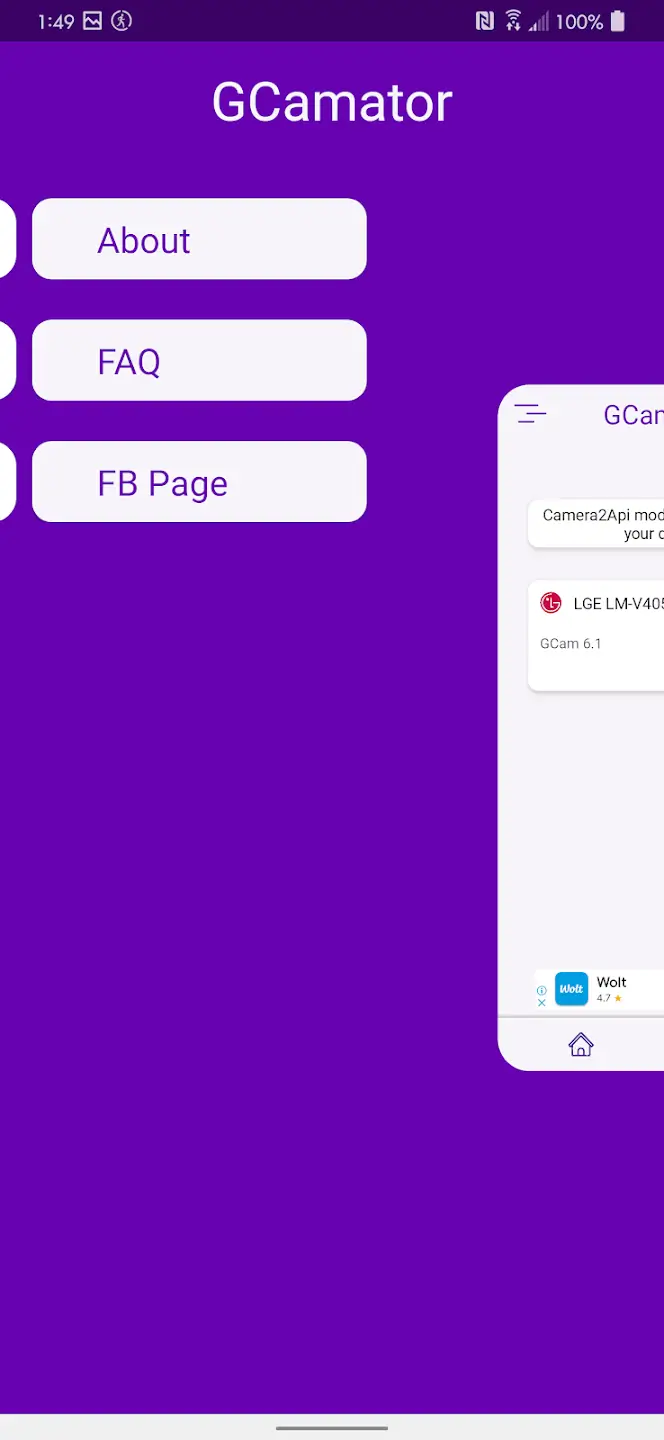
GCamator features an intuitive and straightforward interface. The app presents device brands and models in a clear list, and includes a search function for efficiency. Users can find download options and brief compatibility notes at a glance. Basic installation guidance is included, suitable even for users without advanced technical knowledge.
However, as GCam ports are typically community-developed, functionality may vary between devices and some features may not work perfectly. While GCamator simplifies the process, users should manage expectations around performance and stability.
Performance and Security
The app operates smoothly, with minimal resource usage. By directing users to reliable sources and commonly used GCam builds, GCamator reduces the risk of downloading unsafe or malicious APKs. Nevertheless, users should exercise standard caution and ensure installation from trusted links within the app.
Pros and Cons:
Pros
Easy to use
Lists down all supported brands and models
Download options already provided
Cons
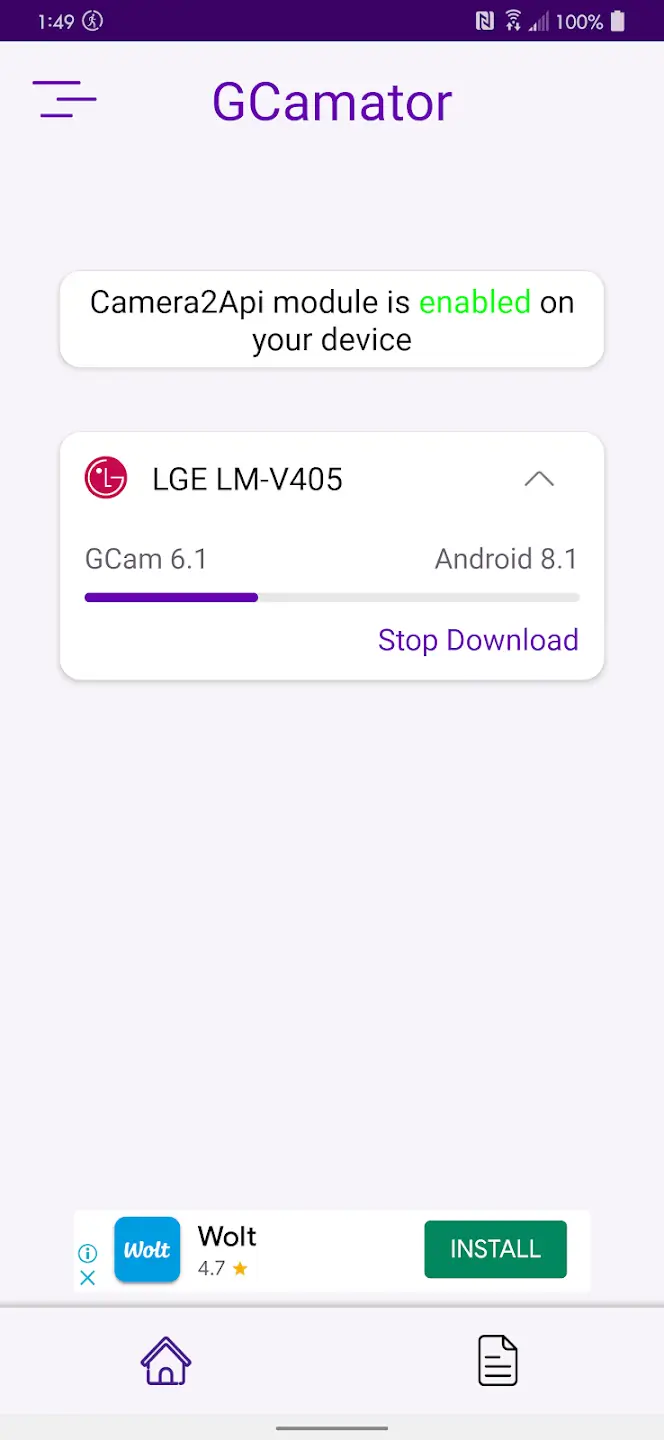
Requires Camera2Api support
Not guaranteed to work properly
User Reviews:
"GCamator made finding a GCam mod for my OnePlus 10T super easy! It recommended the perfect version and even applied optimal settings. Night shots are seriously impressive compared to stock cam!"
"Struggled for weeks trying to find a working GCam for my Xiaomi Redmi Note 11. GCamator found the perfect port in seconds! Colors are way more natural and portrait mode is amazing."
"Found the perfect GCam port for my Realme GT Neo 3 after trying several that didn't work. Device detection is spot-on and the low light performance with Night Sight is incredible!"
Conclusion:
Experience the difference today by downloading GCamator and unleashing the full potential of your phone's camera. Whether you're a photography enthusiast seeking advanced features or a user looking to elevate your visual content, GCamator stands out as the go-to solution for enhancing your mobile photography experience. Strengthen your photography game and elevate your visuals with the extraordinary capabilities of GCamator.
-
Latest Updates
-
Featured Apps