Flixer App
Entertainment
2026-09-18
6.09MB
1.0
Android 5.0+
246
Screenshots
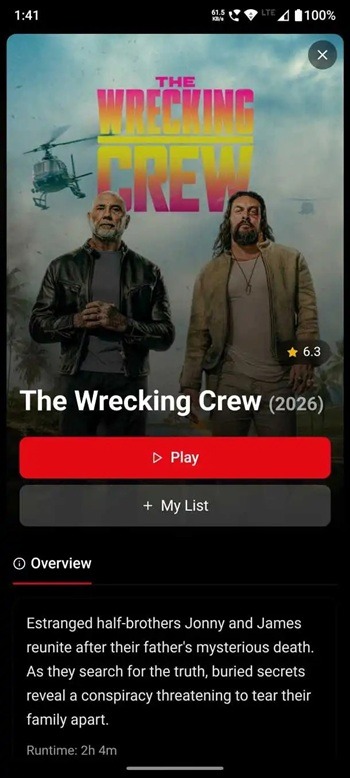
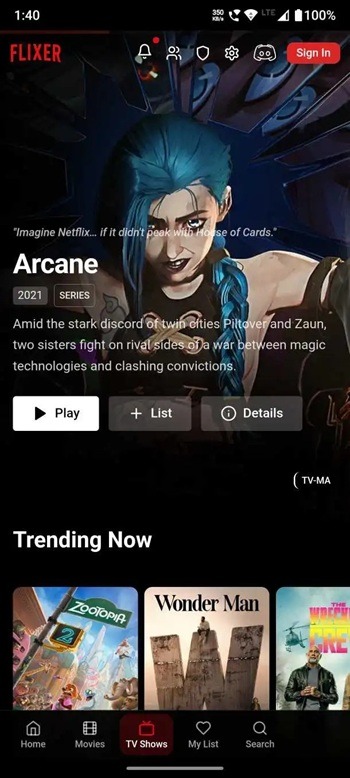
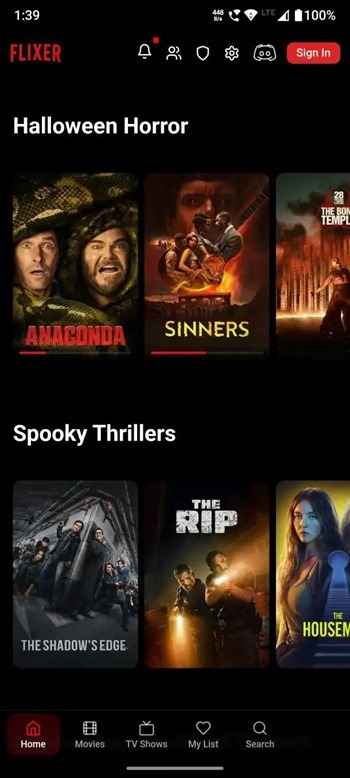
Introduction
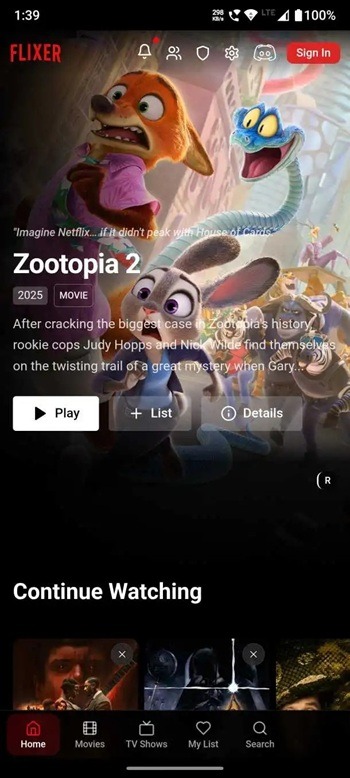
Flixer App is a video application for Android devices that aggregates content from various platforms, allowing users to watch a wide range of videos through a single, unified library. It offers multiple video quality options, enabling users to select the resolution that best suits their needs—whether they prioritize high image quality or smooth playback. The app also features a viewing history function that saves all previously watched videos and allows users to manage these records. Additionally, the app has a compact file size, making it easy to download and use.
Features:
Fast search across 330 plus services
Flixer checks availability across more than 330 streaming platforms with a single search. Results show where you can watch now, so you do not need to switch between multiple apps. This saves time when planning your next movie night or series binge.
Direct links to official providers
When a title is available, Flixer lists the official providers clearly. You tap a provider to open its app or website and start watching there. This direct path reduces guesswork and keeps playback in the correct place.
Actor and cast lookups with filmography
You can search by actor or actress to see cast details and filmography. Flixer connects a person’s page to titles you can watch now. This makes it easier to follow favorite performers from one role to another.
Related titles and similar recommendations
Each title page includes related movies and series based on what you are viewing. You can scan similar options and move from one title to another without starting a new search. It is a simple way to keep your watchlist ideas fresh.
Discovery only and legal first approach
Flixer does not host or distribute content. The app focuses on discovery and points you to legal ways to watch through recognized platforms. Title pages are designed for quick decisions, with availability, cast info, and related picks presented clearly.
Highlights:
Customizable Video Quality: Want to watch video in a stable resolution? Pick your preferred quality. Play the movie in full-screen mode, tap the gear icon at the bottom right, and choose 480p, 720p, or 1080p to apply it.
No Buffering: When you start streaming any video in this app, it takes a few seconds to connect you with the fastest and available server so that you get a faster streaming experience with minimal buffering.
Chromecast Support: The app comes with built-in Chromecast integration that help user to cast video to TV and watch movies on their big TV screen without having to install this app on the TV.
Watch History Tracking: All the videos you start playing on this app will be saved in the watch history that you can manage and have options to delete selected videos or all at once.
Adaptive Streaming Stability: The app uses adaptive bitrate streaming to split the video into multiple quality levels, and if you leave the video quality to auto mode, it will change the resolution based on your internet speed to minimize buffering.
Pros and Cons:
Pros
Completely free to use
Lightweight does not slow your phone
Clean, simple user interface
Good range of movies and TV shows
Works on multiple Android devices
Easy streaming without complicated setup
Beginner-friendly navigation
Cons
Not available on Google Play Store
No official developer support
Updates aren’t automatic
FAQs:
What is Flixer App?
Flixer App is a movie and TV streaming app that lets users watch series, anime, drama, and films from one library on supported devices.
What is Flixer App used for?
Flixer App is used for streaming video content online and, in some cases, downloading titles for offline viewing on Android, PC, and smart TV setups.
Does Flixer App support offline downloads?
Based on the provided information, Flixer App includes a download feature that allows users to save selected content and watch it later without an internet connection.
What features does Flixer App offer?
Flixer App includes HD playback options, adaptive streaming, watch history, Chromecast support, parental control, genre browsing, and season-based episode lists.
Who is Flixer App best for?
Flixer App is best for users who want a free streaming option with a large content library and do not mind installing an APK or using a web portal on supported devices.
Conclusion:
Flixer App is distributed outside official app stores, so trust, security, and long-term reliability are valid concerns. Some streams may depend on third-party links, which can lead to loading issues or sync problems in certain videos. It suits viewers who want broad entertainment access and do not mind manual installation steps, especially on Android, PC, or smart TV setups.