
FDown net
Entertainment
2026-09-15
110.85MB
2.0
Android 5.0+
329
Screenshots
Introduction
FDown net is a powerful video downloader. Users simply copy the Facebook video link to start downloading. The app offers various formats and resolutions for users to choose from, allowing them to select the appropriate file type based on their needs. It employs security measures, detecting and verifying the video to ensure stable performance while providing a clear and intuitive user experience. Users can also watch saved videos offline anytime, regardless of signal strength. A built-in player allows for previewing before saving. The entire process is user-friendly, requiring no login or account registration.
Features
Easy link-based downloads
FDown net keeps the process simple. Copy a Facebook video link, paste it into the app, and start the download with a few taps. If you prefer, follow the in-app flow to detect the video automatically so there is less guesswork.
Format and resolution choices
Users can choose from multiple formats and resolutions when available. This helps match the saved file to your storage needs or viewing preferences. If HD quality is offered on Facebook, FDown net lets you capture a higher resolution save accordingly.
Secure processing via FDown net
Detection and fetching run through FDown net and are backed by HTTPS for secure handling of links. FDown net communicates reliably with the service to parse valid video URLs. This design supports consistent performance while keeping the steps clear for users.
Offline viewing and local saves
Once a video is saved, it remains on your device for offline viewing. You can open the file anytime without a data connection. This is useful for travel, limited plans, or keeping important clips available without relying on signal strength.
Highlights
No login or account required
Built-in player - Preview before saving
Save to your gallery + in-app media library
Private vault - Hide saved videos in your gallery and lock them with fingerprint (premium)
Usage
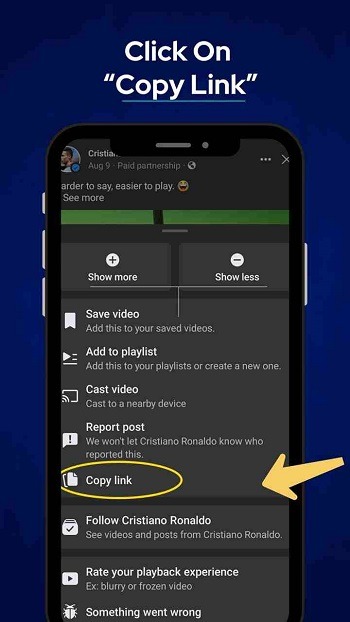
Copy the video link from the Facebook app or website
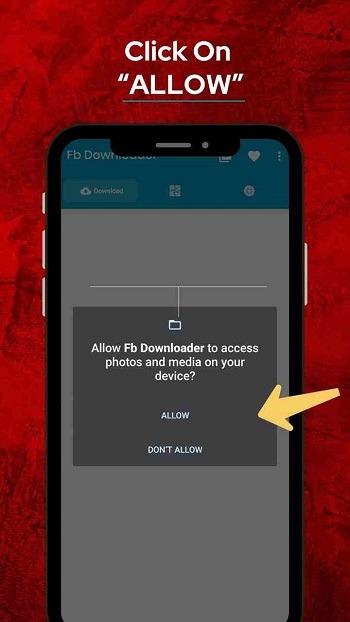
Open FDown and paste the link
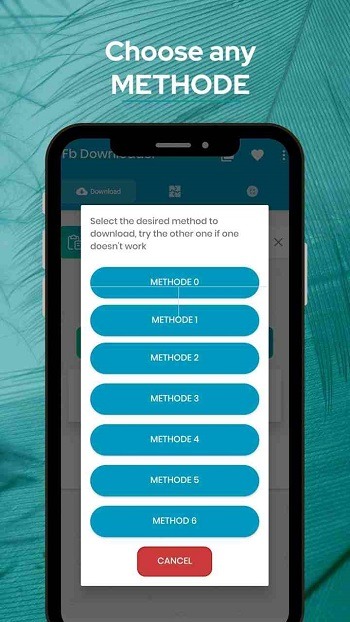
Select the quality
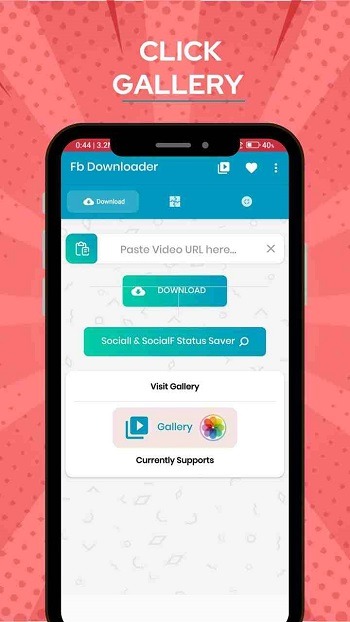
Click Download - find it in your gallery or media library
FAQs
Where are videos saved after being downloaded?
It depends on the OS and Browser you are using, but usually all videos are saved under "Downloads" folder on Windows and Mac. You can also press CTRL+J in your Browser to view your download history.
Can I download Live Facebook videos?
Yes, you can download Facebook Live videos but only after they finish streaming.
Video with no audio/only audio?
Videos that contain Copyrighted Music are the most affected. We've found a solution to this, just Click "Video with No Audio" on the download page of your video and you'll be able to convert the video with audio.
Conclusion
If you’re curious whether FDown net fits your vibe, think of it as a lightweight helper for Facebook video grabs. It’s not about flashy extras or complicated settings, just a tool that does one job well. Whether you’re saving clips to watch later or keeping content for sharing, it offers a smooth, straightforward way to do it.




-
Latest Updates
-
Featured Apps






