DU Recorder
Entertainment
2026-10-15
34.26MB
2.4.8.4
Android 5.0 and up
197
Screenshots
Introduction
DU Recorder is a powerful screen recording tool that offers high-quality screen capture, supporting resolutions up to 1080P with exceptionally smooth playback. Users can flexibly adjust video quality based on their device's performance and specific needs. The app also includes a built-in video editor, providing basic editing tools that allow users to trim or merge their recordings immediately after capturing them. Furthermore, the app features a variety of quick-access controls displayed via a floating window, enabling users to start or stop recordings and perform other actions at any time.
Features:
High quality screen capture
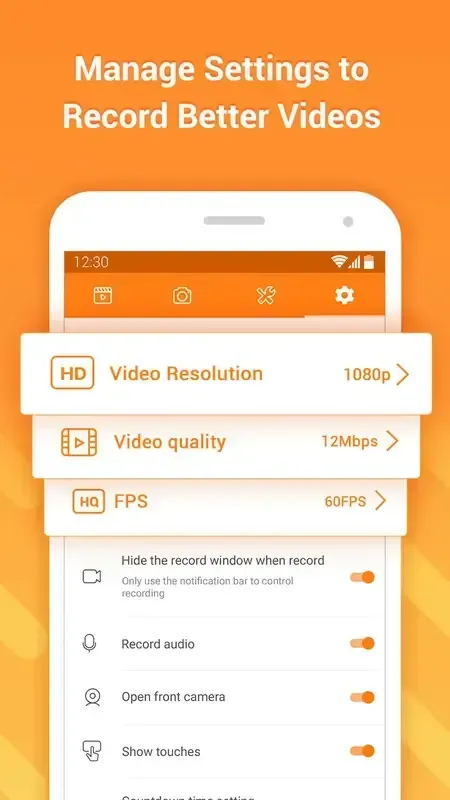
DU Recorder records in high resolution up to 1080p and supports 60 frames per second for smooth motion. You can adjust resolution, bit rate, and frame rate to match your device and what you want to share. The screen recorder app lets you pause and resume when needed, and you can show taps for tutorials.
Livestream toolkit for major platforms
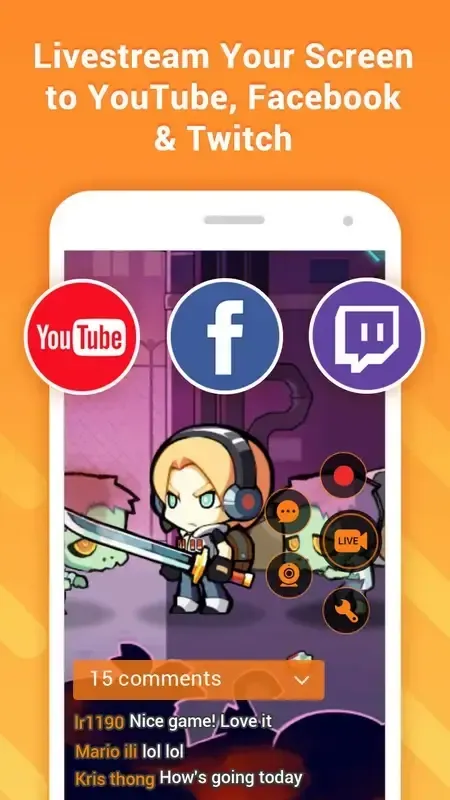
You can go live to YouTube, Facebook, or Twitch directly from DU Recorder. It supports real time comments on screen, donation and subscription goal displays, and privacy controls to limit your audience. With front camera support, you can add your face while you stream to improve interaction.
Built in video editor
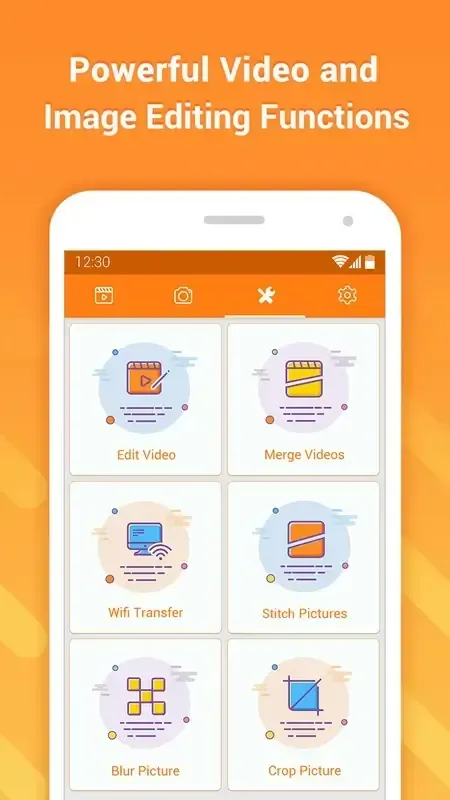
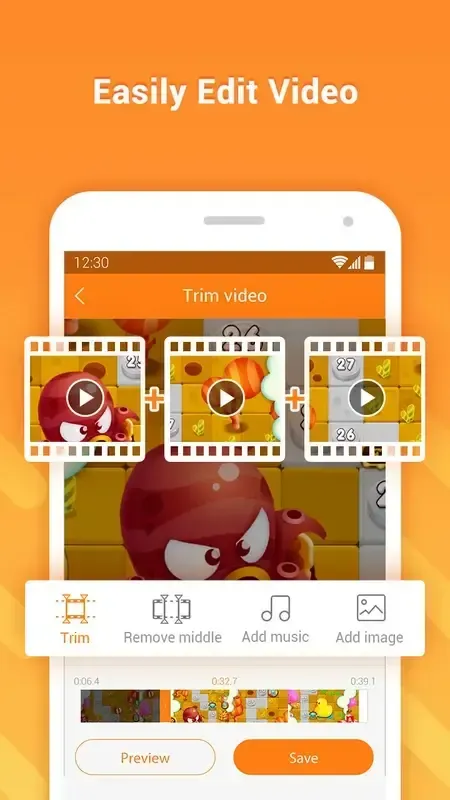
After recording, DU Recorder lets you trim and merge clips so your video flows better. You can add music, subtitles, and an intro or outro to prepare a complete post. It also supports crop, rotate, speed changes, and converting video to GIF for quick sharing. This means you edit inside the app instead of moving files to another tool.
Screenshot and image tools
Use one tap capture from the notification panel or a floating window to take screenshots while you work. DU Recorder helps you stitch multiple images into one long view and blur sensitive areas before sending. You can crop to focus on what matters and create GIFs for lightweight messages.
Controls and creator extras
Controls appear as a floating window or in notifications so you can start, stop, or pause without disrupting your screen. You can draw with a brush during recording to point out steps or highlight parts of the screen. DU Recorder supports external sound recording and facecam overlays, Wi‑Fi transfer to a computer, and saving to internal or SD card storage. A multi language interface makes it easier for more users to set up.
Highlights:
Stable Screen Recording
You can record your system apps and screen with this app; it offers you stable screen recording options, live editing, and filters you can apply while the recording is ongoing.
Easy Video Editor
It’s a helpful tool to let you edit videos, and it has trim options, dozen filters, texts & stickers, and much more. You can upload the gallery files in this tool or use the live editor to add overlays while recording.
Live Broadcast Videos
You can go live with this app on various platforms, and it offers direct streaming access on YouTube and Twitch. You can broadcast your live videos to your audience from your android smartphone.
Take Screenshots
If you want to take screenshots of any app that doesn’t allow capturing the screenshots, DU Recorder can help you with that. It can easily record the screen or take screenshots without delivering blank snaps.
Support HD Quality
It supports HD quality recording, and you can customize the quality preferences according to your needs. It can go up to 1080p quality, record in 4K, and customize screen size and ratio.
Usage:
Launch DU Recorder, then tap the floating window or open the notification controls to access the recorder.
Choose your resolution, bit rate, and frame rate. Next, decide whether to show touches or use the brush tool during recording.
Tap Record and wait for the countdown. As you work or play, pause if needed to skip breaks, then resume to continue.
When finished, stop the recording. Open the editor to trim, merge, add music or subtitles, and export the final video.
If you want to stream instead, switch to Live, pick YouTube, Facebook, or Twitch, set privacy and goals, then start the broadcast.
Changelog:
What's new
For streamers, now you can:
1. Customize more bot messages
2. Set audio alerts for new YouTube subscription and donation
3. Select from a variety of live goal display styles
4. Set custom images to display when you pause your livestream
5. Directly post comments during your livestream
Conclusion:
DU Recorder is a robust and versatile screen recording app that offers a wealth of features for Android users. Despite some minor issues, its ease of use, powerful editing tools, and live streaming capabilities make it an excellent choice for anyone looking to capture high-quality screen recordings. Whether you're a gamer, educator, or professional, DU Recorder has the force you need to create and share your content effectively.