Namida
Entertainment
2026-10-15
52.13MB
7.1.2
Android 5.0 and up
517
Screenshots
Introduction
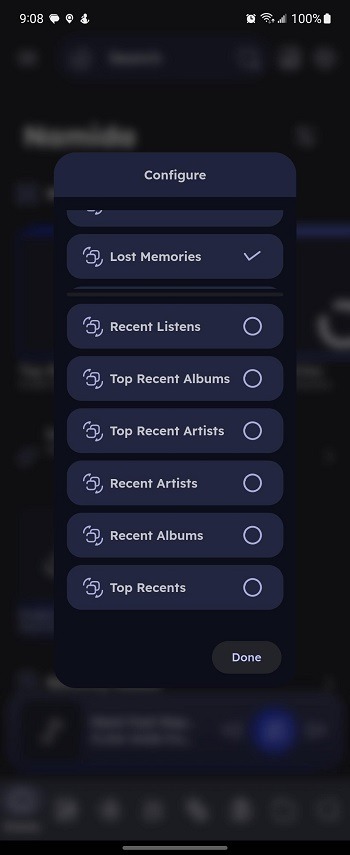
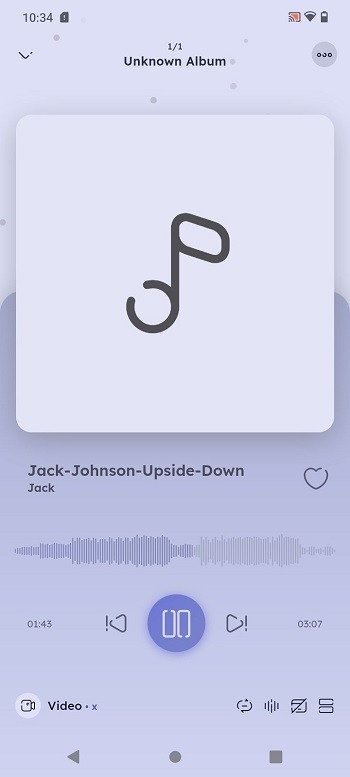
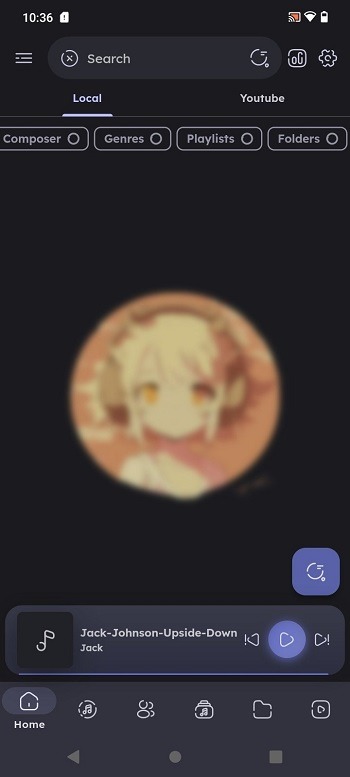
Namida is a powerful music and video player. Deeply integrated with YouTube, it allows users to download and play a wide variety of videos and music directly from the platform. The app includes a search function, enabling users to quickly find the content they are looking for, and also provides tools for managing your media library. Featuring a modern interface and rich visual effects, the app ensures that all its functions are easy to access and use. It has been optimized for Android devices, resulting in smoother performance and better battery efficiency.
Features:
Supports music and video playback with integrated YouTube streaming
Includes library indexing, search capabilities, and media management tools
Designed with rich visuals and modern UI aesthetics
Cross-platform deployment: Android, iOS, plus a beta Windows version with widescreen and desktop support
Performance-focused updates such as improved downloading, caching strategy, miniplayer adjustments, and headphone controls
Licensed via custom EULA supporting personal modification and contribution, with restrictions on redistribution
Highlights:
100% offline local playback no account or connection needed
Gapless, high-quality audio for seamless, uninterrupted listening
Browse and organize by songs, albums, and artists
Instant search across your whole collection
A sleek, modern dark design that's easy on the eyes
Background playback with full lock-screen and notification controls
Shuffle, repeat, and build the perfect queue in seconds
Lightweight, fast, and gentle on your battery
Tips and Tricks:
Organize Your Library
Take a minute to reorder your music and video library systems. Organizing your content is based on the artist, album, genre, or year it was added to locate what you need easily. This will save you time and ensure you can quickly retrieve your best songs and videos.
Develop Personalised Songs Playlist
You can personalise songs’ playlists according to the events or your moods. If you are working out, lying around the house or entertaining guests, playing back something will help avoid boring moments.
Tweak the Equalizer to Your Liking
Kansive, however, encourages you to play with the equalizer. Try different presets, and make up your own. This will have a tremendous impact on the way those sound enhancements are used. It will be just as the user expects – perfect.
Use YouTube Inbuilt within Namida APK to the Fullest
You can also search and cast your favourite videos without leaving the app using Namida APK as a YouTube player. Incorporate YouTube into your playlists for seamless playback without any interruptions.
FAQs:
What is Namida?
Namida is a music app for Android that focuses on high-quality audio playback, personalized playlists, and offline functionality.
How does Namida APK enhance the music experience?
With lossless audio support, dynamic equalizer settings, and intelligent music recommendations, Namida elevates your listening experience.
Can I use Namida without an internet connection?
Yes, Namida offers an offline mode, so you can enjoy your favorite music without needing an internet connection.
What are the main features of Namida APK?
Key features include high-resolution audio playback, customizable playlists, smart recommendations, and a user-friendly interface with gesture controls.
Is Namida suitable for casual listeners or audiophiles?
Namida is ideal for both casual listeners and audiophiles, offering premium audio quality, extensive customization options, and intuitive controls for all users.
Conclusion:
Namida APK is an advanced music and video app for everyone, regardless of age. If you want to enjoy music or watch videos, Namida APK will allow you to do that thanks to its gorgeous design and powerful features combined with YouTube. Downloading Namida APK today will help you use your desktop with the music and videos you love and enjoy without having to complete other tasks.