Clickmate
Tools
2026-08-04
24.39MB
7.1.4
Android
494
Screenshots
Introduction
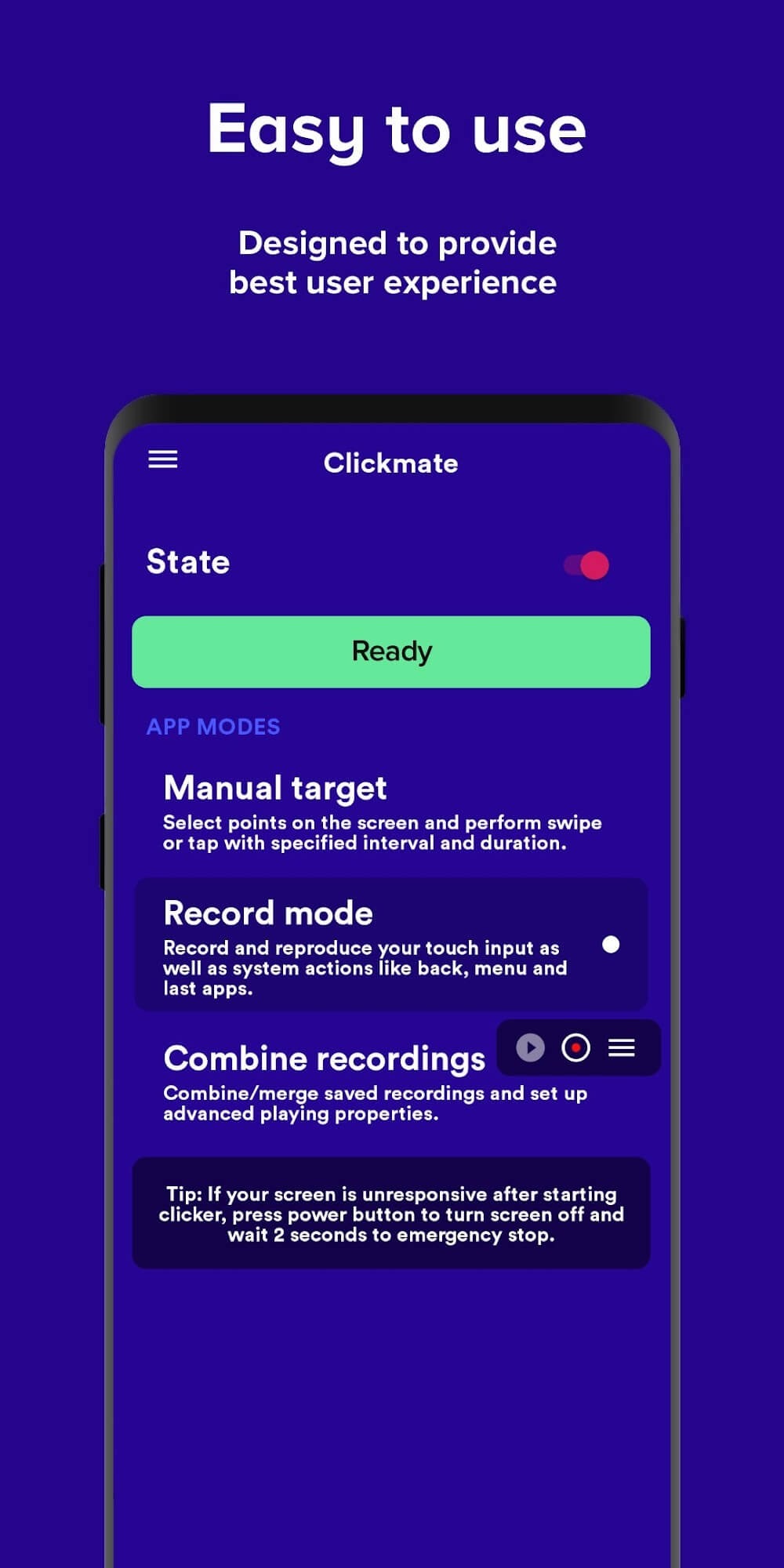
Clickmate is a clicker tool for Android devices that allows users to free their hands for high-frequency, continuous clicking. The app offers three modes: a touch recorder mode, an auto-clicker combination mode, and a macro auto-clicker application manual mode, suitable for various application scenarios and providing great convenience. The app's interface design is also very user-friendly, featuring a floating control panel that eliminates the need for users to switch between apps.
Features:
Record Mode Auto Tapper App - No Root required;
Combination Mode Auto Tapper App;
Manual Mode Touch Recorder;
Macro Click Assistant;
Autoclicker For Games;
Auto Clicker For Roblox Mobile;
Highlights:
The app offers a user-friendly interface that simplifies the process of setting up automation tasks. Users can quickly navigate through the various options without needing advanced technical skills. This accessibility makes Clickmate suitable for a wide range of users, from those who may be new to automation applications to seasoned individuals looking for effective tools to enhance their productivity.
Clickmate supports multiple tap types, including single taps and double taps. Users can specify the exact locations on the screen where these taps should occur, ensuring precise control over the automation process. Additionally, the app allows for the customization of tap intervals, enabling users to adjust the speed at which the taps are executed. This flexibility is particularly useful in gaming scenarios, where timing can be crucial.
A significant aspect of Clickmate is its ability to run multiple macros simultaneously. This feature allows users to automate complex tasks that require multiple actions to occur at once. For example, in a gaming context, users can create macros that perform a series of taps and swipes in a coordinated manner, enhancing their gameplay efficiency and experience.
The app also includes a floating control panel that can be accessed while using other applications. This feature enables users to start, stop, or adjust their auto-clicking tasks without needing to switch back to the Clickmate interface. The floating panel is designed to be non-intrusive, ensuring that users can maintain their focus on the primary application while still having control over their automated tasks.
Models:
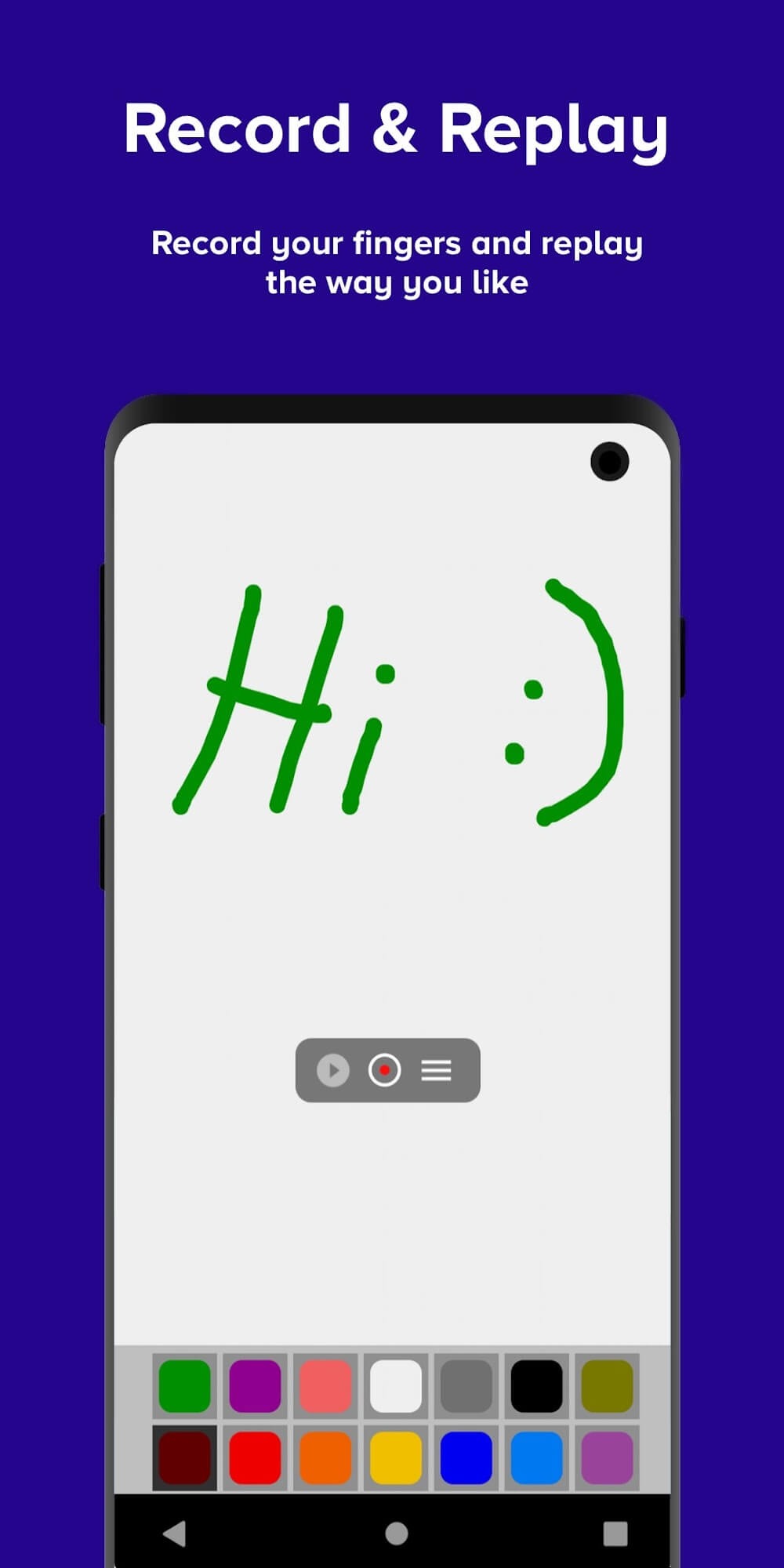
Record Mode for Touch Recorder:
Record and reproduce your touch inputs, including system actions like back, menu button, apps button, and taking screenshots using the built-in navigation bar. Click Assistant: Touch Recorder records tasks without requiring root access!
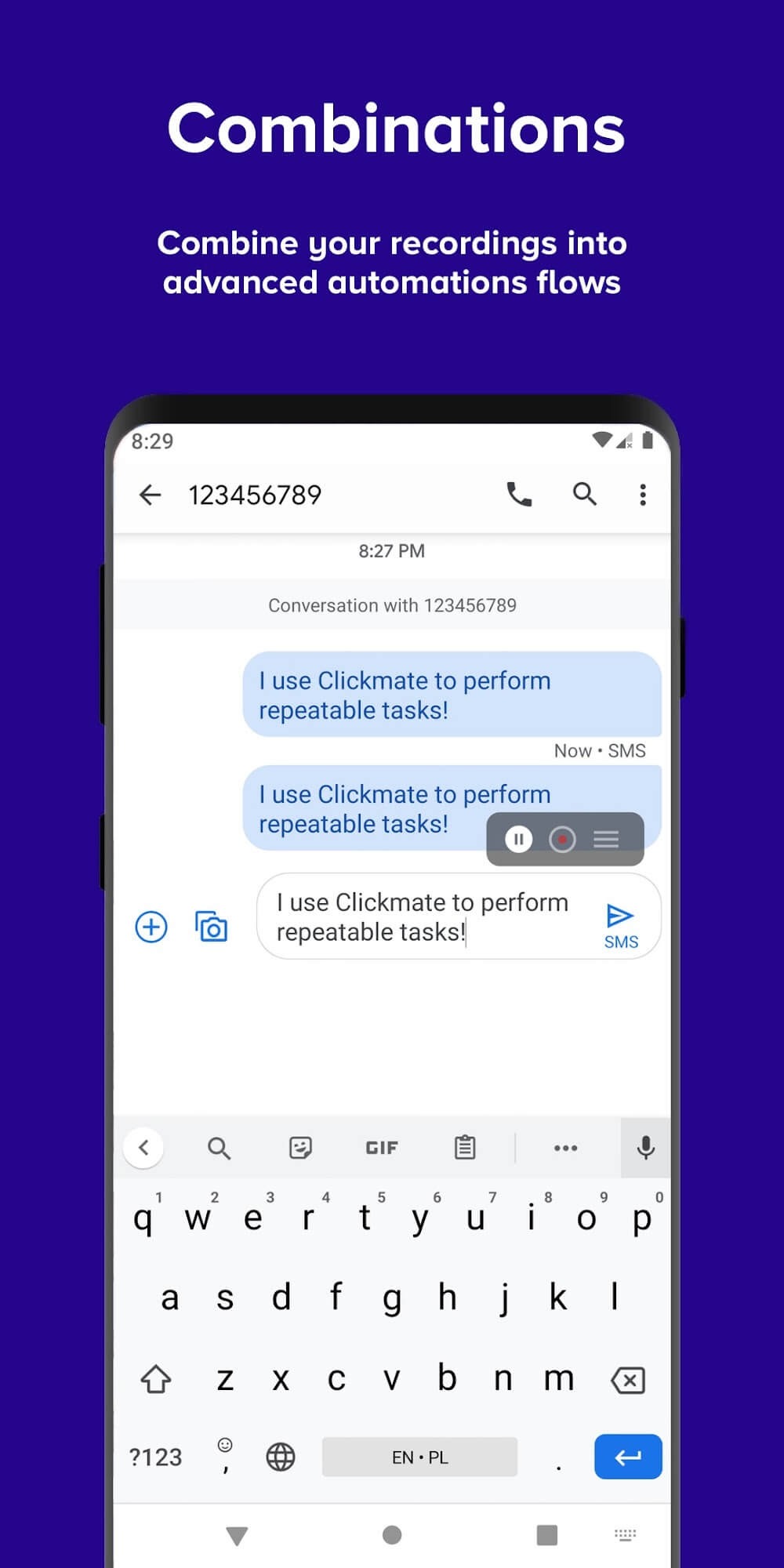
Combination Mode for Auto Clicker Automatic Tapper:
Auto Clicker Automatic Tapper connects recordings together using combinations with advanced settings for speed, delays, and repetitions. Customize your automated tasks with precision using the Auto Clicker Automatic Tapper.
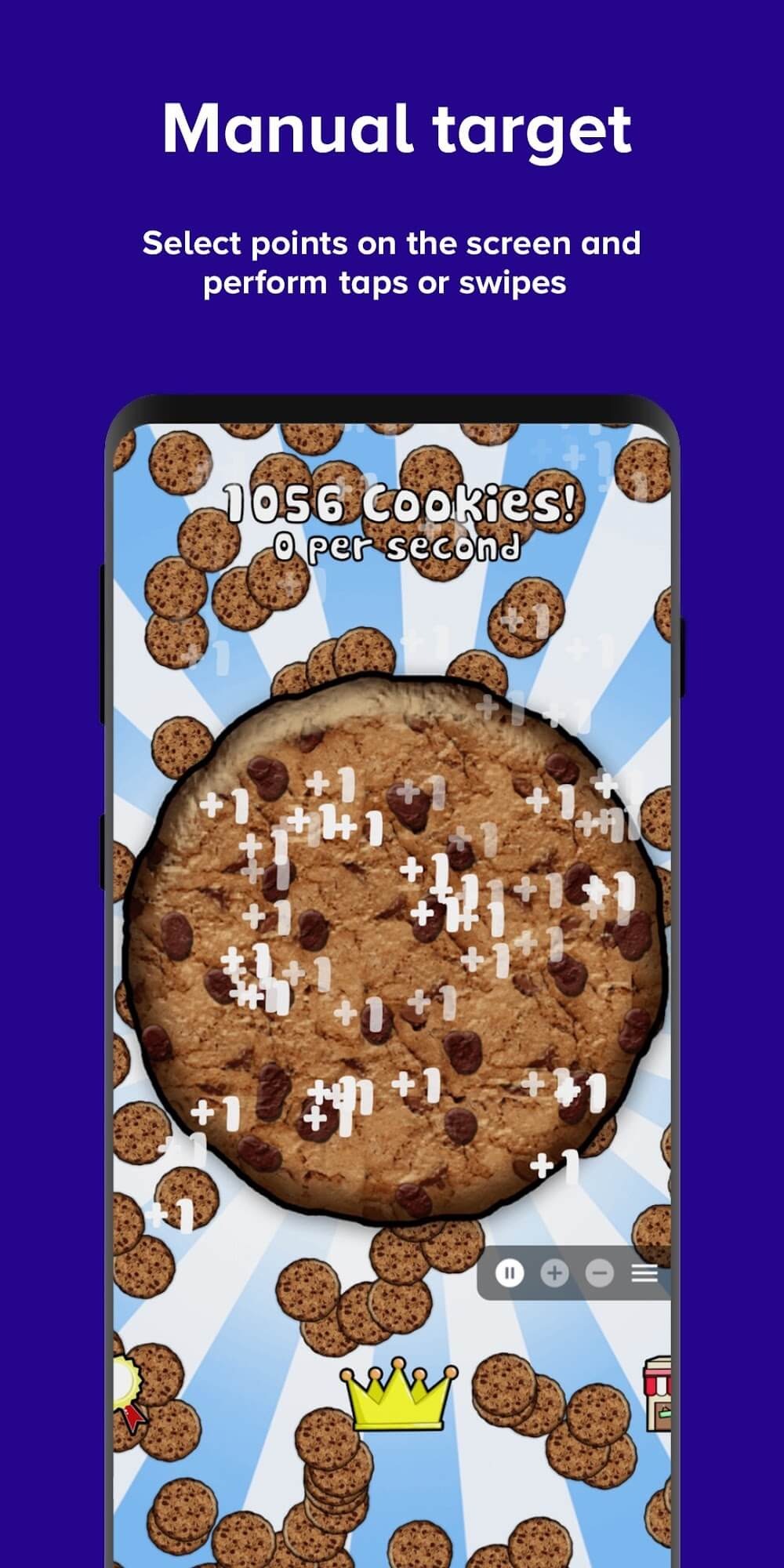
Manual Mode for Macro Auto Tapper App:
With manual mode, you can take control of clicking in apps and games. Select points on the screen, specify actions like tap or swipe, and let the magic happen! Enhance productivity with Autoclicker For Games Tasker plugin. Create custom automation flows in Tasker or MacroDroid like never before, utilizing the power of the click assistant to streamline your mobile experience.
Pros and Cons:
Pros
Three modes offered
No rooting required
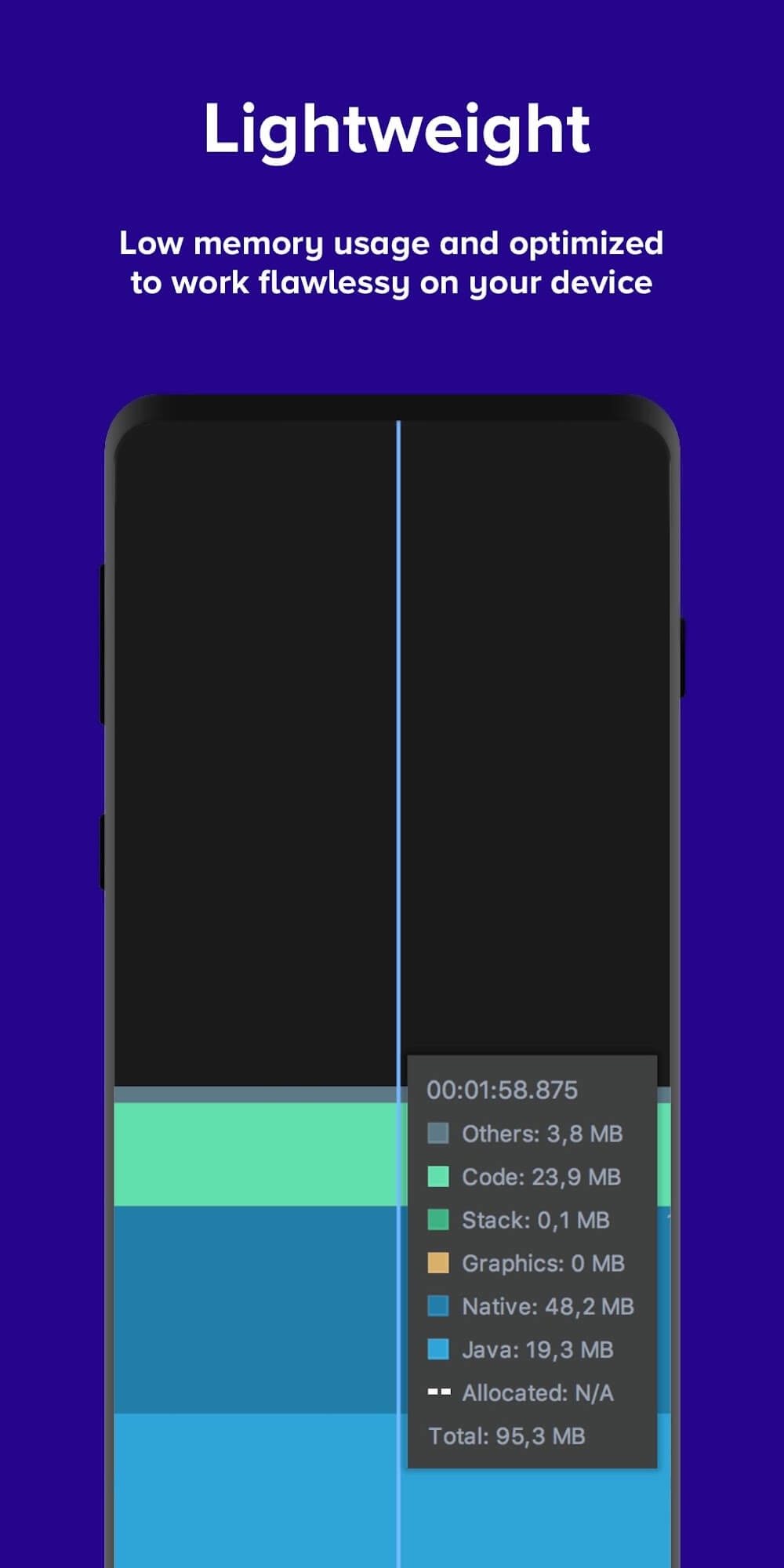
Lightweight
Easy to use
Cons
Only works for Android 7.0 or higher
Some features only works with Android 9 or higher
Conclusion:
Clickmate is a handy way of leveling up or collecting more items in famous clicker games where the only thing you have to do is tap on the screen and is also a great way of speeding up boring processes that you have to do but don't want to. This app's functions will make your life even easier without you even realizing it.
-
Latest Updates
-
Featured Apps