BeautyPlus Video
Entertainment
2026-10-29
263.60MB
2.1.300
Android
425
Screenshots
Introduction
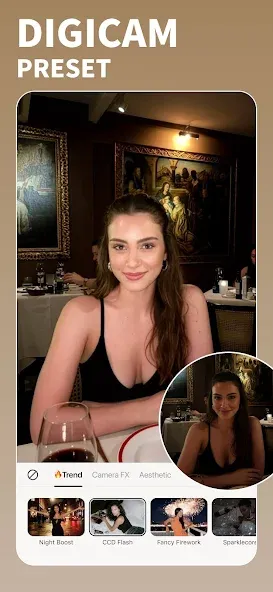
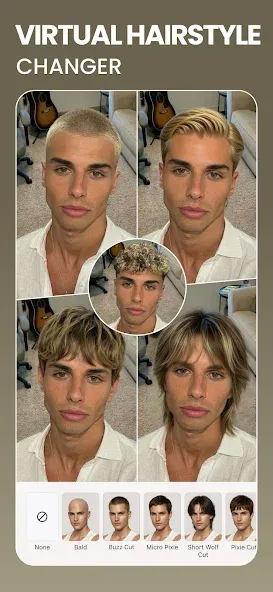
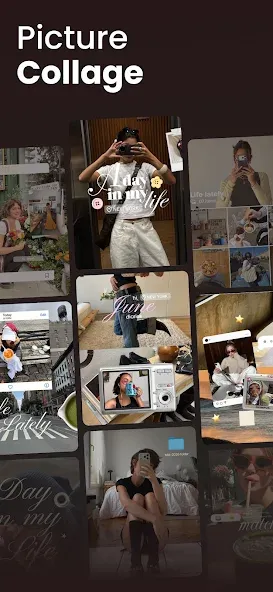
BeautyPlus Video is an application for photo and video editing. Featuring a clean interface and intuitive tools, it allows users to get started quickly and bring their creative visions to life with ease. You can produce stunning photos and videos—for instance, by replacing background elements. Powered by advanced AI, the app enables the creation of professional-grade content with just a single tap, making it accessible even to beginners. It offers excellent compatibility, supporting a wide range of photo and video formats. Furthermore, your creations can be easily shared with friends or posted across various social media platforms, all while maintaining high image quality and exceptional clarity.
Features:
Background Removal: Remove the background from your uploaded photos and videos.
Background Generation: Provide a description for the AI generator to create the perfect background for your images.
Element Replacement: Swap out objects to make your content stand out.
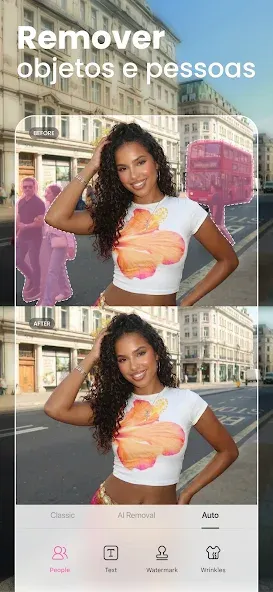
Object Removal: Clean up your photos by removing unwanted objects.
Video Upscaling: Enhance low-resolution videos to achieve high-quality visuals.
Video Templates: Simply add your photos and choose from our template library to create stunning videos in no time.
AI Writer: Use AI to generate engaging captions and effective copy for your photos and videos.
3D Photos: Transform your 2D photos into lifelike 3D videos.
Photo & Video Retouching: Explore various AI-powered beauty styles and enhance your natural look with professional face and body retouching.
Watermark Removal: Create professional-looking photos free of watermarks.
Add Stickers & Music: Choose from our library of animated stickers, fonts, and trending music tracks.
Highlights:
Automatic color correction: Colors are always an element that can be combined with AI to help videos become beautiful and have new colors.
Unexpected content appears: You can completely change the way content appears to create special visual effects.
Use a suitable background: The backgrounds the app provides are fully usable and highly compatible with green screens.
Combine multiple elements simply: The compositing feature makes the content of the image more diverse and colorful.
The sequence of animations is waiting for you to arrange: You can add different animations in order to make every movement smooth.
Posting to social networking sites: Great for easily posting to social networking sites and attracting more attention.
Save time: Instead of spending a lot of time thinking, you can use AI and add your own styles.
FAQS:
What are the key features of BeautyPlus Video?
It includes AI-powered portrait enhancement, high-resolution photo restoration, over 400 filters, and virtual makeup tools, offering a seamless editing experience.
Can I remove the background in BeautyPlus Video?
Yes, BeautyPlus Video features an AI-driven background removal tool, allowing you to easily swap out backgrounds for a more professional look.
Who is BeautyPlus Video for?
It is perfect for anyone looking to elevate their selfies or photos—especially social media influencers and photography enthusiasts.
Advantages and disadvantages:
Pros
All-in-one app for editing photos and videos
Great tools for face and body enhancement
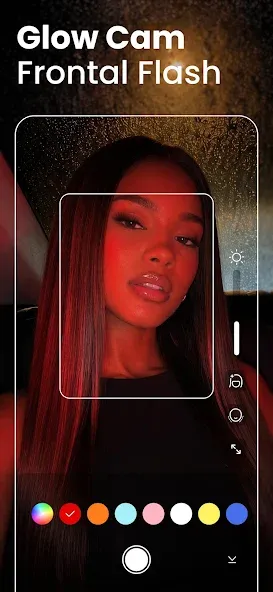
Built-in camera with filters, stickers, and beautification
Simple user interface and easy-to-use editing tools
Cons
Premium version is expensive when billed monthly.
Conclusion:
As previously mentioned, you can use this application to remove noise and add custom sound effects—most notably, you can even incorporate your own voice. Adding voiceovers helps the audience better understand the impact of the sounds you’ve included. This app enables users to create video narrations, making the content well-suited for various social media platforms. Download it now and give it a try!
-
Latest Updates
-
Featured Apps