Avee Player
Entertainment
2026-09-03
20.07MB
1.2.252
Android 4.1+
173
Screenshots
Introduction
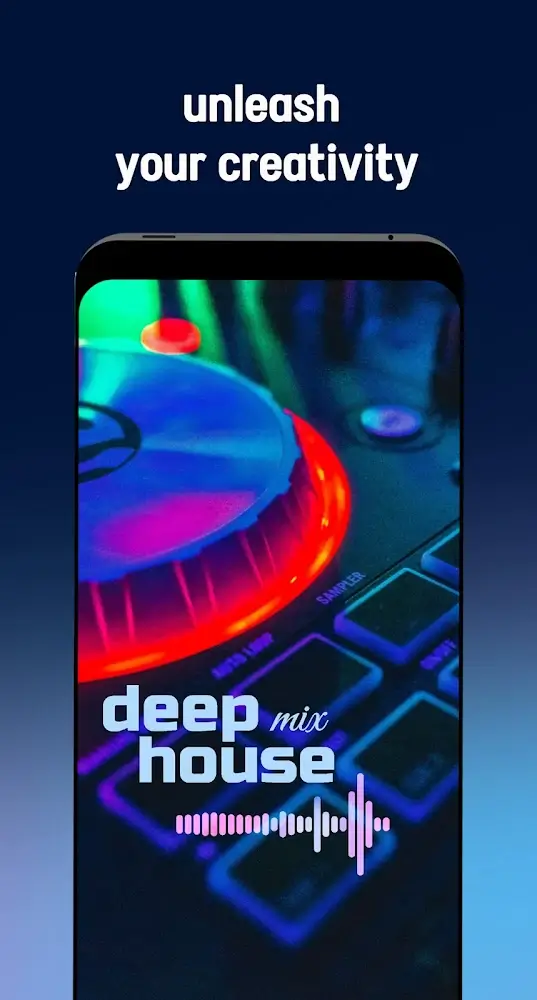
Avee Player is a music player for Android devices. It supports multiple audio formats, allowing users to play and manage audio files by adding them to folders. The app also features responsive audio visualizations, helping users create music that responds in real-time. Users can build scenes, adjusting their colors, shapes, and sizes, and adding image assets. Furthermore, the app offers export and sharing functions, allowing users to export their created music visualizations and share them to various media platforms with a single click.
Features:
Play audio and manage your library
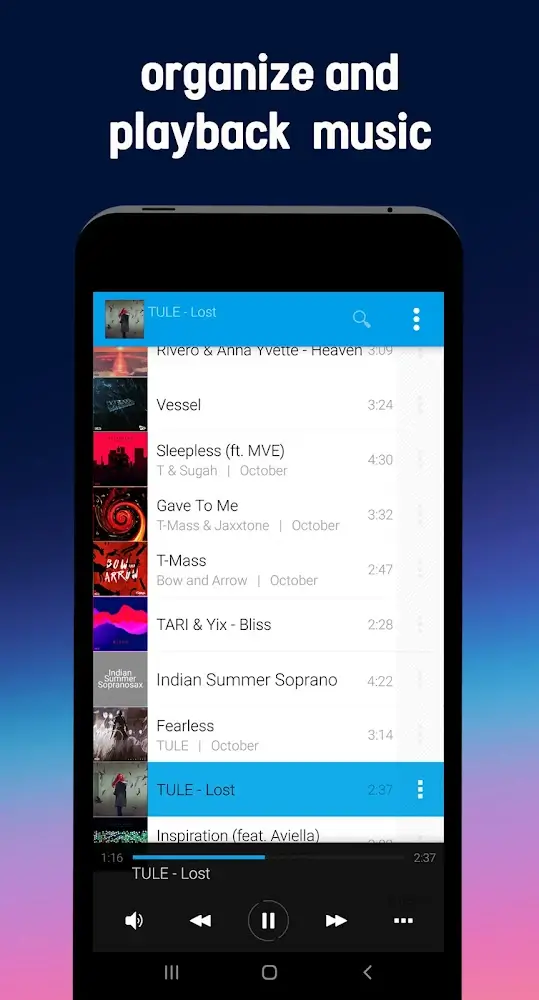
Avee Player supports popular formats including MP3, WAV, AAC, OGG, FLAC, and MP4. You can browse by folders, search your library, build playlists, and queue tracks for continuous play. Background playback works with Bluetooth controls and a lock screen widget, while the equalizer, sleep timer, crossfade, and gapless settings give you flexible listening. UI color skins let you adjust the look to match your style.
Design responsive audio visualizers
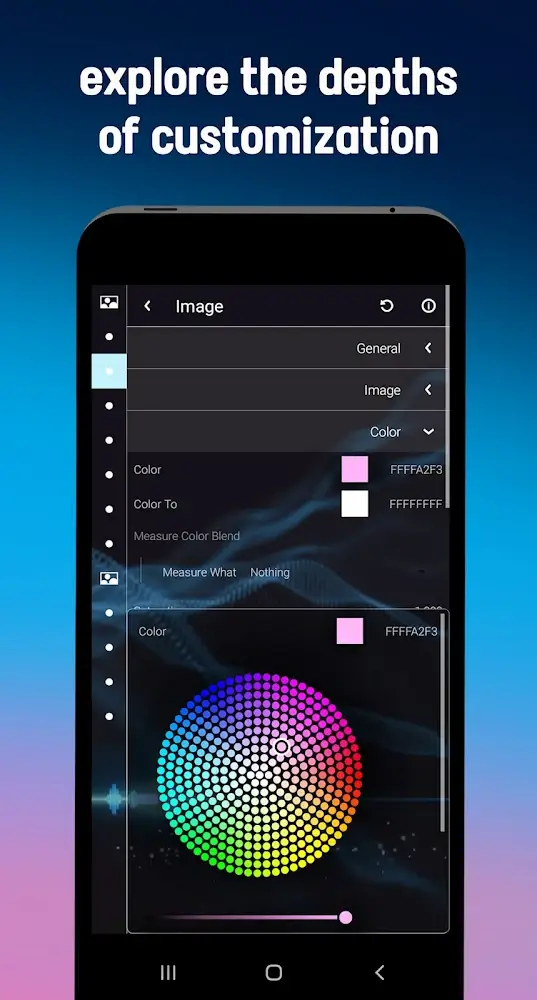
You can create visualizers that react to your music in real time. Tweak colors, shapes, size, and motion, then layer JPG, PNG, or GIF assets to build a complete scene. A WYSIWYG editor previews changes as you work, and you can import or export .viz templates to reuse designs later. Controls for frequency bands help you shape movement across bass, mids, and highs in a fine-grained way.
Make shareable videos with export options
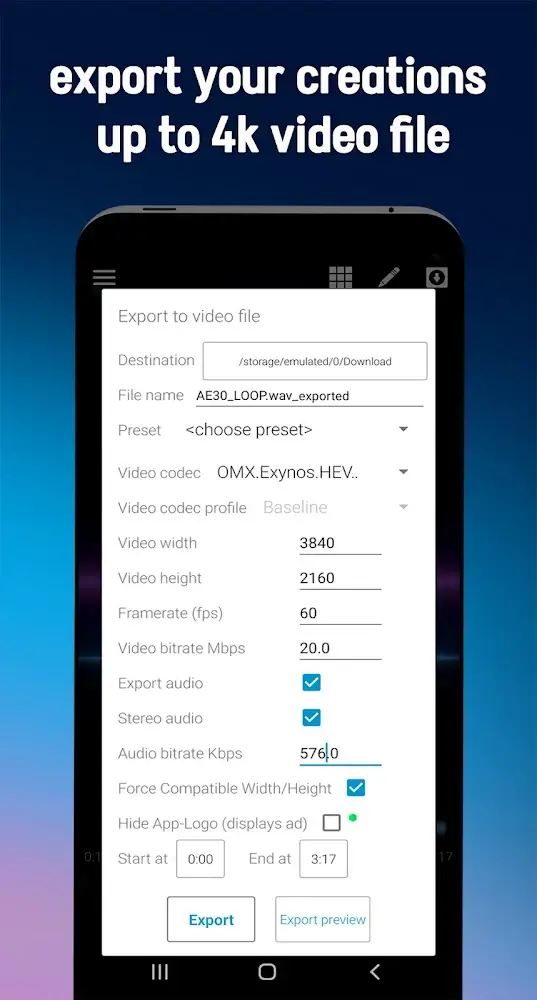
The built in video maker lets you export HD, Full HD, and up to 4K depending on your device. Choose 25, 30, 50, or 60 FPS and set aspect ratios like 4:3, 16:9, or 21:10 to match where you plan to share. H.264 is recommended for broad compatibility, and completed clips save to your Downloads folder by default. Your music pairs with the visualizer so the final file is ready to post.
Efficient performance and playback compatibility
The app is lightweight, which helps it run smoothly during playback and export. Orientation lock keeps the editor steady while you design or render. Two internal players improve device compatibility, so more files open and play reliably across different hardware. These choices support a steady workflow from listening to final video.
Premium customization and watermark control
Premium tools unlock deeper export and visualizer settings for users who need more control. You can remove a watermark or logo, create your own visualizer from scratch, and work without ads. This tier focuses on the full customization experience and consistent output across projects.
Highlights:
ENJOY CREATING ATTRACTIVE VIDEOS FOR YOURSELF
With Avee Player, users will be comfortable and free to create some of the most engaging and unique videos. You will develop meaningful videos and the best quality content to attract many viewers with your creativity and ingenuity. After creating videos, you should share them on social networking channels like Tiktok, Facebook, Youtube, etc. You are completely capable of becoming famous and admired by everyone if your videos convey practical knowledge or bring positive energy to people.
CHANGE ANY ASPECT RATIO TO YOUR LIKING
Avee Player allows you to change any aspect ratio to suit each post. You can choose ratios like 4:3, 16:9, and 21:10 in the simplest. Just click to select, and all images will become changed. Besides, the video files are all high resolution, making the original video’s vision not blurry. In addition, you can refer to some photo samples from other users to learn more experience and improve your understanding of image editing. Don’t forget to create hilarious and lovely animated gif files that can attract everyone’s attention.
BALANCE EVERY SOUND IN THE BEST WAY
When you join Avee Player, you will be free to balance any sound so that it suits you best. You should adjust the loudness and trim to fit the listener. The application’s library has many different tracks, forming many different categories. You can consult and create playlists of your favorite songs in a separate folder. Enjoy a music space with the softest and most mellow background sound.
SLEEP TIMER FOR YOUR MUSIC ENJOYMENT
You can entertain and relieve stress at work and life by listening to music. Besides, you can quickly fall asleep in the easiest way. Here comes the sleep timer. In other words, how long can you set the music playback time? It will automatically turn off if the allotted time has elapsed, so you are free to make the most of the sleep timer.
Pros and Cons:
Pros:
Free music player
Compatible with most Android mobile devices
Includes visualizer and other tools
Features import and export options
Has a built-in timer
Cons:
Some tools are confusing to use
Free version is loaded with ads that run with your music
FAQs:
Q: Does the app support video export?
A: Yes, it allows you to export music visualizations as videos for social sharing.
Q: Can I use the app without an internet connection?
A: Yes, the app works offline for all stored music and local content.
Q: What audio formats does it support?
A: It supports popular formats like MP3, WAV, and MP4.
Q: Is there a built-in equalizer?
A: Yes, the app includes an equalizer to customize your audio output.
Q: Can I visualize beats in real-time?
A: Yes, the app provides spectrum visualizers for dynamic audio visualization.
Conclusion:
In conclusion, Avee Player offers a strong alternative to default players. The customizable visualizers and effective equalizer are its top features. While stability issues and inaccurate file export can be frustrating, the app’s features make it a personalized and engaging music experience for casual and advanced mobile device listeners.
-
Latest Updates
-
Featured Apps