AppLock Pro
Tools
2026-07-20
108.3MB
5.7.5
Android
260
Screenshots

Introduction
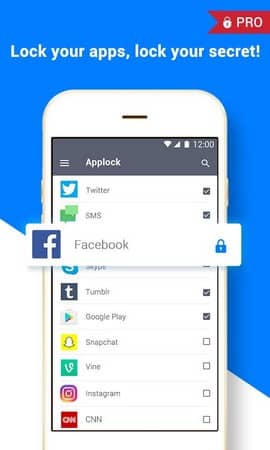
AppLock Pro is a privacy protection app for Android designed to safeguard user privacy and provide a superior user experience. With this app, users can select which apps to protect, including Messages, Social Media, Gallery, and Settings, and set PIN codes, patterns, fingerprints, and tap codes for them. This app adds a clean and simple layer of protection to selected Android apps and settings. You can choose the locking method, adjust the lock time, and personalize the screen to suit your daily habits.
Features:
Lock your apps with flexible methods
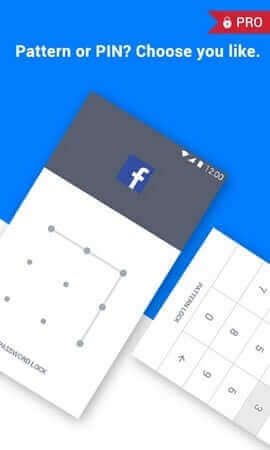
You choose which apps to secure, including messaging, social media, gallery, and settings. AppLock Pro supports PIN, pattern, fingerprint when available, and KnockCode. You can set the lock to reapply when the screen turns off or after a short break to maintain protection during use.
Intruder snapshot and alarm
After setup, AppLock Pro can take a front camera photo after 5 failed unlock attempts and store it inside the app. It can also sound a loud alarm if the wrong password is entered multiple times, which helps you spot tampering quickly.
Discreet screen and notification control
To avoid drawing attention, you can show a fake error screen instead of a visible lock screen. You may also hide or block notifications from locked apps so message previews and sensitive content do not appear on the status bar or lock screen.
Scheduling, customization, and extra protections
For daily routines, set a lock timer to auto disable during chosen hours and re enable afterward. The app is lightweight and optimized for battery and RAM, and it can lock recent apps and alert you when new apps are installed. Themes let you change the look and set gallery photos as backgrounds. To reduce tampering, lock system settings and optionally hide the app icon. Related permissions may be needed for features like intruder photos or custom backgrounds. Some options may appear after updating to the AppLock Pro latest version.
Highlights:
Best App Lock App: AppLock Pro is currently one of the best app locker apps for Android. If you are looking for a simple and easy to use app locker for Android then you should definitely try this app once. There are a lot of amazing features available in this app that can’t be found in any other app lockers for Android. You can even use this app with other similar apps and increase the workability of AppLock Pro APK.
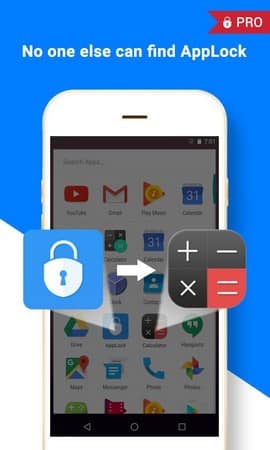
Customize Accordingly: If you want then you can also customize the theme and features of AppLock Pro APK for free. There are a lot of built-in themes available that you can apply on your app to change its looks. Also, you can change the icon of the AppLock Pro app on your home screen or app drawer so it doesn’t look like an app locker. This option really helps a lot as you can easily keep this app visible while not letting anyone know.
Hide Pictures & Videos: Even though this app is named AppLock Pro APK, but you can also use it for hiding pictures and videos of your device along with the installed apps. AppLock Pro comes really handy when you want to hide apps, media or something on your device from anyone. This will prevent unauthorized access to your app and the contents of it. If anyone tried to open the app then it will notify you about it.
Pros and Cons:
Pros
Locks individual apps with PIN, pattern, or fingerprint
Photo and video vault hides private media
Intruder selfie and fake crash tools help deter unauthorized access
Can restrict system actions such as app installation and uninstallation
Cons
Free edition includes advertisements
Some features require extra permissions and setup
Fingerprint support depends on compatible hardware
FAQs:
How much storage space is needed to install AppLock Pro ?
Please keep at least 108.3 MB, and additional 100-500 MB free for smooth updates and cache management after installing.
What are the system requirements for AppLock Pro ?
Your device should have system version Android 7.0+ (firstly released around 2016-08) or newer.
Is AppLock Pro safe to download?
Yes, the signature of AppLock Pro has been verified safe by Virustotal.
How long does it take to download?
The package size of AppLock Pro is 108.3 MB. Download time can vary based on your network connection. Typical speeds are:
4G: 30-100 MB/s
5G: 170-400 MB/s
Wi-Fi: 50-500 MB/s
Why do I fail to download or install?
Common reasons for download or installation failures include:
Lack of device storage
Device incompatibility
Poor network connection
Conclusion:
AppLock Pro is an essential tool for those looking to enhance their device's security. By enabling the Device Administrator permission, you can prevent the game from being uninstalled, further securing your device against potential threats. A comprehensive solution for safeguarding your mobile privacy, AppLock Pro is suitable for anyone needing to keep personal and professional information safe from unauthorized access.
-
Latest Updates
-
Featured Apps