Adobe Premiere Video Editor
Entertainment
2026-11-07
22.64MB
1.0
Android
357
Screenshots
Introduction
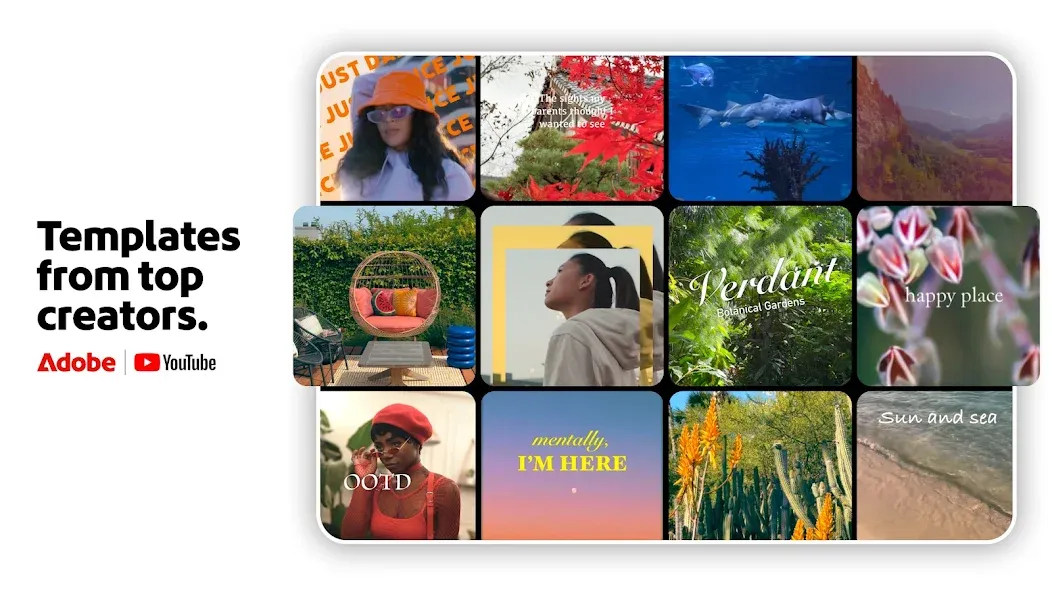
Adobe Premiere Video Editor is a powerful video editing tool. To begin, you import your video footage, which can then be placed onto the editing timeline for frame-accurate cutting and splitting. The software offers templates for creative projects and allows you to adjust the speed of specific video segments—speeding them up or slowing them down as needed. You can also add music or quickly extract audio from your original video clips. A wide variety of transition effects are available, and you can customize elements like font size, style, and color to create polished, visually appealing videos.
Features
Frame-Accurate Edits: Trim, or split your videos to showcase key moments
YouTube Shorts integration with remixable templates
Fresh and relevant video creator-made templates for quick drafts
Smooth speed effects: speed up, slow down, or freeze key video moments.
Unique Color Presets: Apply Adobe Lightroom presets and fine-tune to fit your aesthetic.
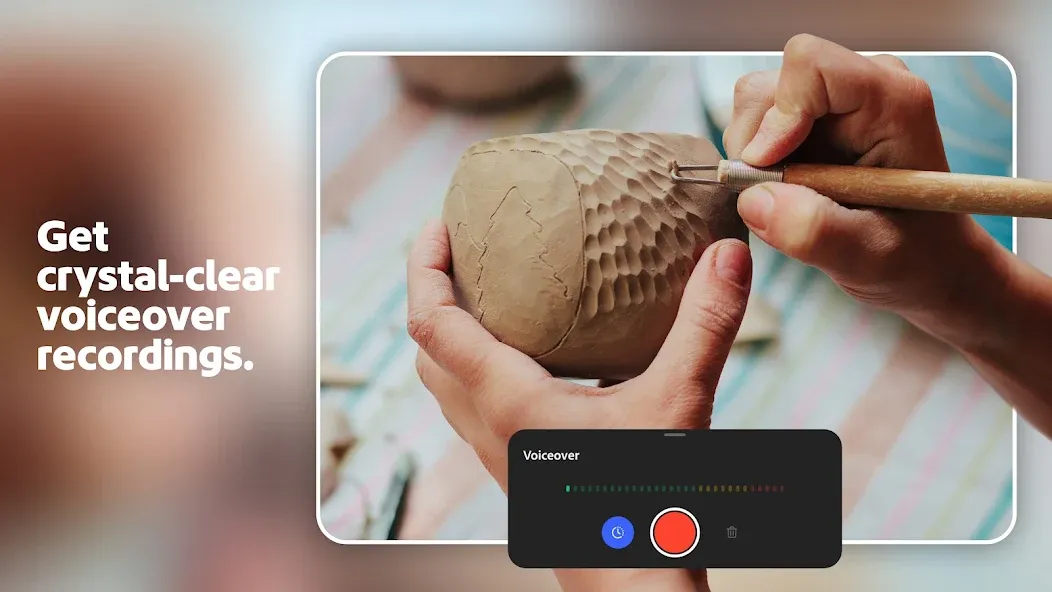
Enhance & Extract Audio, Adobe Premiere video editor easily incorporates music into your final videos.
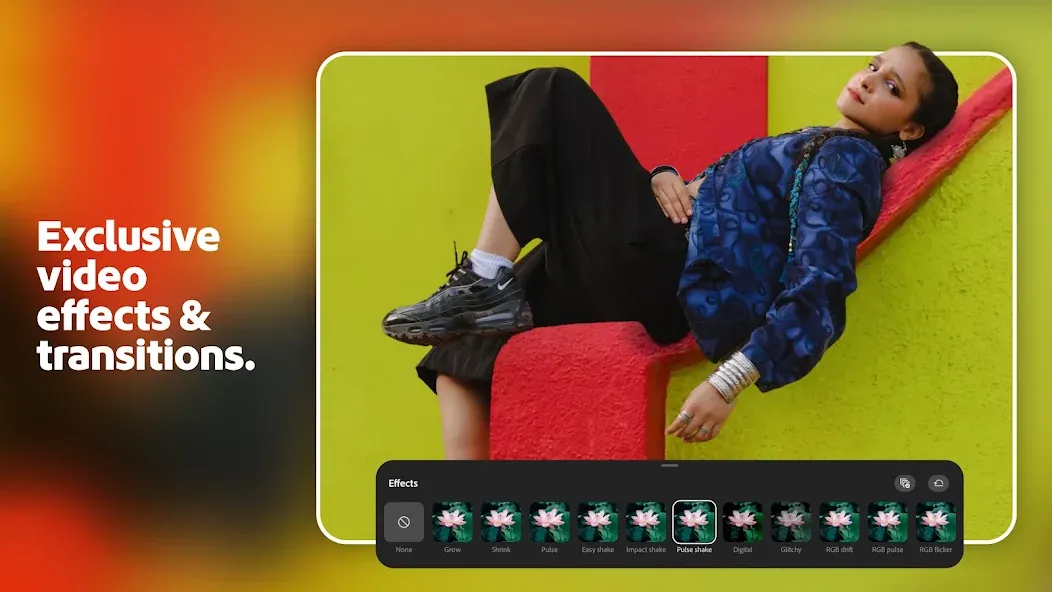
Transition Effects: Step up your content with seamless transitions from clip to clip.
Adaptive UI: Enjoy a video editing layout with your most-used movie maker tools in one place.
Highlights
Customize Animated Titles
Access built-in animated graphics such as titles and overlays. Change the color, size, font, and more to make them yours.
Great Sound
Add music to videos, including thousands of original, royalty-free soundtracks, sound effects, and loops.
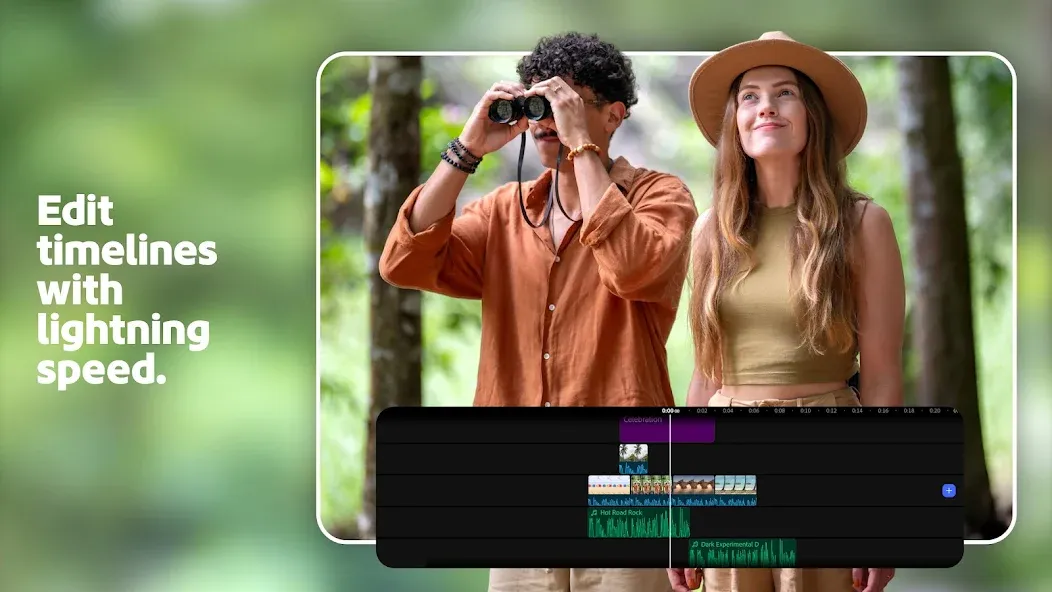
Multitrack Timeline To Edit Videos
Enjoy creative flexibility with multiple video tracks to achieve impressive effects like picture-in-picture and split-view.
Pros and Cons
Pros
Very sleek and easy to use
Will not sap up power
Saves space with cloud storage
Free for your mobile device
Cons
Very limited text options for videos
Very limited features compared to real Premiere
Summarize
These tools form a professional-grade ecosystem that supports every phase of the content creation journey. If you're ready to elevate your video editing, download Adobe Premiere Video Editor and start building your most polished, high-quality projects yet.


-
Latest Updates
-
Featured Apps