
XPlayer
Entertainment
2026-08-24
67.97MB
2.7.5
Android
550
Screenshots
Introduction
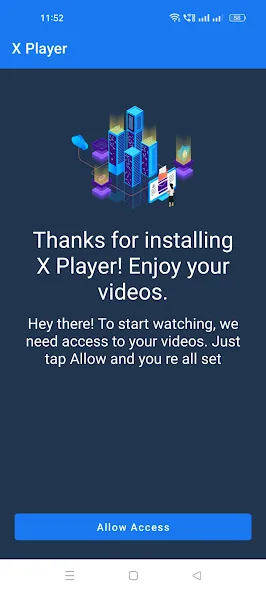
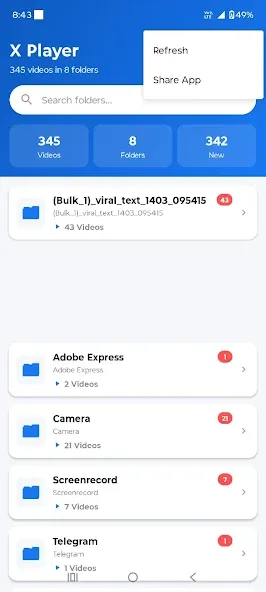
XPlayer is a comprehensive video player. It boasts ultra-high-definition picture quality, ensuring smooth video playback. This application features advanced subtitle design, allowing users to customize them to their liking. It supports various video formats, largely meeting user needs. The application's interface is very simple, with a navigation bar that effectively assists users. It supports both online and offline video viewing. As a high-featured video player, it significantly improves compatibility, reducing conversion time for users. Its high flexibility provides a very good user experience.
Function:
Watch any video easily: Any video on your device can be opened by the app.
Choose the right quality: With a choice of video quality, you can freely customize it to your liking.
Can multitask: When you are working, the application also operates stably with another application.
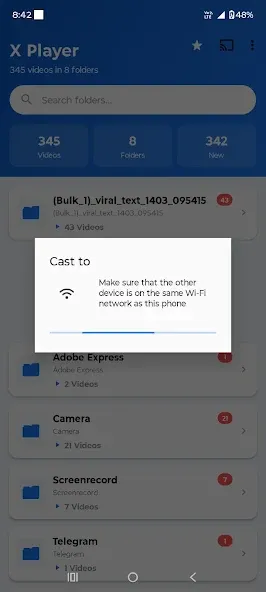
Interaction with smart TVs: If you are using Chromecast, then don’t hesitate to use this feature.
Better quality: Video quality can bring out its beauty when viewed on a large screen.
Highlights:
It supports almost all video formats, from the most popular MKV, MP4, AVI, WMV or 3GP to the least-known extensions.
Support for playing Ultra HD video.
Hardware acceleration.
Option to create private folders the contents of which can't be played or deleted by other users.
Compatible with Chromecast.
Function to download subtitles.
Play videos as pop-ups, on a split-screen or in the background.
Interface with a night time mode, quick mute and playback control.
Automatic identification of all files stored on our device or SD card.
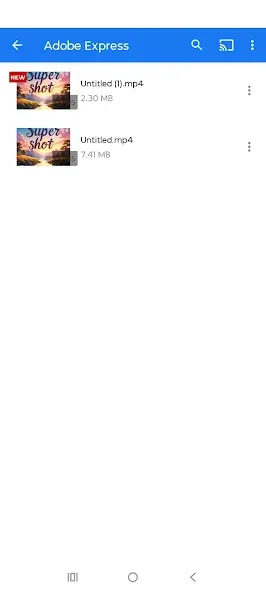
Easily manage your videos.
Simple controls.
FAQs:
What kind of video formats can we play with the XPlayer app?
Support ALL video formats, including MKV, MP4, M4V, AVI, MOV, 3GP, FLV, WMV, RMVB, TS, etc. All-in-one media player for different formats.
Can we store personal videos in a private folder?
Keep your video safe in a private folder. Support subtitle downloader and more. Play the video in the pop-up window, split-screen, or background.
What kind of other playback features do we get with this app?
Night Mode, Quick Mute, and Playback Speed. Identify ALL video files on your device and SD Card automatically. Video player HD for both Android tablets and Android phones.
Can we play multiple items on this video player app?
Multi-playback option auto-rotation, aspect-ratio, screen-lock etc. Manage or share videos easily.
Advantages and disadvantages:
Pros
Wide support for video and audio formats
4K and 3D playback with hardware acceleration
Subtitle and multi-audio track support
Private folder for secure content
Useful gesture controls and user-friendly design
Cons
Streaming quality relies on internet connectivity
Some advanced features behind a paywall
Conclusion:
XPlayer boasts numerous features to deliver an exceptional video playback experience. It supports all video formats, and its simple playback controls further enhance the overall experience. Features include automatic rotation, screen lock, aspect ratio adjustment, quick mute, and night mode. Additionally, you can play locally stored music. Download and install this application now to experience its powerful capabilities!
-
Latest Updates
-
Featured Apps









