
Vip Player
Entertainment
2026-10-26
28.68MB
1.3.1
Android
138
Screenshots



Introduction
Vip Player is a video player designed for Android devices, offering a clean, ad-free viewing experience. It supports a wide range of video formats and is optimized for various Android devices to ensure smooth playback. The app also allows for the loading of external subtitle files and supports background playback, so you can continue watching even when switching to other applications. With intuitive navigation and controls, finding the content you want to watch is effortless. Its simple interface makes it easy to get started right away.
Features
No Ads, Ever Enjoy uninterrupted, clean viewing.
All Format Support MP4, MKV, AVI, MOV, FLV, and more.
Smooth Playback Optimized performance for all devices.
Easy Controls Simple gestures for volume, brightness, and seeking.
Subtitle Support Load external subtitles seamlessly.
Folder & File Management Quickly locate and play videos.
Background & Popup Play Watch videos while using other apps.
Function
Quick and Smooth Playback
Dive right into your media with quick start capabilities, ensuring seamless playback every time.
Easy Navigation and Control
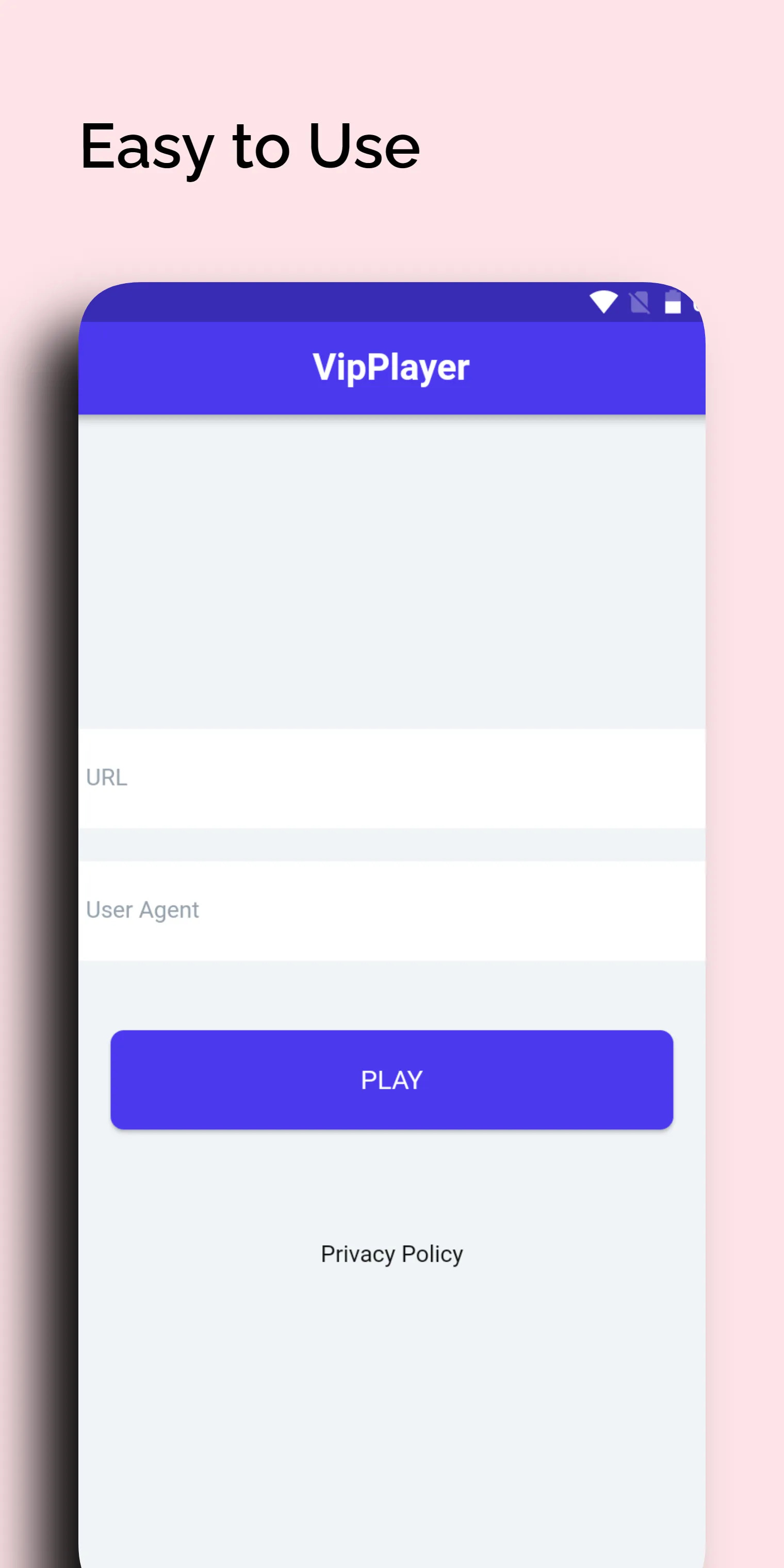
Effortlessly open all video files from the web or any app that supports sharing.
Conveniently adjust screen rotation and aspect ratio to suit your viewing preferences.
User Agent Customization
Personalize your viewing experience by editing the user agent settings.
Highlights
Customizable Interface: You have full control over the playback interface. This allows users to put the commands they often use on the screen, and unnecessary commands will be ignored.
Modify Controls: Even if their screen is small, they can adjust where these control commands appear and customize their size.
Custom Gestures: Swipe actions, touches, double taps, and other gestures all have their meaning. However, to facilitate the use process, users can also customize them according to their habits.
Summarize
Vip Player is a powerful and lightning-fast video player that supports high-definition (HD) and ultra-high-definition (UHD) video playback. The app allows you to play external video files from any URL and offers a range of convenient features, including quick startup, smooth playback, screen rotation, and aspect ratio adjustment. You can also easily open video files from web pages or other applications that support sharing. Furthermore, the user-agent editing feature adds an extra layer of flexibility to the player.






