
Twitch
Entertainment
2026-08-19
54.34MB
13.0.0.2
Android
482
Screenshots
Introduction
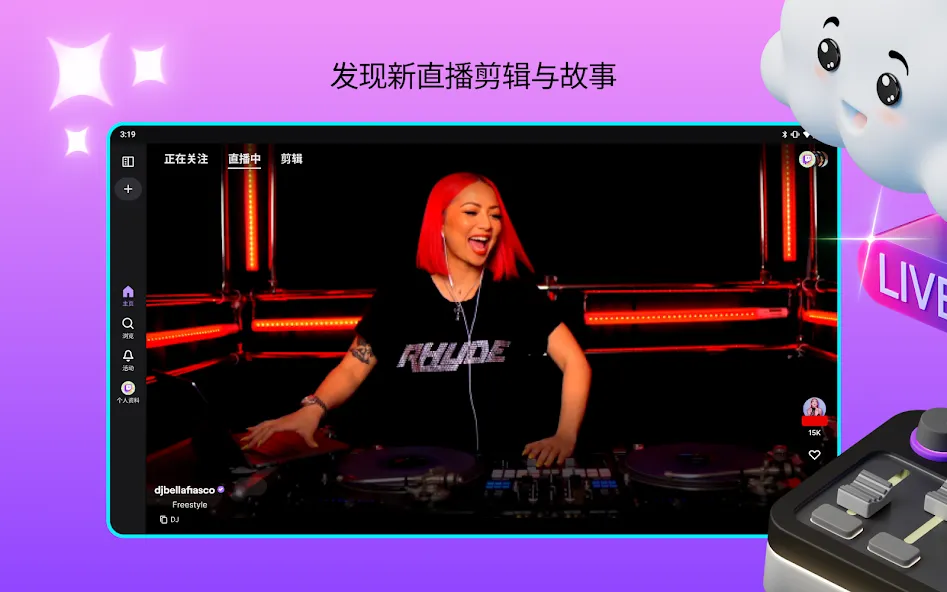
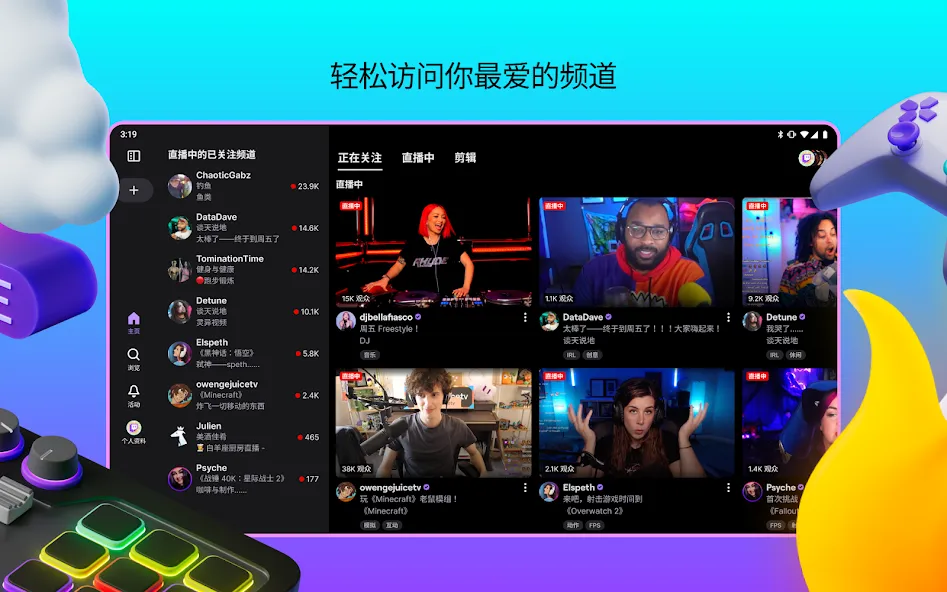
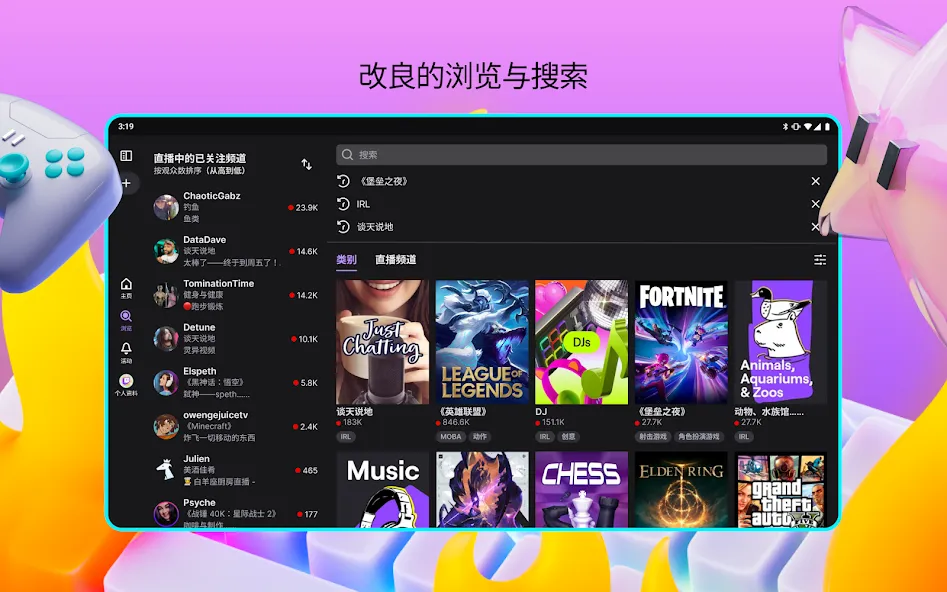
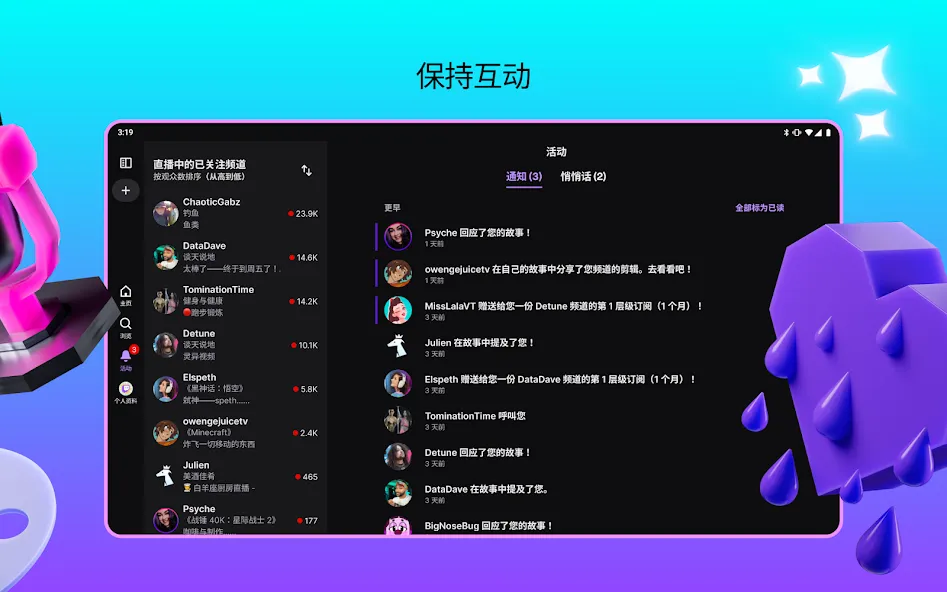
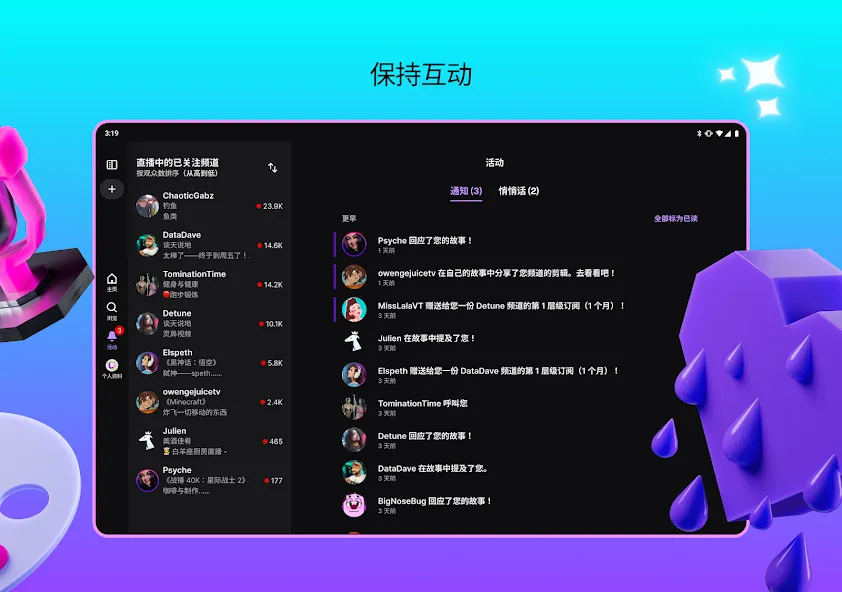
Twitch is a live streaming app. It provides users with a wide-reaching and highly active platform, perfectly combining entertainment and interaction. Users can watch their favorite streamers live. They can also customize notifications to receive alerts when their favorite streamers go live, ensuring they don't miss anything exciting. Through chat, users can send emojis and use other special features. The interface is simple and clean. Users can access the app through the main page's search function and browse related information. It's a practical chat and entertainment app.
Function:
Watch Live Broadcasts: Watch your favorite gamers, musicians, artists, and other creative talents broadcast live content as it happens. Never miss exciting events!
Real-Time Interaction: Through constantly scrolling chat, interacting with streamers, and engaging in conversations with other passionate viewers in real-time.
Make Friends: Make lasting friendships and join vibrant, tight-knit fan communities for your favorite games, streamers, artists, and more.
Donate to Streamers: Stand out by donating to support your favorite streamers directly. It’s a great way to show appreciation!
Unlock Perks: Unlock exclusive subscriber-only perks like custom emotes and badges by subscribing to your favorite channels.
Highlights:
Search for videos by topic, channels, or creator.
Live chat.
Ability to follow channels.
Various resolutions available for videos.
Landscape or portrait mode.
Video sharing features.
Live videos and recorded videos to watch on a deferred basis after the broadcast ends.
Interactive shows from Xbox, Sony, Riot Games, Blizzard, and other developers.
It boasts its own and exclusive programming, such as Bob Ross marathons, Ibai days and all kinds of events in the world of video games.
Tools for anyone to become a creator and open their own channel.
Options to show support for creators.
Night mode.
FAQs:
Is Twitch free?
Twitch is a totally free app. You won't have to pay anything to enjoy the thousands of channels streaming from the service, but you can pay monthly fees to avoid ads on your favorite channels.
How can I follow channels and games in Twitch?
To follow channels in Twitch you'll need to access the profiles of the users streaming the content and tap on the heart icon. To follow games, you'll need to search within the exploring section and bookmark the game you want.
How can I subscribe to a Twitch channel?
To subscribe to a Twitch channel, you'll need to pay a monthly fee whose price depends on your location. You can also subscribe for free with Twitch Prime.
How much data does Twitch consume?
The amount of data that Twitch consumes depends on the image quality. It's estimated that 900 MB/h are required for a 720p stream; 1.5 GB/h for a 1080p; and 3 GB/h for a 2K.
Advantages and disadvantages:
Pros
Strong real-time interaction
Wide variety of live content
Community-focused viewing experience
Good creator support and monetization tools
Regular updates improve usability
Cons
Discovery can feel uneven
Stream quality varies by creator
Conclusion:
This app goes beyond simply watching other users' live streams; it also includes the necessary tools to start your own live stream via your smartphone. If you want to follow your favorite content creators, participate in their live chats, and start your own live stream anytime, anywhere via your smartphone, download Twitch.
-
Latest Updates
-
Featured Apps









