Translate On Screen
Education
2026-08-08
93.28MB
1.182
Android
176
Screenshots
Introduction
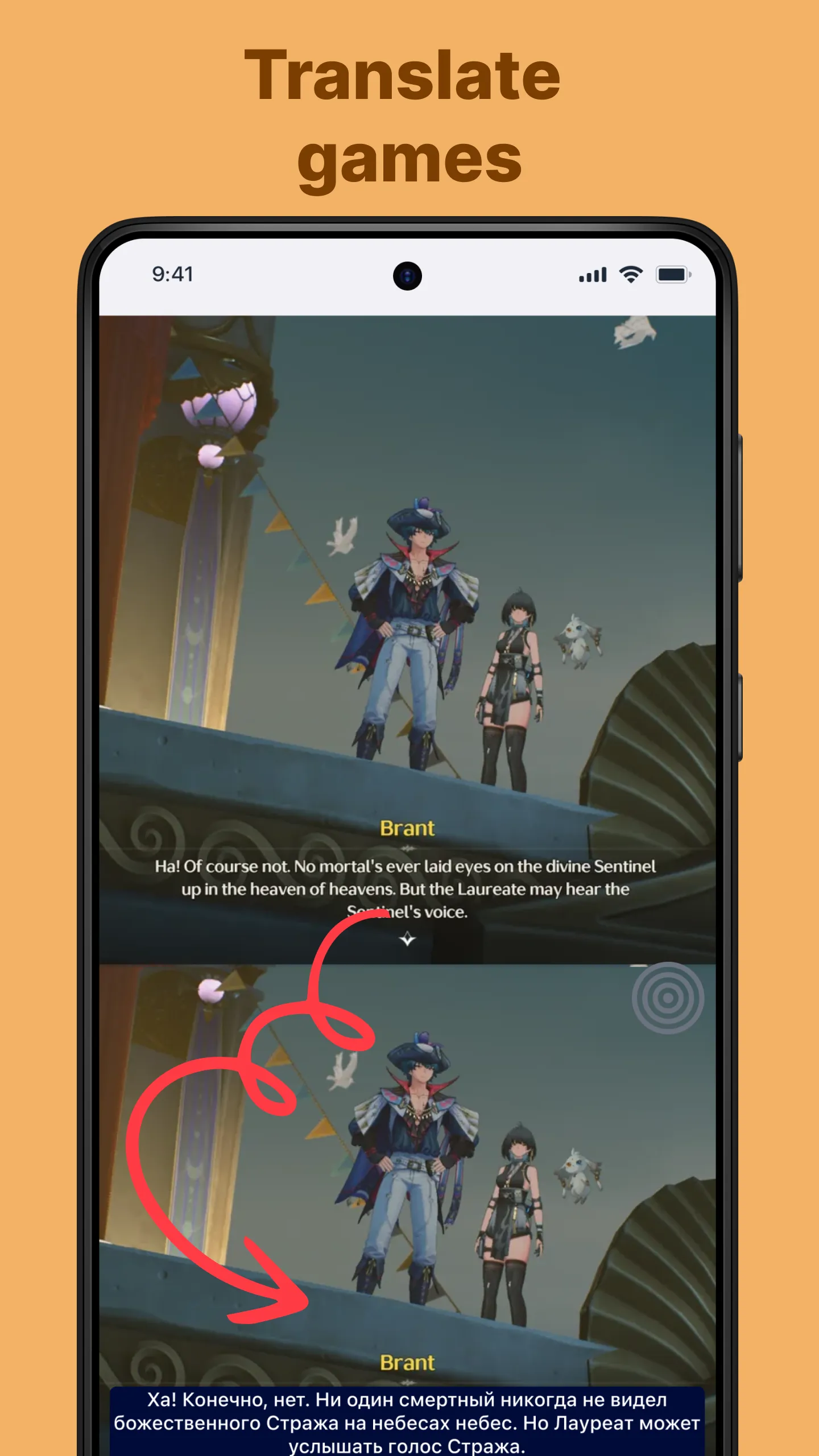
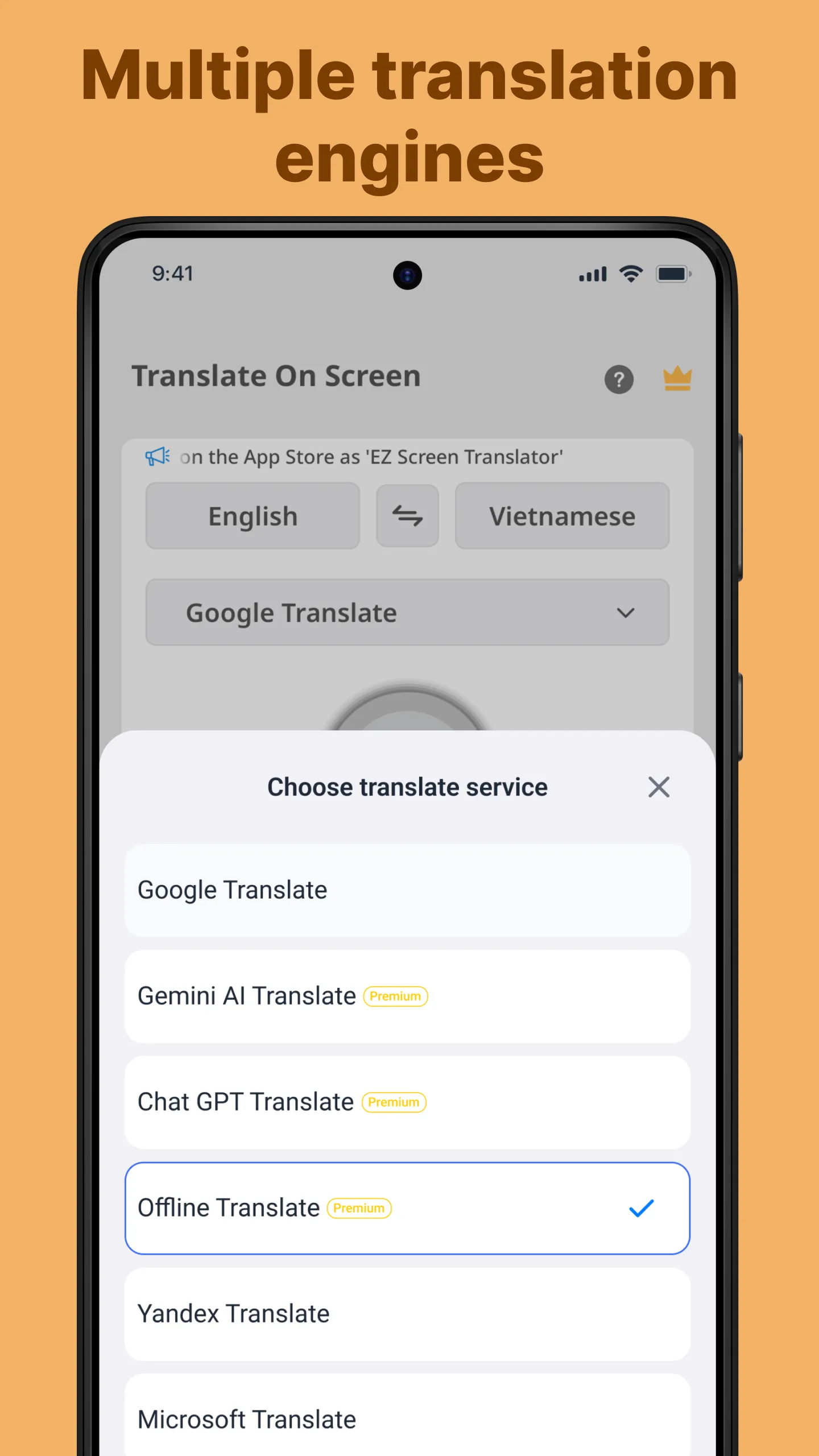
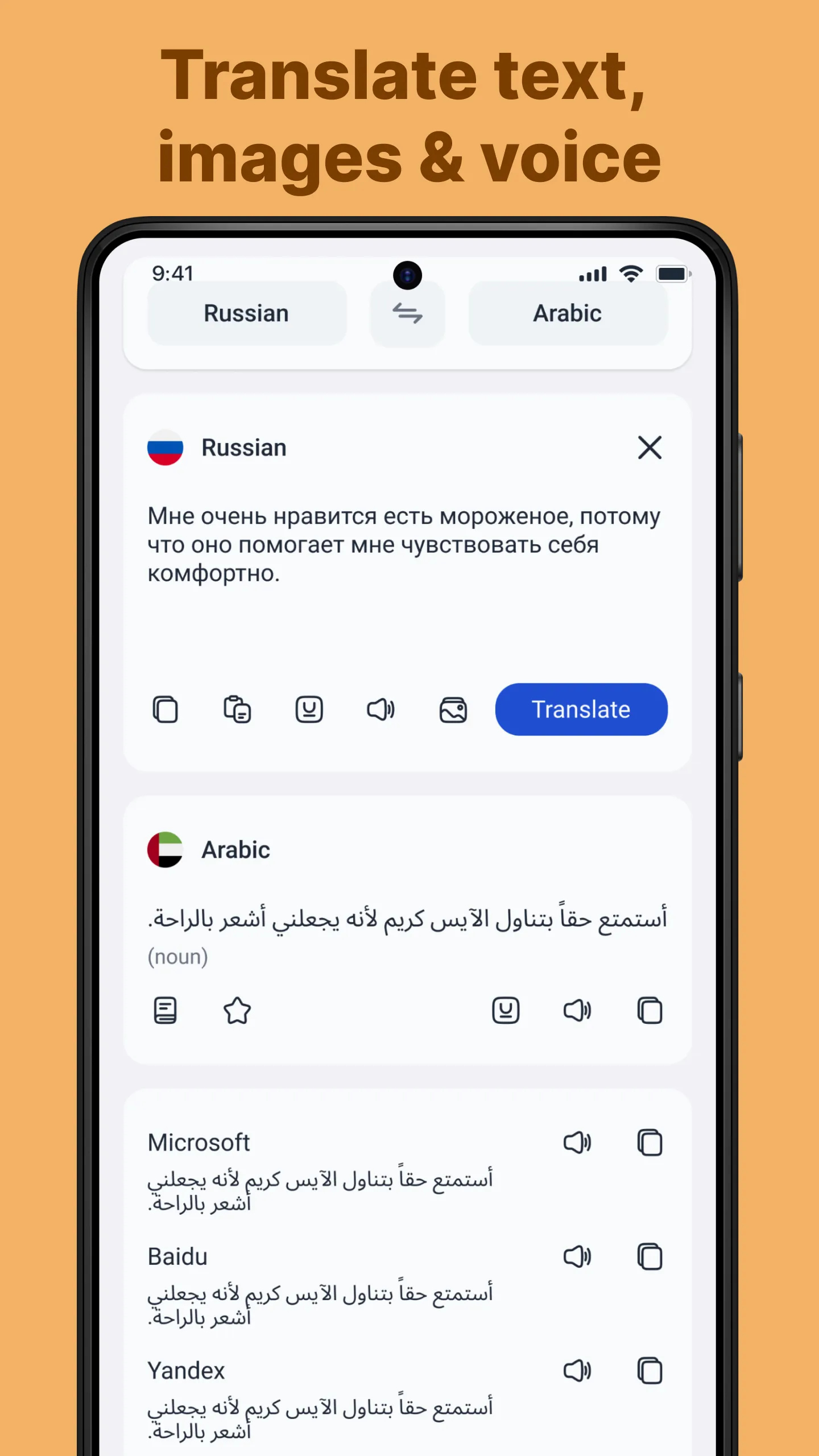
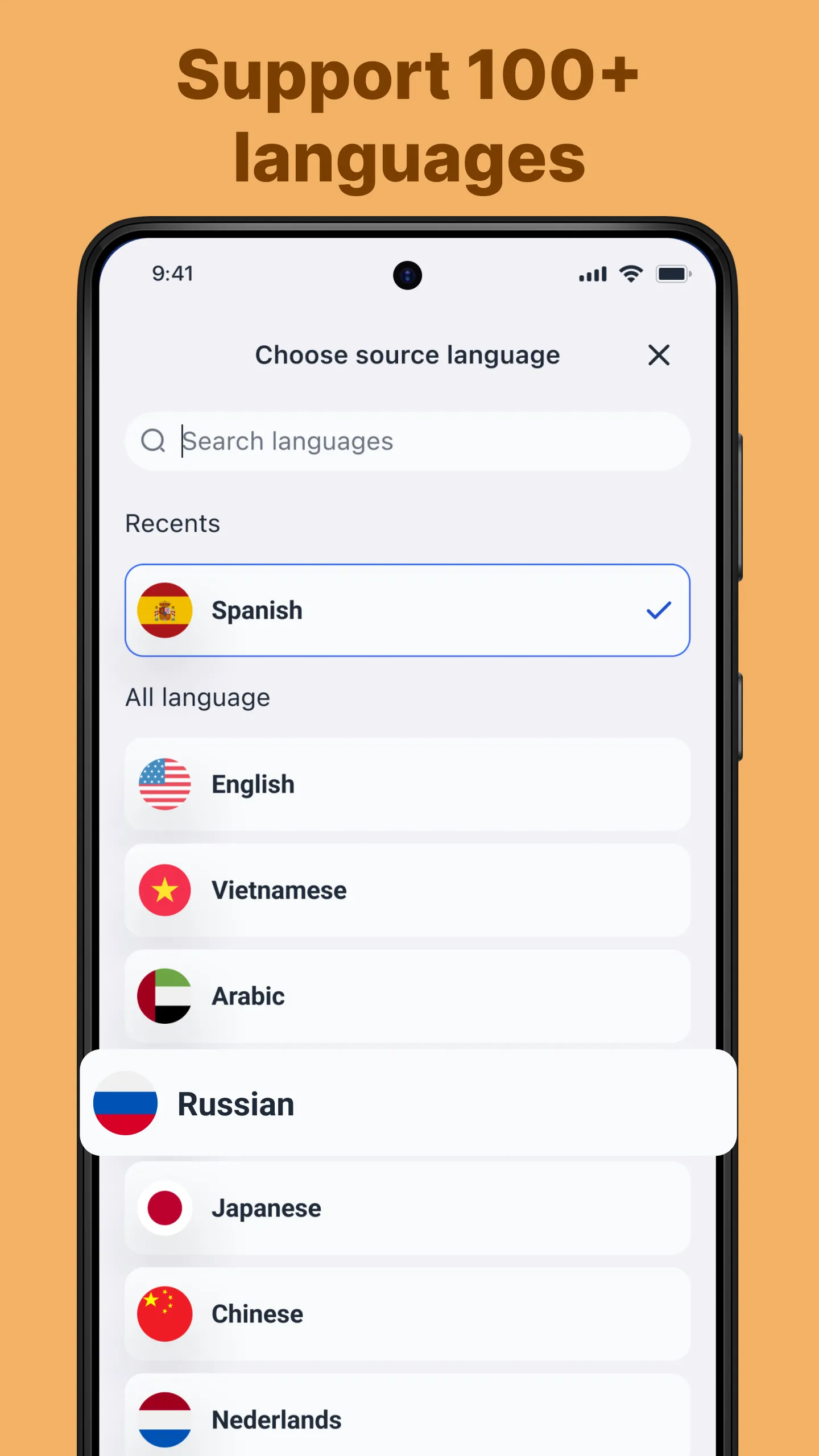
Translate On Screen is a translation app for Android. It helps users translate content displayed on their phone screen and presents it as a floating bubble for easy viewing. The app also features voice and camera translation functions, making it suitable for various translation scenarios. It supports over 100 languages; users simply need to download the corresponding language packs beforehand. Afterward, it can be used without an internet connection.
Features:
Translate on other apps
Translate text right on the phone screen
Translate game screen
Voice translate
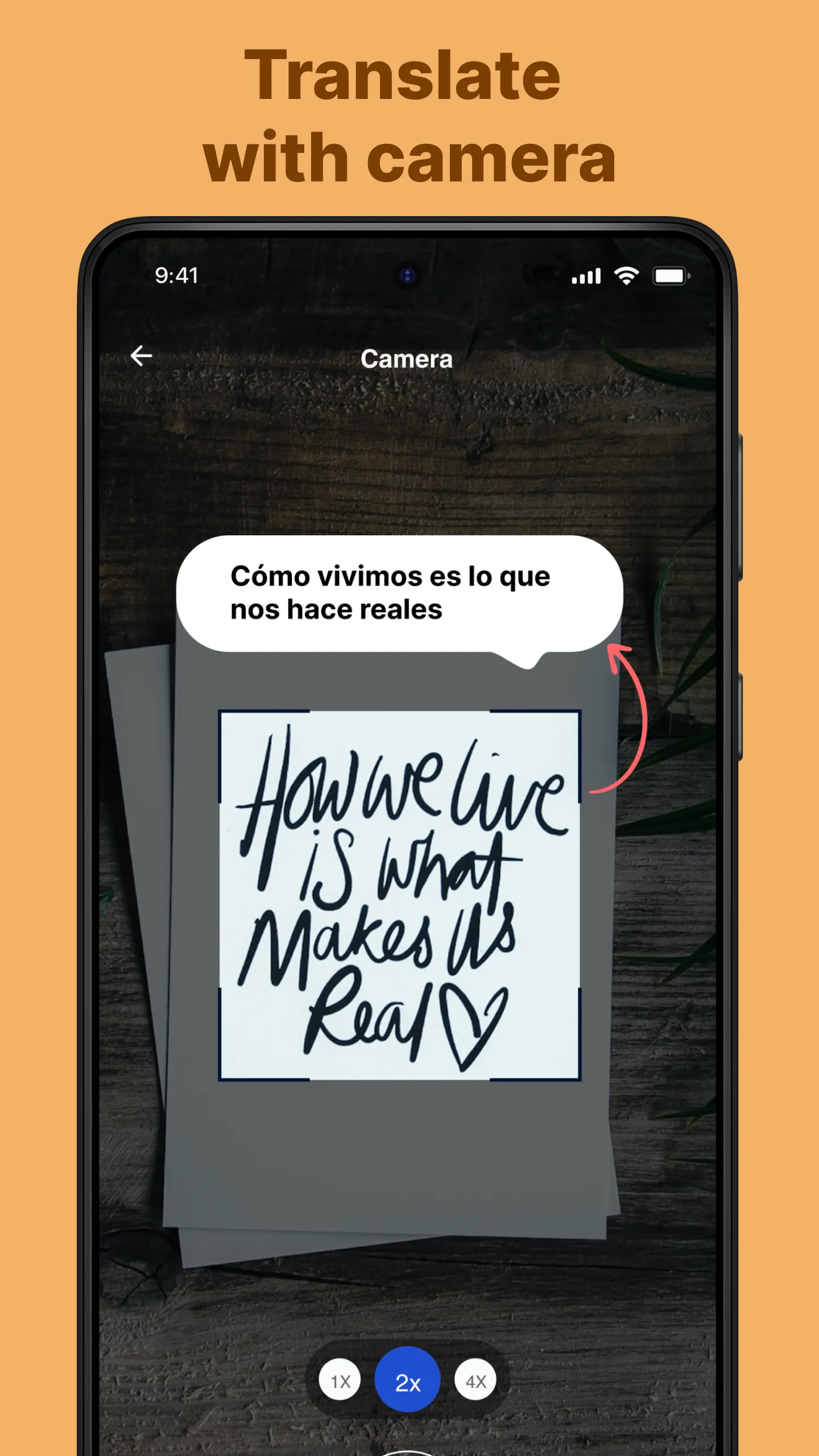
Camera translate
Detect and translate copied text
Allow copying of the translated text
Bubble Translation floating on the screen
Screen translate
Scan and translate text on the screen
Recognize text right on the screen
OCR text scanner on the screen
Highlights:
Real-time audio translation: Users open the microphone and speak into the sounds, and the application supports live translation in real time.
Bi-directional conversations: The application supports back-and-forth conversations between two people, which is convenient for the travel process.
Travel-friendly: Users can use this feature to facilitate the travel process and talk to foreigners.
No language barriers: The application gradually removes language barriers, which is a useful feature.
Download languages: You can download different languages and then conveniently translate documents and other related issues.
No Internet required: Once the languages have been downloaded, the translation process does not require the Internet.
Use abroad: Users can use the application anytime, anywhere, and in many different countries.
Limited connectivity: In cases of limited connection, the application is an excellent savior that helps your work and information retrieval process without interruption.
Usage:
Open the app, then follow the prompt to enable the Accessibility Service so it can read text on your screen.
Allow the app to appear over other apps so the floating bubble can stay visible while you use your phone.
Set your target language and turn on automatic detection, or choose a specific source language if you prefer.
Go to any app, then tap the bubble to translate visible text in place. Move the bubble if it blocks content.
When translating images or screenshots, use the OCR option from the bubble. For signs or printed pages, open camera mode. Use voice input when you want to speak a phrase.
Conclusion:
Supporting over 100 languages, including Vietnamese, Korean, Chinese, and Arabic, Translate On Screen provides a user-friendly interface that enhances accessibility. Additionally, it offers advanced functionalities such as voice translation and the ability to capture and translate text using the device's camera. This makes it a comprehensive tool for anyone needing instant translations while on the go.
-
Latest Updates
-
Featured Apps