
TiviMate
Entertainment
2026-09-02
16.97MB
14.0.880
Android 5.1+
403
Screenshots
Introduction
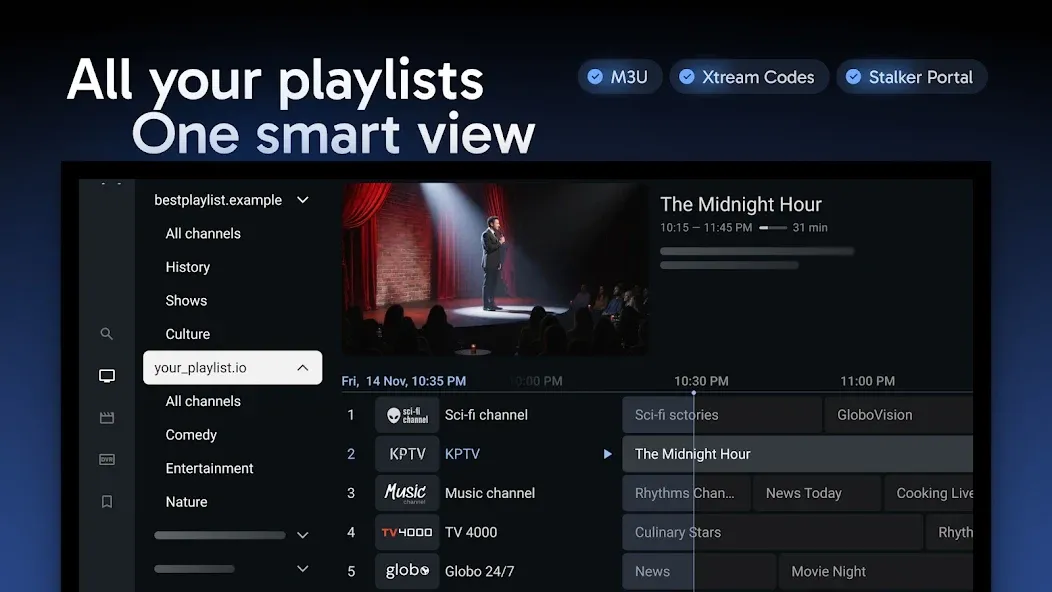
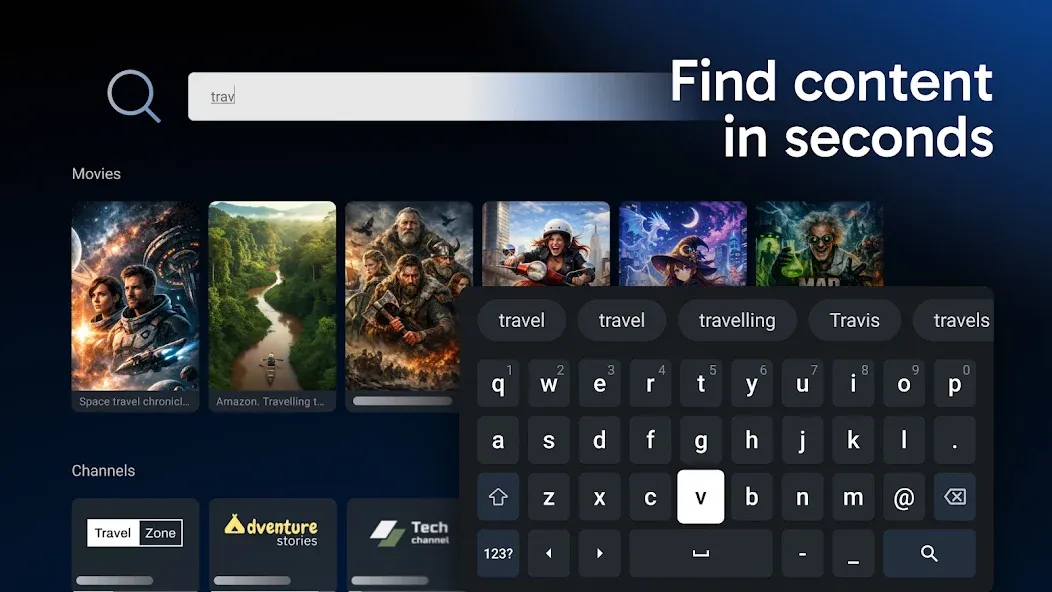
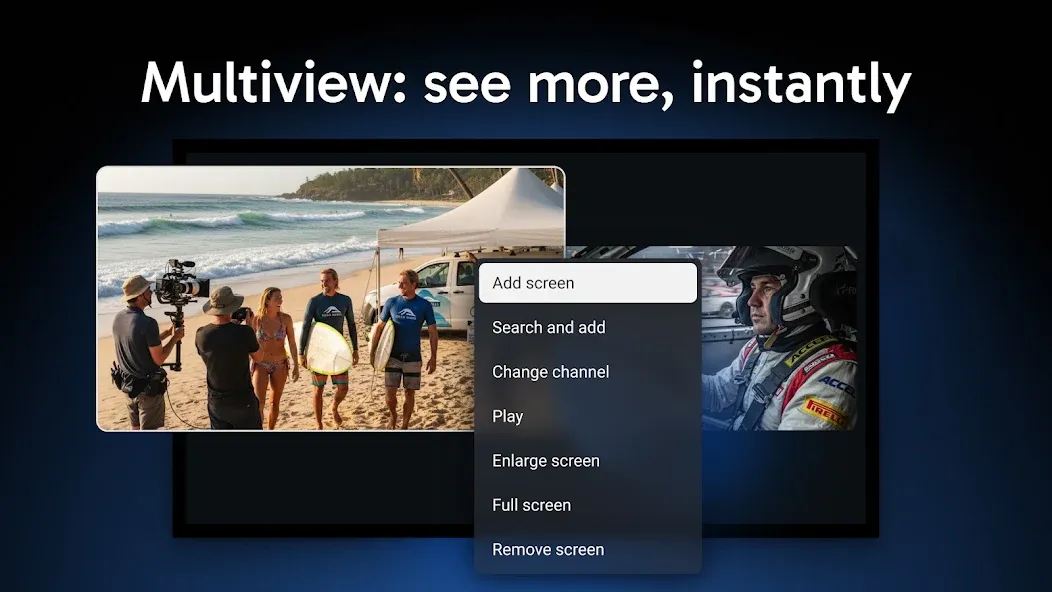
TiviMate is a powerful multimedia content player. This application boasts a highly intuitive and user-friendly interface with a clean layout. It allows users to manage up to five playlists simultaneously, providing flexible viewing options. Creating a true TV experience is at the heart of this application. Regardless of the service provider, the user's programming schedule remains accurate. The application also features recording and playback capabilities, ensuring busy viewers don't miss any exciting moments. Furthermore, users can customize the layout and control content, ensuring an uninterrupted viewing experience for children.
Features
Intuitive TV-Friendly Interface
From the moment you open it, TiviMate looks like it belongs on your television. The layout is clean, remote-optimized, and easy to read from across the room. Navigation between channels or categories feels instant. Smooth 60 FPS animations and a dark, modern theme keep your focus on the content—not the controls.
Multi-Playlist Management for Flexible Viewing
Where other players limit you to one provider, TiviMate Premium lets you handle up to five playlists at once. You can combine sports, kids’ shows, movies, and international channels in a single guide. Rename, hide, or reorder them however you like. This freedom turns TiviMate into your personal broadcast hub—one remote, endless content.
Advanced EPG – Your Digital TV Guide
The Electronic Program Guide (EPG) is the heart of TiviMate’s “real TV feel.” It presents a familiar grid view that lists past, current, and upcoming shows for up to seven days. Each program includes detailed descriptions, and the guide updates automatically at user-defined intervals. With XMLTV and remote-source support, your schedules stay accurate no matter the provider.
Recording and Catch-Up Capabilities
TiviMate Premium brings DVR power straight to your Android TV. Record live broadcasts to local storage, schedule recordings ahead of time, or pause and rewind live shows on the spot. When your IPTV provider offers catch-up, you can replay content from the last seven days — perfect for busy viewers who never want to miss a highlight.
Customizable Layout and Parental Controls
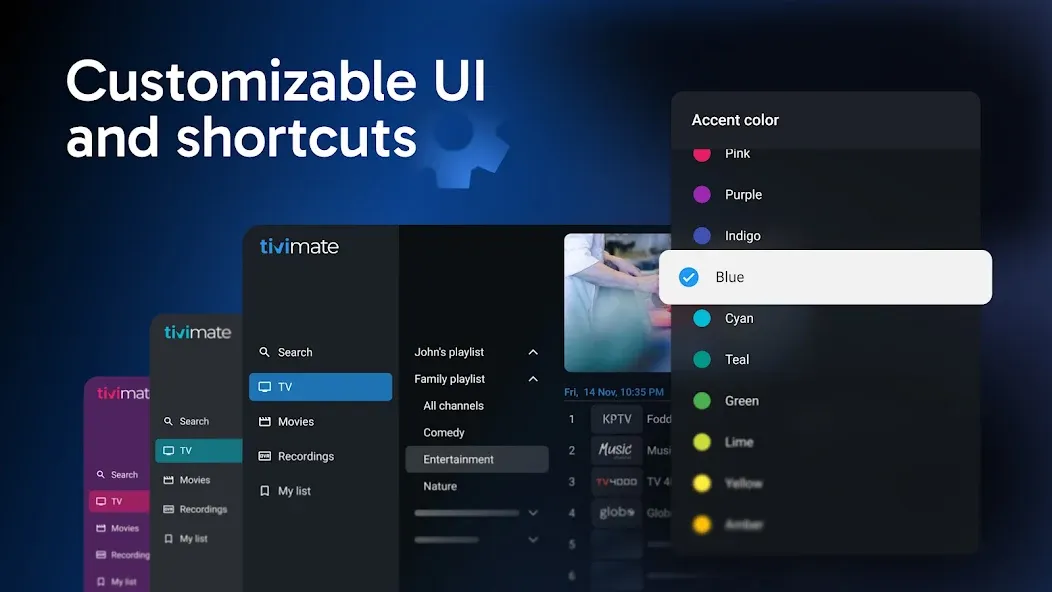
Everyone watches differently. That’s why TiviMate lets you redesign your interface to match your taste — change themes, fonts, or channel order in seconds. Parents can secure specific categories with a PIN, ensuring younger viewers stay within family-safe content while adults enjoy full freedom.
Cloud Sync and Multi-Device Continuity
Subscribers who use TiviMate Premium can sync settings, favorites, and playlists across up to five devices through secure cloud backup. Whether you upgrade your TV box or share access in another room, everything stays perfectly aligned—no re-setup needed.
External Player Support for Flexibility
Prefer another video engine? TiviMate supports external players such as VLC and MX Player, giving you the best performance for your hardware and network. Advanced users can fine-tune playback or codecs while keeping the same polished TiviMate interface.
Tips
Update EPG Regularly
Set automatic refresh every 2–4 hours. Fresh schedule data keeps the guide accurate and prevents blank program boxes.
Use the Favorites Tab
Mark your most-watched channels and group them under Favorites. It reduces scrolling and gives instant access when you sit down to watch.
Adjust Buffer Size
A larger buffer helps on slower networks, while a smaller one improves responsiveness on fast connections. Experiment until streams feel natural.
Disable Unused Groups
If a playlist includes test or regional channels you never watch, hide them. Your channel list loads faster and navigation feels lighter.
Keep Storage Clean
Delete older recordings periodically. Free space ensures new DVR captures run smoothly without performance drops.
Pros and Cons
Pros
User-friendly interface for effortless navigation.
Flexible methods for entering content links.
Rich programmability features enhance viewer experience.
Annual and lifetime payment options available for premium features.
Ability to customize channel organization and access recent channels easily.
Cons
Does not include content links; users must provide their own.
Advanced features are locked behind a premium paywall.
Limited support for content outside IPTV services.
FAQs
What is TiviMate APK used for?
TiviMate APK is an advanced IPTV player designed for Android TV devices. It lets you stream live TV channels, manage multiple playlists, view program guides (EPG), and record shows—all within a clean, remote-friendly interface that feels like a traditional TV experience.
Is TiviMate APK safe to install on Android TV?
Yes. The official TiviMate APK from Armobsoft FZE is verified safe and malware-free. It runs on Android 5.0 or higher and works smoothly across smart TVs, TV boxes, and Fire Stick devices. Always download from trusted sources to ensure security.
What are the benefits of TiviMate Premium?
TiviMate Premium unlocks advanced features like up to five playlists, DVR recording, cloud sync, multi-device access, and an ad-free interface. It’s ideal for users who want complete control and a seamless IPTV experience across multiple devices.
How do I add playlists to TiviMate?
To add a playlist, open TiviMate, select “Add Playlist,” and choose your connection type (M3U Link or Xtream Codes). Enter your service URL or credentials, wait for the data to load, and your channels will appear instantly in the interface.
Why do users call TiviMate the best IPTV player for Android TV?
Users love TiviMate APK for its stability, easy navigation, and authentic “Real TV Feel.” It combines multiple IPTV services, an advanced EPG guide, and full customization options, creating a smooth and familiar television experience on modern Android platforms.
Conclusion
Streaming shouldn’t feel complicated. TiviMate APK brings back the effortless rhythm of real television—channel surfing, on-screen guides, and remote-friendly comfort—while giving you all the benefits of smart technology.It’s more than an IPTV player; it’s your personalized broadcast center where every show, playlist, and recording fits perfectly. Whether you want smooth performance, multiple providers, or total customization, TiviMate delivers with elegance and reliability.So if you miss the simple joy of switching channels on a real TV, it’s time to rediscover it—only now, faster, clearer, and completely under your control.
-
Latest Updates
-
Featured Apps









