
Timestamp Camera Pro
Entertainment
2026-08-07
9.06MB
1.253
Android
466
Screenshots
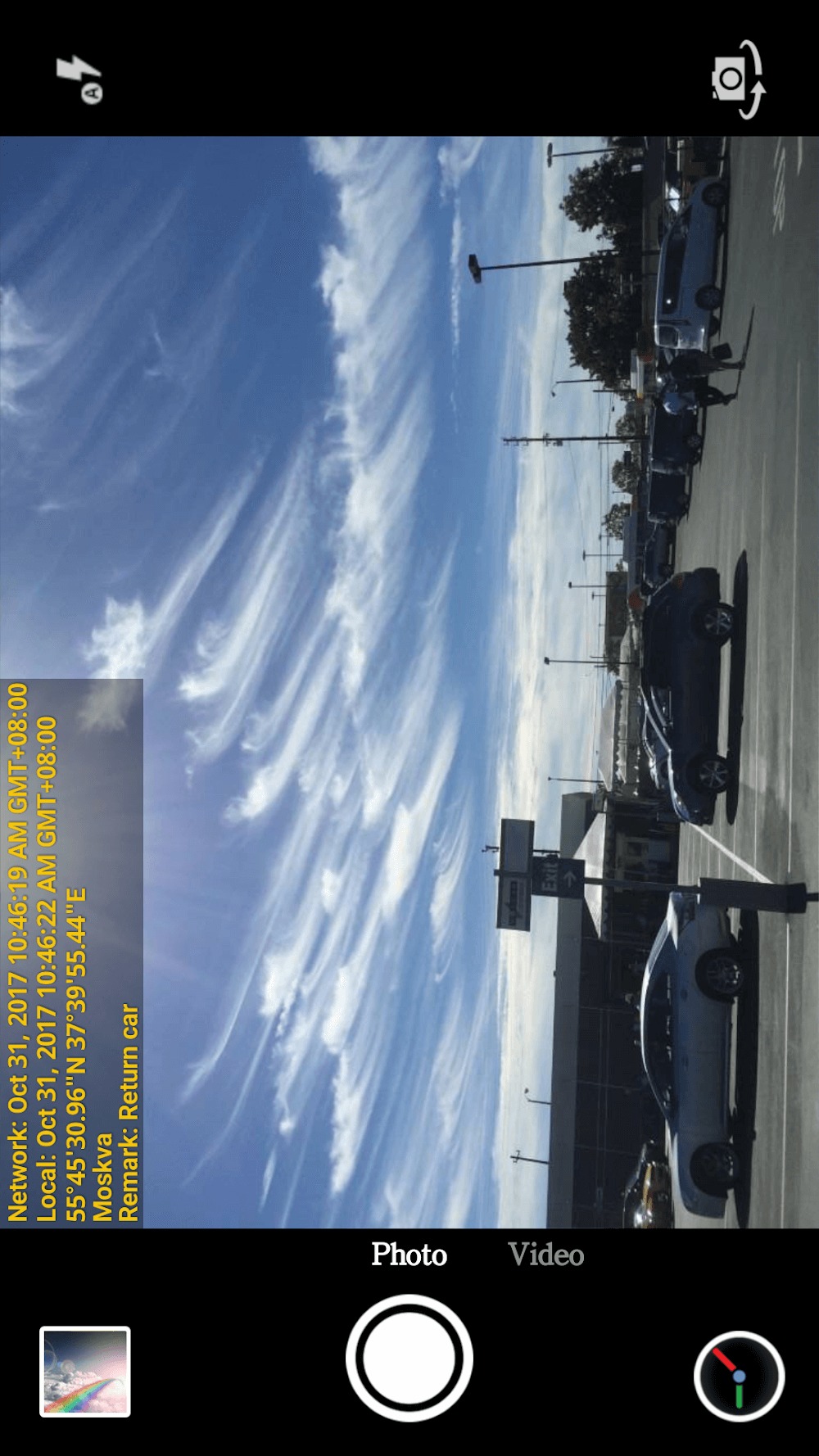
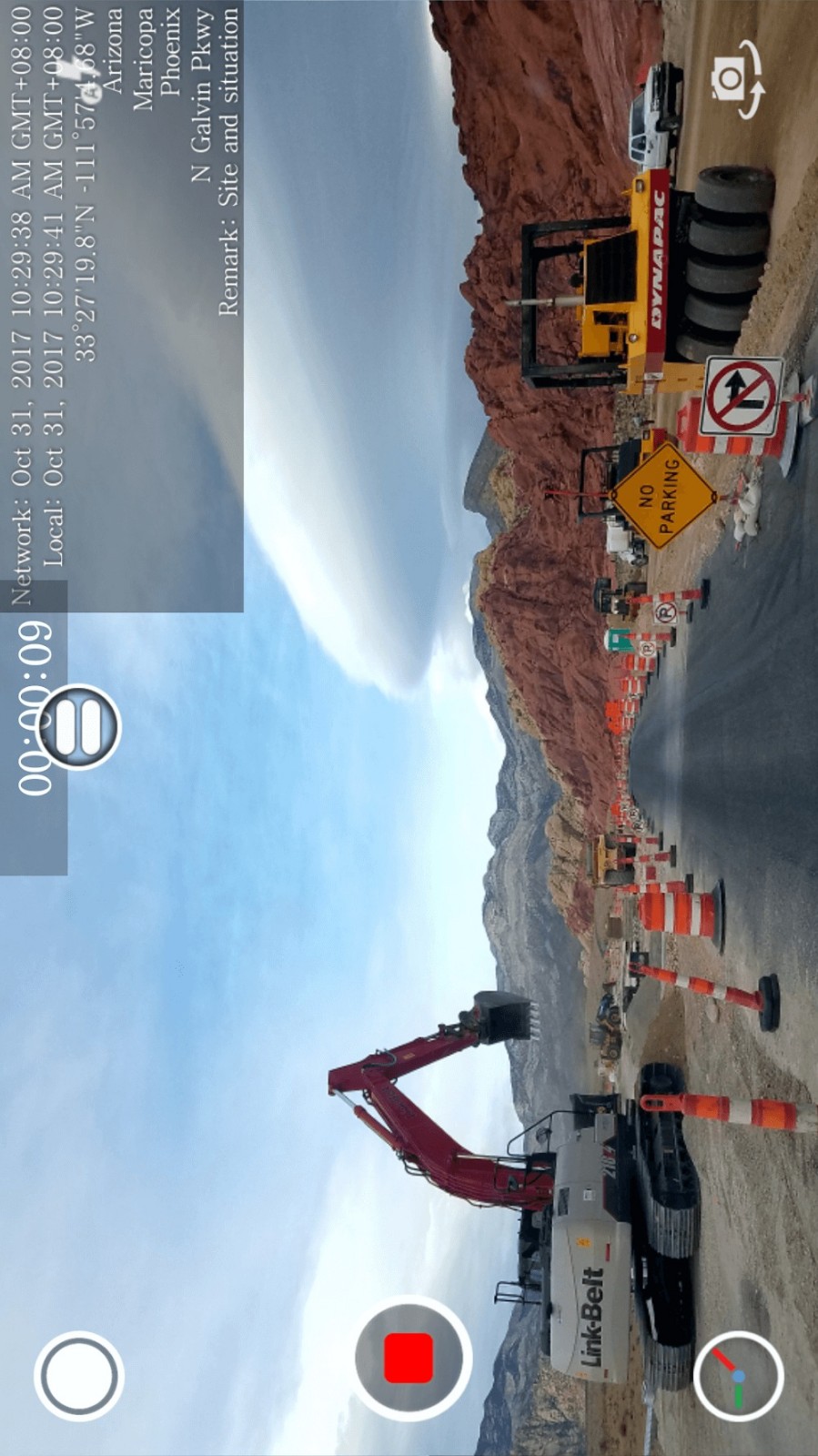
Introduction
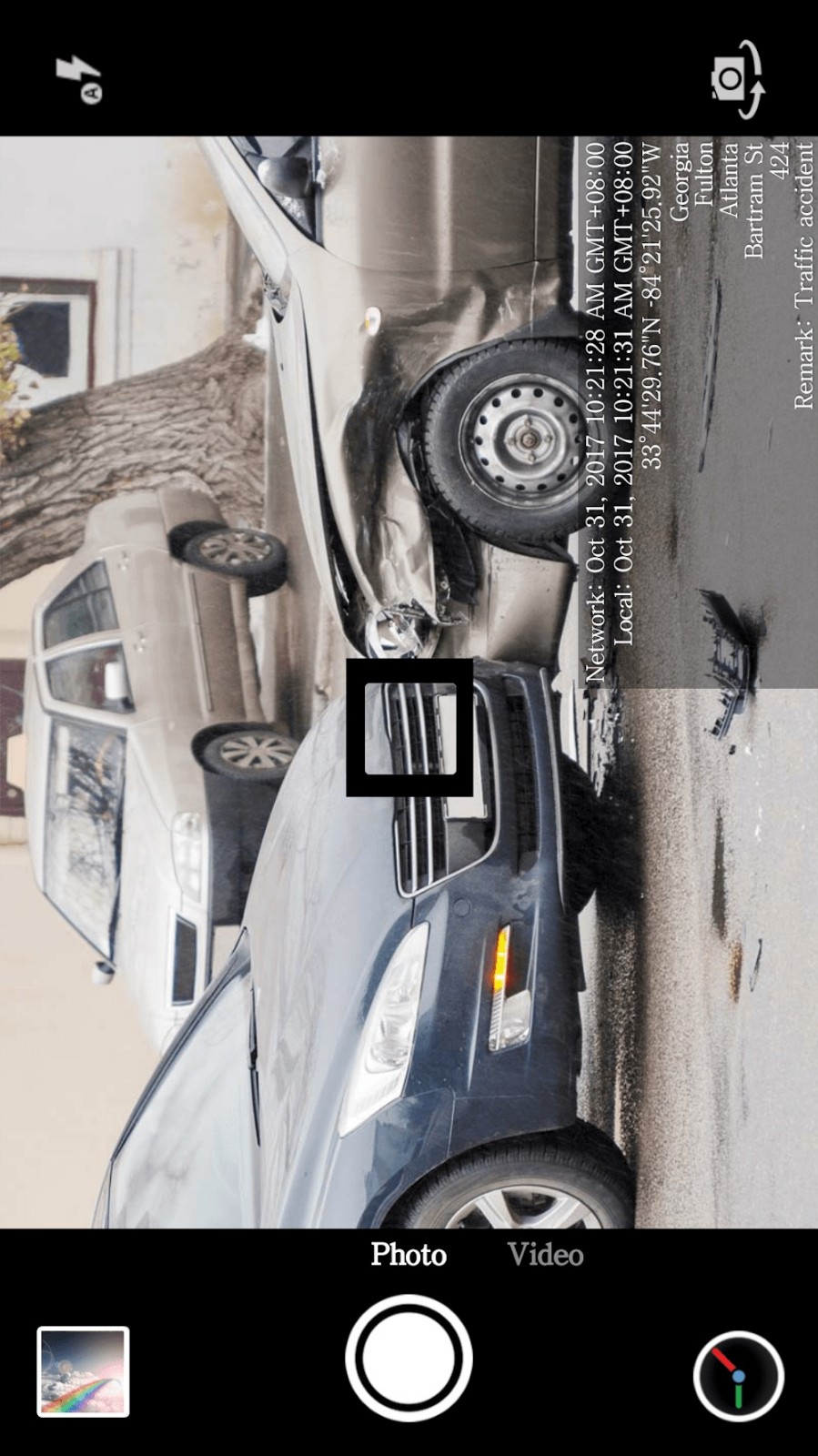
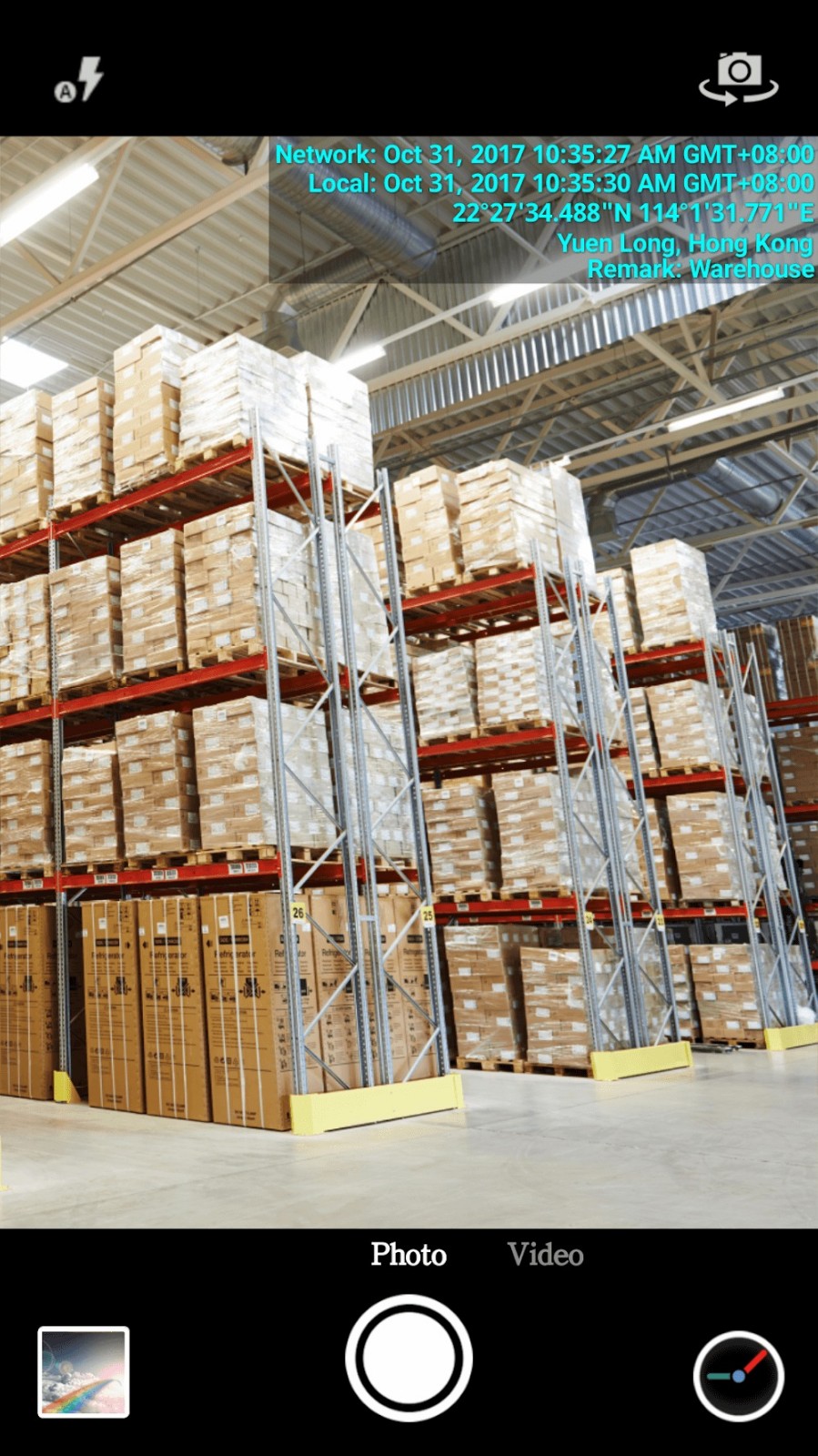
Timestamp Camera Pro is a photography app for Android devices. It visually embeds the timestamp of the moment a user takes a photo into the image, helping them accurately record the date, time, and location of their photos. Furthermore, this app records information without compromising photo quality. The app also offers users numerous customization options, allowing them to adjust the font color and size of the timestamp to their liking.
Features:
Support to change 61 timestamp formats.
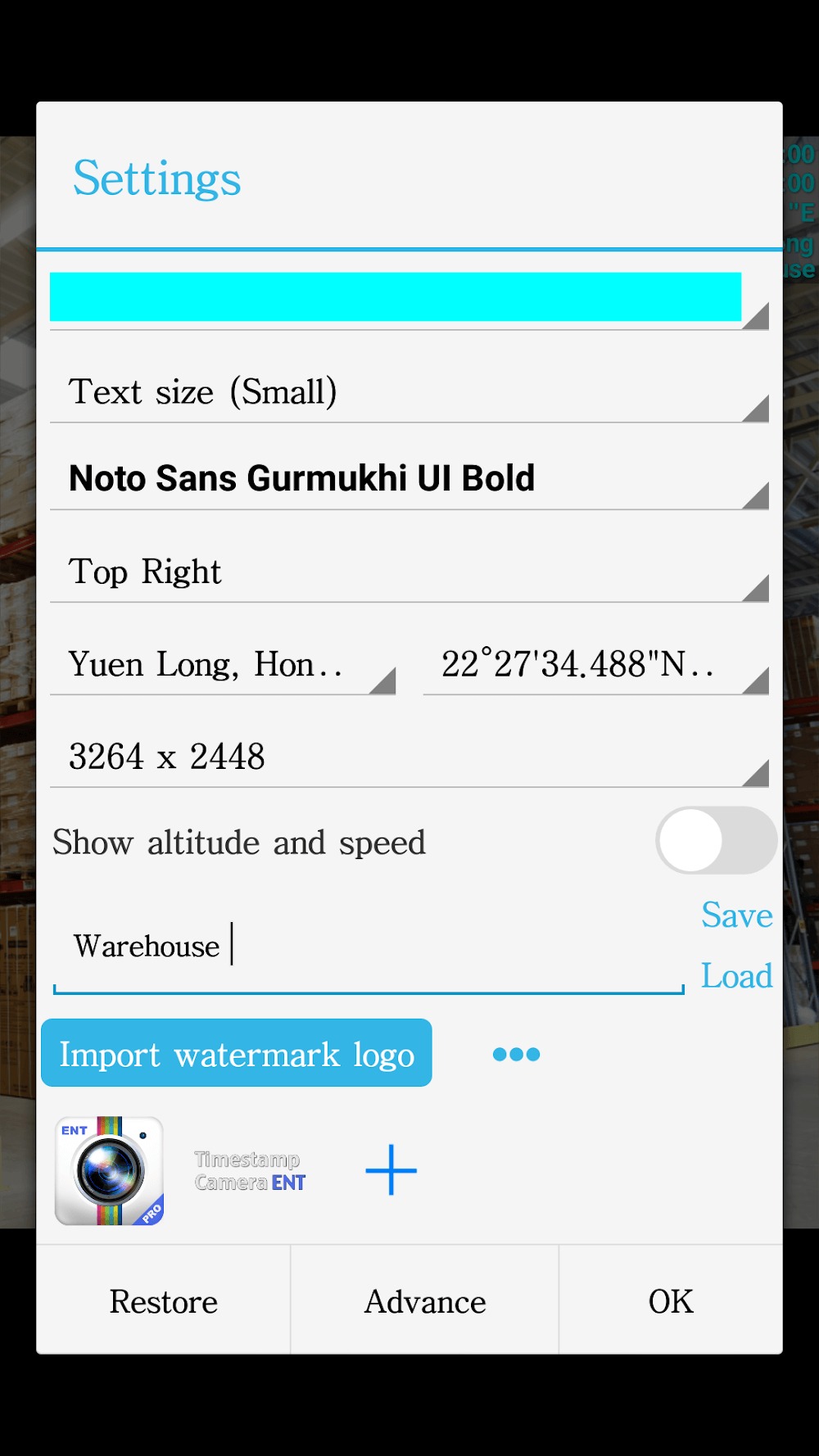
Users can change the font, font size, color.
Change the position of the watermark in many corners of the image.
Automatically add the location on the map, real-time.
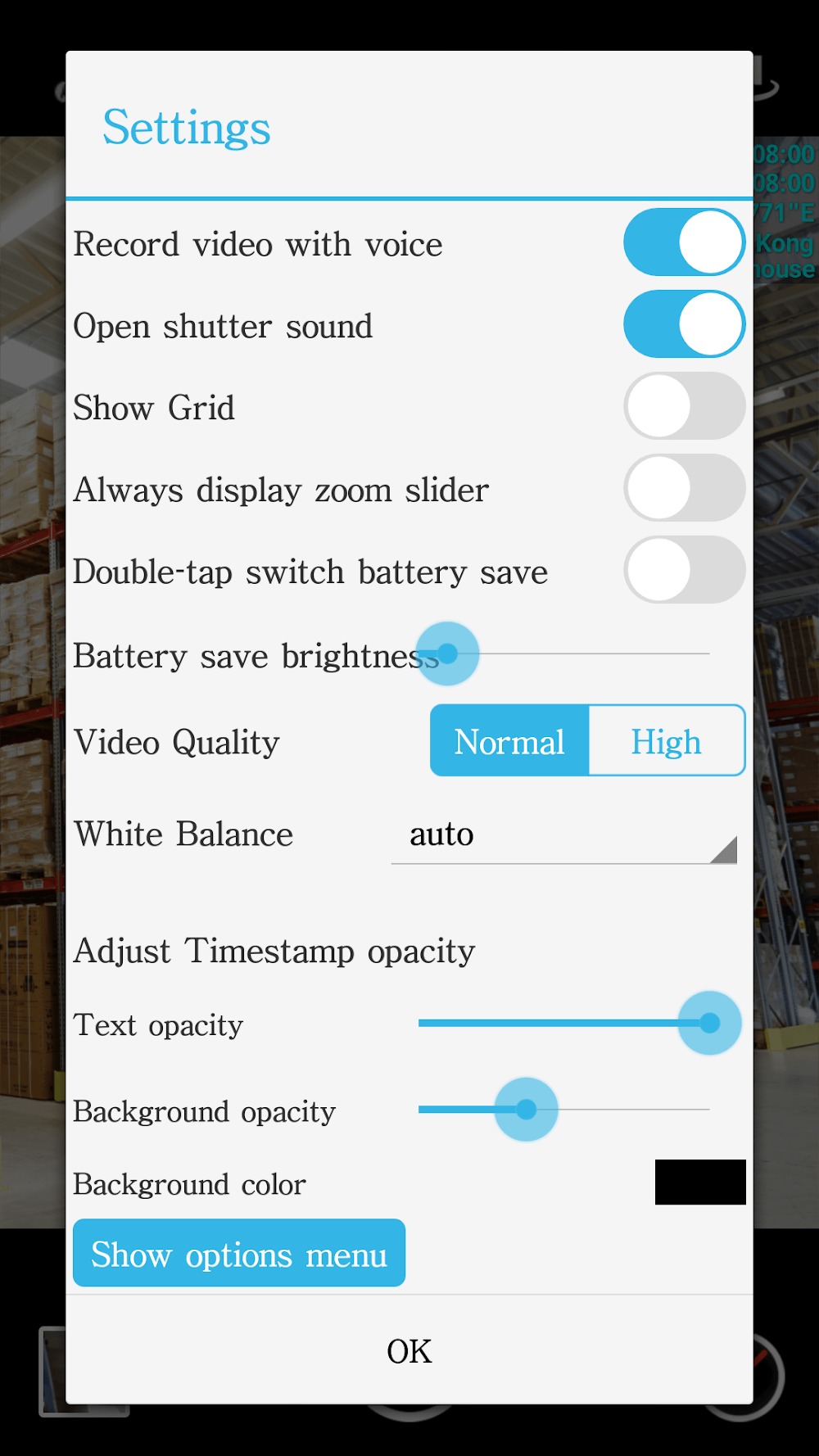
Easily change timestamp opacity and background.
Users can add custom text, emotions on camera.
You can add maps, and customize the visibility of the map.
Supports video recording in high resolution.
Support for time-lapse recording.
Integrated slow-motion mode.
Apply many available filters.
Activate the battery saver mode to use the camera for a longer time.
Highlights:
Instant Info Stamp: You can quickly save your memorable moments and memories anywhere, anytime with this camera without having to do too many complicated operations, but still bring you high-quality photos and extremely sharp images, giving you quality photos that are no less than those taken by professional photographers.
Millisecond Time Accuracy: The application will capture the moments you want with extremely high accuracy. Photos with extremely clear layouts and sharp images will be brought to you immediately, giving you extremely interesting and attractive experiences when using.
Style and Color: You will also own and enjoy the styles and colors available in your camera. You can choose the colors you like to take perfect, quality photos with the most unique and fashionable colors.
Position Flexibility Feature: Coming to this application, you will quickly be able to flexibly switch color filters and photography themes in the easiest way, without taking too much time or difficulty while shooting, giving you extremely high-quality and most convenient photography moments.
Tips and Tricks:
Open Timestamp Camera Pro and allow the camera and location permissions needed for photo, video, and GPS based stamps.
Choose whether you want to take a photo or record a video, then check the camera preview before capturing.
Open the timestamp settings and select the date and time format, font style, color, size, opacity, and background that fit the scene.
Add location details, altitude, speed, map, custom text, emoji, or a logo if those details are needed for the record.
Place the watermark where it does not block the subject, then capture the photo or start recording the video.
FAQs:
What is Timestamp Camera Pro used for?
Timestamp Camera Pro is a photography utility app that records the date, time, and location directly on photos and videos while they are captured, helping users document events accurately.
How does Timestamp Camera Pro add time and location to photos?
The app overlays a timestamp on the camera screen in real time. When the photo or video is taken, the time, date, and optional GPS location are embedded visually on the image.
Does Timestamp Camera Pro affect photo quality?
No. The app uses the phone's built-in camera hardware, so image quality remains the same as the device normally produces. It only adds the timestamp overlay.
What extra features are included in Timestamp Camera Pro?
The Pro version usually provides premium customization options such as adjustable timestamp fonts, colors, size settings, GPS location display, and additional camera controls without restrictions.
Who should use Timestamp Camera Pro?
The app is useful for workers documenting tasks, delivery drivers, travelers recording locations, bloggers keeping visual logs, and anyone who needs clear proof of time and place in photos.
Conclusion:
The app gives you full control over the appearance of the timestamp text. You can tweak the font, color, and size, and choose where the text appears to avoid blocking important parts of the image. The settings menu is packed with options, and you can explore different styles to find the one that works best for you. Create the perfect setup and capture photos and videos with detailed, clear data every time. Download the Timestamp Camera Pro APK for free and add meaningful info to your photos and videos to remember the date, time, and place of your most important moments.
-
Latest Updates
-
Featured Apps









