
ShotCut
Entertainment
2026-08-24
27.43MB
1.1
Android
98
Screenshots
Introduction
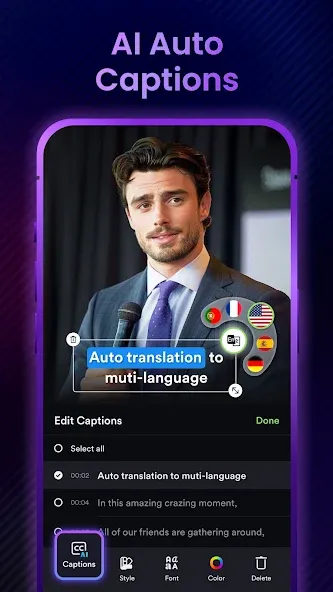
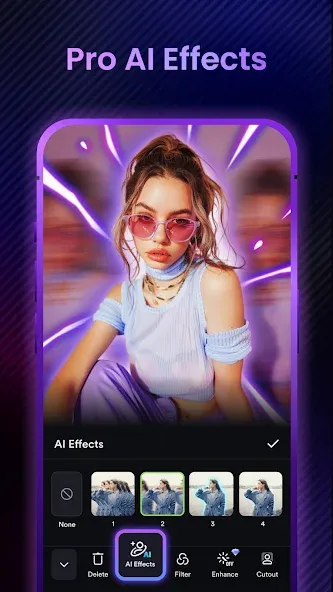
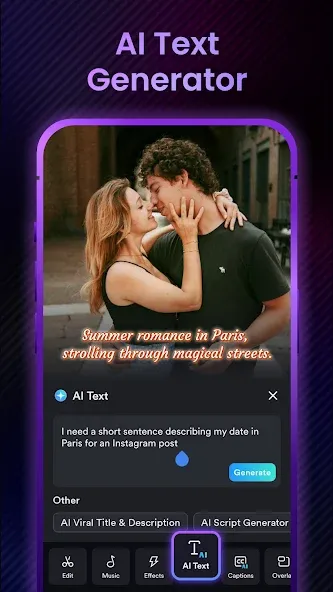
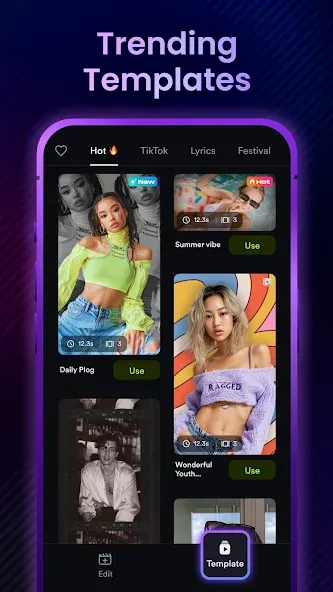
ShotCut is a technologically advanced AI editing software. This feature-rich software boasts a user-friendly interface, making it easy for even inexperienced beginners to use. Users can professionally edit photos, videos, and music according to their needs. They can also utilize AI to generate content with a single click, quickly achieving desired functions. Users can add their favorite music to their videos and create unique effects, such as slow motion, to enhance the viewing experience. This editing software is open-source and free, effectively helping users overcome difficulties in video editing and providing better solutions and methods.
Function:
Free video editor, maker, and creator
A free video maker to generate slideshows, movies, vlogs for TikTok, YouTube, and Instagram platforms.
Movie maker & editor
Make a movie for free with a standard 24 fps frame rate. Edit films or movies like a pro.
Slideshow maker
Free photo video slideshow maker with music and voice over. Picture video maker: convert live photo to video.
Free collage maker
Make video collage for free, layout video and photo collage as you want.
Slow motion video editor
Make slow and fast motion video from normal frame rate footage.
Video speed editor
Adjust video velocity with fast & slow motion fx. Speed up or slow down video without losing video quality.
Reels maker & editor
Instagram reel maker, Instagram editor, free reel maker, instagram video editor.
Highlights:
Linear editing format
Allows the use of both video and photo.
Different aspect ratios according to the medium in which it will be published.
All kinds of video effects: retro, psychedelic, filmic...
Intuitive and simple editing process.
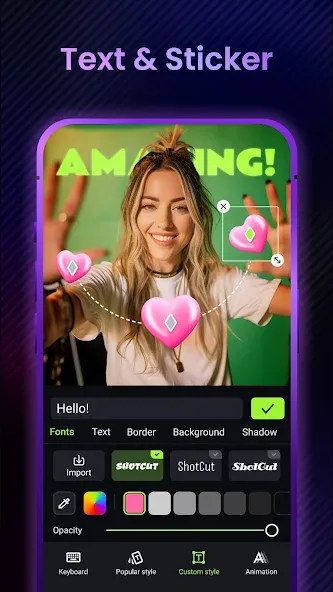
Possibility of adding text.
Own musical repertoire in addition to the possibility of using your own collection.
Direct publication on social networks: TikTok, Instagram, Facebook, YouTube...
User comments:
I believe it's one of the most reliable video editors, or at least one of the most user-friendly. It offers enough features to create excellent videos and is very easy to use.
It's perfect for editing. Similar to Capcut, but better, because while it lacks some features, the tools and audio quality (if you know how to use them) are simpler to use and have fewer bugs than other programs. If the free trial is already quite good, then a weekly or annual subscription is even more worthwhile. If you need to edit school videos, I highly recommend it!
It lets you do a lot of things and has really good effects. Plus, you can use the pro version just by watching an ad, and everything else is great. Honestly, I loved all its features and how it teaches you to edit.
Advantages and disadvantages:
Pros
Free-to-use Android editor with a beginner-friendly design
Solid set of basic tools for trimming, cutting, cropping, reversing, and merging clips
AI video enhancement, HD export, compression, and conversion in one app
Rich selection of modern effects, filters, blur/pixelation, slow-motion and stop-motion options
Audio features for adding music, voiceovers, and sound effects, plus stabilizer and green screen editor
Cons
Customization options are limited for users who want detailed control
Several advanced tools locked behind a paywall
Conclusion:
In conclusion, ShotCut APK stands out among numerous video editing applications, becoming an excellent choice thanks to its outstanding user experience and powerful features. Whether you are a novice video creator or a seasoned editor, this application provides the tools you need to unleash your creative potential. Download ShotCut today and experience a world where technology and creativity blend seamlessly.
-
Latest Updates
-
Featured Apps









