
Retro Music Player
Entertainment
2026-08-11
11.56MB
7.0.3
Android
253
Screenshots
Introduction
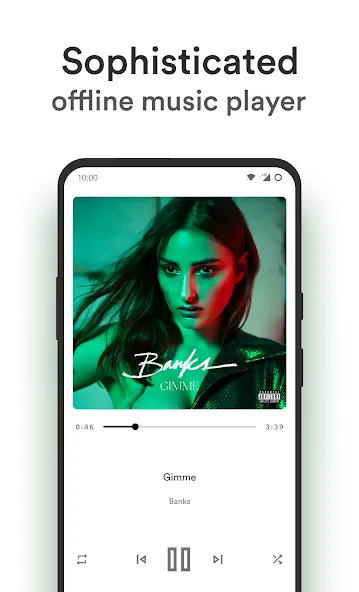
Retro Music Player is a music player that recreates classic music with a retro interface, giving users a nostalgic experience. It also integrates modern features, allowing users to sing along based on lyrics, choose different themes to suit their taste, and easily pair via Bluetooth or cast to their screen. While prioritizing user-friendly operation, it also strives for a refined experience. If you want to listen to a song in your spare time, Retro Music Player not only offers a sophisticated aesthetic but also lets you relive classic music, making it an ideal choice for your listening experience.
Features:
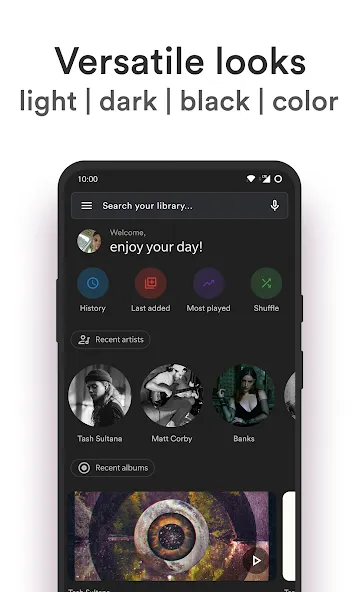
ase 3 themes (Clearly White, Kinda Dark and Just Black)
Material You support on Android 12+
Gapless playback
Crossfade playback
Choose from 10+ now playing themes
Android auto support
Wallpaper accent picker on Android 8.1+
Home screen widgets
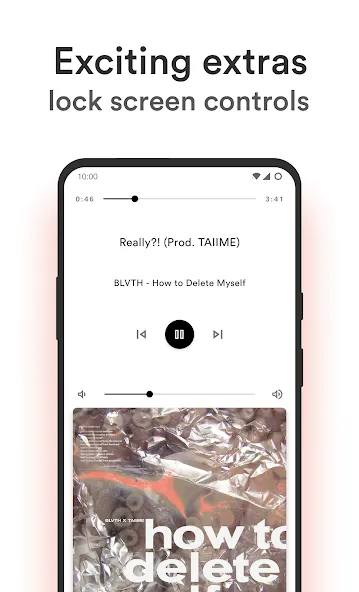
Lock screen playback controls
Sleep timer
Easy drag to sort playlist & play queue
Tag editor
Create, edit and import playlists
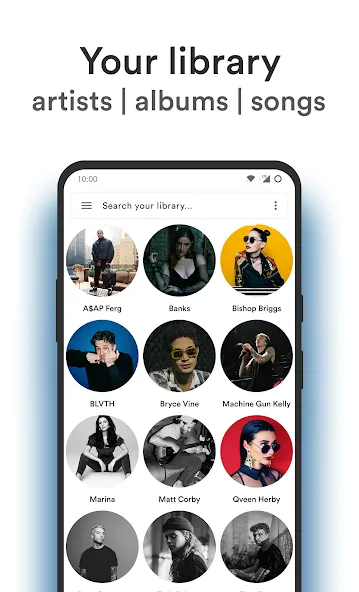
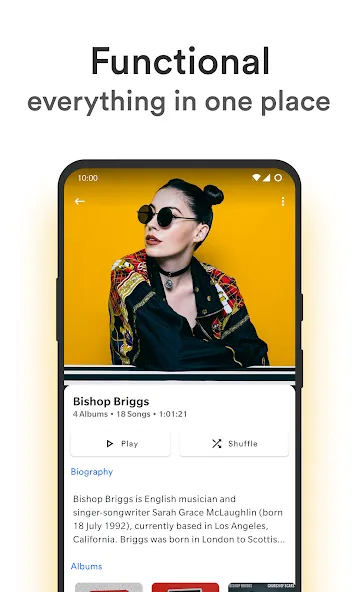
Browse and play your music by songs, albums, artists, playlists and genre
Smart Auto Playlists - Recently played, most played and history
Q&A:
Why aren't last added songs showing?
Settings -> Other -> Last added playlist interval -> Select an option from the list.
How do I enable fullscreen lockscreen controls?
Settings -> Personalize -> Fullscreen controls -> Enable (this will only be visible when songs are playing from Retro Music).
Why are my gallery or random pictures showing up as album art?
Settings -> Images -> Ignore media store covers -> Enable
Highlights:
It supports switching between different themes, always offering three main themes: white, black, and dark. In addition to searching by folder, the convenient search function also includes filtering, allowing users to quickly find the songs they want to listen to.
Users can operate the device in multiple ways, with controls covering all aspects. For example, you can easily adjust the volume and get accessibility features when using Bluetooth headphones.
After listening to music for a long time, you can quickly find your favorite songs. The history filtering options are diverse, depending on the user's habits.
In retro music players and MP3 players, lyrics are always an indispensable part. You can easily find lyrics suitable for your songs and conveniently download them.
Pros & Cons:
Pros
Distinct retro skeuomorphic design that stands out in a market dominated by flat UI
Offline MP3 playback with high-quality ExoPlayer support
Real-time lyrics enhance sing-along experiences
Widget support and Chromecast casting for convenient control across devices
Cons
Not ranked in any top list, which may affect visibility
Niche skeuomorphic design might appeal to a limited audience
Conclusion:
Overall Retro Music Player is an excellent music player, with features and an interface at the same level as the best music players available for Android. Overall, it's simply an outstanding music player.
-
Latest Updates
-
Featured Apps









