
PLAYit
Entertainment
2026-08-24
47.67MB
2.7.50.12
Android
510
Screenshots
Introduction
PLAYit is an Android media player capable of seamlessly playing all video formats, including MP4, AVI, MOV, MKV, and more. This eliminates the hassle of using multiple players or frequently converting file formats. It features a unique function to convert video files into audio files and includes a built-in file manager to simplify file organization. Additionally, it supports background playback and a floating playback window, facilitating multitasking so users can keep up with video content while browsing the web or handling other tasks.
Features
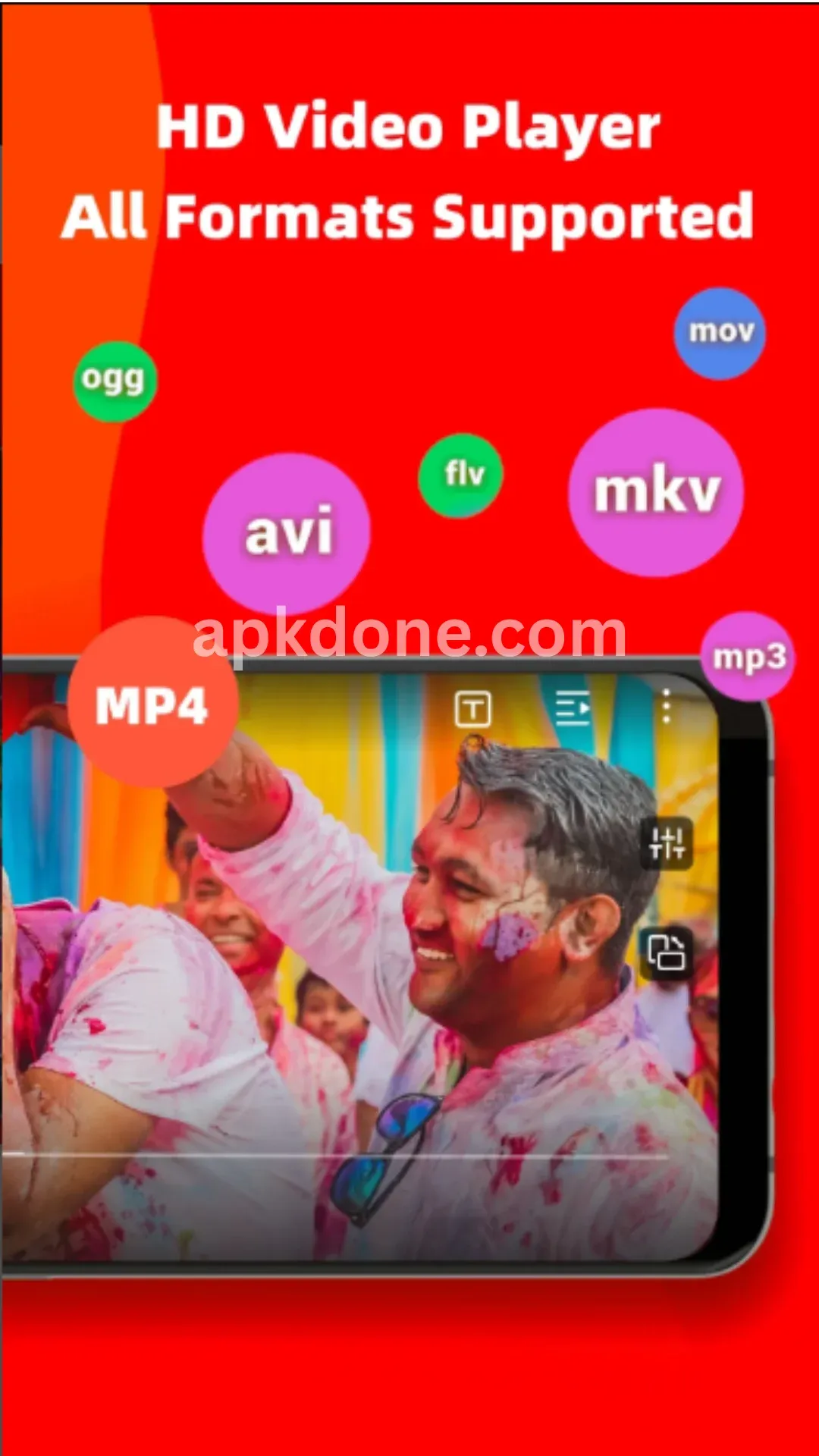
Supports All Video Formats
PLAYit excels at playing all video formats, including MP4, AVI, MOV, MKV, and others. This saves you the trouble of using multiple players or constantly converting formats. Enjoy your videos without worrying about compatibility issues, ensuring a smooth viewing experience.
Easy Music Playback Control
Beyond video playback, PLAYit offers powerful audio playback capabilities. You can easily control music, create playlists, and enjoy high-quality audio output. The intuitive interface makes managing your music library effortless.
Convert Video to Audio
A unique feature of PLAYit is its ability to convert video files into audio files. This is perfect for extracting audio tracks from movies, lectures, or any video content you wish to listen to on the go. Converting to audio also helps save storage space.
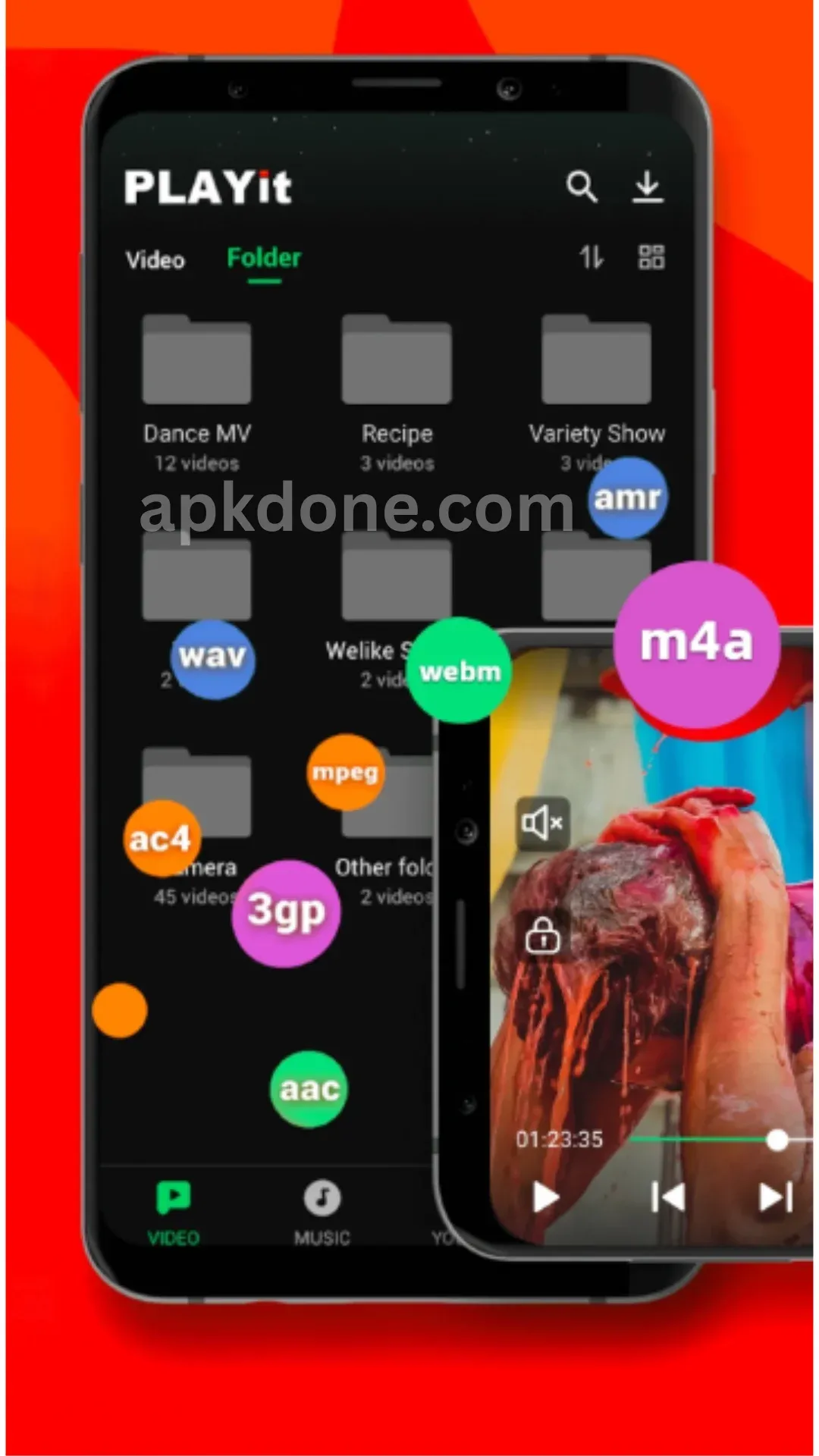
Effortless File Management
PLAYit includes a built-in file manager to simplify file organization. You can easily browse, organize, and delete files directly within the app. This eliminates the need for a separate file manager, streamlining the organization of your media files.
Background Playback for Multitasking
You can continue listening to your favorite music or podcasts even when the app is minimized. PLAYit supports background playback, allowing you to enjoy audio content while handling other tasks—boosting both productivity and your entertainment experience.
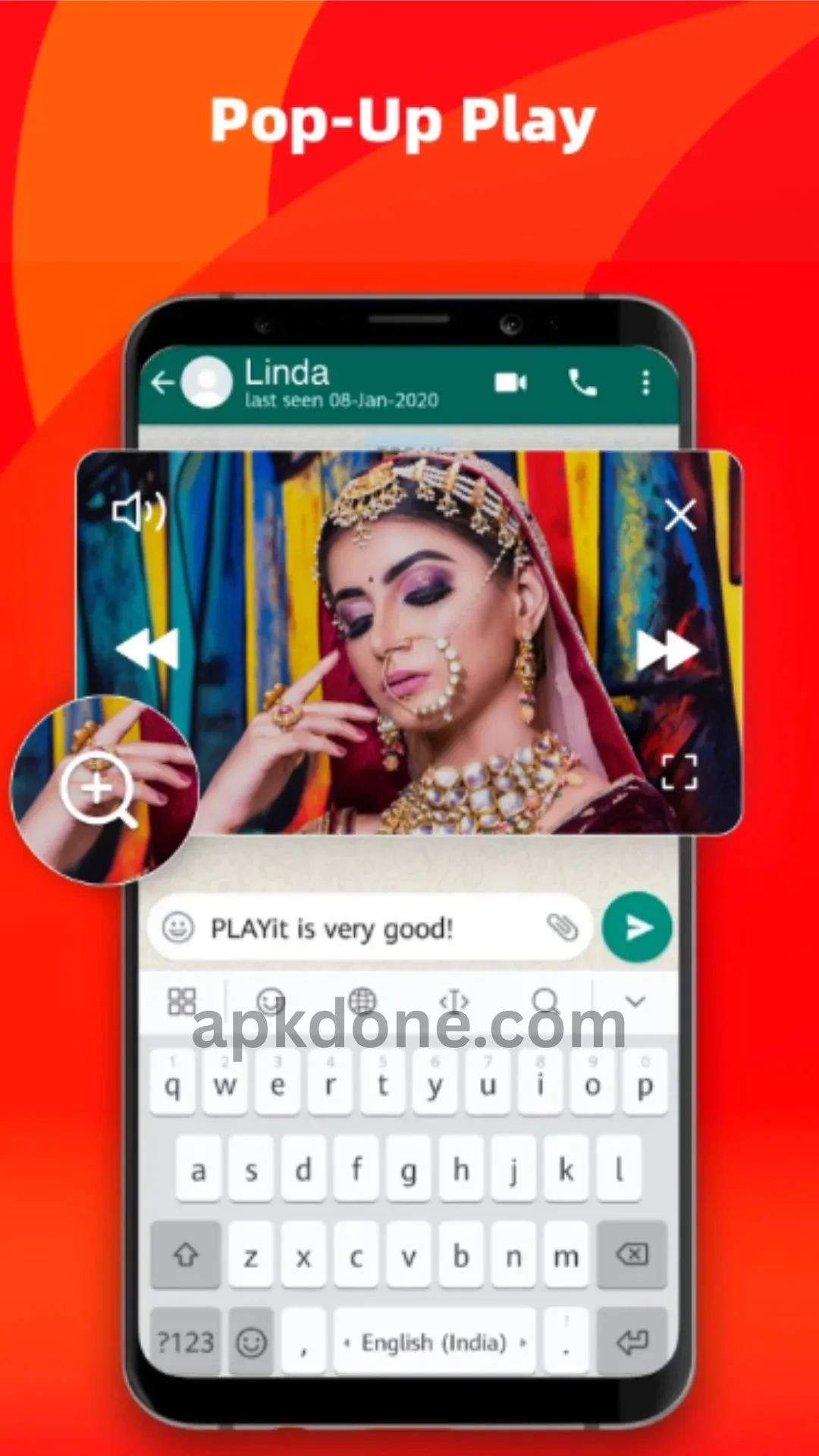
Convenient Floating Playback Window
The floating playback window allows you to watch videos while using other apps. This is ideal for multitasking, enabling you to keep an eye on your video content while browsing the web or working on other tasks.
Installation Guide
First, download the APK file using the download link provided above.
Once the download is complete, tap on the APK file and select "Install" to begin the installation process.
The installation takes just a few seconds to complete.
Once installation is complete, tap "Open" to start using this excellent media player app.
User Reviews
PLAYit is truly fantastic... It also features YouTube—which is excellent in its own right—offering access to certain features usually reserved for YouTube Premium members even to non-members. It includes an equalizer, night mode, and is ad-free... In short, it’s a great app.
A fantastic app. It is easy to use and intuitive. However, there is one minor drawback: the maximum volume is only 100, which feels a bit low. Additionally, the equalizer lacks presets for genres like Reggae, Jazz, Classical, and Soca. It would be perfect if the volume could be adjusted up to 200.
The PLAYit app is incredibly practical and plays any video smoothly. I hope it becomes the best way to explore a new lifestyle and enjoy great moments. If you have the time, I’m ready to make the most of the day. Best regards, Michael Kors Wallet. I’ll make every day count—please find the way to make this the best app possible.
FAQs
What makes PLAYit unique compared to other media players?
PLAYit stands out thanks to its comprehensive format support, video-to-audio conversion capabilities, and integrated file management, offering a versatile media solution.
Is PLAYit power-intensive?
PLAYit is optimized for efficient resource usage, minimizing battery drain during playback. Background playback is also carefully designed to reduce the impact on your device.
Can I customize playback settings?
Yes, PLAYit offers customizable playback settings—including brightness, volume, and playback speed—allowing users to tailor their viewing experience.
Conclusion
PLAYit is a reliable, user-friendly video player. Focusing on playback and essential controls while offering broad file format compatibility and a clean, straightforward interface, it is a practical choice for any media device. It delivers a smooth user experience without unnecessary complexities or extra steps.
-
Latest Updates
-
Featured Apps









