Opera GX
Entertainment
2026-10-19
28.38MB
3.3.15
Android 8.0 and up
99
Screenshots
Introduction
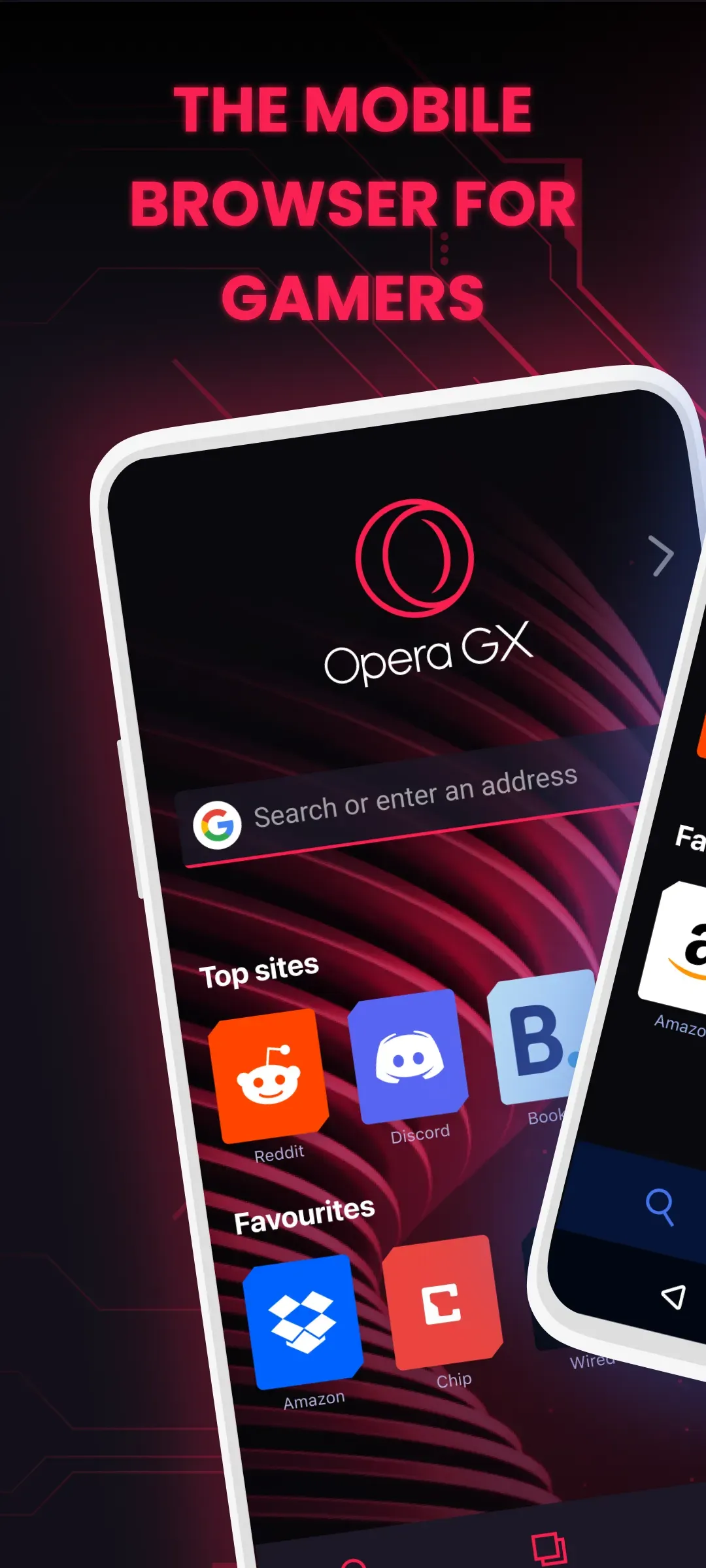
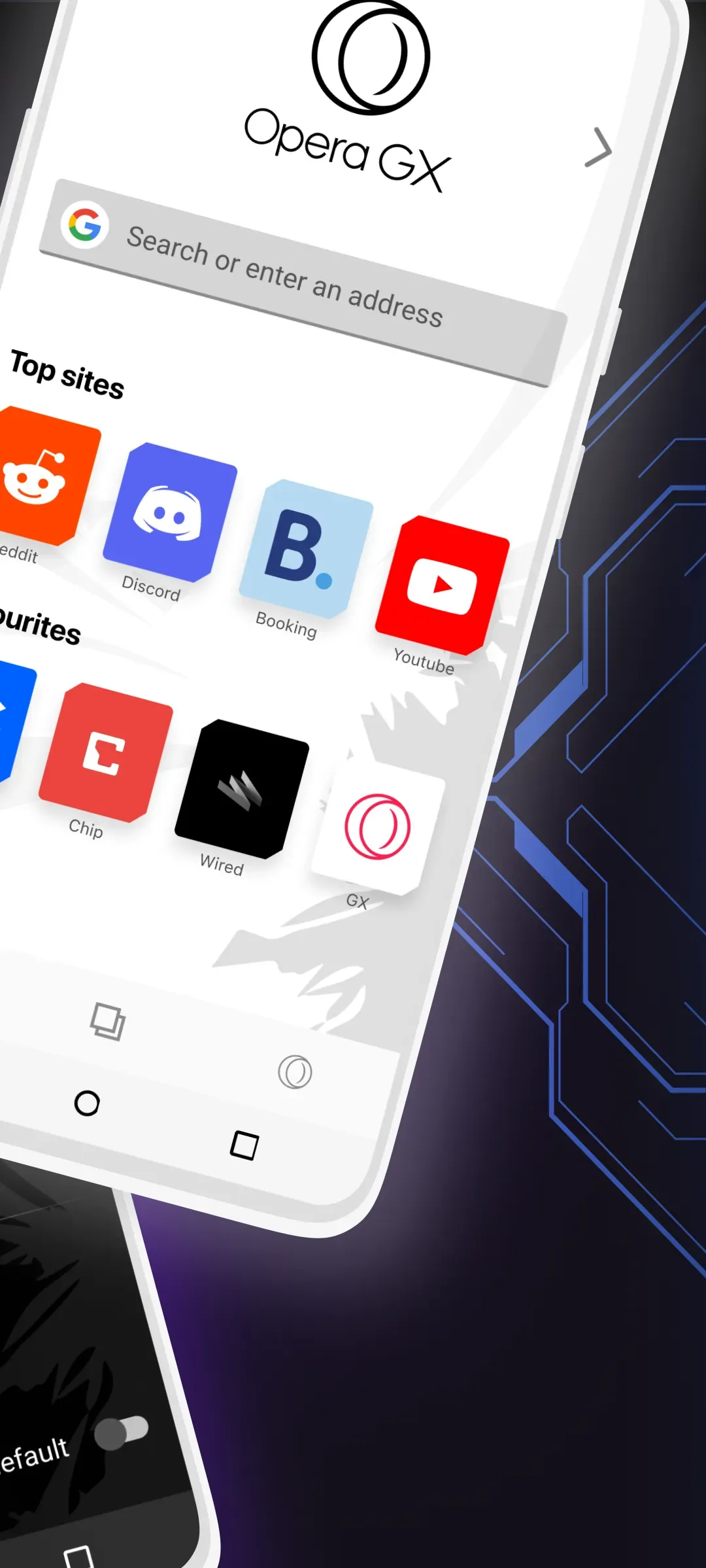
Opera GX is a powerful browser that offers a wealth of customization features. Users can tailor the browser to their personal preferences by adjusting themes, wallpapers, backgrounds, and other settings, allowing them to create a unique, personalized browsing experience. The browser also includes a dedicated section for gamers, providing a wide range of gaming news and special offers. Furthermore, it effectively blocks advertisements, ensuring a smoother and more seamless web-browsing experience. Additionally, Opera GX features built-in communication tools, integrating popular chat applications directly into the sidebar so that users can stay connected with friends and family at all times.
Features:
Improve gaming and web browsing experience
Customize your browser as you wish
Twitch Integration
Built-in Messengers
Video Pop-Up
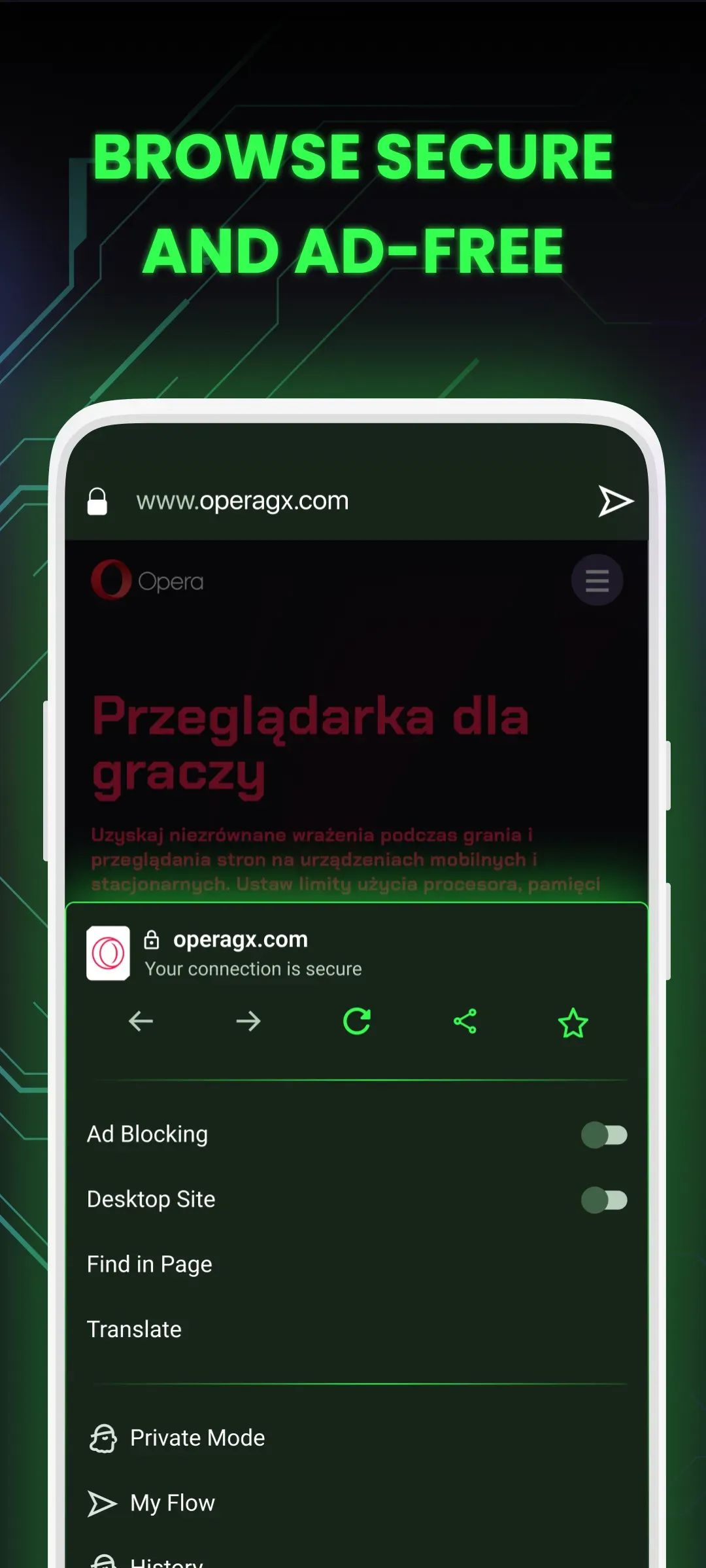
Ad-Blocking
Free VPN in the Browser
Own Extension Store
Highlights:
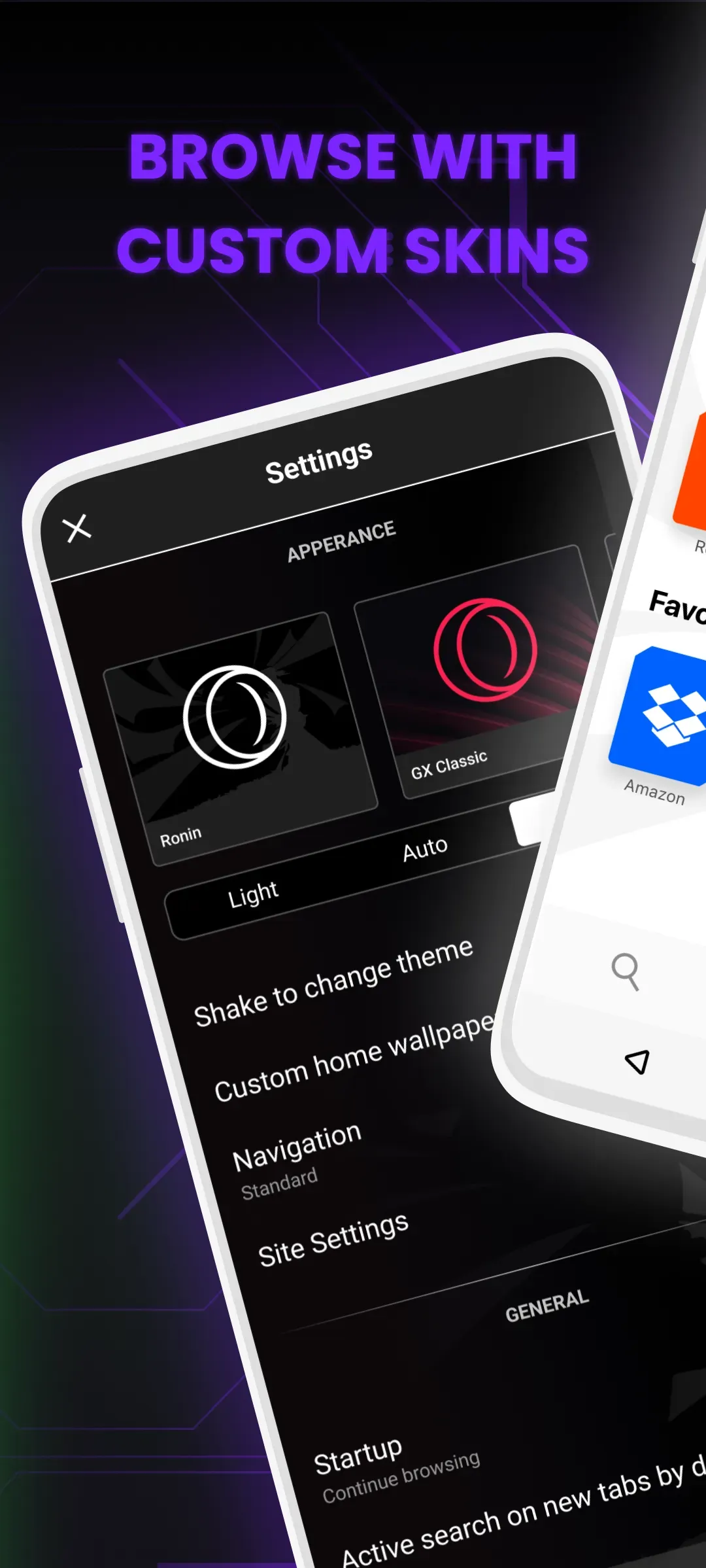
Customizable design: Allows users to customize the browser’s look and feel with a variety of themes, wallpapers, backgrounds and other customizations.
GX Corner: A dedicated space for gaming news & deals on games from various platforms like Steam or Epic Games Store.
Video pop-out feature: Users can watch videos in an independent window while browsing something else at the same time without any interruption.
Crypto wallet integration: Supports cryptocurrency wallets such as Coinbase Wallet allowing users to securely store their crypto assets inside Opera Gx Android app.
Ad blocking technology: Blocks intrusive ads that slow down page loading times so you get faster webpages every time you browse online through this application.
Built-in messenger support: Integrates popular chat services including WhatsApp, Telegram and Facebook Messenger directly into your sidebar panel making it easier than ever before to stay connected with friends/family members while surfing the net.
Tips and Tricks:
Open Opera GX and go to settings, then choose a theme such as GX Classic or White Wolf. If needed, switch between light and dark modes for comfort.
From the start page, tap GX Corner to view news, free games, trailers, and the release calendar. Check deals and add upcoming titles to your plans.
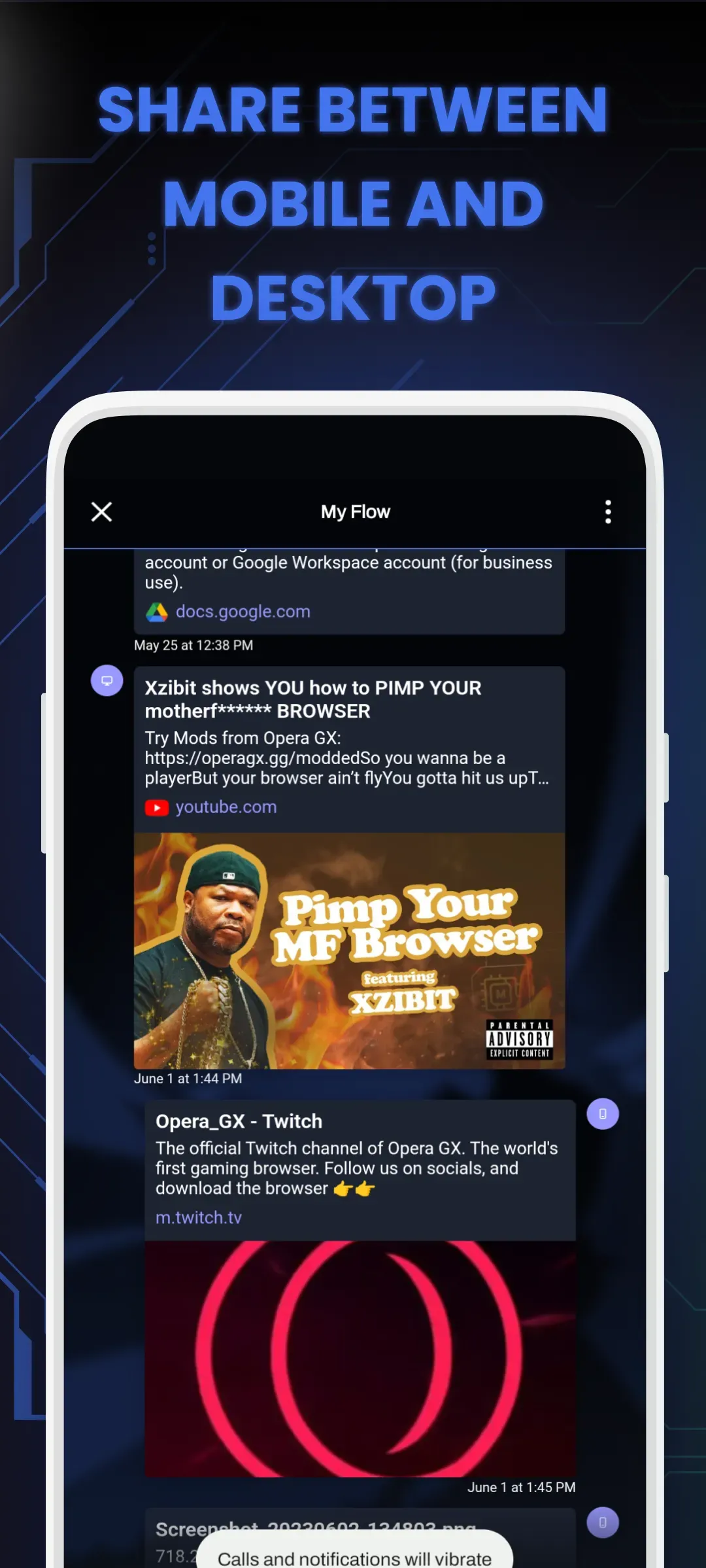
To connect devices, open My Flow from the menu and select Connect. Scan the QR code shown on your other device, then send a link to confirm the connection.
For quicker thumb use, enable the Fast Action Button in settings. Use the central button to reach tabs, search, and key controls without stretching your hand.
For fewer interruptions, enable the ad blocker and cookie dialog blocker in settings. Keep cryptojacking protection on to prevent unwanted crypto mining while browsing.
FAQs:
Q: Is Opera GX free?
A: Yes, Opera GX is free to download and use.
Q: Can I customize the browser's appearance?
A: Opera GX allows you to customize the browser's appearance with various themes and wallpapers.
Q: Does Opera GX have a mobile version?
A: Yes, Opera GX is available for Android devices.
Q: How do I enable GX Control?
A: To enable GX Control, click on the Opera GX menu icon in the top left corner, select 'Settings,' then click 'GX Control' in the sidebar.
Conclusion:
Its highly customizable interface allows users to personalize everything from themes and sounds to browser layouts, ensuring a unique and visually appealing experience. Whether you're a dedicated gamer or simply someone who values a fast and efficient browser, Opera GX stands out as a dynamic and feature-rich option for Android users.