
Nova TV
Entertainment
2026-09-04
13.58MB
2.1.7b
Android 5.1+
151
Screenshots
Introduction
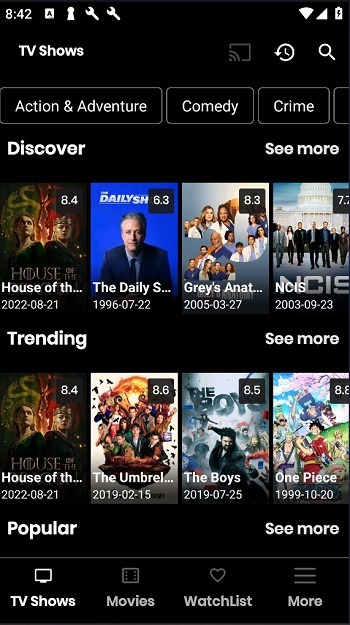
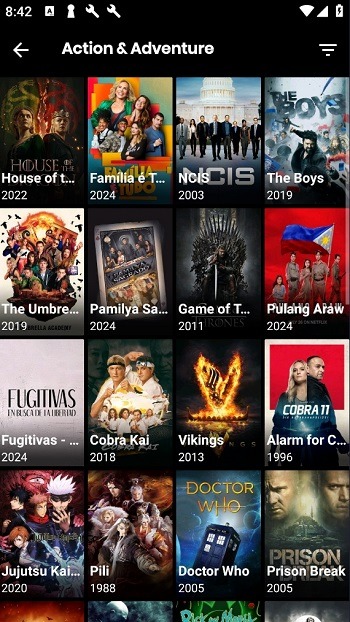
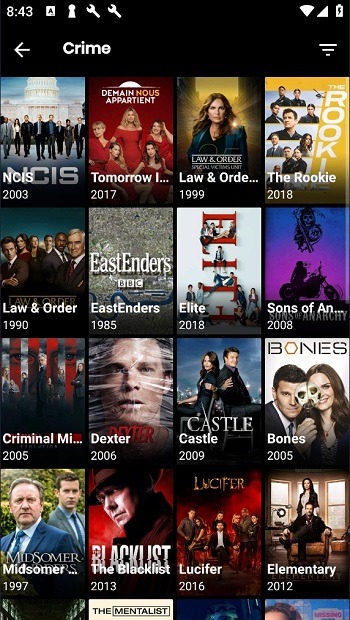
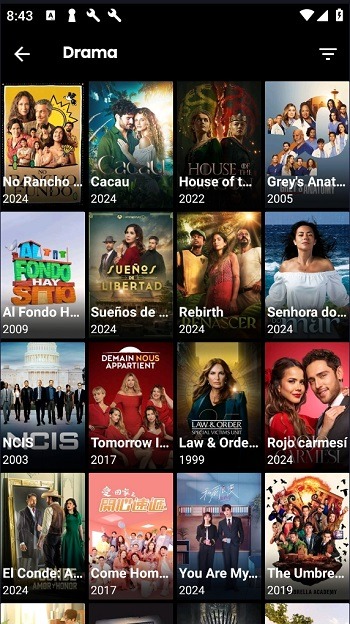
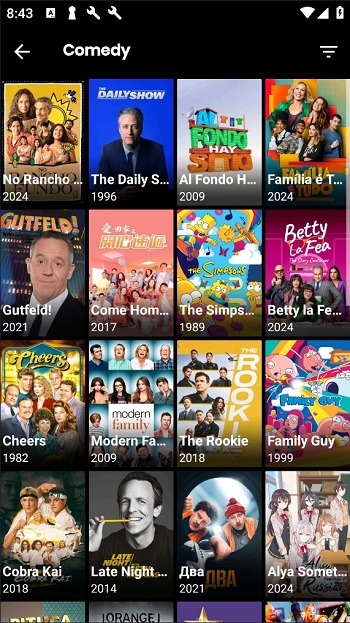
Nova TV is a powerful Android video player that offers users a vast library of high-definition movies and TV series, allowing them to experience 1080p and even 4K high-definition content. The app also provides a rich selection of languages, with subtitles in over 225 languages, enabling users of different languages to browse films from around the world. Furthermore, the app offers numerous customization options, allowing users to adjust screen resolution and subtitle size and color to their liking for a better viewing experience.
Features:
Lots of Movies and TV shows in HD Quality
1080p and even 4k Quality Movie Content
Sync, collect, watch history using Trak.tv
Get super high quality links using Real Debrid
Find content using SeriesGuide Support
Subtitles for more than 225 Language
Highlights:
Optimize Streaming Quality: Depending on your internet connection, adjust the streaming quality to avoid buffering. Nova TV allows you to choose from various resolutions, so select the one that best suits your connection speed for smooth playback.
Use External Players: While Nova TV APK comes with its built-in video player, sometimes using an external player like VLC or MX Player can improve your viewing experience. These players often support more file formats and offer better control over video playback.
Customize Subtitles: Enhance your movie nights by customizing subtitles. Nova TV allows you to adjust the font size, color, and background of subtitles to ensure they are readable against any video content.
Integrate Trakt.tv: If you're a Trakt.tv user, integrating it will keep your watched history synced across all devices. This is especially handy if you like to keep track of your favorite shows and movies.
Explore Hidden Features: Dive into the settings menu to discover additional features like parental controls, sleep timers, and privacy settings. These can help tailor the app to your personal needs and preferences.
Regular Updates: Always ensure that you're running the latest version. Updates often include new features, improved performance, and critical security enhancements.
Join the Community: Participate in the Nova TV community through forums or Telegram groups. These platforms are excellent for getting help, sharing feedback, learning about new updates, and connecting with other users.
Pros and Cons:
Pros
High-Quality Streams
Extensive Library
User-Friendly Interface
Cons
Dependency on Internet Speed
Limited Offline Capability
FAQs:
Is NovaTV APK safe?
NovaTV APK is 100% safe to install in your Android device
Does NovaTV requires Subscription?
No, NovaTV is 100% free and doesn’t requires any subscription
What is Real Debrid?
Real Debrid is paid service that provides premium links to watch Movies and TV shows.
Why can’t I download any movie or TV shows?
You need Advanced Download manager or One Downlaoder app to download movies using NovaTV.
Can I cast movie or TV shows using NovaTV?
Yes, NovaTV supports chrome cast feature.
What is the discord server of Nova TV?
Currently, there is no Discord for Nova TV.
Conclusion:
Joining the Nova community on platforms like Telegram can enhance your experience. This community is a great resource for receiving support, sharing feedback, discovering new content, and staying updated on the latest releases and features. All these aspects make this app not just accessible but also a secure and enjoyable way to watch free movies and shows on a variety of devices.
-
Latest Updates
-
Featured Apps









