
Node Video
Entertainment
2026-08-19
145.76MB
8.9.1
Android
154
Screenshots
Introduction
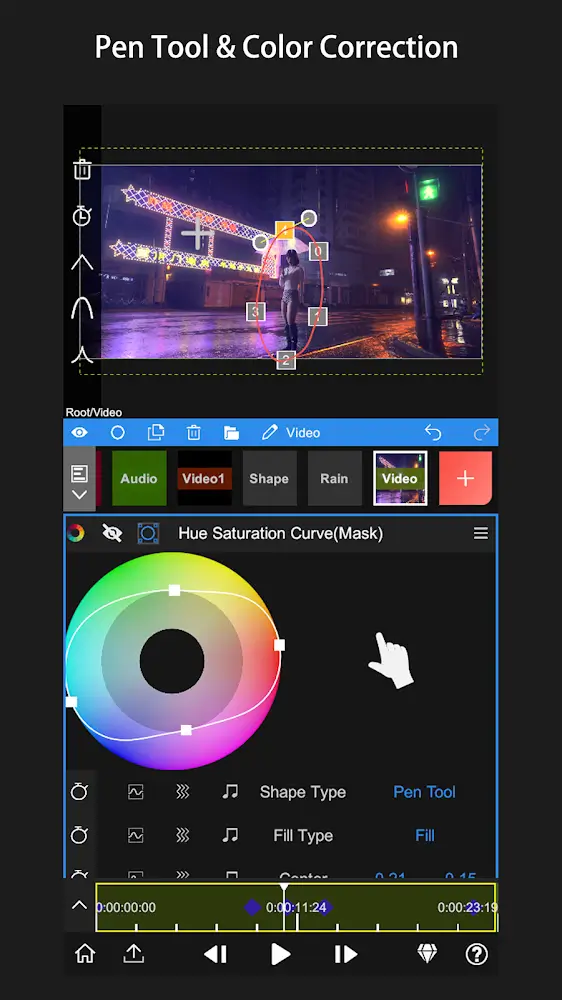
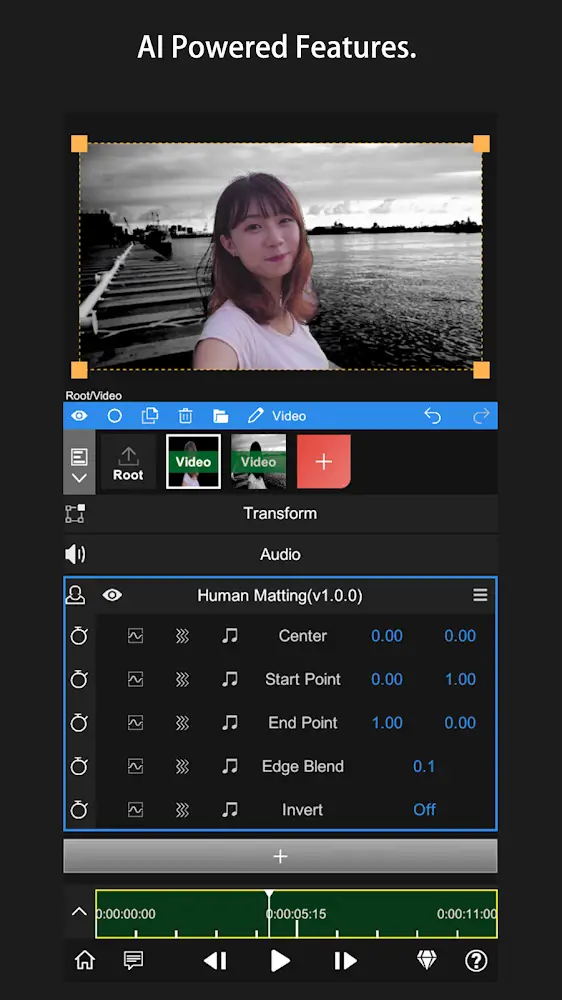
Node Video is a powerful video editing application. It boasts robust features that help users analyze motion in video clips and add text or graphics. For choppy footage, it can also perform frame interpolation, making your videos appear smoother. This application integrates multiple functions, allowing users to perform unified editing on their mobile phones. It enables users to manage multiple clips, saving time. Furthermore, this application utilizes the latest AI technology, making user operation simpler and faster.
Features:
3D camera tracking
Node Video can analyze motion in a clip and let you attach text or graphics that stay locked to the scene. Choose a shot with clear movement, run camera tracking, then add your layer and position it on a surface or in space. As the clip plays, the layer follows the movement of the camera. This is useful for labels, titles, and simple visual elements that need to live inside the shot.
Optical flow frame interpolation
For slow motion or choppy footage, Node Video offers optical flow interpolation. It estimates motion between frames to create smoother movement when you change speed. After you adjust a segment’s speed, enable optical flow and preview the result to confirm the motion looks natural. This approach helps reduce stutter and improves clarity on handheld shots.
All in one editing on a phone
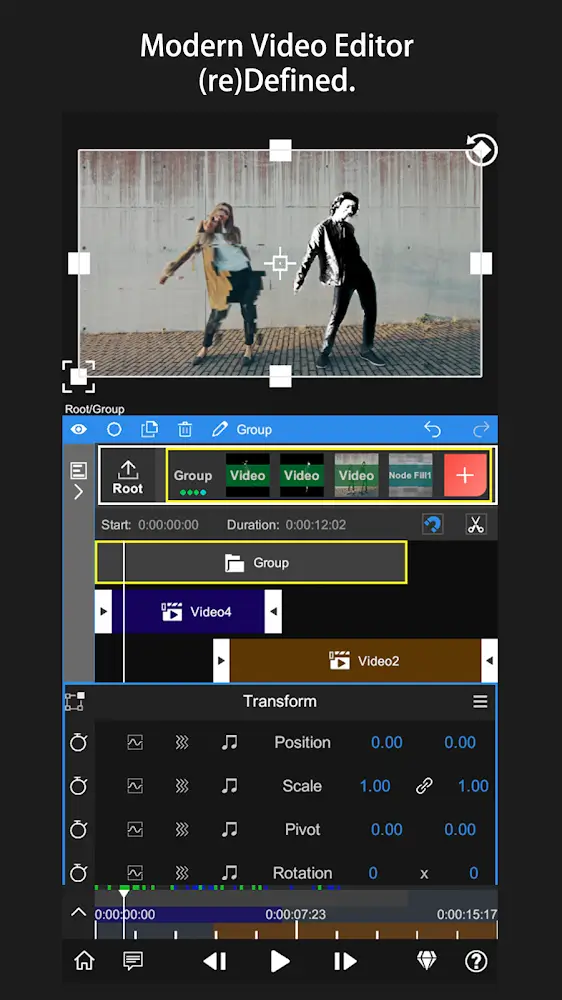
Node Video is designed to handle complex video workflows inside one project on Android. You can manage multiple clips, apply effects, and adjust settings without switching apps. This keeps editing organized, especially when building longer sequences or repeating a style across several shots. As projects grow, this structure reduces back and forth and saves time.
Privacy first, offline workspace
Node Video runs offline with zero data collection, and the workspace is ad free. Your projects, previews, and exports stay on your device, which helps with sensitive or client work. Since the tools are available without a sign in, you can edit on flights, during travel, or in low connectivity areas. This also avoids interruptions from network prompts while you work.
Free tier and upgrade options
Most features in Node Video are available for free use. According to the app’s design, a large portion of tools are open so users can complete common tasks without a paid plan. Some advanced capabilities may require an upgrade, which keeps the main workflow accessible while offering room for growth. This lets you test and learn before deciding on any extra features.
Highlights:
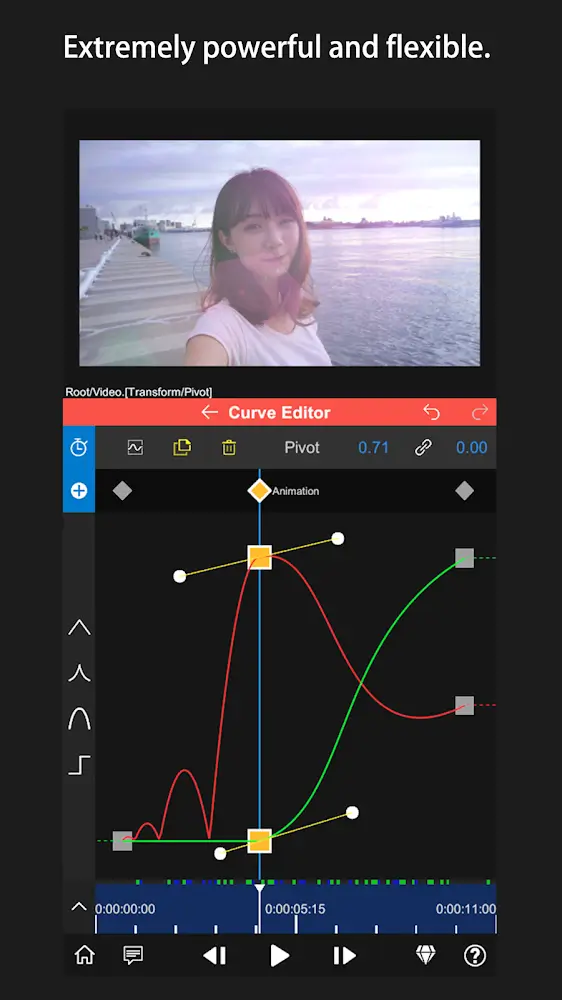
Extremely powerful and flexible
Limitless Layers & Groups
Precise Video Editing & Rich Possibilities
Super Fast Rendering
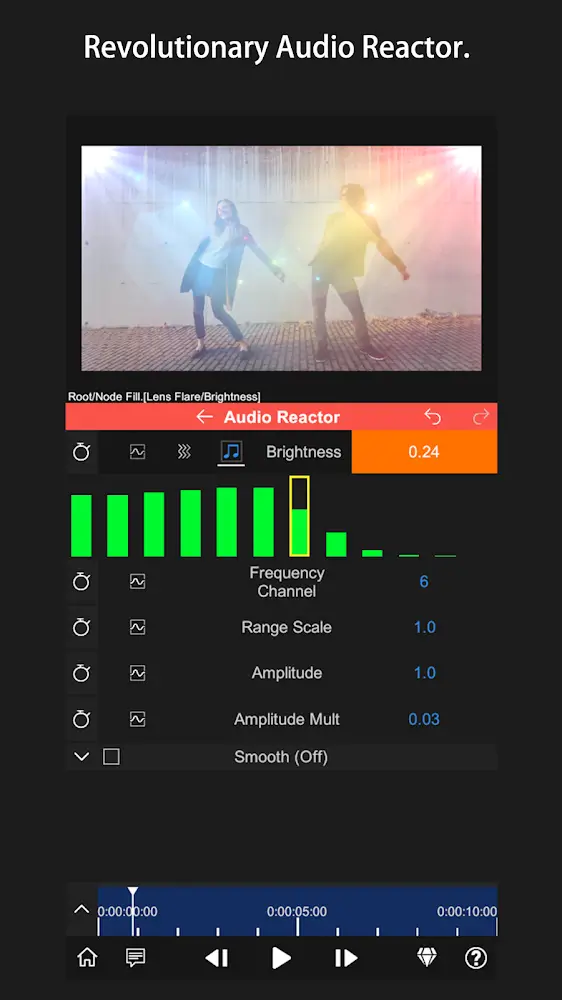
Revolutionary Audio Reactor
AI-Powered Features
Pros and Cons:
Pros
Extensive layer-based editing with advanced effects
Audio Reactor links sound to any visual parameter
AI human-background separation in real time
Fast rendering relative to project complexity
3D mapping adds depth to titles and graphics
Cons
Interface feels dated and cluttered
Steep learning curve for new users
Playback can glitch during heavy compositions
Effect library, while solid, could expand further
User Reviews:
The functionality of the VFX is amazing and so helpful and amazing color grading to. However I think there are some improvements that could really benefit the editor. For one The function of every clip being its own layer even if you split it. This can have the user scroll through a lot of clips if they are doing a larger project for work. The clips constantly stack up and creating a lot of clutter. An alternative to this is to let the user create a video layer for all video clips by adding a video. The user could split a clip and they both would still be on the same layer, and after that you could use the white plus button on the bottom to add a new clip allowing all the import options. Another thing that could help is allow users to export to every other place on your phone other than the photos app, allowing them to export them to drive, Dropbox, or the files app. This can help if there is not enough space to export to photos. The next thing is allowing users to export as an mov. any audio format and gif. file. The next thing is keeping the original name of the files once they are imported. This can help the video keep up with which clip is which. Thank you for reading and I hope you can consider these critiques and improve.
Conclusion:
Node Video is an excellent video maker with advanced features with unique functions and operations to offer users numerous advantages in making the best videos. Everything inside it is explicit, extraordinary, in-depth, and intriguing to use. However, you can customize everything to your tastes and have the app function distinctively while offering all the features for advanced video editing. If you are looking for the most compact, comprehensive, and friendly video editing in numerous phases, then this app is what you seek.
-
Latest Updates
-
Featured Apps









