
MP3 Video Converter
Entertainment
2026-08-12
18.1MB
2.2.3
Android
194
Screenshots
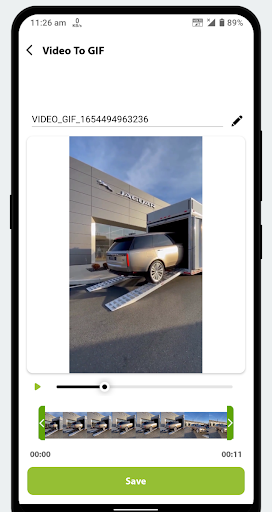
Introduction
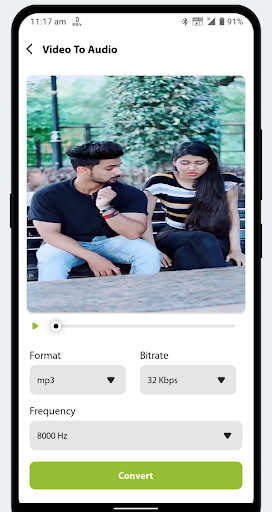
MP3 Video Converter is a video conversion software that converts videos to MP3s. During the conversion process, users can adjust the video format, add text, and trim the video. It supports multiple output formats, including MP3, MP4, and FLV. Users can extract music clips from their favorite videos to enjoy higher-quality music and set them as ringtones or notification sounds. MP3 Video Converter is powerful, versatile, and easy to use. If you need a converter, give it a try and create your own audio and video content.
Features:
Convert GIF To Video.
Add Text On Your Video.
Sound Boost in Video to Mp3 Converter.
Use Converted mp3 files directly to Set as Alarm, Ringtone, and Notification Sound.
Dynamic Video Resolution with Fast and Stable Mode in Video Cutter Mode.
Merge Unlimited Audio in one File in Fastest Way.
Re-Arrange the Audio File While Merging Audio.
Make GIF From Videos Easily.
Apply Mirror Effect in Videos.
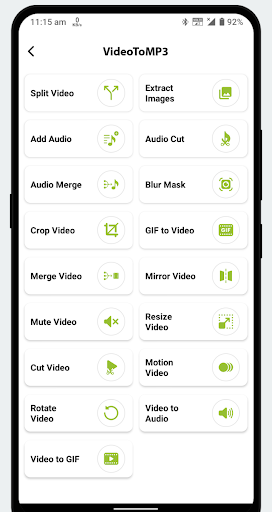
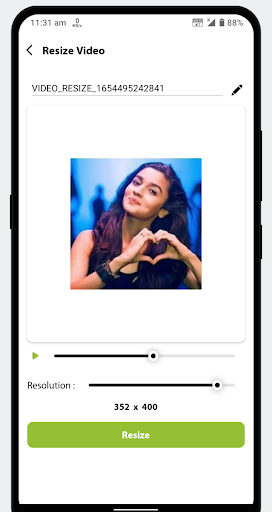
Resize, Rotate, Crop and Join Multiple Video.
Add Blur Mask On Video to Hide Confidential objects in Video.
Create an Awesome Boomerang Effect from the Video.
One Tap Play Pause Option for Converted Files.
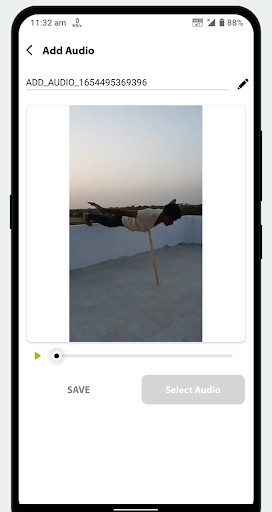
Change or Add Audio in Your Existing Video.
Convert Your Video into Boomerang Video.
Highlights:
Audio Cutter & Video Cutter.
Sound Boost to increase the volume.
Audio Merger.
Support MP4, MKV, FLV, AVI, WMV, etc for videos.
Support mp3, wav, ogg, m4a, acc, flac etc for audios.
ackground Conversion and Batch Conversion.
Including MP3, AAC, M4A.
Advantages and disadvantages:
Pros
Completely Free This app uses open source codecs like mp3lame that keeps the app fast and free.
Convert Any Video MP3 Video Converter supports most formats (even proprietary OEM formats), giving you the freedom to do more with your videos.
Advanced Tagging FeaturesNot just a converter, you can tag files and leave small notes so you can have reminders for yourself for later.
Cons
Files Must be Stored Locally Any video files you want to convert to MP3 or AAC need to be on your local device; this is not a video download program.
No Support for ARMv6 and Below You need an ARM7+ processor to use this app, older devices may not be compatible.
FAQs:
What can we do with this video converter app?
With MP3 Video Converter, user can now also trim music to set as their ringtone. MP3 Video Converter belongs to the Music & Audio category and the developer of this app is Fundevs. However, this app’s rating is 4.4 out of 5 stars according to different rating platforms.
Can we double-check everything before converting?
Yes, the app lets you Preview the videos and select the desired conversion format.
Is this a music player as well along with its converting abilities?
Yes, it can play music but if you are looking for a music player then we recommend Spotify Music, Apple Music, TuneIn Radio – Radio & Music.
Summarize:
Download MP3 Video Converter if you want a hassle-free, smooth, and quick conversion of video files into audio files. For example, the app allows you to convert any video clip stored on your Android device into a song you can listen to easily using your favorite music player. Best of all, this process will only take a few seconds.
-
Latest Updates
-
Featured Apps









