
MP3 Cutter
Entertainment
2026-08-11
26.51MB
2.3.5.1
Android
166
Screenshots
Introduction
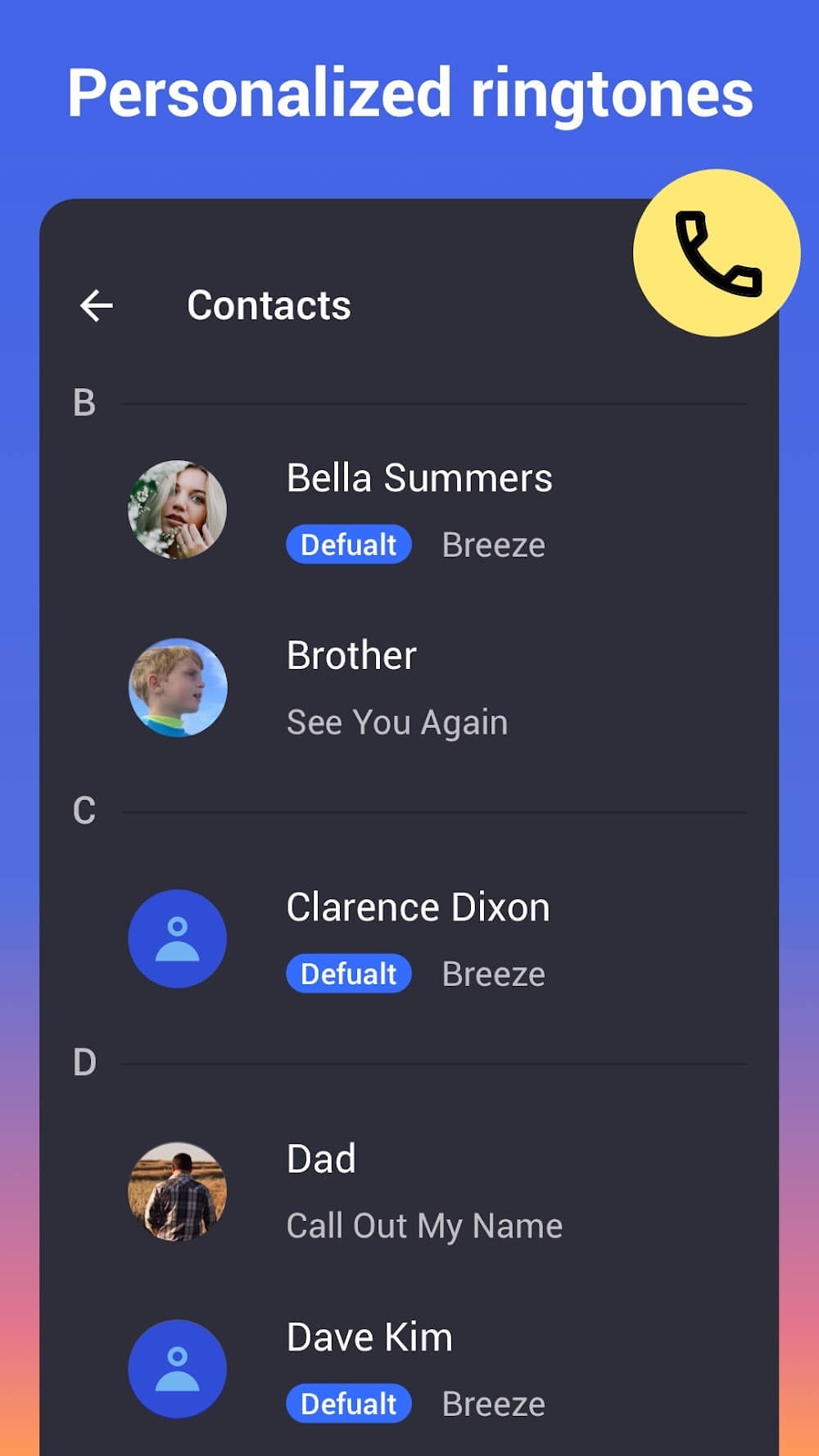
MP3 Cutter is an audio editor for Android devices, allowing users to edit various MP3 files directly on their phones. This powerful app lets users easily edit audio clips. During editing, users can freely import and export audio tracks. The app also supports importing audio files directly from the SD card. After completing your audio creation, you can directly set it as your phone's ringtone.
Features:
Supports almost all audio files.
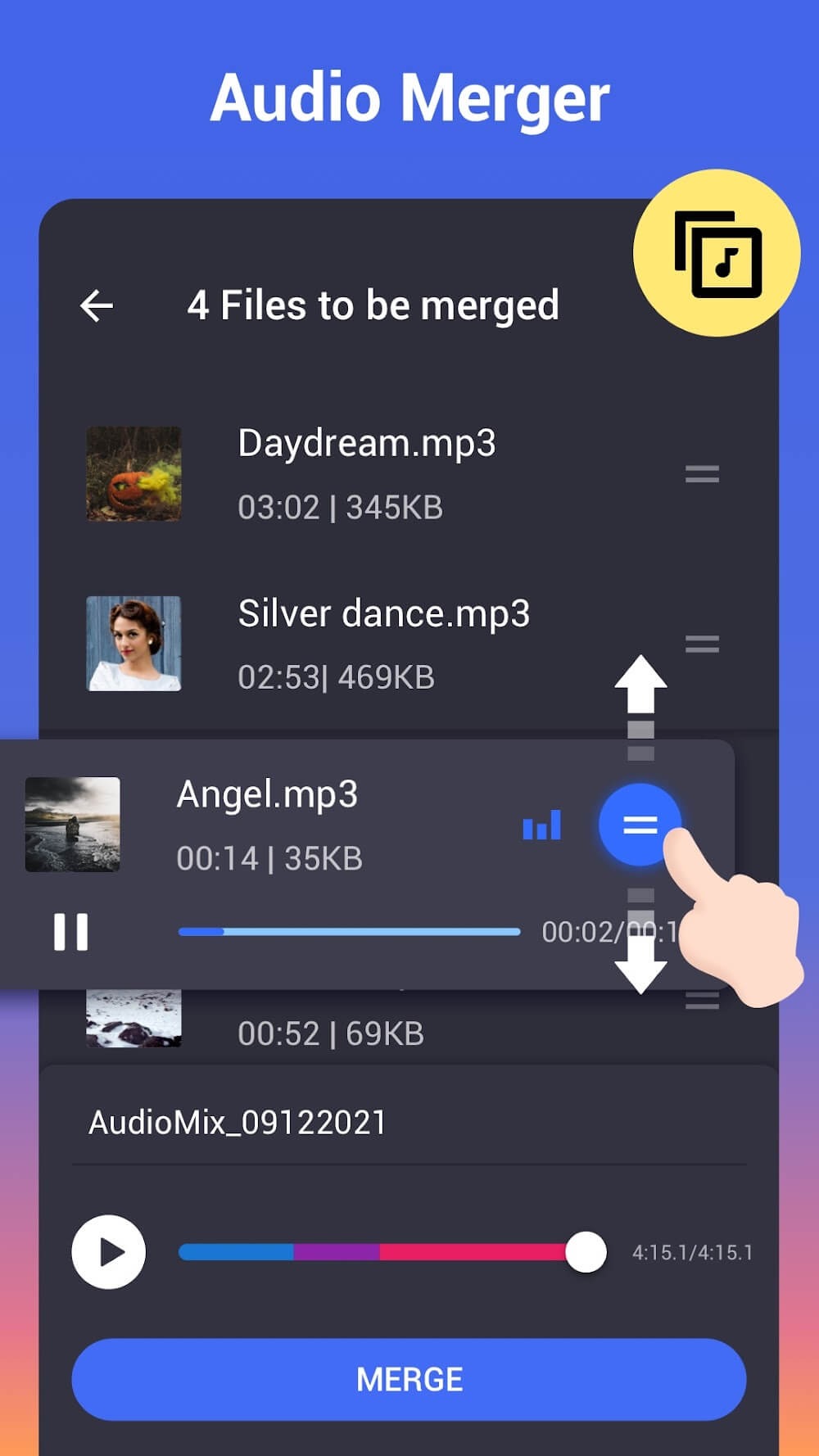
Merge multiple audio files at once.
Simple and clean user interface.
Remove specific part from audio.
Change export quality and file size.
Add fade, silence to audio.
Adjust volume of MP3 music.
List all the MP3 songs from the SD card.
Choose the MP3 files from the list.
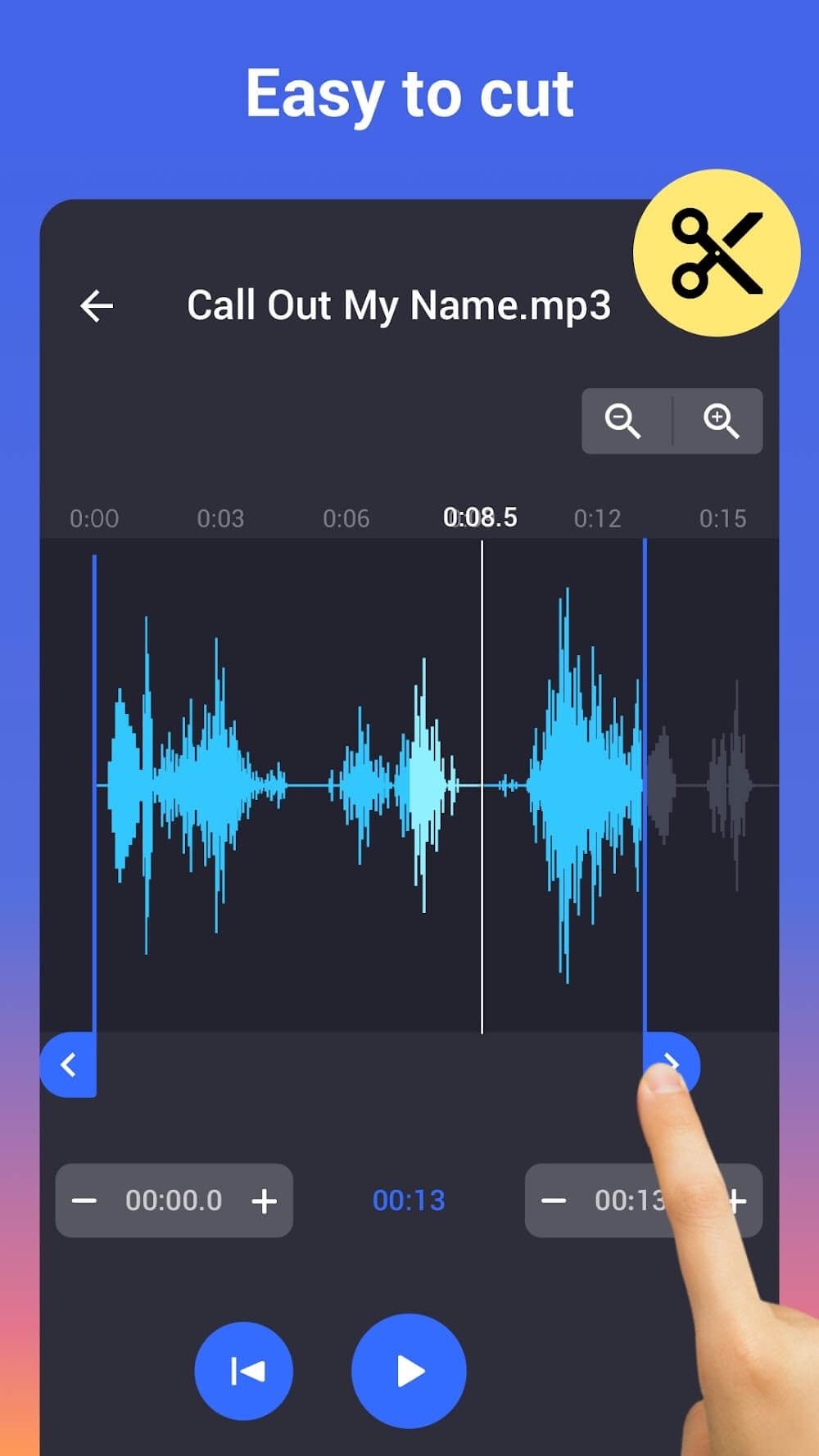
Cut the file using forward and backward selector.
Integrated MP3 player help you to play before audio cutting.
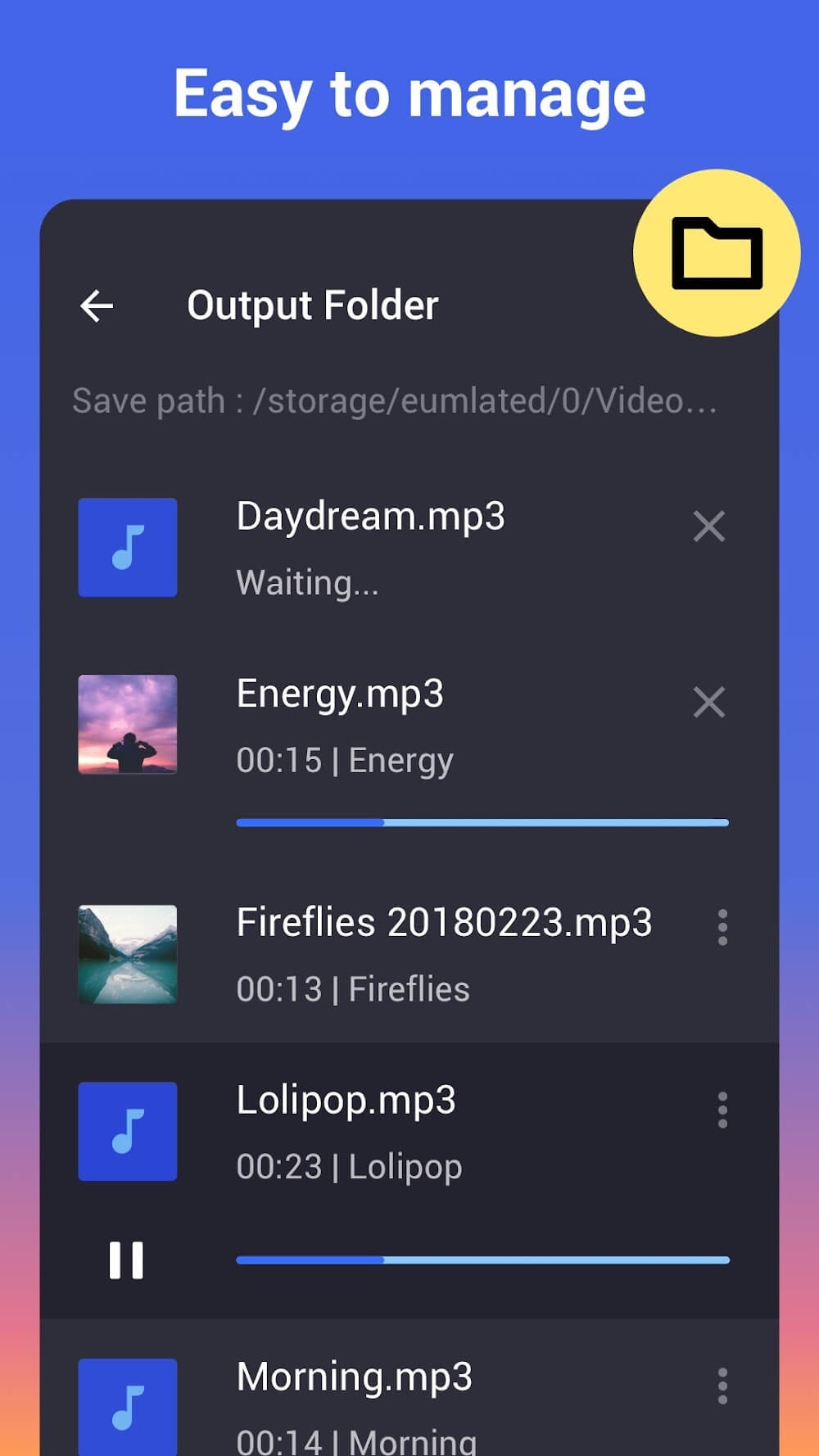
You can save the file to SD card.
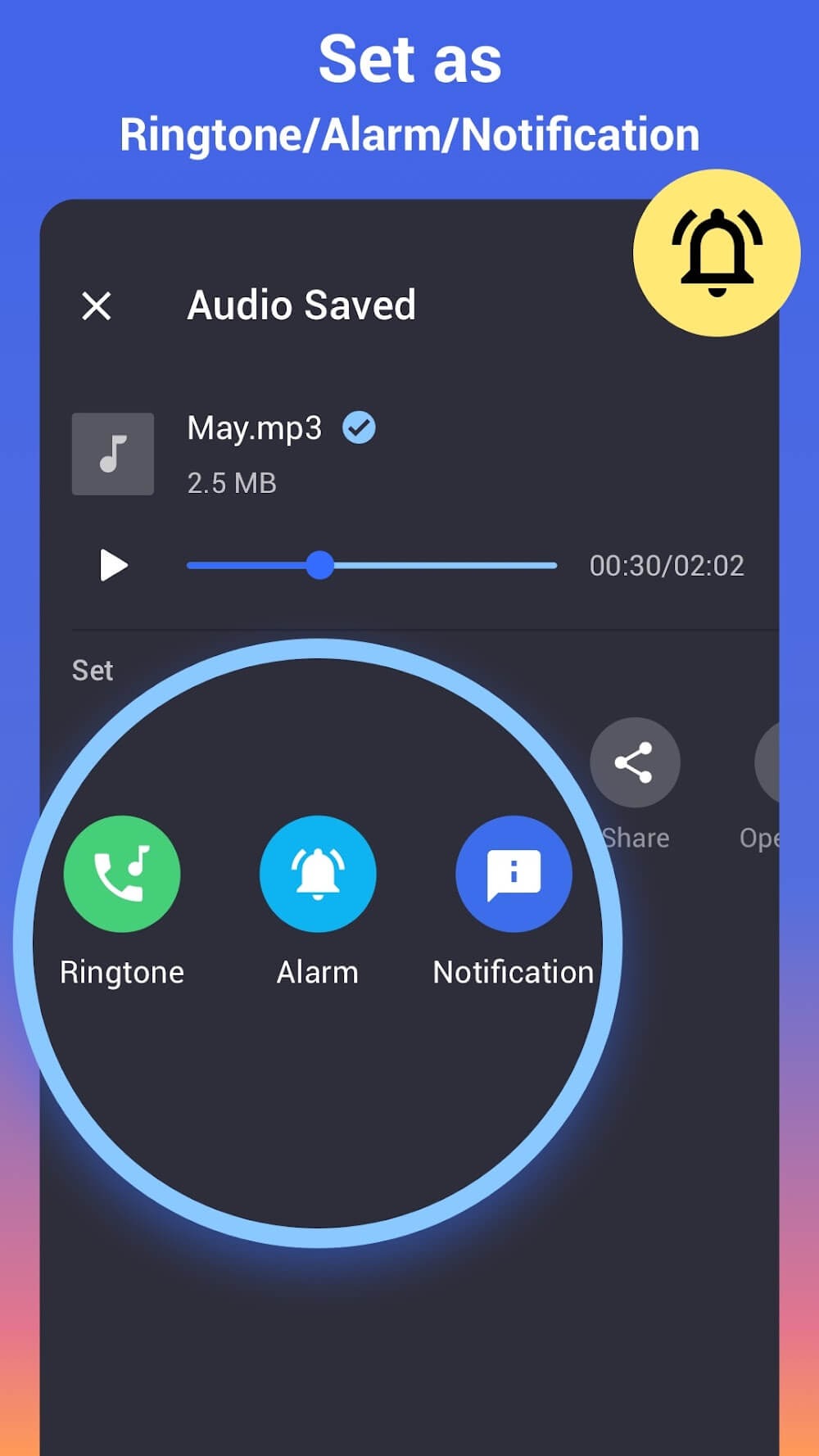
Set the edited file as ring tone.
Highlights:
IMPROVE YOUR EXPERIENCE BY USING NEW TOOLS
Audio clips are uploaded to the app's editing panel for easy user interaction. Processing the piece of music before allowing you to edit it will assist the system in identifying all of its elements. You can cut audio tracks more precisely with this feature. When you combine multiple combinations of sounds, the Crossfade and Overlap features help you improve the quality of your tracks. Creating a ringtone and its installation on your device are among the issues resolved. You can request that notifications or alarm tones be reset. In addition, we improve performance to make it easier and smoother for users to interact with features.
AUDIO TRACKS CAN BE IMPORTED AND EDITED
Audio clips are added to the edit panel, ready to create a new version. There is no specific editing formula in MP3 Cutter & Ringtone Maker. The user will use the drag bars to increase or decrease the original volume of the edited sounds. The cutting tool can be used in various ways to cut the user's required segments precisely. We allow you to save audio files in mp3, Ogg, m4a, ACC, and various other formats. You can change your assets' start and end times by adding extra assets, and you can play them while editing to ensure that the versions you create are perfect.
Pros and Cons:
Pros
All-inclusive audio editor
Share produced works on various social and communication platforms
Supports wide range of audio file formats
Lightweight and free
Cons
No fade-in and fade-out feature
Usage:
Choose a music clip from your phone / SD card
Select the length of the music you want to cut out and trim music
Edit tag for the clip (Title, Format, Bitrate, Volume, etc.)
Save as Ringtone/Alarm/Notification or Share
Conclusion:
With this app, you can quickly create ringtones and alarms for free. It can be used on any audio file or song. All of the cut results are saved in the media directory of your device. This application also has a built-in music editor to change the sound of a selected area of your audio. You can make ringtones using a music editor and also make your own ringtone from recordings and get the best ringtone from your songs.
-
Latest Updates
-
Featured Apps









