
Mivi
Entertainment
2026-09-02
141.31MB
2.35.927
Android 5.0+
468
Screenshots



Introduction
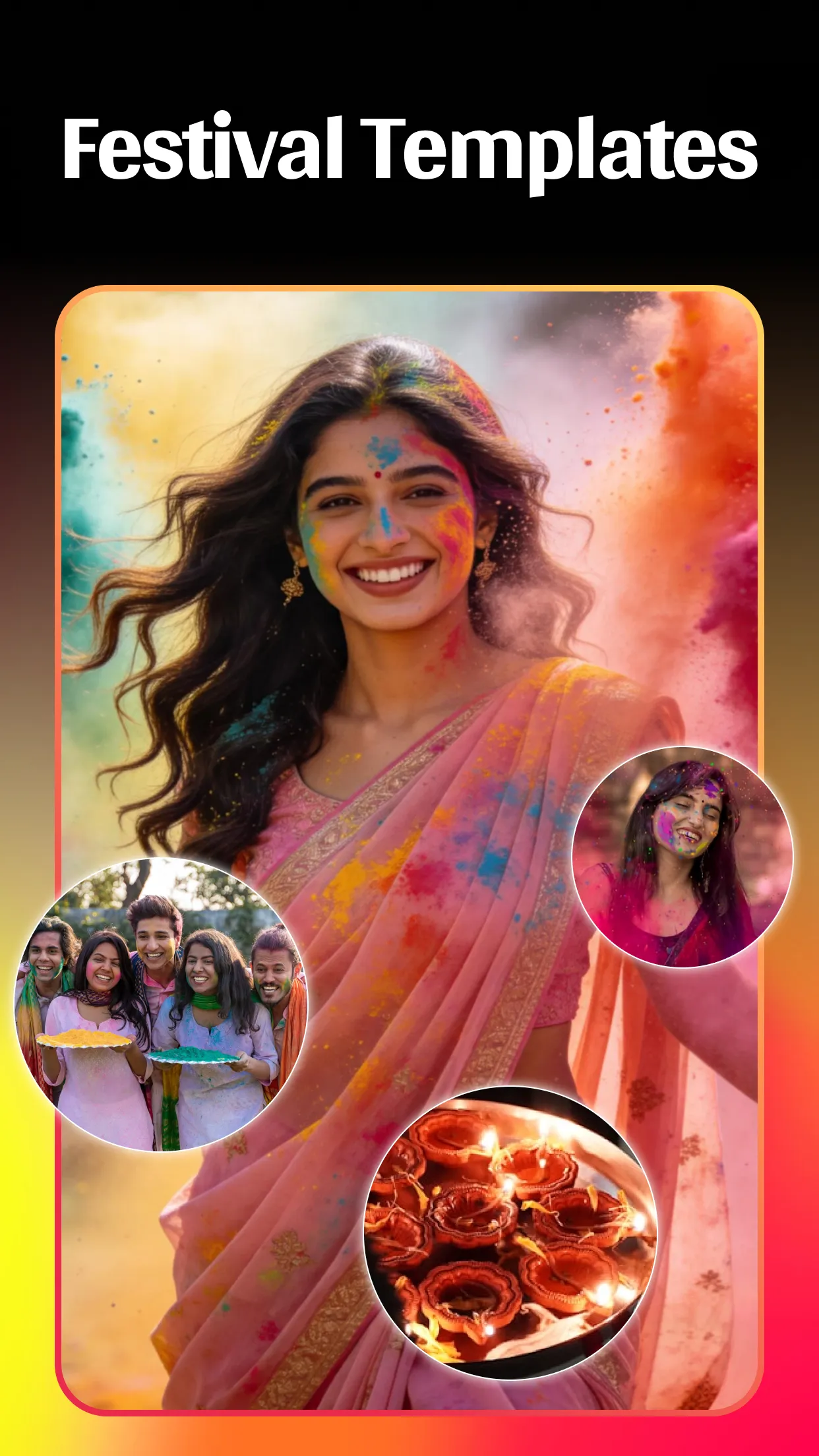
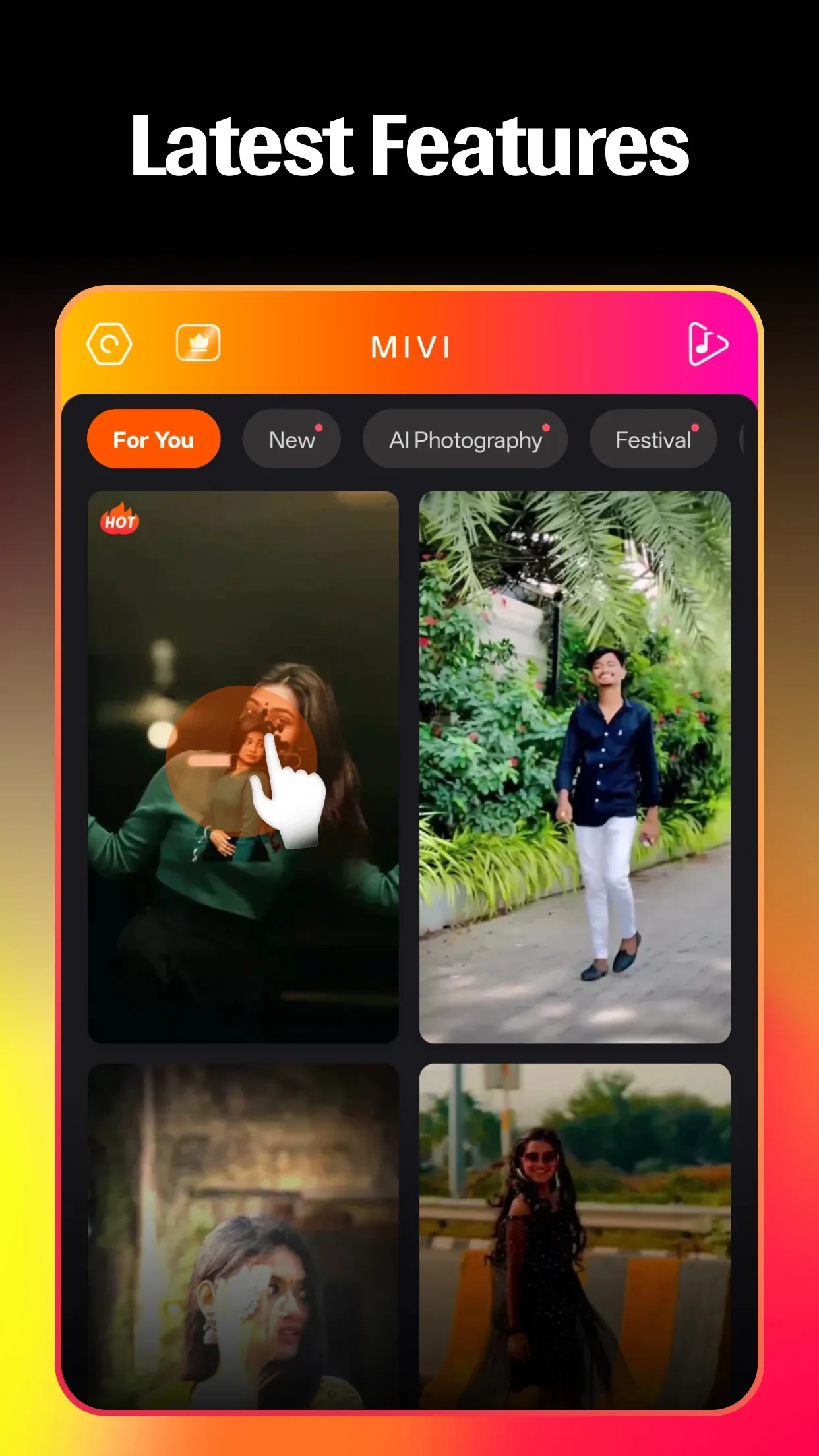
Mivi is a powerful video creation tool that offers users a wealth of video editing features. Users can upload photos and, using prompts, create a video using the app's AI capabilities. The app also provides multiple music video templates in various styles for users to choose from. Users can add subtitles to their videos, customizing their size, position, and color to better match the video's theme. The app is extremely easy to use; users simply click on the corresponding function to complete the process, allowing even novice creators to easily create the videos they want.
Features:
AI video creation from photos and prompts
Mivi can turn photos, selfies, or text prompts into animated short videos. You can start with a picture or an idea, then let the app apply motion effects, transitions, and visual styles suited for social posts. This makes Mivi AI Video Maker useful when you want a short clip but do not want to adjust every frame by hand.
Quick templates for music videos
Mivi includes template categories that help you create photo based music videos in fewer steps. You can choose styles such as Film 3D, Parallax, Magic FX, Portrait, Neon Shadow FX, or AI Couple Portrait, then add your own images. In this way, Mivi Music Video Maker works best for fast edits where the overall style is already prepared.
Lyrical edits with captions and quotes
You can use Mivi to add synced lyrics, captions, quotes, and animated text to your clips. The app lets you adjust font, color, size, position, and alignment, so the words can match the subject and layout of the video. This is helpful for lyrical status videos, romantic edits, birthday clips, and short quote videos.
Effects, filters, and portrait styles
Mivi offers visual effects such as cartoon looks, cinematic filters, neon glow, spiral motion, angel wings, emoji effects, lightning, and flying butterfly animations. These effects are mainly designed for short social clips and portrait videos. Since many templates already include movement and styling, you can focus on choosing the look that fits your photo.
Background tools and sharing options
Mivi includes background replace and blur tools that can help keep attention on the subject. You can use these tools when a photo has a busy scene or when you want a cleaner portrait style. After editing, Mivi supports HD export and direct sharing to Instagram Reels, YouTube Shorts, TikTok, Snapchat, Facebook, and status platforms.
Highlights:
Seamlessly Create Stunning Videos
Mivi’s video editing capabilities are designed for both beginners and experienced creators. Trim, merge, and add effects with ease, transforming raw footage into polished videos ready to share. The intuitive interface ensures a smooth editing process, even on the go.
Unlock a World of Music Discovery
Discover new artists and tracks with Mivi’s integrated music player. Create personalized playlists, enjoy high-quality audio playback, and stay up-to-date with the latest music trends. Mivi makes it easy to find the perfect soundtrack for any moment.
Personalize Your Phone’s Aesthetic
Customize your Android device with Mivi’s extensive library of themes, wallpapers, and icon packs. Express your unique style and create a visually appealing home screen that reflects your personality. New content is added regularly, keeping your phone fresh and exciting.
Stay Organized With Smart Reminders
Mivi’s reminder system helps you stay on top of your schedule. Set reminders for appointments, tasks, and important events, ensuring you never miss a deadline. Customizable alerts and recurring reminders keep you organized and productive.
Protect Your Privacy Effortlessly
Mivi includes built-in privacy features to safeguard your personal data. Lock sensitive apps with a password or fingerprint, preventing unauthorized access to your private information. Enjoy peace of mind knowing your data is secure.
Pros and Cons:
Pros
Large selection of ready-made templates
Direct sharing to major social platforms
Custom text, filters, blur, and effects
Simple photo-to-video workflow
Cons
Exported video can lose resolution
Ad frequency may be disruptive
FAQs:
What is Mivi?
Mivi is a mobile app for creating short music videos by combining photos with music, effects, filters, and animated text.
How do I use Mivi to make a video?
Just select a few photos, pick a template, add music, and let Mivi handle the syncing and editing automatically.
Does Mivi cost money to use?
Mivi is free to download and use, but it also offers in-app purchases for extra templates, filters, and premium features.
What makes Mivi popular on social media?
Mivi's trending templates, vibrant effects, and fast music sync make it easy for users to create viral-ready videos in seconds.
Can I export my Mivi videos in HD?
Yes, Mivi supports high-resolution exports, so your videos stay sharp when shared on Instagram, Facebook, or other platforms.
Conclusion:
Its user-friendly interface and comprehensive features make it an ideal tool for effortlessly creating personalized music videos. Whether for personal use or to enhance social media presence, this app offers a wide array of creative options and simplifies the process of producing visually stunning content.
-
Latest Updates
-
Featured Apps









