Miracast
Lifestyle
2026-08-03
155.24MB
2.9.4
Android
367
Screenshots
Introduction
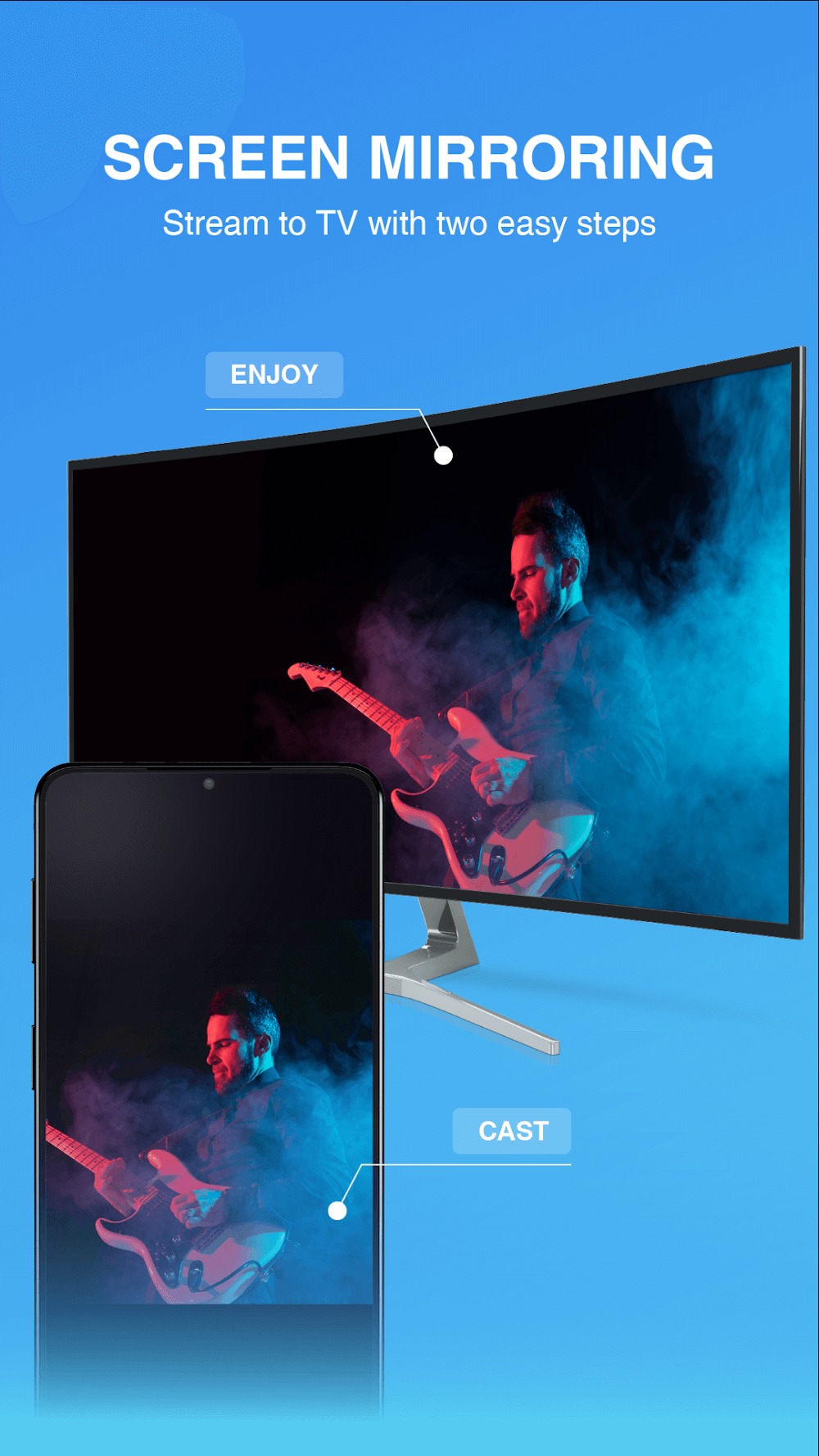
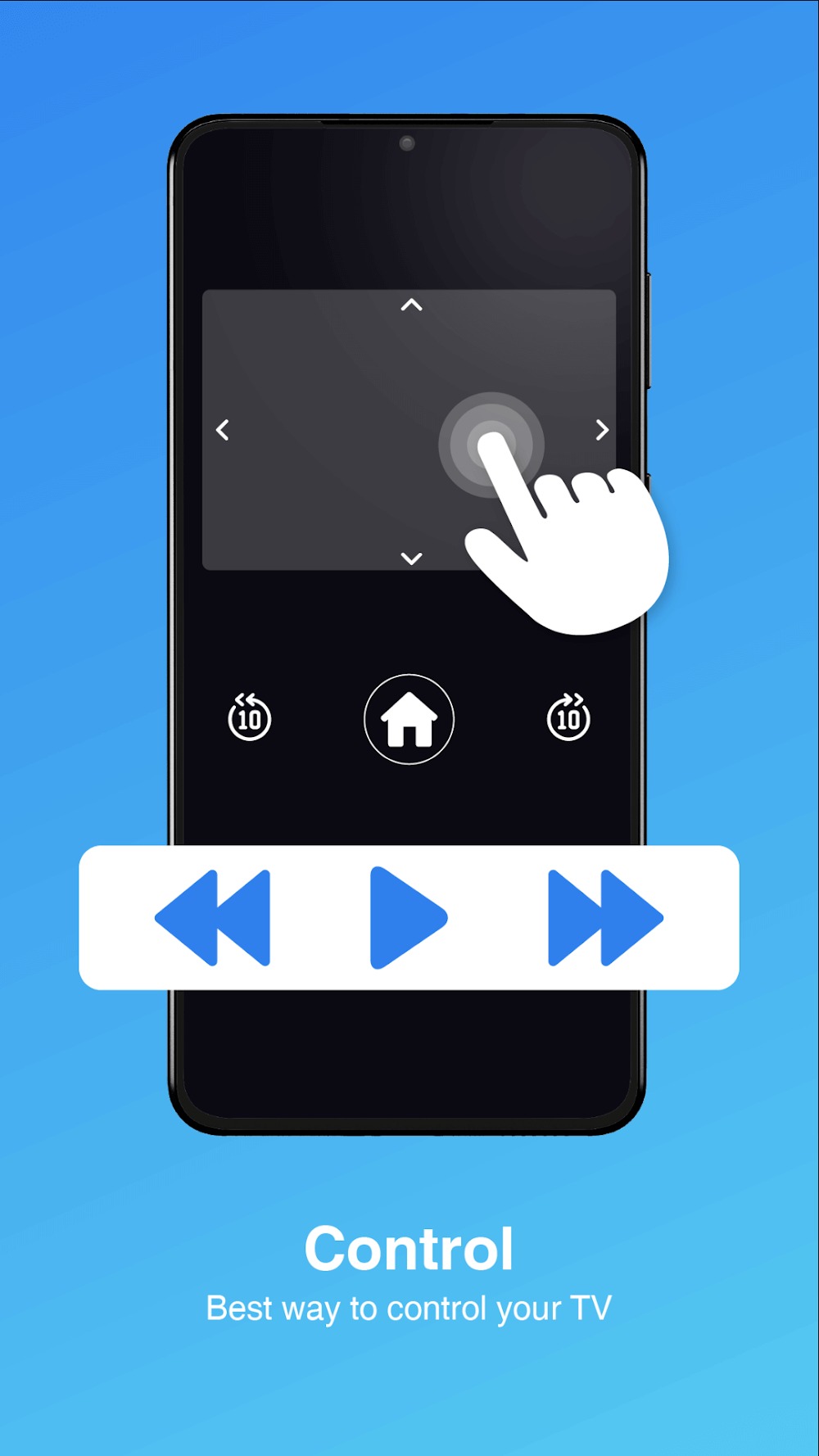
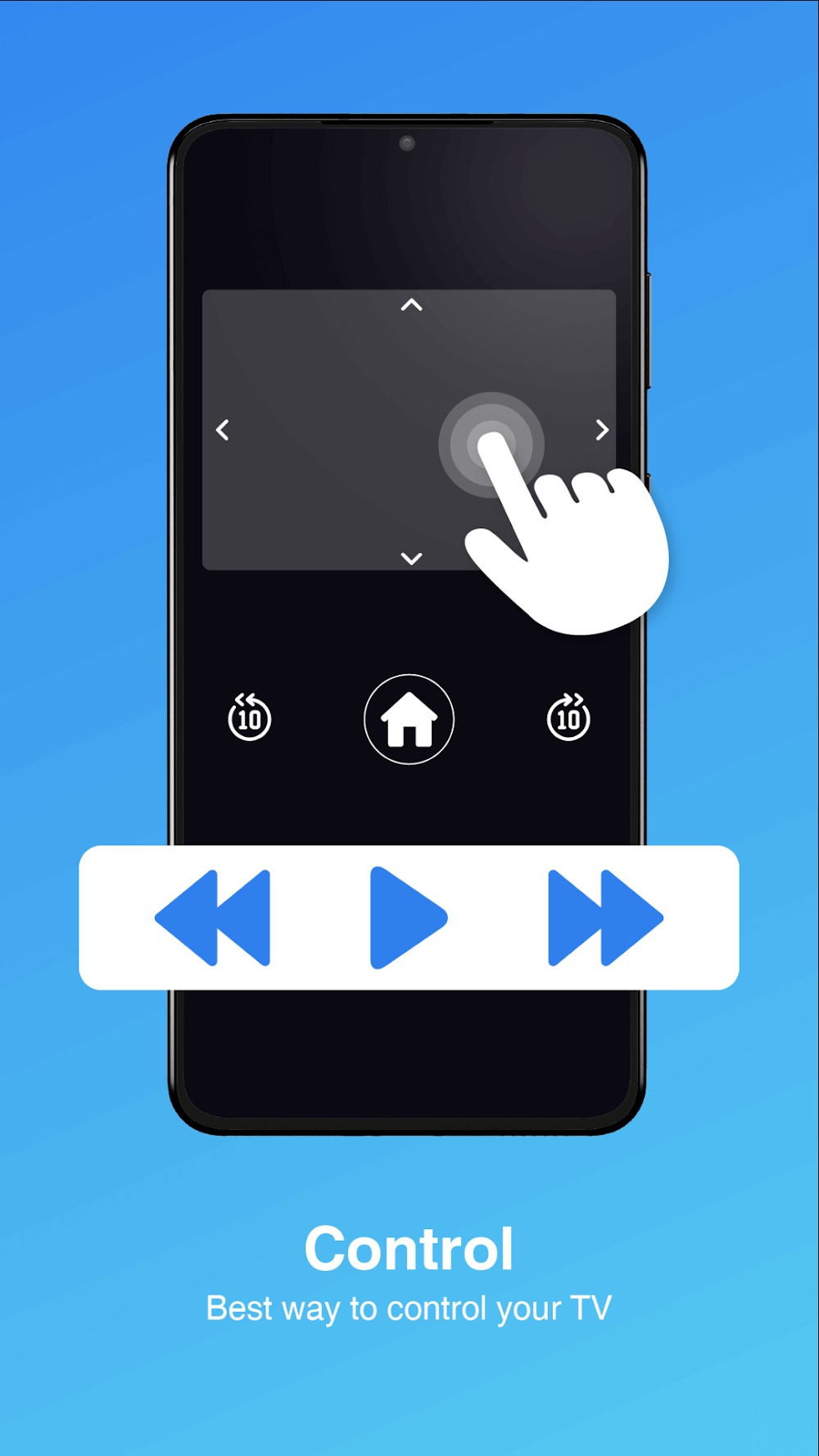
Miracast is a mirroring tool for Android devices that allows users to wirelessly mirror their phone screen to their TV. This app boasts excellent device compatibility, working with major TV brands. It also includes a built-in remote control function, allowing users to control their TV directly from their phone – incredibly convenient and fast. The app's performance is also impressive, with extremely low latency and no image compression, enabling users to enjoy smooth HD video playback on a large screen.
Features:
Quick setup: The process of using, setting up and connecting to the TV is simple. You just need to select the smart connection feature and the application will support you in the pairing process.
Intuitive interface: The application fully supports mirroring all content on the phone screen on the TV; the interface is intuitive and new.
Convenient access: Convenient shortcuts and modern features are included to serve your needs.
No lag: There are no situations such as stuttering, lag or delay compared to viewing on the phone.
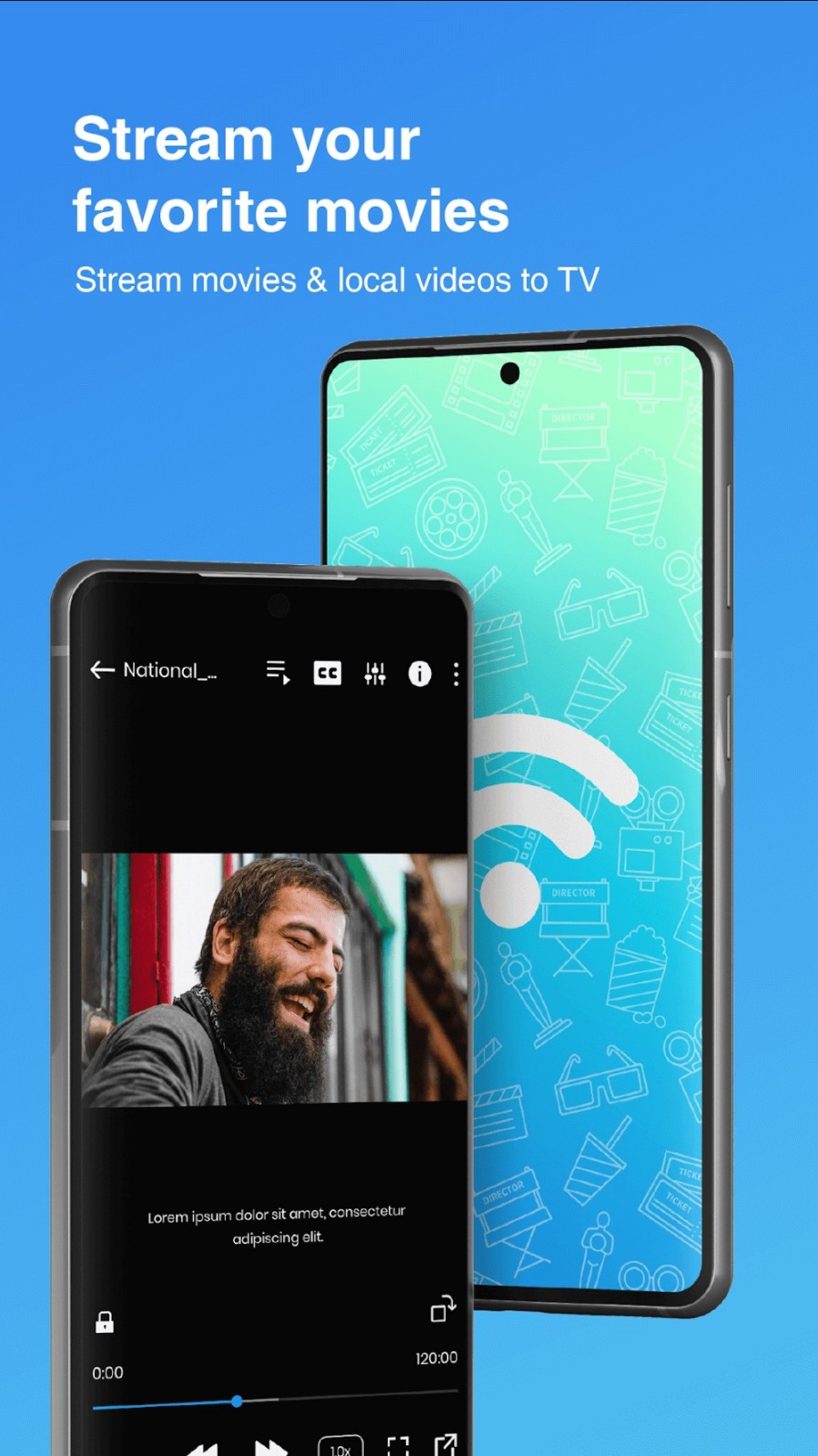
High quality: The application supports file streaming, streaming movies or photos with high quality.
Large files: Even with large files that require sharp images, streaming performance remains excellent.
Data security: The connection process needs to be approved to ensure effective data transmission. Not only that, the connection security feature is also effectively promoted.
Information privacy: Files, information and applications on your device are all private, highly secure.
User control: The information on your device is always private, only when you agree to share it will appear right on the screen.
Highlights:
Streamline Your Screen Sharing
This app allows you to enjoy high-speed screen mirroring with minimal lag, making it easy to watch movies, view photos, or share content on a larger screen. Supporting a wide range of media file types, Miracast ensures compatibility with different devices and technologies, including Smart View, AllShare Cast, and Any Cast. Its simple interface allows for effortless setup, requiring only that your phone and TV are connected to the same Wi-Fi network.
Enhanced Compatibility and User Control
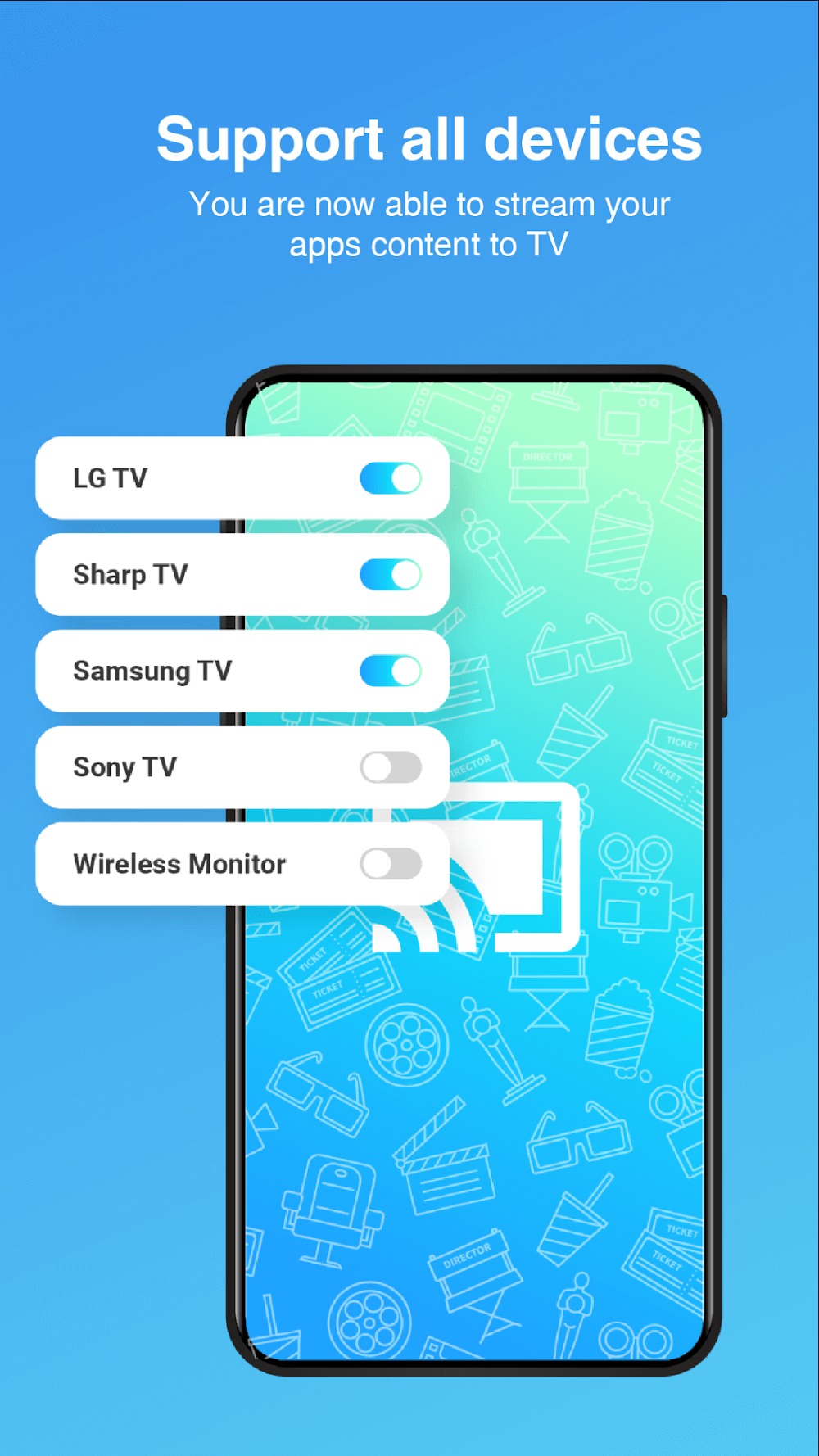
With universal compatibility across major TV brands, Miracast makes connecting to your TV straightforward. It even includes a built-in remote control feature, allowing you to control multiple TV models with ease. This added functionality elevates the user experience, whether you are enhancing a gaming session or conducting professional presentations.
Pros and Cons:
Pros
Free screen mirroring app from Cast4TV
Wirelessly duplicates the Android screen to Miracast or Wireless Display compatible TVs, projectors, and adapters
Supports PIN confirmation shown on the TV or projector when connecting
Some users report quick, easy connections and success even with older displays
Cons
Works only with displays that support Miracast or Wireless Display
Initial setup can be confusing because Miracast options are often buried in TV menus or input lists
Reports of connection failures, device recognition issues, and freezing on some phones
Usage:
Connect your phone and the target TV or adapter to the same Wi‑Fi network, then enable wireless display or Miracast on the TV.
Open Miracast on your phone, allow network and display permissions when prompted, and wait for device discovery to finish.
Select the TV, Chromecast, Roku, Mi TV, or adapter from the list, then confirm the connection on the TV if asked.
Start mirroring to show your screen, or choose a video or photo to cast, and use on screen controls for volume or navigation when available.
If the receiver does not appear, restart both devices, check the Wi‑Fi band, and try again from the device list.
Conclusion:
Miracast enables wireless screen mirroring from mobile devices to compatible Smart TVs. The setup involves enabling Wireless Display, scanning for Miracast devices, and entering a PIN if required. The initial setup may be complex, needing users to verify various TV settings and inputs for compatibility.