Messenger Lite
Social
2026-09-07
15.44MB
338.0.0.3.102
Android
485
Screenshots

Introduction
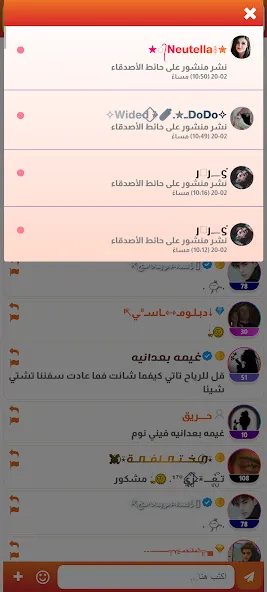
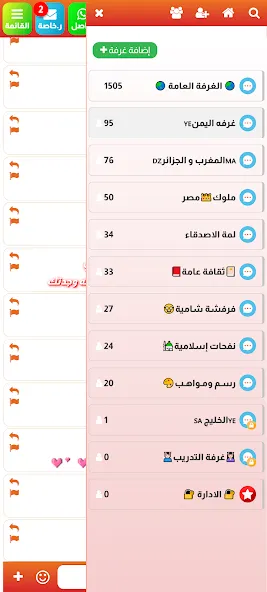
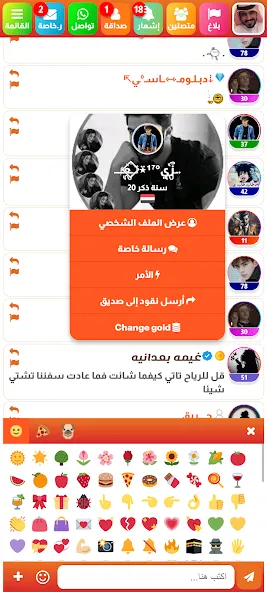
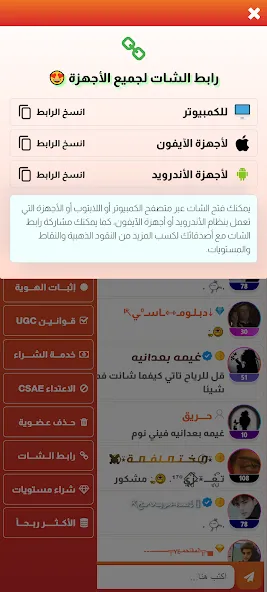
Messenger Lite is a classic communication application. It has a very small file size and is resource-efficient. Installation and download speeds are very fast, helping users save data and ensure stable operation. The user interface is simplified, and it runs smoothly even on low-end devices. The application has a very user-friendly interface, making it easy for users to get started and operate. Users can send chats to all their contacts or make one-on-one voice and video calls, sharing life's moments with friends.
Features:
Usability
After installation, log in to the application using your username and password. The home screen contains three main tabs: Home,Contacts, and Account. These tabs contain the application's core functions.
Fast and Lightweight
This application is small in size and consumes very few resources, offering significant advantages over previous official versions. Even older devices running older Android systems can download and use it. The application has basic functions, installs quickly, and loads content fast, thus consuming very little mobile data. It runs smoothly even in areas with weak network signals.
Compatible with All Devices
Messenger is fully compatible with various devices including Android, iOS, and Windows. Share your desktop moments to your tablet or phone with just one click.
Share Everything
Share any type of file, up to 100MB; send pictures and videos without compression. Share your live location and send it to all your contacts at once. Select image and audio files up to 100MB to share with friends across your devices and receive and view replies on your computer and phone.
Stickers & Emojis
A wide variety of stickers and emojis allow you to express yourself and make your text unique and eye-catching.
Group & One-on-One Chat
Make free one-on-one voice and video calls, create groups, and chat with friends and family. Share your life's moments and stay up-to-date. Organize any topic, event, or interest-based discussion and invite others to participate.
Highlights:
Send messages to all contacts.
Join group chats.
Make phone calls.
It uses less storage space (less than 10 MB).
Loads faster.
Reduces data usage.
Optimized for devices with 2G network connectivity.
Compatible with older Android systems, including Gingerbread.
FAQs:
Can I make voice calls on Messenger Lite?
Yes, the app supports voice calls, but not video calls.
Does Messenger Lite require a lot of storage?
No, the app is much smaller than the standard version, making it ideal for devices with limited storage.
Does Messenger Lite support sending media files?
Yes, you can send pictures and links, but some advanced features (such as Stories) are not yet available.
Advantages and disadvantages:
Pros
Saves phone storage space
Uses much less data and battery
Functional even in 2G
Features all the main Messenger functions
Cons
Lacks extras - GIFs, stories
Summarize:
If you want the best instant messaging experience but don't want to be bothered by a slightly cluttered interface, then this app is the perfect choice. Messenger Lite APK lets you use it easily even on low-end devices. What are you waiting for? Download it from this website now!
-
Latest Updates
-
Featured Apps