
Blurrr
Entertainment
2026-08-19
236.66MB
2.0.6-4
Android
251
Screenshots
Introduction
Blurrr is a photo and video editing application for Android devices. It offers powerful features, allowing users to easily create professional and high-quality videos and images. Users can set keyframes and adjust curves to control various effects in their videos. For even higher quality, users can fine-tune each parameter to better suit their video style. The application provides a library of over 400 professional effects and templates, which can be used with a single click, making video editing more convenient.
Features:
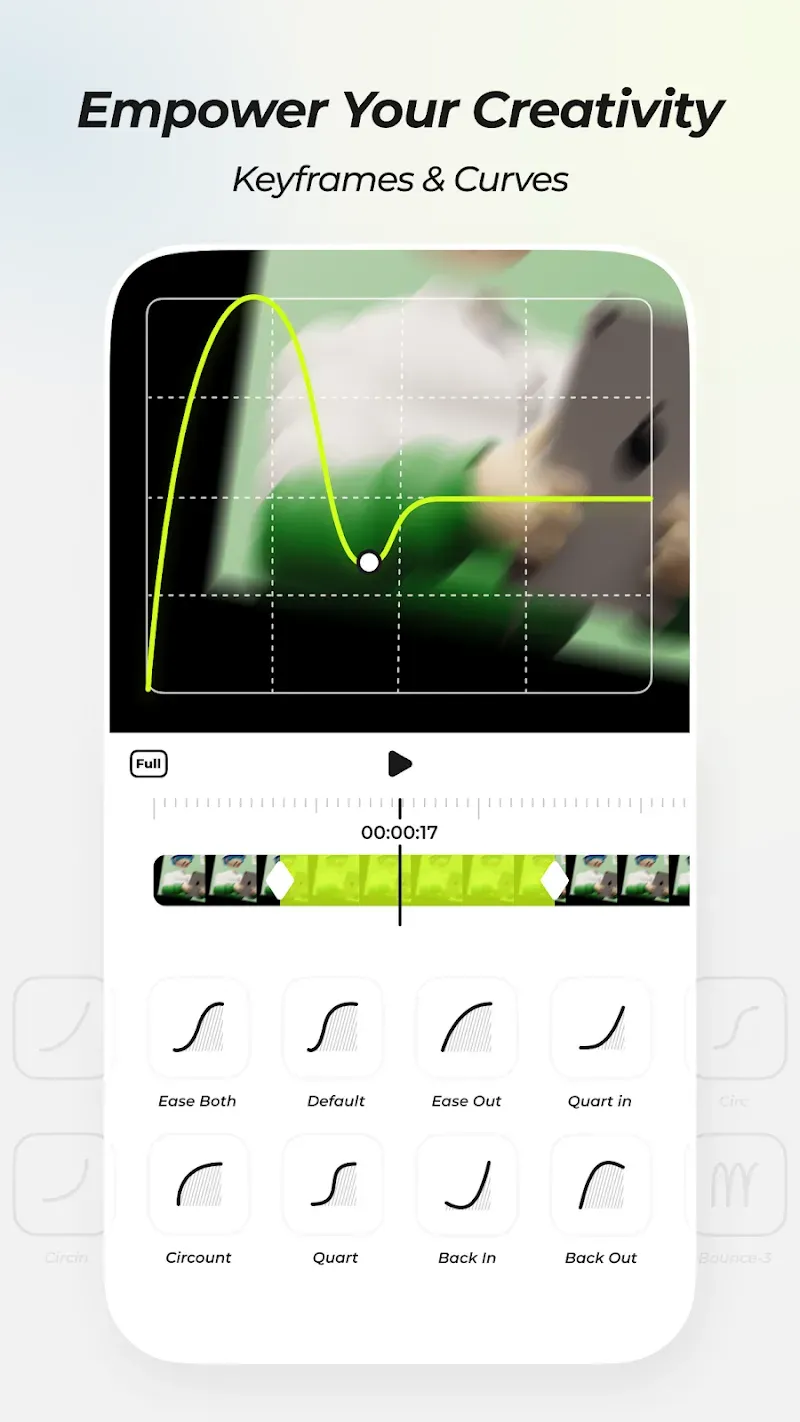
Keyframes and curves
Blurrr lets you set keyframes and adjust curves for motion, effects, filters, blending modes, and color. You can fine tune each parameter to match timing and visual style. This level of control helps align transitions, moves, and grades with music or beats. It suits detailed edits that need consistent pacing across a timeline.
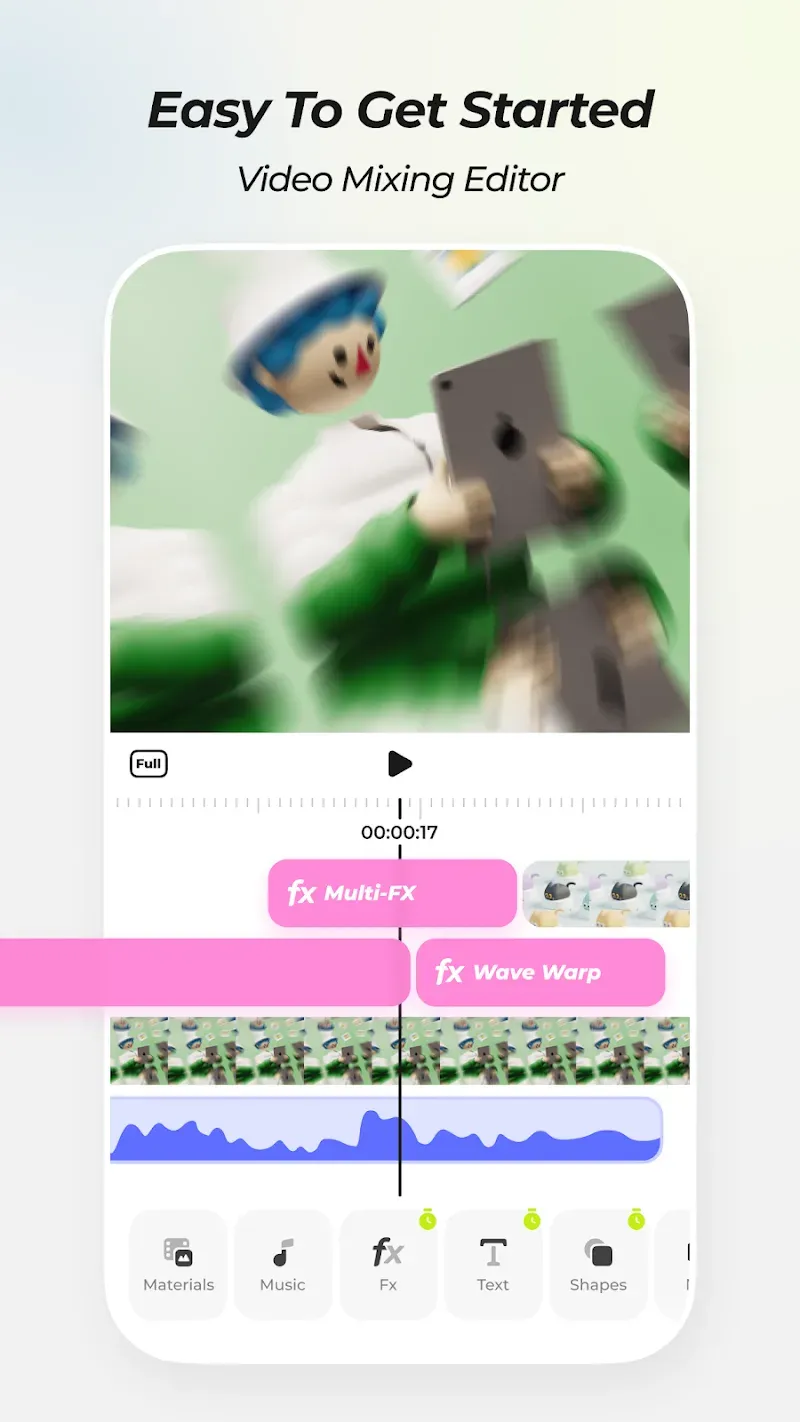
Multi track layer mixing
You can mix video, audio, text, shapes, vector drawings, materials, effects, filters, 3D cameras, and null object layers. Layers can be reordered to set visual priority, and parent and child subsets organize complex scenes. This approach supports both simple overlays and advanced compositions. It keeps large projects manageable as edits grow.
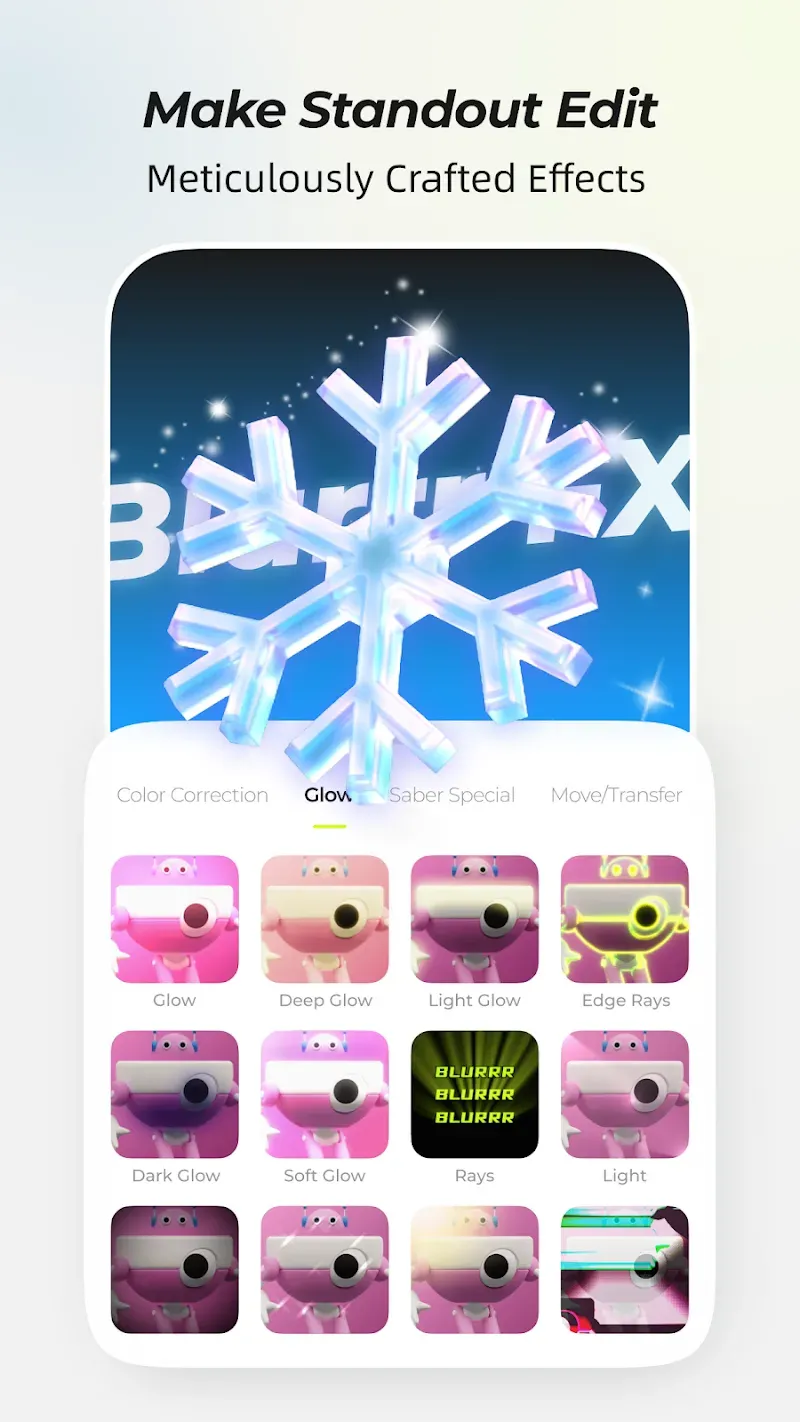
Effects and templates library
Blurrr includes over four hundred professional effects such as motion blur, HDR, HSL, primary color wheels, displacement map, turbulent displace, masks, and edge glow. Presets and templates help you achieve common looks quickly, then you can refine settings for the final result. This saves time when building consistent styles across multiple clips. It also makes exploration easier for users new to certain effects.
Velocity and time remapping
Variable speed keyframes and AI frame interpolation support smooth slow motion and accurate music sync. You can ramp speed into and out of beats without choppy frames. This helps AMV and gaming edits that depend on sharp timing. It also improves transitions in motion graphics where speed shifts guide attention.
AI matting and 3D camera tools
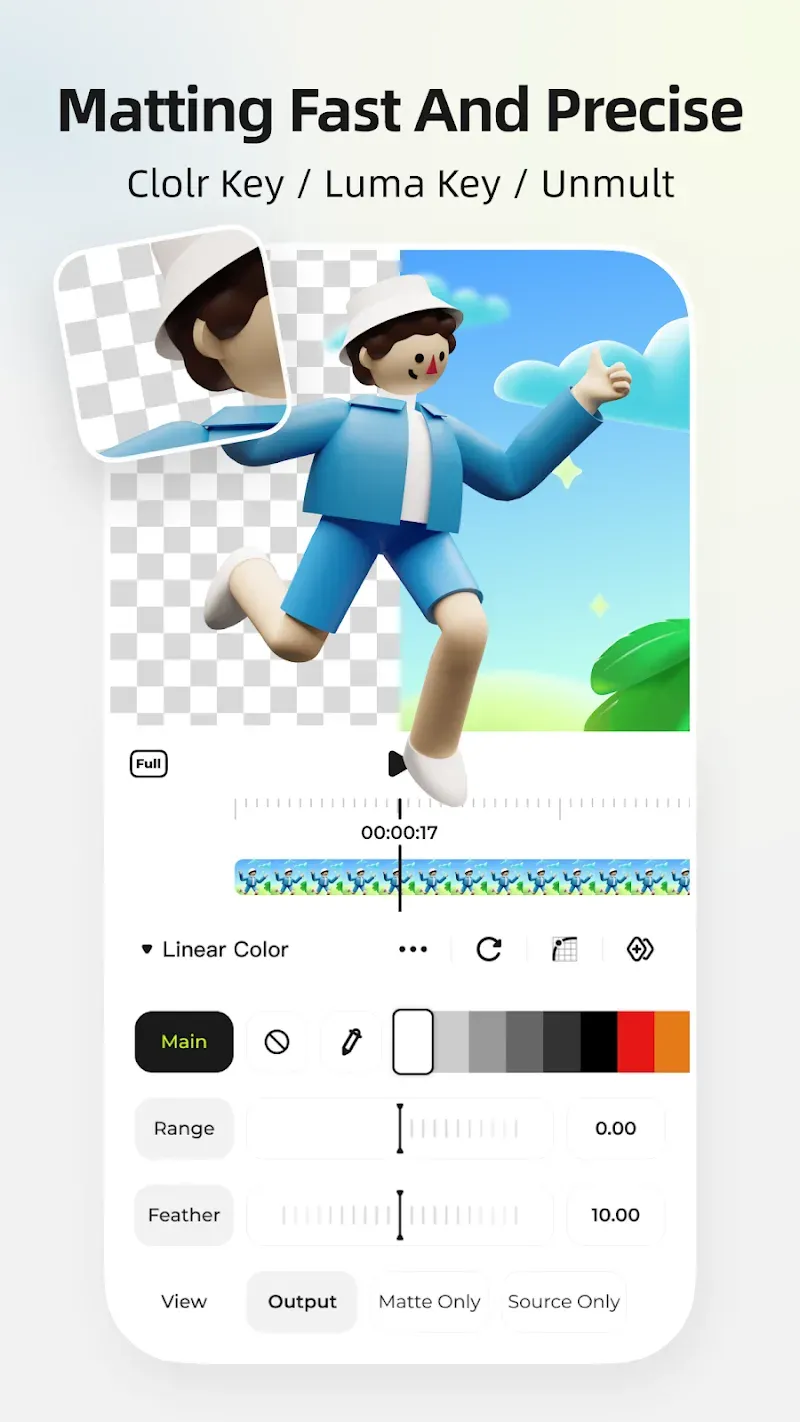
AI intelligent matting provides a dynamic cutout, so you can remove backgrounds and isolate subjects with precision. 3D and camera tools help build tunnels, cubes, conveyor belts, and cinematic visual effects. The particle system and super resolution enhance clarity, especially for anime and low resolution footage. Together these tools open up clean composites and stylized scenes on mobile.
Highlights:
Mix Multiple Layers: The application allows you to mix multiple layers together. Bringing you an extremely perfect video with extremely professional quality. Immersing you all day without getting bored.
Achieve Diverse Effects: Coming to this application, you will come to extremely diverse and rich effects. With these effects, your videos will become more interesting and unique. Bringing you the most attractive and rich videos.
Create Richer Visuals: You can also create more unique and rich images when using this application. Bringing you attractive and rich videos that are not inferior to videos made by professional studios.
Complete Animation Control: Coming to this application, you will quickly be able to manage your edits very well. Helping you to calibrate and create the most perfect and professional videos.
Make Videos Vivid: The application will quickly help you create videos with the sharpest and most vivid images. Bringing you extremely interesting and attractive experiences that cannot be found in any other application.
Pros and Cons:
Pros
Powerful Editing Tools
User-Friendly Interface
Upcoming Features
Flexibility and Creativity
Cons
Steep Learning Curve
FAQs:
Q: Can beginners use the app for video editing?
A: Absolutely! Its user-friendly interface makes it easy for beginners to start editing videos quickly.
Q: Does the app support HD video export?
A: It allows you to export high-quality videos for a clear and professional look.
Q: Are there any watermarks on videos edited with the app?
A: No, the version of the app does not add watermarks to your edited videos.
Conclusion:
Blurrr is a unique editing program that specializes in styling your images and clips with stunning and professional-like blurring effects. Share your most treasured moments in enhanced quality and show them off to your social friends and family. Maintain your neat and fashionable feed as you utilize its dripping, neon spiral, and blur art effects. Unfortunately, application lags can interrupt your user experience.
-
Latest Updates
-
Featured Apps









