Win7 Simu
Simulation
2026-07-14
40.2MB
4.5.0
Android
401
Screenshots
Introduction
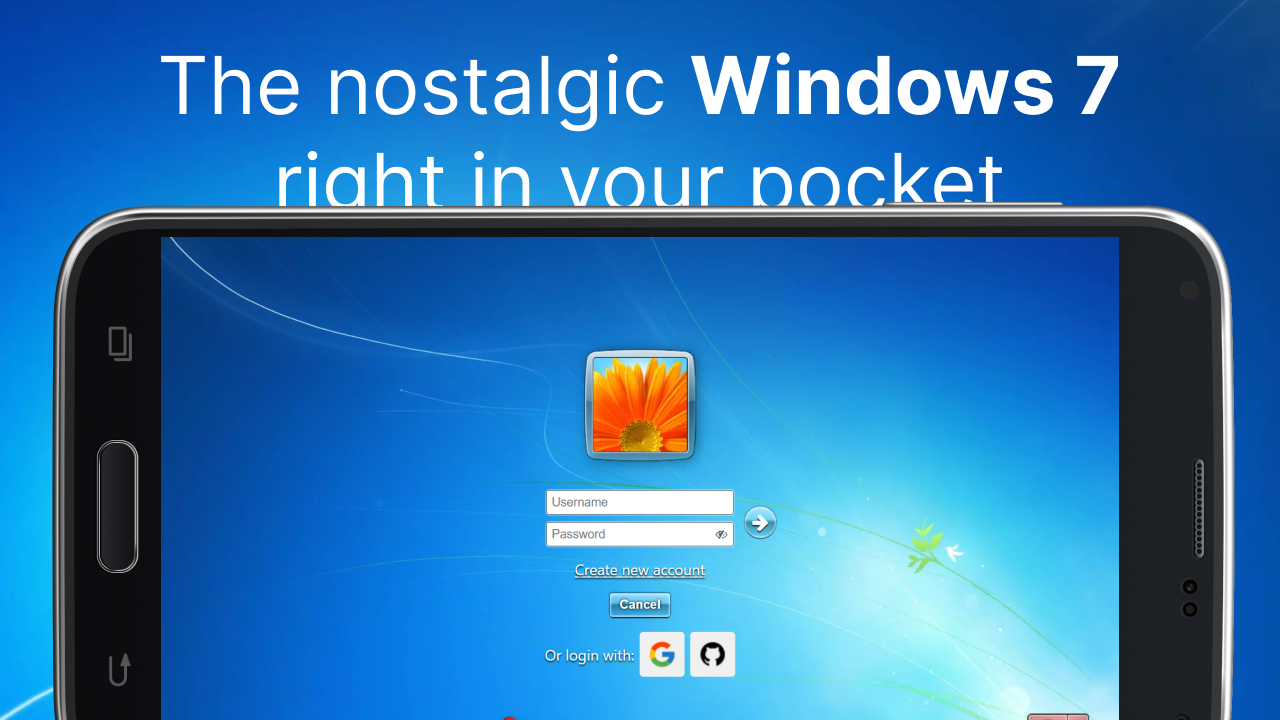
Win7 Simu is an application that emulates a Windows system on Android devices. It allows users to experience Windows on their phones and its features. The app recreates familiar elements from classic Windows, including the startup animation, login screen, desktop, taskbar, and Start menu. Users can open the menu, launch items, and switch between simulated applications on the taskbar. The app also offers different themes for users to choose from based on their preferences.
Features:
Authentic desktop experience
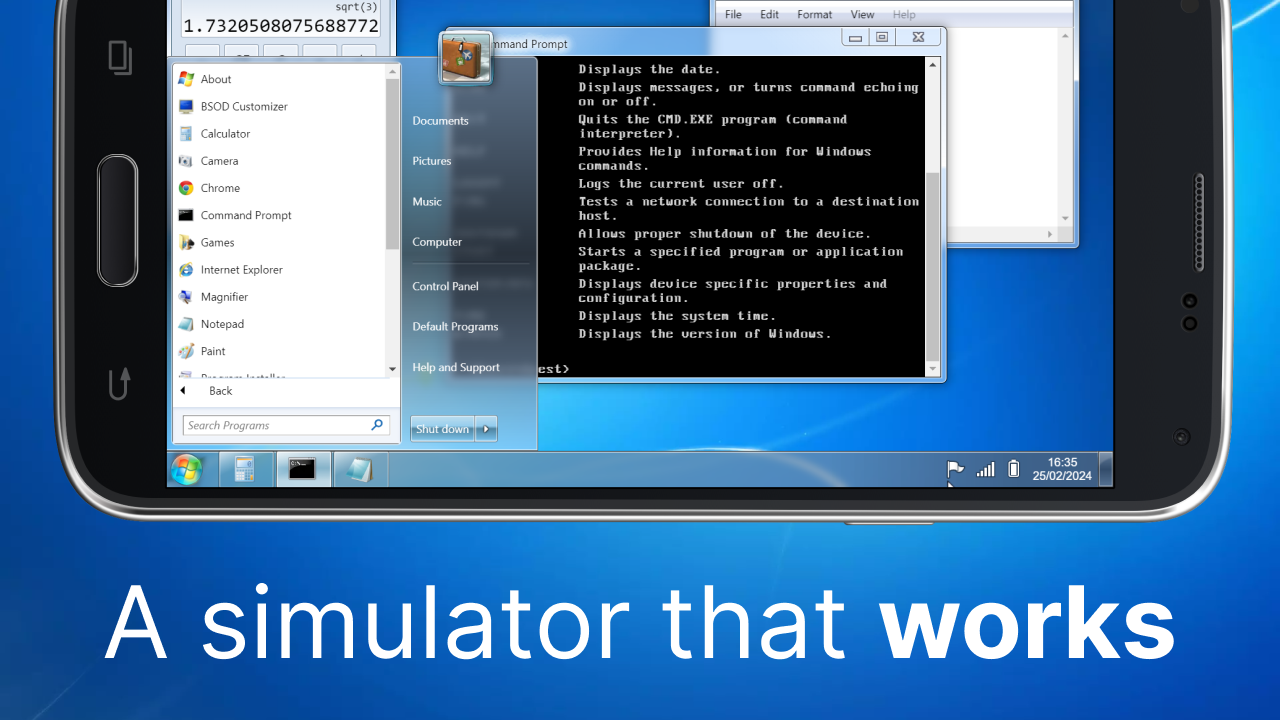
Win7 Simu recreates familiar elements from classic Windows systems, including a boot animation, a login screen, a desktop, a taskbar, and a Start style menu. You can open the menu, launch items, and switch between simulated apps on the taskbar. Window frames, icons, and interface cues are crafted to feel familiar. As a result, the layout is easy to understand at a glance.
Functional classic programs
Inside the simulation, you can open classic tools such as Calculator, Notepad, WordPad, Internet Explorer, Media Player, and the Snipping Tool. Each program offers real simulated functions that match its original role, so you can type notes, perform quick math, browse within the simulation, play media, or capture a selection on screen. The apps open in their own windows and follow expected controls. This consistency helps you move between tasks without learning new rules.
Themes and customization
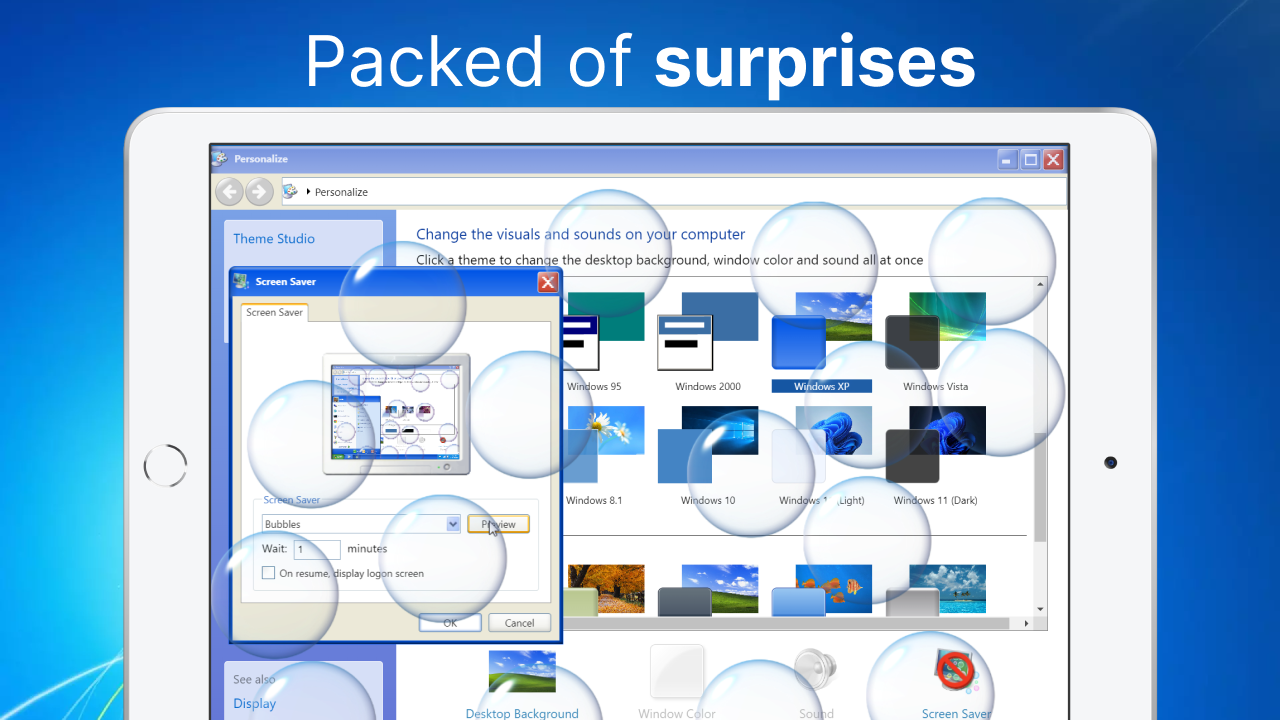
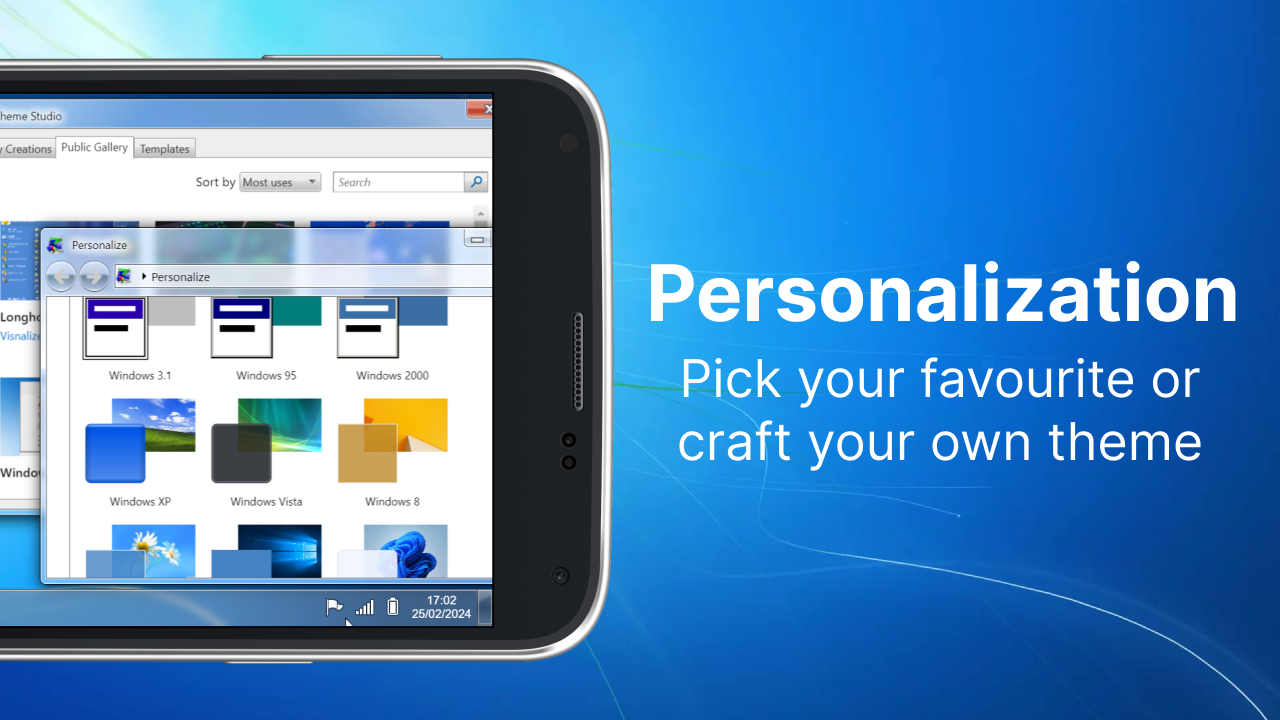
Win7 Simu includes built in themes inspired by Windows 2000, Vista, Windows 10, and Windows 11. You can switch the look to match your preference and keep the desktop fresh. The Theme Studio lets you create your own style with colors and elements that fit your taste. In turn, your desktop can look classic or modern, and you can change it again later with a few taps.
Touch first and offline use
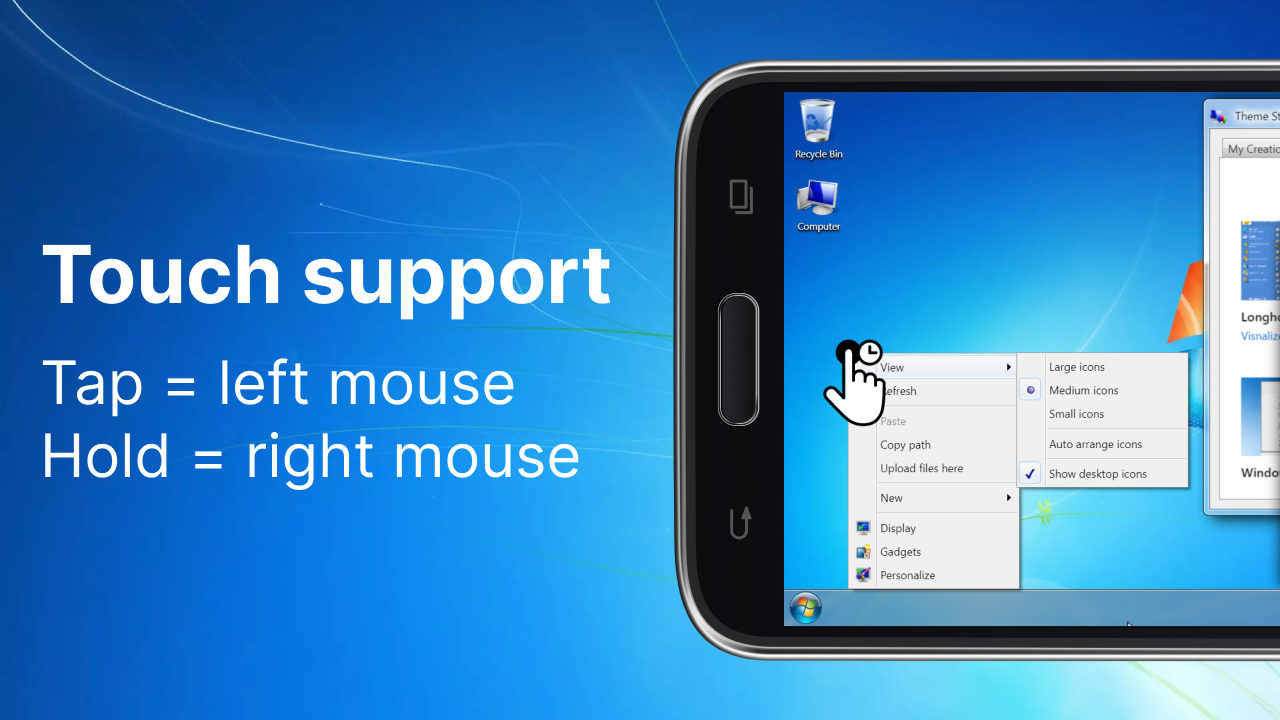
The entire simulation is built for touch, so taps and gestures feel natural on a phone or tablet. Buttons, menus, and window controls are sized for comfortable use. Once installed, you can use Win7 Simu offline for casual sessions at any time. This makes short breaks and travel moments a good time to explore the desktop and open a few tools.
Privacy and simulator scope
Win7 Simu is designed as a simulator for entertainment and education. It cannot run actual Windows programs or real executables, and it does not replace a desktop operating system. According to the developer, no data is collected or shared, and data is encrypted in transit. Users can also request deletion of their data if needed. These points help set clear expectations before you begin.
Gameplay:
When you open Win7 Simu, the legendary Windows 7 animation will appear on your screen. After that, the app shows you the login box, which you can tap on to access the desktop. By default, the app places a series of applications on your desktop, which you can change, of course. You can modify the desktop however you like and create as many shortcuts as you want.
By default, there's a recycling bin, Google Chrome, access to the device's memory, a game library, and Paint. On the lower bar, you'll find the notepad, where you can write whatever you want. You'll also find the typical drop-down menu where you can access any of the apps you have installed. There's even a built-in file explorer, which lets you manage all the files on your device just like on a Windows 7 computer. Finally, when you're tired of it all, just tap "shut down" to see the classic animation that appears whenever you turn off the computer, exit the app, and return to your usual interface.
FAQs:
How much storage space is needed to install Win7 Simu?
Please keep at least 51.0 MB, and additional 100-500 MB free for smooth updates and cache management after installing.
What are the system requirements for Win7 Simu?
Your device should have system version Android 7.0+ (firstly released around 2016-08) or newer.
Is Win7 Simu safe to download?
Yes, the signature of Win7 Simu has been verified safe by Virustotal.
How long does it take to download?
The package size of Win7 Simu is 51.0 MB. Download time can vary based on your network connection. Typical speeds are:
4G: 30-100 MB/s
5G: 170-400 MB/s
Wi-Fi: 50-500 MB/s
Why do I fail to download or install?
Common reasons for download or installation failures include:
Lack of device storage
Device incompatibility
Poor network connection
Changelog:
Major visual enhancements to the taskbar and start menu across different themes
Added ChromeOS boot + login screen
Added language support for: Persian, Bengali, Indonesian
Added more display zoom options (at 70 and 85%)
Fixed shutdown screen for MacOS and ChromeOS themes
Several other bugfixes and improvements
Conclusion:
Overall, Win7 Simu provides a fun way for users to relive nostalgia from the days when Windows 7 was king while enjoying modern-day gaming technology on their mobile devices. With its easy-to-use interface and customizable features, it’s no wonder why this Android game has become so popular among tech enthusiasts around the world.
-
Latest Updates
-
Featured Games