The Room 2
Puzzle
2026-10-16
424.97MB
1.13
Android 2.3 and up
467
Screenshots
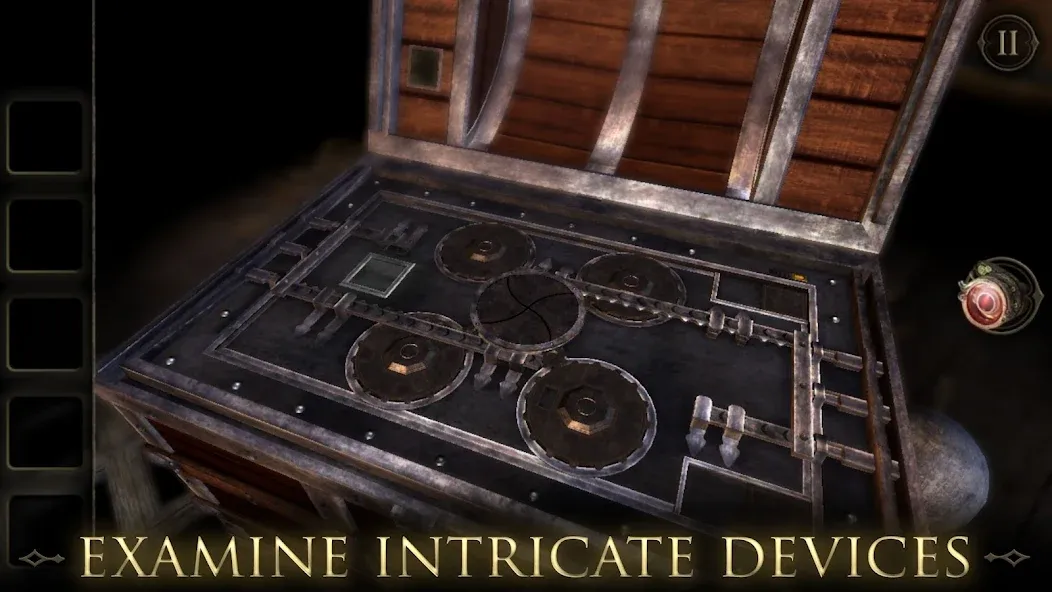
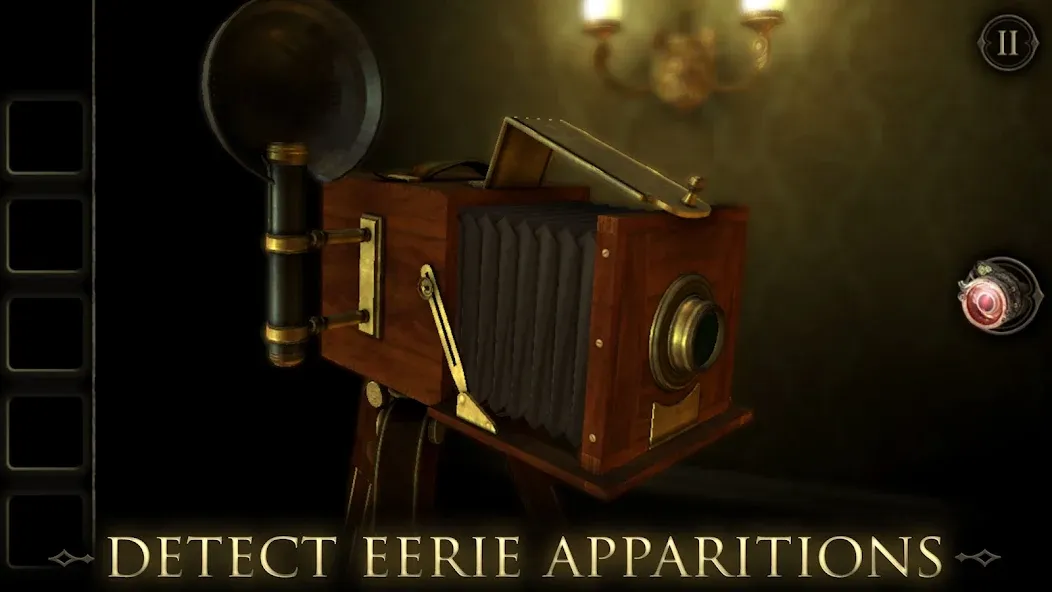
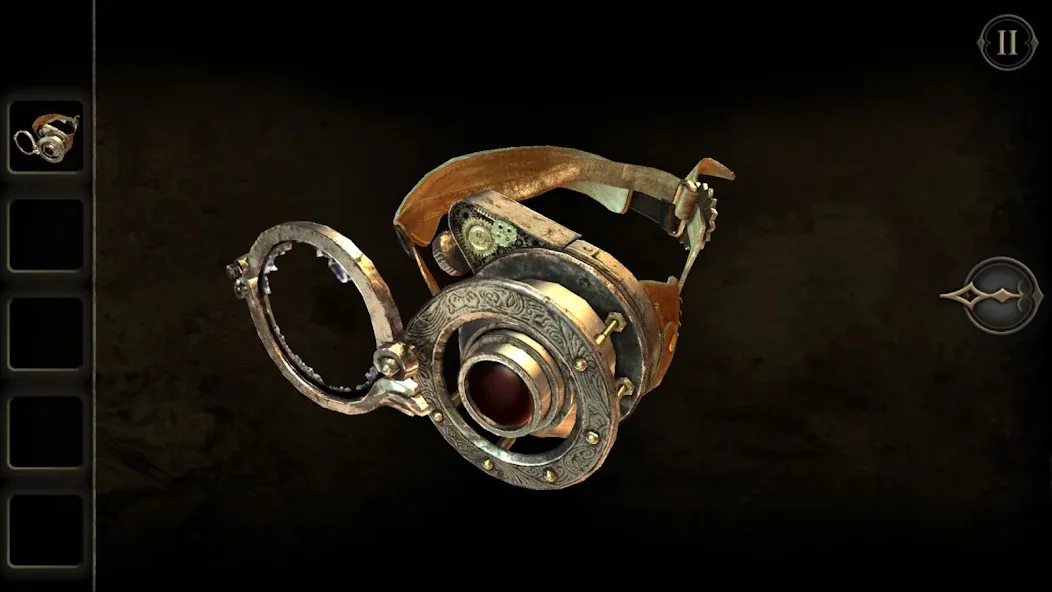
Introduction
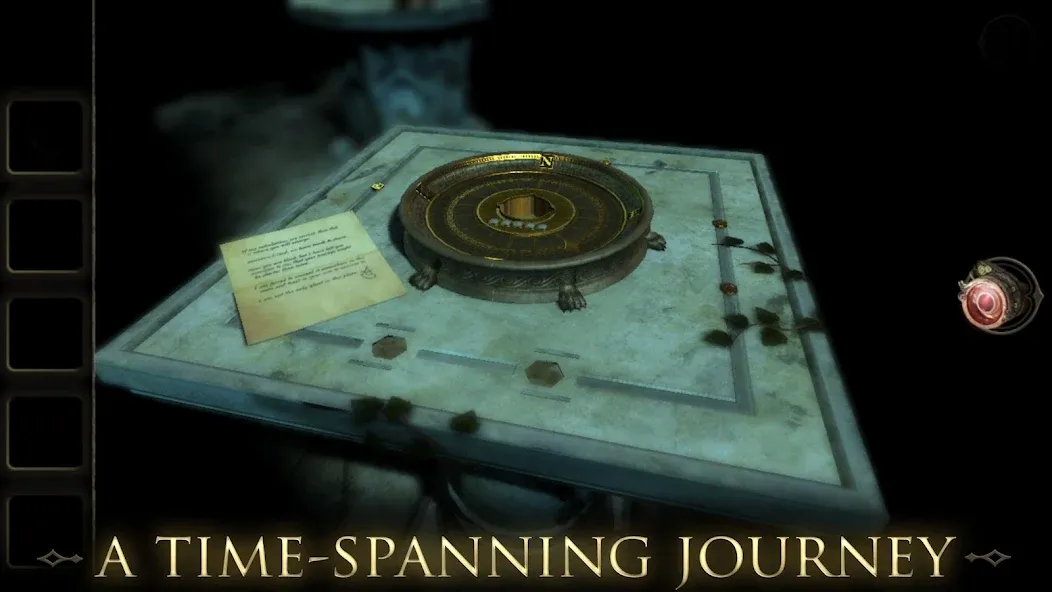
The Room 2 is a puzzle game designed for Android devices. Each level offers a significant challenge, featuring a 3D perspective that can be adjusted freely. The game supports cloud saves, allowing players to sync their progress across different devices. Highly immersive, it includes a wide array of puzzles to solve and offers support for multiple languages. With its exceptional sound design, the game draws players deep into its world. The user interface is simple, making it easy to get started and dive straight into exploration.
Features
Stunning puzzle game with difficult and challenging levels.
Provides 3d persprective. So, you can change the camera view easily.
Supports cloud storage also. This means you cam store your progress and also play further and other devices too.
An addictive game with a lot of mysteries and beautiful puzzles.
Now it supports a lot of languages. The languages include English, Italian, Spanish, Portuguese, French and much more.
Has amazing sound effects. You will feel the game in the real world while playing it.
The game has 4.9 ratings on play store. This is the highest rating any app has got on play store.
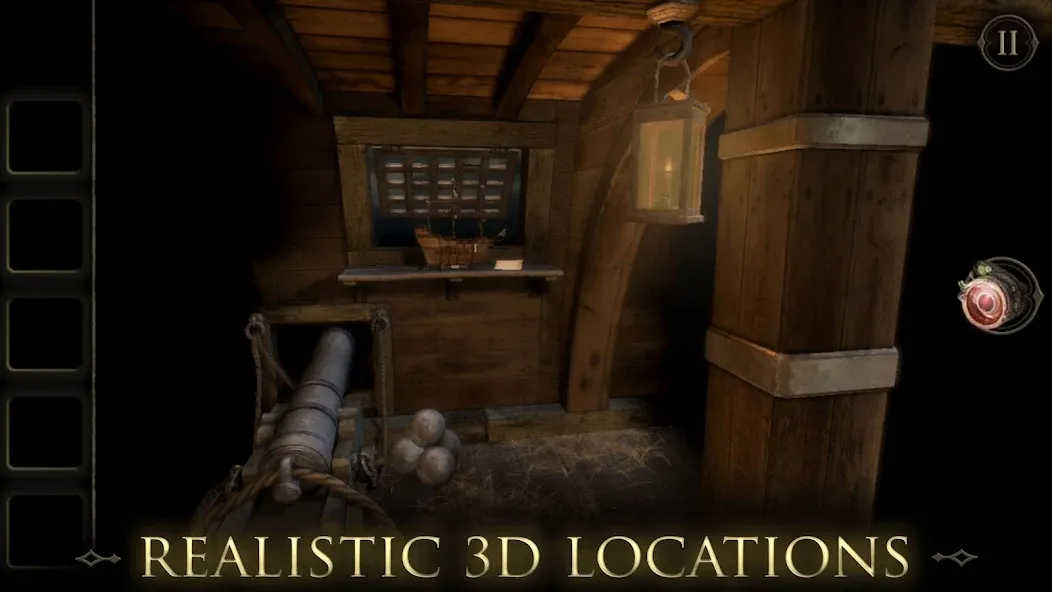
Has realistic 3d environments. You will face a lot of difficulties in clearing the levels of the game.
How to Use
Open the game and begin the current chapter, then read any letter or note shown at the start because it often gives the first direction.
Tap nearby objects to inspect them, then rotate the view and look for locks, symbols, switches, drawers, or parts that can move.
When you find an item, check where it may fit in the same room, since many tools connect directly to nearby mechanisms.
Return to earlier objects after solving a small part, because a changed machine or opened compartment may reveal a new clue.
Continue linking clues until the main mechanism in the room is complete, then move forward to the next location and repeat the same careful process.
Tips
You can swipe the screen to adjust the camera angle, which may be helpful if you're not noticing something crucial to the puzzle at hand.
If an item is usable, tapping it twice will allow you to examine it more closely.
Tap the eyeglass icon, located near the screen's right side, and you'll be able to examine objects in the environment that you might otherwise miss.
Inventory items sometimes must be placed on other objects to solve puzzles. Note that an item changes from transparent to opaque when it is able to interact in such a manner.
Don't be afraid to click on the '?' near the top left side of the screen, if you need a hint. A total of three are available in each section.
When you're out of hints or just don't want to use them, tapping and swiping everything can go a long way. You should also try the various items in your inventory and the eyeglass, just to make sure you have truly exhausted every possibility.
Summarize
Overall, this is the first choice for gamers who both want to explore and conquer themselves through each difficult puzzle. The user interface is specially designed to be simple, so even those who have just started contracting or have been immersed in this game genre for a long time can participate. However, once you have joined this association, it is hard for you to ignore a series of attractive challenges waiting for you ahead.
-
Latest Updates
-
Featured Games