Pizza Boy GBA Pro
Casual
2026-10-28
161.38MB
2.12.3
Android 5.0 and up
275
Screenshots
Introduction
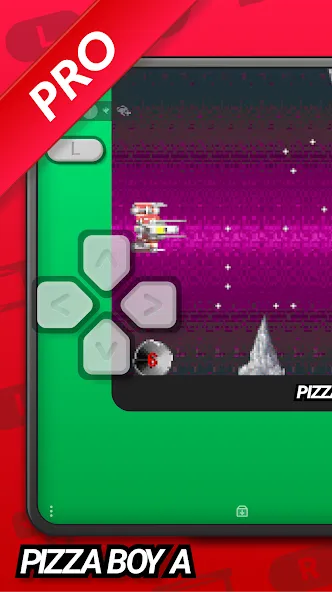
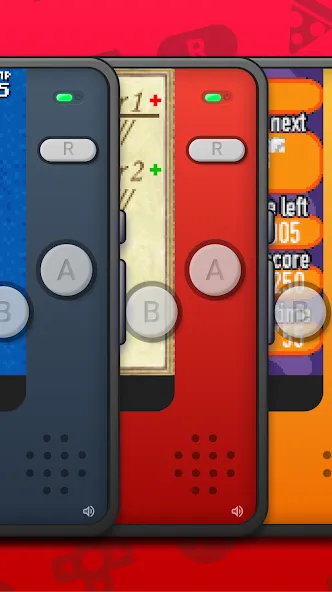
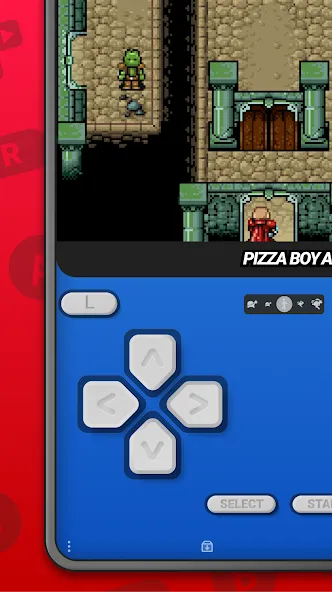
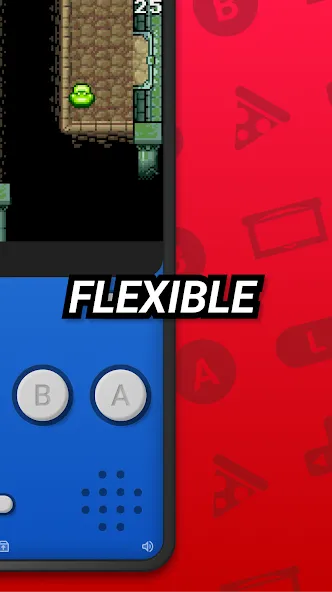
Pizza Boy GBA Pro is a game emulator designed for the Android operating system. It features a clean, intuitive interface that allows users to get started quickly and enjoy their favorite games with ease. The software supports a wide range of titles, offers excellent compatibility, and allows for the connection of external game controllers. Players can save their game progress at any time, enabling them to resume their sessions whenever they like. Equipped with fast emulation technology, the app ensures a smooth gaming experience. It also provides robust customization options, allowing users to adjust button layouts and other settings to suit their personal preferences. Furthermore, it offers strong hardware support, as well as features for multiplayer gaming and wireless network connectivity.
Features:
Clean User Interface: First and foremost, thanks to a robust system architecture, players can navigate the game with ease. The interface is highly intuitive and user-friendly, making it accessible even to those with limited technical expertise.
Personalized Visual Experience: Furthermore, the app allows players to customize the visual layout, facilitating smoother gameplay. As a result, getting into the game is faster than ever.
Fluid Control System: Convenient shortcuts and features enable players to play more efficiently, making it easier to execute optimal combos. In many ways, the experience surpasses that of playing on an actual GBA console.
Quick Save Functionality: With the auto-save feature enabled, your progress is automatically backed up at regular intervals. While this may add a few extra steps to your workflow, it ensures greater data security. Alternatively, if you prefer manual control, you can save your progress with just a single tap.
Cross-Device Progress Sync: Your saved data can be stored in the cloud, allowing you to play across multiple devices and jump back into your game instantly. No matter where you are, you can enjoy a seamless gaming experience.
Highlights:
Undo any mistakes by rewinding your gameplay progress
Cheat code functionality
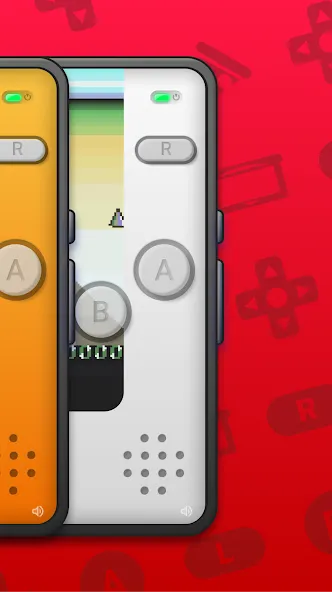
Customizable skins and button layouts
Custom covers for your game library
Save file synchronization via Google Drive
Quick save and auto-save features
Local and Wi-Fi multiplayer
Support for custom BIOS
Emulation of cartridge hardware, including gyroscope, light sensor, tilt sensor, and vibration feedback
Improved controls and an enhanced settings menu
FAQS:
What is Pizza Boy GBA Pro?
It is an excellent application that can emulate various types of games.
Can I use a controller with Pizza Boy GBA Pro?
Yes, you can use a controller. Simply connect the controller to your device, and you’ll be ready to play.
Do I need physical GBA game cartridges?
No, you do not need physical game cartridges. You can download ROM files for the games you want to play and load them into Pizza Boy GBA Pro. Just make sure to only download ROM files for games that you already own.
Advantages and disadvantages:
Pros
High accuracy and strong performance, built around C and assembly code
Extensive customization of interface, skins, backgrounds, and on-screen controls
Support for cartridge-style extras like gyro, tilt, light sensor, and rumble
Cons
Limited to advanced 32 bit handheld roms, no support for older 8 bit systems
Conclusion:
If you are a fan of games played via Pizza Boy GBA Pro and are looking for a reliable, high-performance emulator for your mobile device, then Pizza Boy GBA Pro is an ideal choice. With its unique features and enhancements over the free version, it delivers a complete and satisfying GBA emulation experience.
-
Latest Updates
-
Featured Games