Hello Minecraft Launcher
Casual
2026-10-13
174.84MB
1.0.0
Android
158
Screenshots
Introduction
Features:
Extremely easy to use
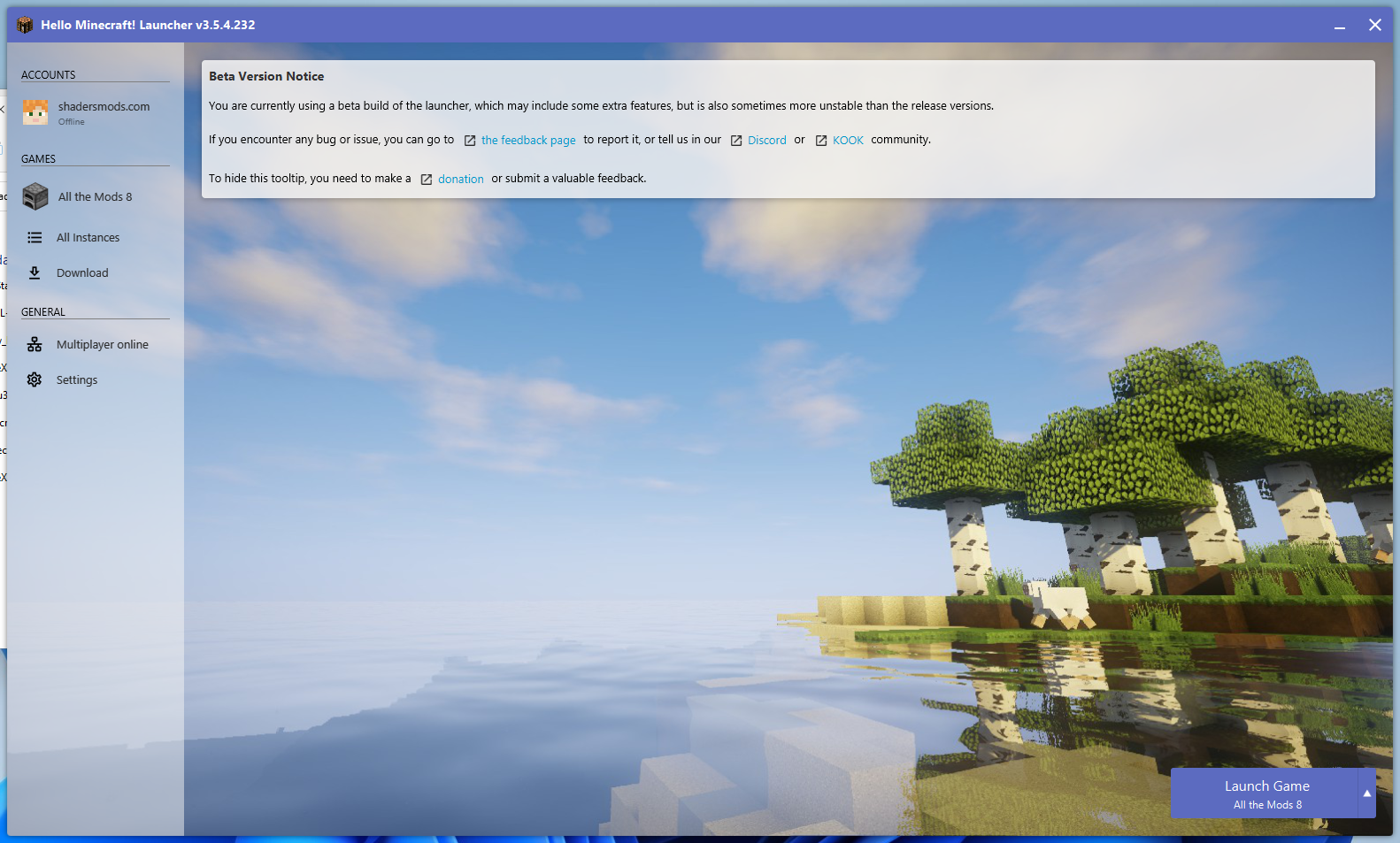
First of all, the program requires no installation. It simply downloads a few extra files the first time you run it—that’s all there is to it. Once the launcher is open, you can start the game using the button in the bottom-right corner.
Choose your Minecraft version
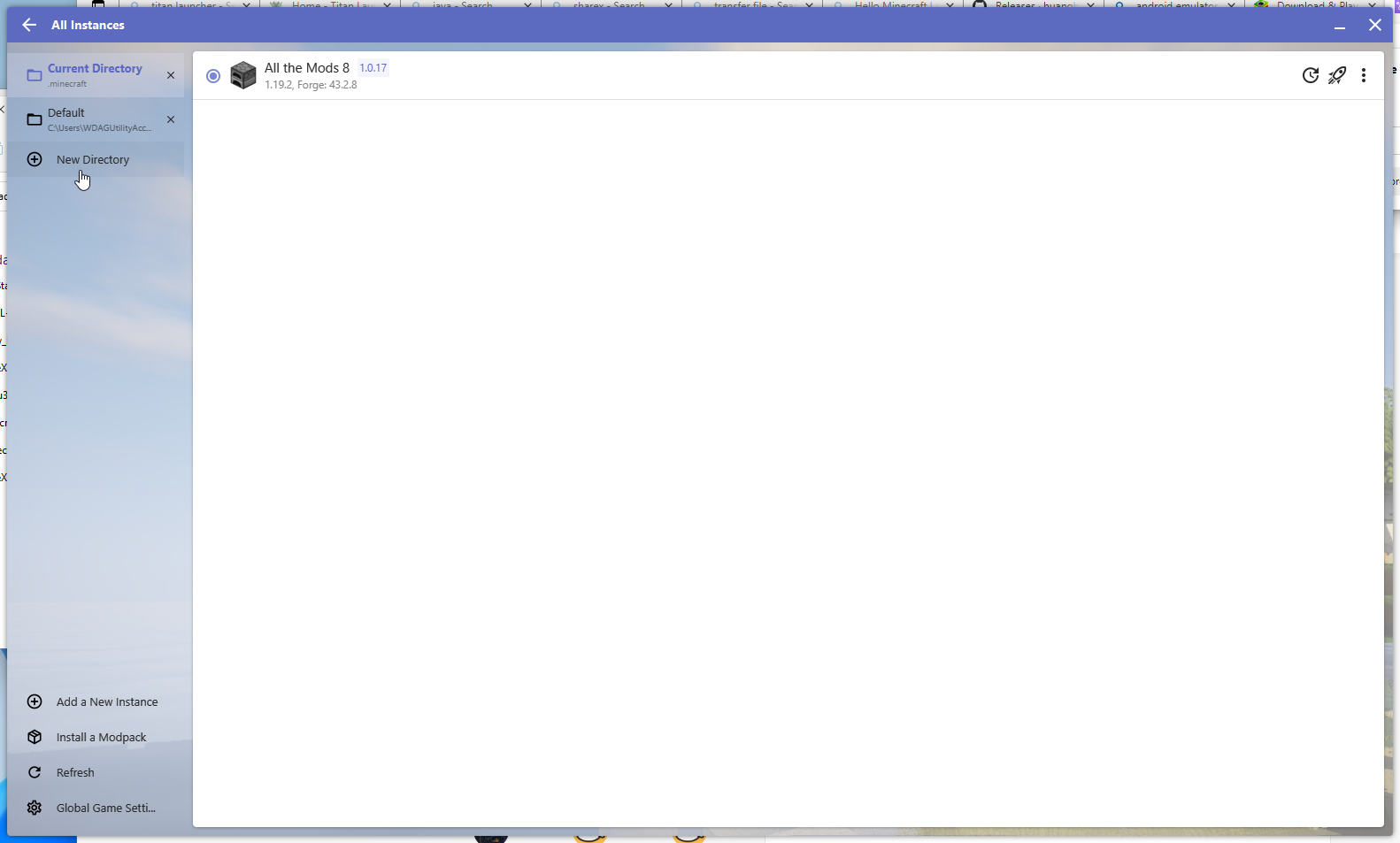
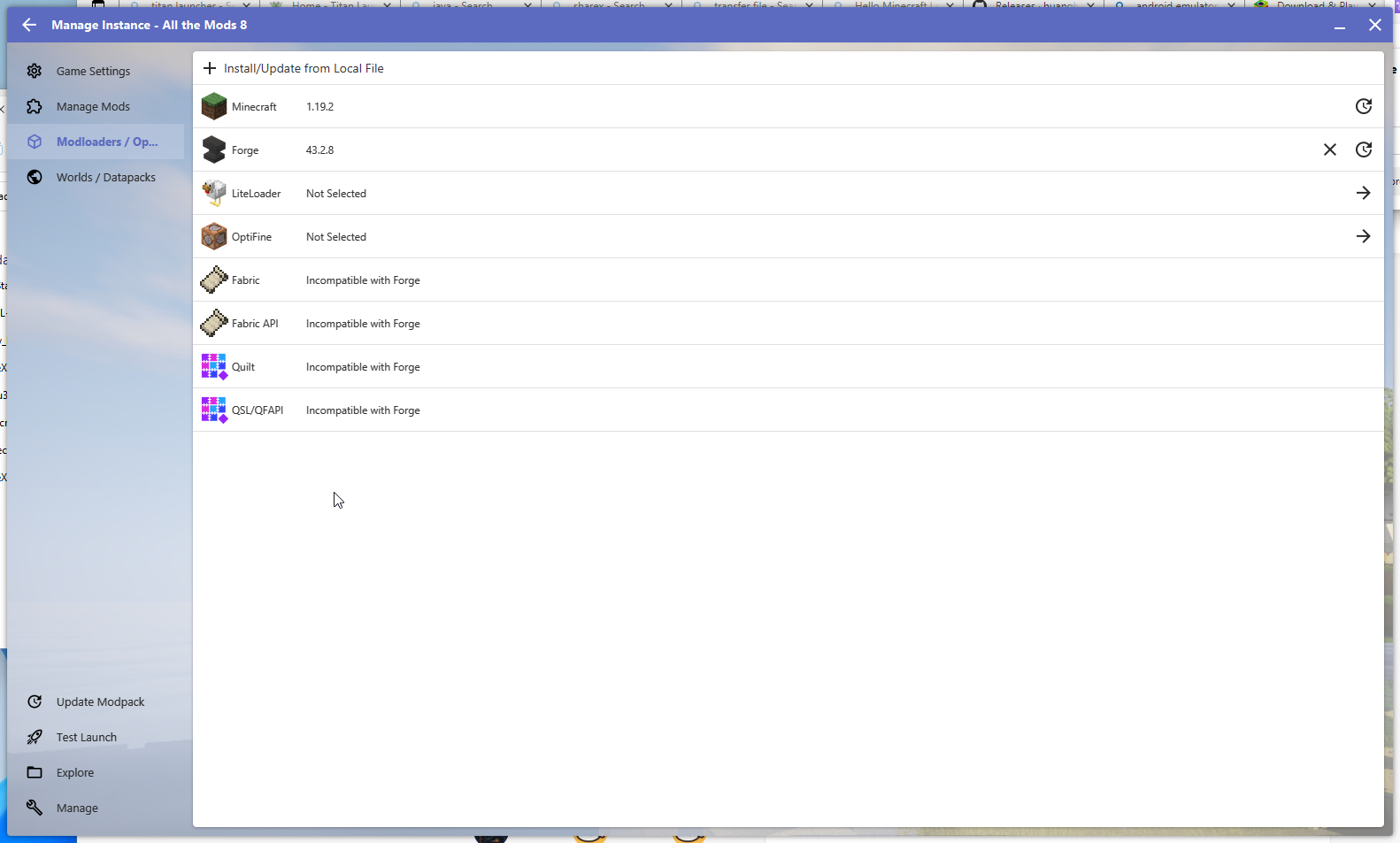
In the Instances tab on the left, you can configure the game to your liking. Here, you can search for and install any mods or data packs you want. Most importantly, you can select the specific version of Minecraft you wish to play.
A vast catalog of mods available for download
Within the launcher, you can filter content by category, popularity, game version, or download source. If you already know the name of the mod you want, you can simply type it directly into the search bar. Furthermore, beyond just mods, you can download hundreds of resource packs and skins with a single click.
Highlights:
Supports running all versions of Minecraft.
Supports Forge, OptiFine, Fabric, and more.
Supports Java 8 and Java 17.
Supports virtual mouse functionality.
Allows downloading mods, modpacks, resource packs, and map saves.
Supports shader packs (requires VirGL).
Supports creating custom controller layouts.
Supports custom launcher themes and color schemes.
And many more features!
Advantages and disadvantages:
Pros
Centralized access to Java, Bedrock, and Dungeons
Simple interface and one-click play
Built-in account and mod management
Frequent updates and improvements
Cons
Occasional login issues
Conclusion:
In summary, Hello Minecraft Launcher is a reliable and convenient platform for accessing various Minecraft games, offering seamless management and a user-friendly interface. By integrating account management, mod access, and game updates, it creates a smooth, centralized experience that benefits both newcomers and veteran players alike.
-
Latest Updates
-
Featured Games