FPV Freerider
Simulation
2026-08-03
82.53MB
3.8
Android
495
Screenshots
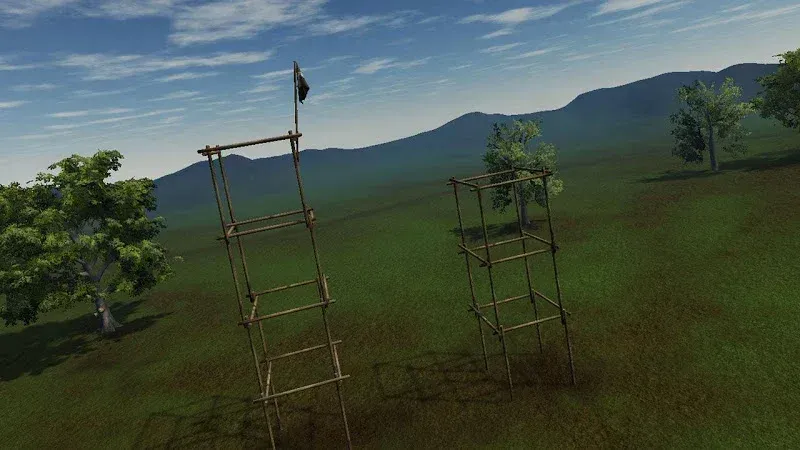
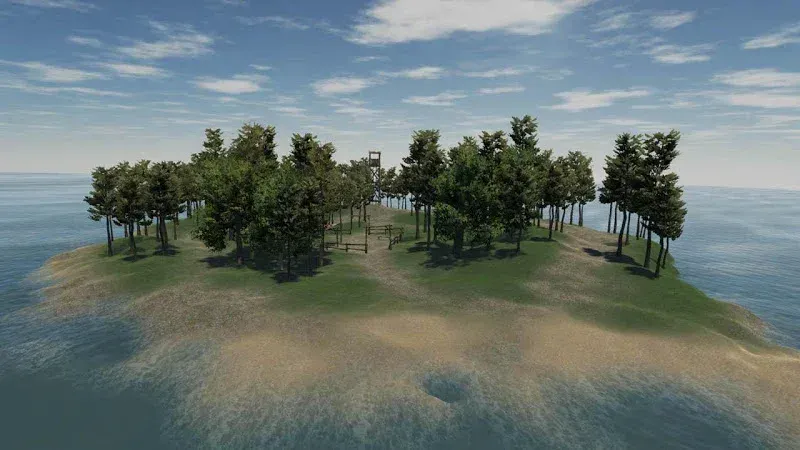
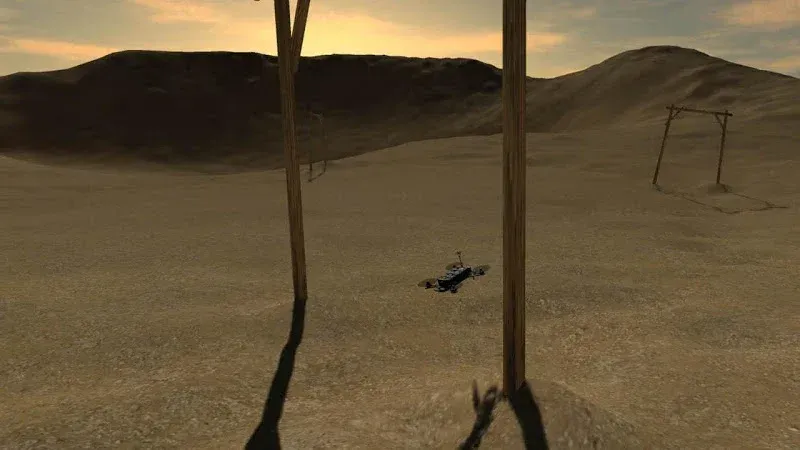
Introduction
FPV Freerider is a drone piloting simulation game that allows players to experience the thrill of piloting a drone on their mobile phones. The game features realistic quadcopter flight practice, making players feel like they are truly controlling a drone, providing the most authentic drone experience. The game also offers multiple modes, each with varying difficulty levels, ensuring there's a suitable mode for both beginners and drone enthusiasts.
Features:
Realistic quadcopter flight practice
FPV Freerider simulates the feel of flying an RC racing quadcopter, so you need to manage throttle, direction, and camera angle with care. The game is designed around realistic flight behavior, which means mistakes can lead to virtual crashes. Because of this, you can repeat difficult moves many times without risking real drone parts.
FPV and line of sight flying
FPV Freerider lets you fly in first person view when you want to practice camera based racing. You can also switch to line of sight flying, where the drone is viewed from outside. This is helpful because real pilots often need both skills, especially when learning orientation, recovery, and basic control from different angles.
Flight modes for different skill levels
FPV Freerider includes self leveling, acro, and 3D inverted flight modes. Self leveling can help newer players keep the quadcopter more stable while they learn basic movement. After that, acro mode gives more manual control for racing and freestyle practice, while 3D inverted flight supports more advanced maneuvers.
Sceneries and generated tracks
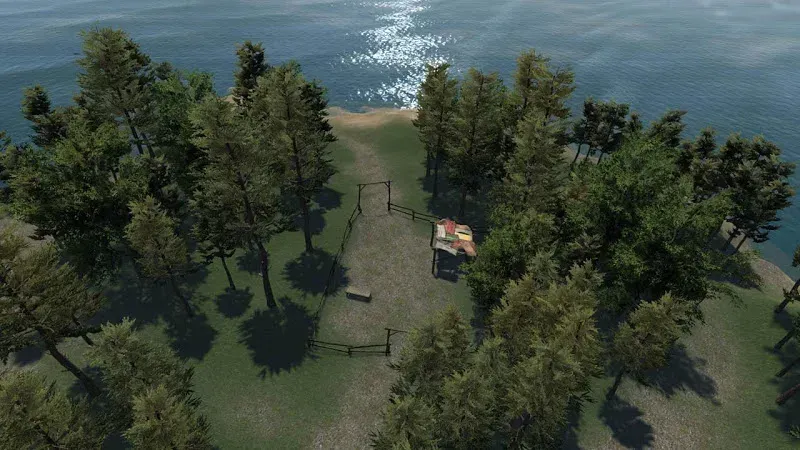
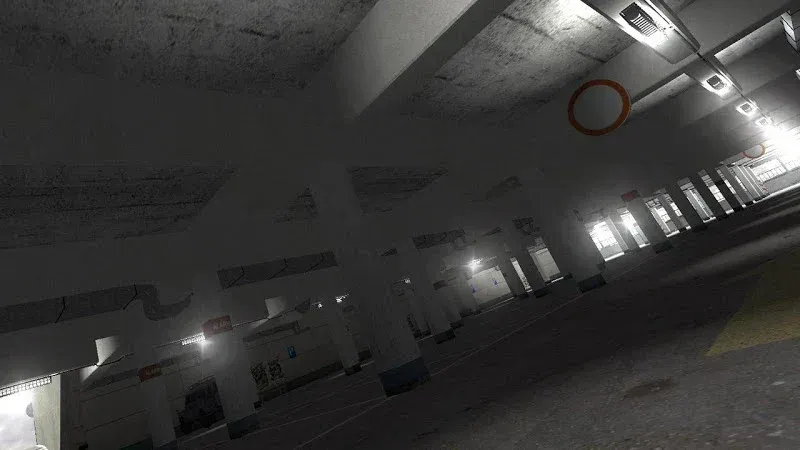
FPV Freerider includes six sceneries for regular practice sessions. In addition, the procedural racetrack generator can create many different track layouts, so repeated sessions do not have to follow the same route. This gives players more room to practice turning, speed control, gate approaches, and route reading over time.
Control tuning and controller support
You can adjust input rates, camera settings, and physics behavior to better match your preferred flying style. FPV Freerider also supports touchscreen controls and configurable mode 1, 2, 3, and 4 inputs. For players who want a setup closer to real drone practice, the game supports many physical controllers and RC radios, along with a VR side by side view.
Highlights:
Realistic Physics: Precisely simulated flight physics respond just like real RC planes.
Detailed Aircraft: Beautifully modeled planes with animations and dynamic shadows come to life.
Authentic Settings: Tune lift, drag, rates, expo, and motor just like a real transmitter.
Master Flying: Takeoffs, landings, aerobatics, and more through realistic physics.
Diverse Aircraft: Fly over 20 different highly detailed aircraft models, from trainers to aerobatic planes.
Aircraft Settings: Configure aircraft with accurate rates, expo, and motor curves.
Stunning Environments: The game will allow its players to choose to experience beautiful landscapes in a diverse graphics system.
Pros and Cons:
Pros
Highly realistic flight physics
Supports physical controllers
FPV and LOS flying features
Includes Acro mode
Cons
Requires a powerful device
Deliberately sluggish demo drone
Usage:
Open FPV Freerider and choose a control method, such as touchscreen controls, a supported controller, or an RC radio if you have one connected.
Select a flight mode that matches your skill level, beginning with self leveling if you are still learning how throttle and direction work together.
Choose a scenery or generated racetrack, then spend the first flight making slow turns and short straight movements to understand the space.
Switch between FPV view and line of sight view when needed, so you can practice both camera based flying and outside orientation.
Adjust rates, camera settings, or physics behavior after several flights, then repeat the same route to compare how the changes affect control.
Conclusion:
FPV Freerider is a game on Android where you control a quadcopter. In this game you take control of your quadcopter and will be using it to explore the area and perform different tasks. The game will delight you with excellent physics and different game modes. The game includes six of the landscape and the set of generated paths, which will be randomly generated. Fly over vast expanses, deserts, forests and fields, and on the control points, completing missions and tasks.
-
Latest Updates
-
Featured Games