Eden
Simulation
2026-09-10
33.21MB
92b101d
Android
167
Screenshots
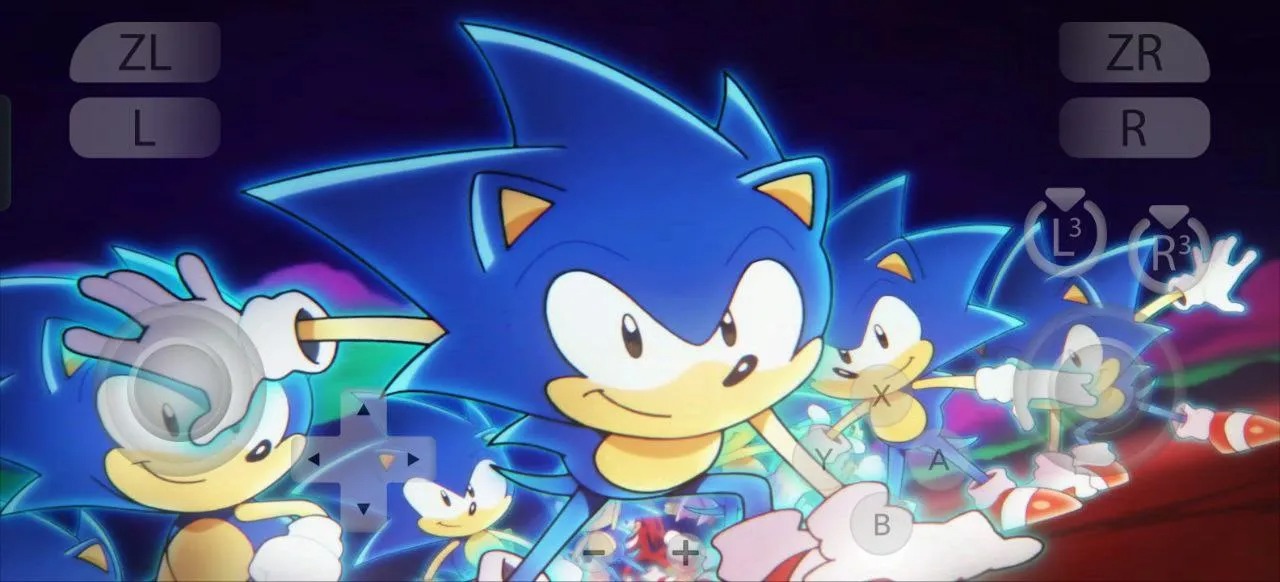
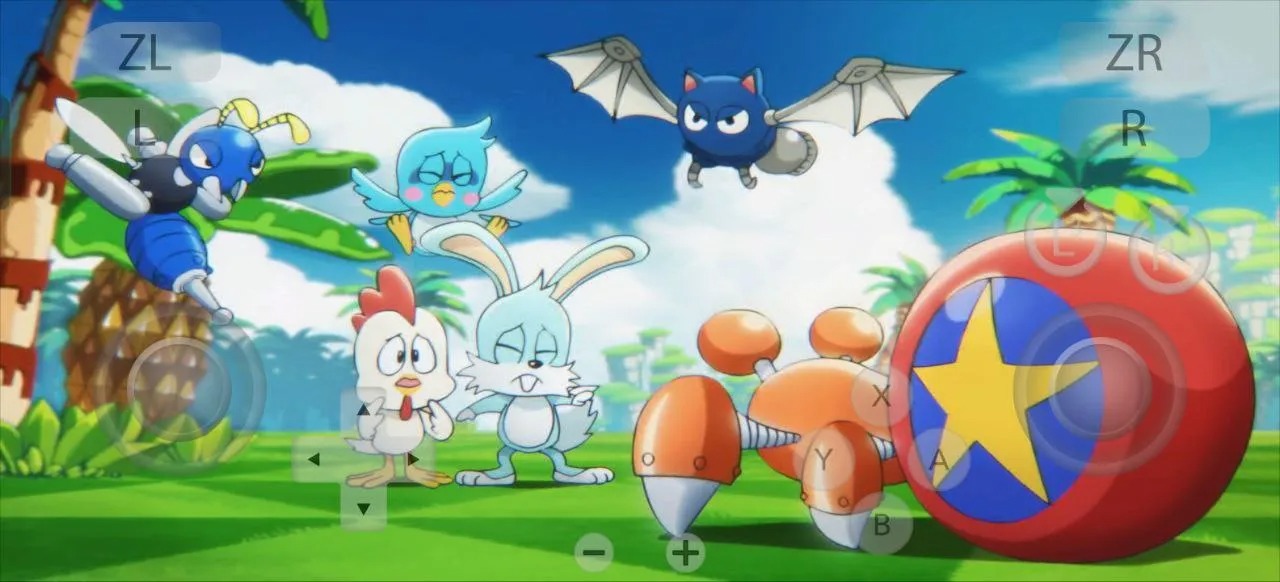
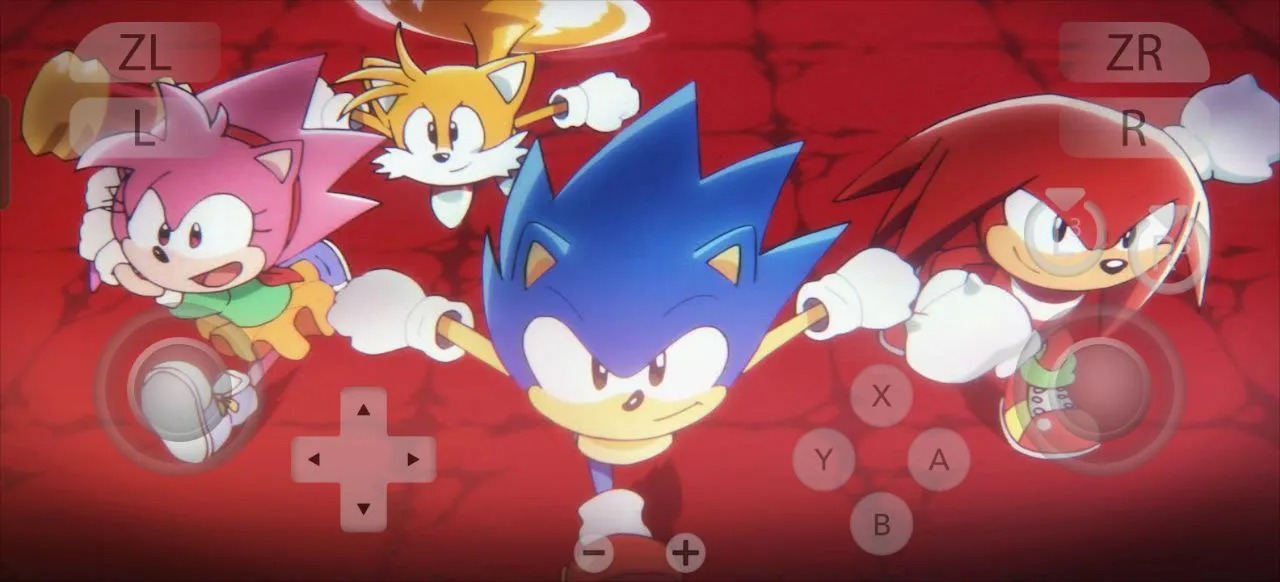

Introduction
Eden is a powerful game emulator. It creates a virtual environment, allowing users to flexibly run games and software on large screens or different devices for a smoother gaming experience. Its unique full-screen mode provides a more immersive experience. Supporting multiple systems, it offers players efficient and stable performance. This application also enhances graphics, giving players an excellent visual experience. Players can customize the layout of control buttons, designing their own unique gaming style for a more enjoyable gaming experience.
Features
Open-source Nintendo Switch emulator
Full-screen mode for immersive gameplay
support Windows, Linux, Android, FreeBSD, Solaris, and OpenBSD
Built in C++ for efficient performance and stability
Regular updates for bug fixes and performance improvements
Low-resolution support (0.25X – 180p/270p) for low-end devices
High FPS and smooth performance on Android
Excellent compatibility wide range of Nintendo Switch games
Highlights
High-Quality Graphics
One thing gamers instantly notice is the visual quality. The Eden Emulator enhances texture sharpness and lighting to deliver graphics that feel true to the original console. You can tweak resolution settings, enable shader effects, or even stretch the screen for modern displays. It gives older games a fresh, high-definition look without losing their retro charm.
Advanced Customization
Every gamer has a unique playstyle, and Eden respects that. The emulator lets you customize every control button, adjust layouts, or connect external controllers via Bluetooth. You can also fine-tune sensitivity for smoother movement — a feature mobile gamers truly appreciate. For handheld gaming lovers, this flexibility makes Eden feel like a real portable console.
Optimized for Android Devices
Eden Emulator is built for smooth, lag-free gameplay on all Android devices, from entry-level smartphones to high-end flagships. With advanced resource optimization, it delivers stable performance even when running demanding Nintendo Switch titles. Eden ensures consistent frame rates, even at lower resolutions like 180p or 270p, making it accessible for a wide range of devices. Whether you’re diving into fast-paced action games or exploring lengthy RPGs, Eden Emulator guarantees efficient, reliable, and enjoyable gaming every time.
FAQs
What is Eden APK?
Eden APK is an emulator app that creates a virtual environment for running games and supported software on devices like PC, Android, macOS, and Linux.
What is Eden APK used for?
It is mainly used for running games or apps with adjustable controls, higher resolution options, performance tuning, and broader device support than a standard mobile setup.
Which features stand out in Eden APK?
The main highlights include nightly updates, controller support, keyboard mapping, HD graphics options, save states, cloud sync, and settings for performance and audio adjustments.
Conclusion
Eden APK is best suited for users who want an emulator app with frequent updates, detailed settings, and cross-platform flexibility. It fits people who like tweaking performance, using controllers, or moving between desktop and mobile play. It can also suit testers and curious users who do not mind occasional rough edges in exchange for early improvements and newer features.




-
Latest Updates
-
Featured Games