Critical Ops: Multiplayer FPS
Action
2026-07-29
1.16GB
1.70.1.f3300
Android
273
Screenshots
Introduction
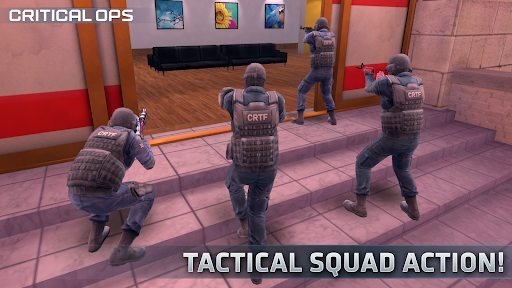
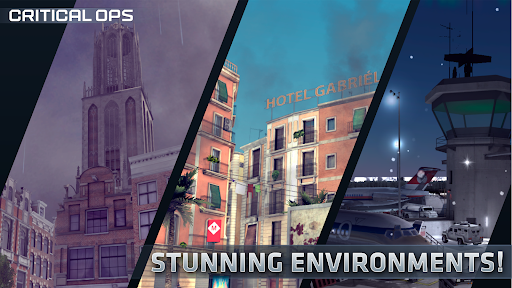
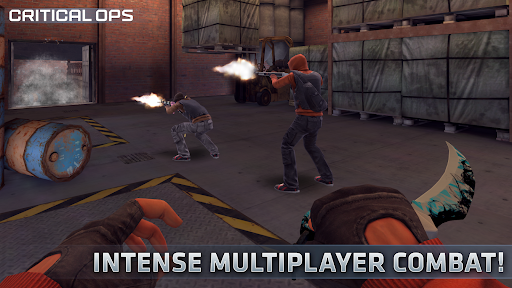
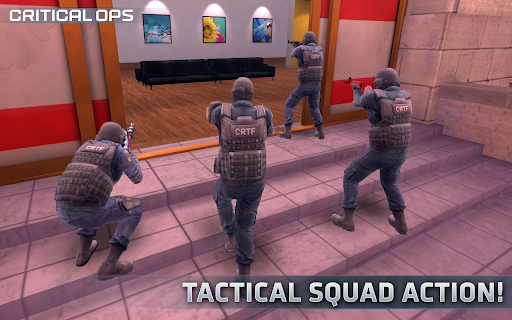
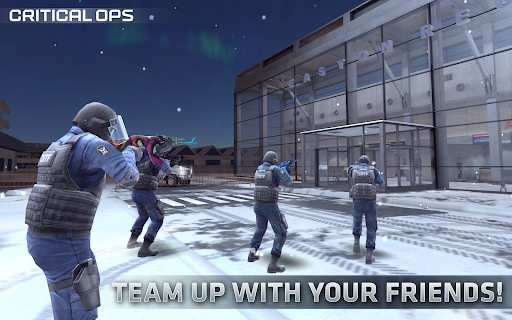
Critical Ops is a first-person shooter game that allows players to compete against top shooters from around the world. The game emphasizes precise aiming and responsive control; victory hinges on minute margins, and player skill is the most crucial factor in determining the outcome. You can choose from various firearms, grenades, and knives, but each weapon has its strengths; there's no absolute equipment advantage, only a battle of skill between players. The game also offers multiple game modes for players to enjoy.
Features:
Skill-first gunplay
Critical Ops prioritizes precise aiming and responsive controls, so every duel comes down to player skill. Split-second decisions and clean crosshair placement decide fights more than equipment or unlocks. You can switch between pistols, rifles, SMGs, shotguns, snipers, grenades, and knives to fit each situation, yet results still rely on accuracy and timing. This approach keeps rounds straightforward and rewards consistent practice.
Multiple game modes
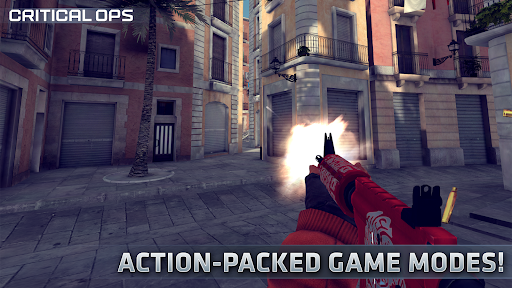
You can choose a mode that matches your goals for each session. Defuse focuses on bomb planting and defusing, where attackers and defenders trade strategies around objective sites. Deathmatch tracks kills across the match and helps you practice aim under pressure. Elimination removes respawns and emphasizes round-to-round tactics. Gun Game is introduced on the official website for players seeking a progressive weapon challenge. Each mode presents a different pace, so you can learn fundamentals or refine advanced play.
Ranked and esports ecosystem
When ready for higher stakes, ranked matches provide seasonal progression and medals. This structure helps you set goals and measure improvement over time. You can also spectate skilled players to study positioning, utility usage, and team coordination. The wider esports scene gives you reference points for strategies, so lessons from high-level play carry into everyday matches. This ecosystem supports steady growth without forcing long sessions.
Social play and custom rooms
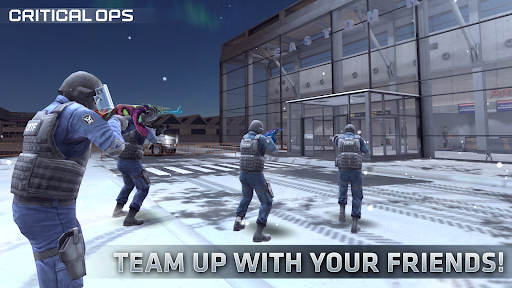
For organized play, you can form a clan and gather regular teammates. Custom Games let you host password-protected rooms, so only invited players can join. This setup works well for friendly scrims, creator events, and small tournaments. It also helps groups test strategies and learn maps without match pressure. With Quick Games for casual runs and Ranked for long-term goals, sessions remain flexible for different schedules.
Fair purchase model
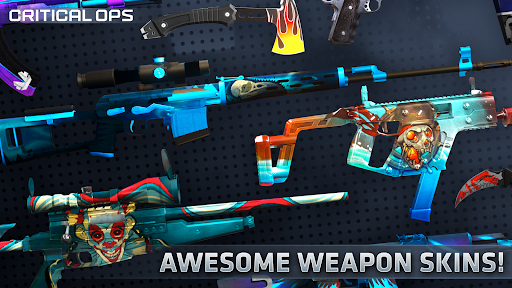
Critical Ops keeps competition level by limiting purchases to cosmetic items. Skins do not affect damage, accuracy, recoil, or movement. Performance stays tied to aim, positioning, and timing rather than paid upgrades. If you plan to download Critical Ops, this model reduces friction between new and veteran players and keeps match outcomes based on skill. It also makes cosmetic choices a personal preference rather than a gameplay requirement.
Highlights:
Register or play as a guest
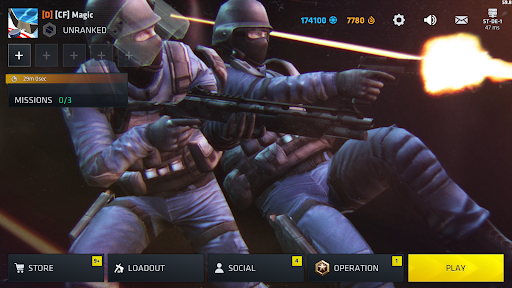
You don't need a registered user account in order to use Critical Ops. You will be able to play as a guest without any problems, but, like this, you won't be able to save your progress. For that reason, it's highly recommended that you use your Facebook or Google account to log in. By doing so, all the skins and all weapons you unlock will remain on your user account. Additionally, you will have to spend 300 coins in order to change your in-game name, which you will only be able to do if you have a registered account.
Customize the controls to your liking
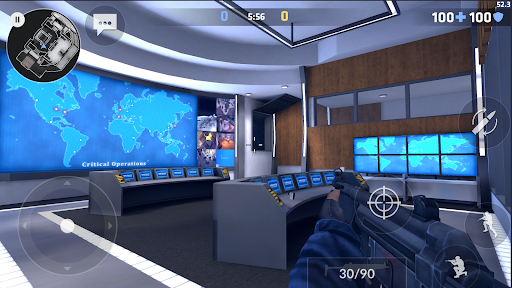
The controls in Critical Ops are perfectly adapted to touchscreen devices. By default, you'll find the virtual joystick on the left side of the screen. To rotate the camera and aim the weapon, simply move your thumb across the right side of the screen. Also on the right, you will find buttons to shoot, reload, jump, crouch, and use the telescopic sight. That said, keep in mind that you can adjust and customize the controls as needed from the Settings menu.
A worthy successor to Counter-Strike
The similarities between Critical Ops and Counter-Strike are pretty clear. You can find similarities in both the game modes and the arsenal itself, which includes several different submachine guns, assault rifles, sniper rifles, and shotguns. Almost all of CS's most beloved weapons are here, including the AK-47 and the M4A1, as well as the Desert Eagle. Keep in mind, however, that you will only have the basic skins for each weapon when you begin. By opening boxes, you can find and add skins to your collection.
Pros and Cons:
Pros
Skill-based gunplay where aim and tactics decide the outcome
All weapons available for free, with no pay-to-win items
Multiple modes and match types, including ranked and custom games
Active competitive and clan scene with support for tournaments and spectating
Lightweight, mobile-first design optimized for a wide range of devices
Cheaters are reported to be very rare, keeping matches fair
Cons
Ranked progression and leveling can require significant dedication
Highly competitive environment may feel punishing for casual players
Lack of a secondary fire button on the left side hinders optimal control options
Changelog:
Added the wingman game mode.
Added marketplace item activity feature.
Added transaction details feature.
Added quick navigation for your listings.
Improved the kill medals.
Added ranked match cancelling
Added rating adjustment feature.
Changed the player collider.
Disabled knife dropping on death.
Conclusion:
Overall, Critical Ops is an excellent choice for fans of first-person shooter games looking for an exciting and challenging experience on their Android device. Its smooth controls, realistic graphics, and engaging gameplay make it one of the best FPS games out there.



-
Latest Updates
-
Featured Games