Craft World Master Building Block Game 3D
Simulation
2026-11-01
173.27MB
420511
Android
106
Screenshots
Introduction
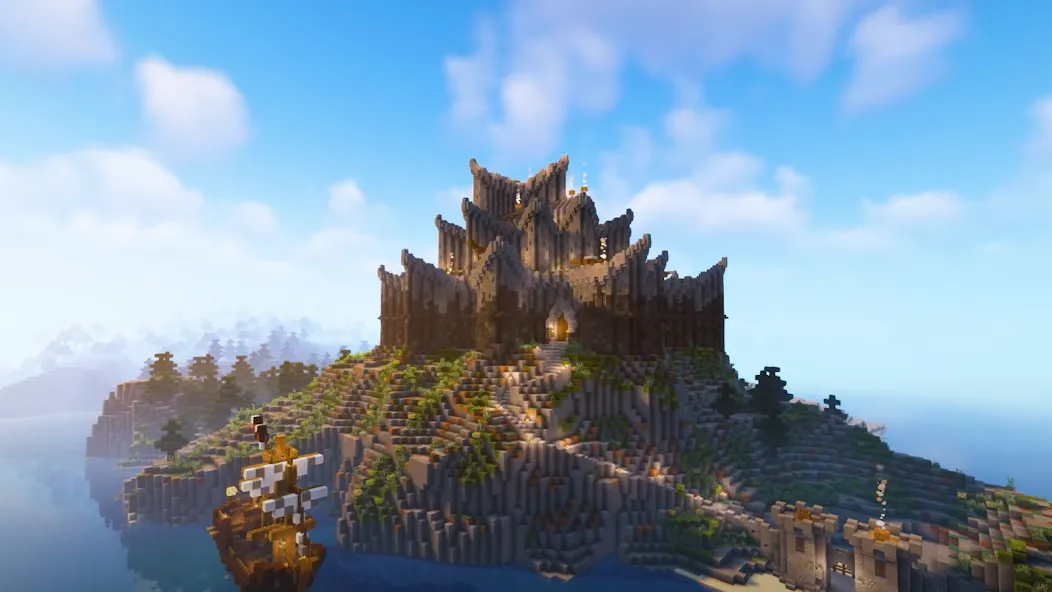
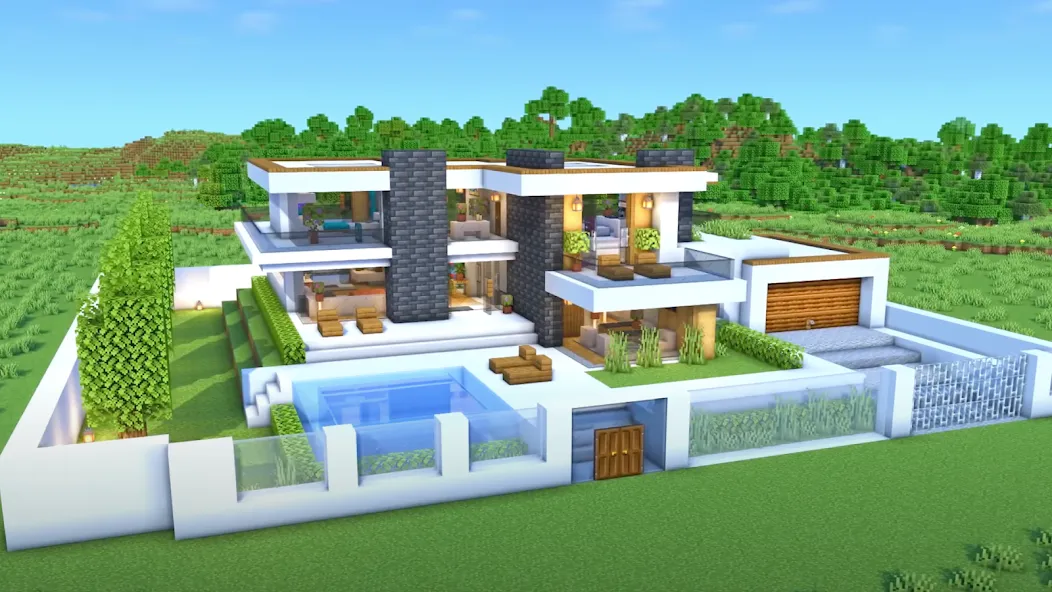
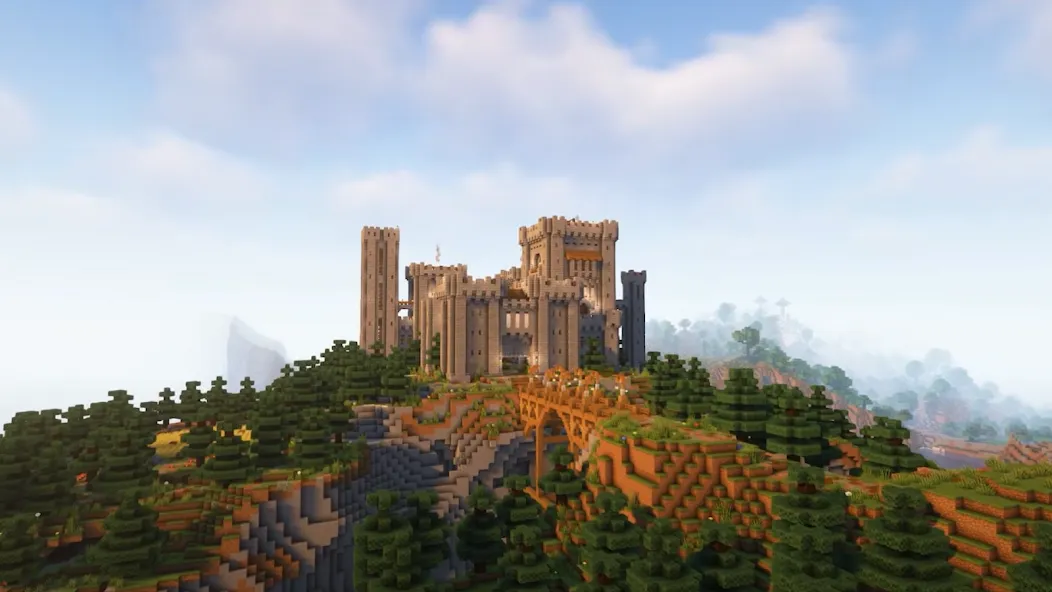
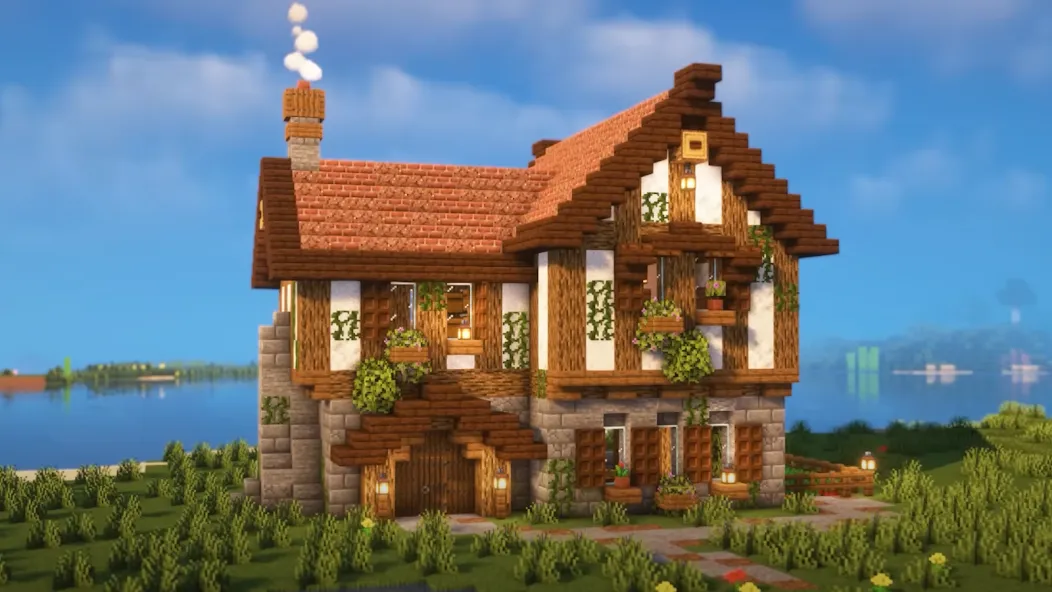
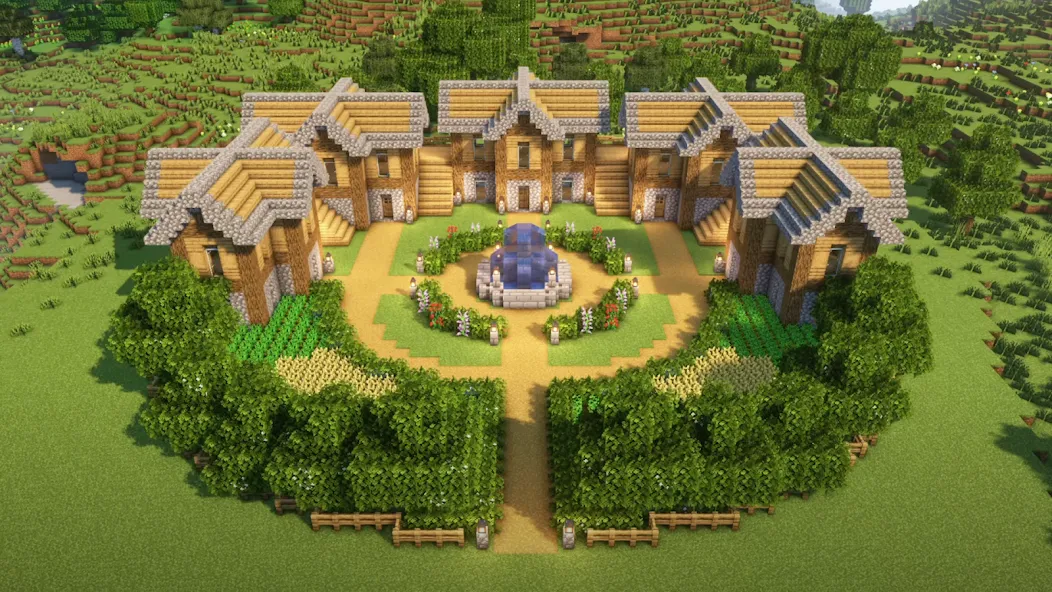
Craft World Master Building Block Game 3D is a simulation game for Android devices that draws inspiration from the gameplay of Minecraft. It features a wide array of elements, including blocks, furniture, vegetation, weapons, and armor. The game utilizes procedural generation based on random seeds, ensuring that the terrain and layout of every world are unique. Players can engage in extensive construction, collect various pieces of equipment, and build their own homes or castles. A flight mode is available, allowing for seamless navigation through the environment and the ability to observe the world from different vantage points. The game offers an exceptionally high degree of freedom.
Features
All Resources Available from the Start
In Craft World Master Building Block Game 3D, a wide array of resources—including blocks, furniture, vegetation, weapons, armor, and vehicles—is available for immediate use. There is no need to spend long hours unlocking items or grinding for materials. This design allows you to begin rapid prototyping or dive straight into full-scale projects the moment you enter the world. It is perfect for testing layouts, exploring shapes, and jumping directly into detailed creative work.
Procedurally Generated Worlds Based on Random Seeds
Every new world is generated using a random seed, ensuring that the terrain and layout are unique each time. You can start multiple projects and select the seeds that best align with your vision. As you play, your actions reshape the environment, allowing you to set distinct goals for different worlds. This variety keeps the planning process fresh and provides ample scope for everything from small-scale builds to grand, expansive structures.
Build Instantly—No Resource Gathering Required
The core of Craft World Master Building Block Game 3D is construction, not resource collection. You can place blocks and various elements directly, allowing you to focus entirely on the design itself. This mode enables rapid iteration, quick adjustments, and the refinement of details without the distraction of tedious tasks. It is an ideal setup for those passionate about designing cities, homes, or castles who want to maintain a seamless creative flow.
Seamlessly Switch Between Walking and Flying Modes for Better Planning
You can walk on the ground or switch to flight mode to view your entire project from above. The aerial perspective helps you oversee rooflines, overall forms, and how your structures harmonize with the terrain, while the ground-level view allows you to examine interior spaces and intricate details up close. This flexibility makes planning, reviewing, and adjusting your layouts both easy and efficient.
Clear Tutorials, a Clean Interface, and Full 3D Visuals
Craft World Master Building Block Game 3D features guided tutorials that walk you through the basics step-by-step. The interface is intuitive and straightforward, allowing for quick selection of various blocks and elements. Voxel-based 3D rendering technology clearly conveys depth and scale, facilitating precise measurement and positioning. These design details effectively lower the barriers to learning and construction, resulting in a smoother creative experience.
Advantages and disadvantages
Pros
Construction materials are available immediately
Randomized worlds provide varied building sites
Broad selection of blocks, furniture, equipment, and plants
Small initial storage footprint
Cons
Frequent ads interrupt building
Controls take substantial time to learn
Game guide
In some cases, parts of the area where a building is placed will be removed, or grass blocks will be placed on top of them, to ensure that the foundation of the building can be built. Depending on how high and/or where the building is placed, dirt may be removed to the point that Bedrock is visible. This is a rapid technique of clearing terrain.
When a building is finished, a celebration screen will appear, reading "YOU HAVE COMPLETED THE", followed by the name of the building, and the rewards for completing the building for a short time. These will appear at the top of the screen while the current perspective circumambulates around the building. Tapping anywhere on the screen will end the celebration screen.
If a player attempts to remove a block that is part of a building, a screen will appear asking if the player would like to remove the building. Removing the building only removes all of its blocks, and does not remove any extra/removed blocks resulting from the placement of the building.
User comments
This game is okay.Ive had it for a little while and the only things I hate is the double click for everything but building and the adds,it's great if you can't afford minecraft but beware of the double click.3 stars Edit: Okay I addmit this game is a lot like minecraft,well except for the double click, but I've been playing it more and I really enjoy it. So it's going up a couple
Wonderful game. Very faithful to Pocket Edition and a great free alternative to it. I play on phone and the controls are easy enough to learn with slight modifications and you even can read the tutorial. Would recommend playing offline to avoid the ads and also, some of the buttons are bugged, make sure to have the UI set to Classic it fixes several UI bugs.
This game is Amazing. we can make anything. I think this is better than minecraft bcz in Minecraft we have to pay money to play but in this we can play without any subscription or any money . Very fantastic game . If u r facing ads so u can play without net that thing is good .
Summarize
A free-to-play voxel sandbox for Android, Craft World Master Building Block Game 3D favors immediate construction over resource grinding. Its defining feature is an inventory that opens blocks, furniture, weapons, armor, vehicles, and plants from the start, letting ambitious builders get to work quickly.





-
Latest Updates
-
Featured Games