Antistress
Puzzle
2026-09-09
164.12MB
11.3.3
Android
384
Screenshots



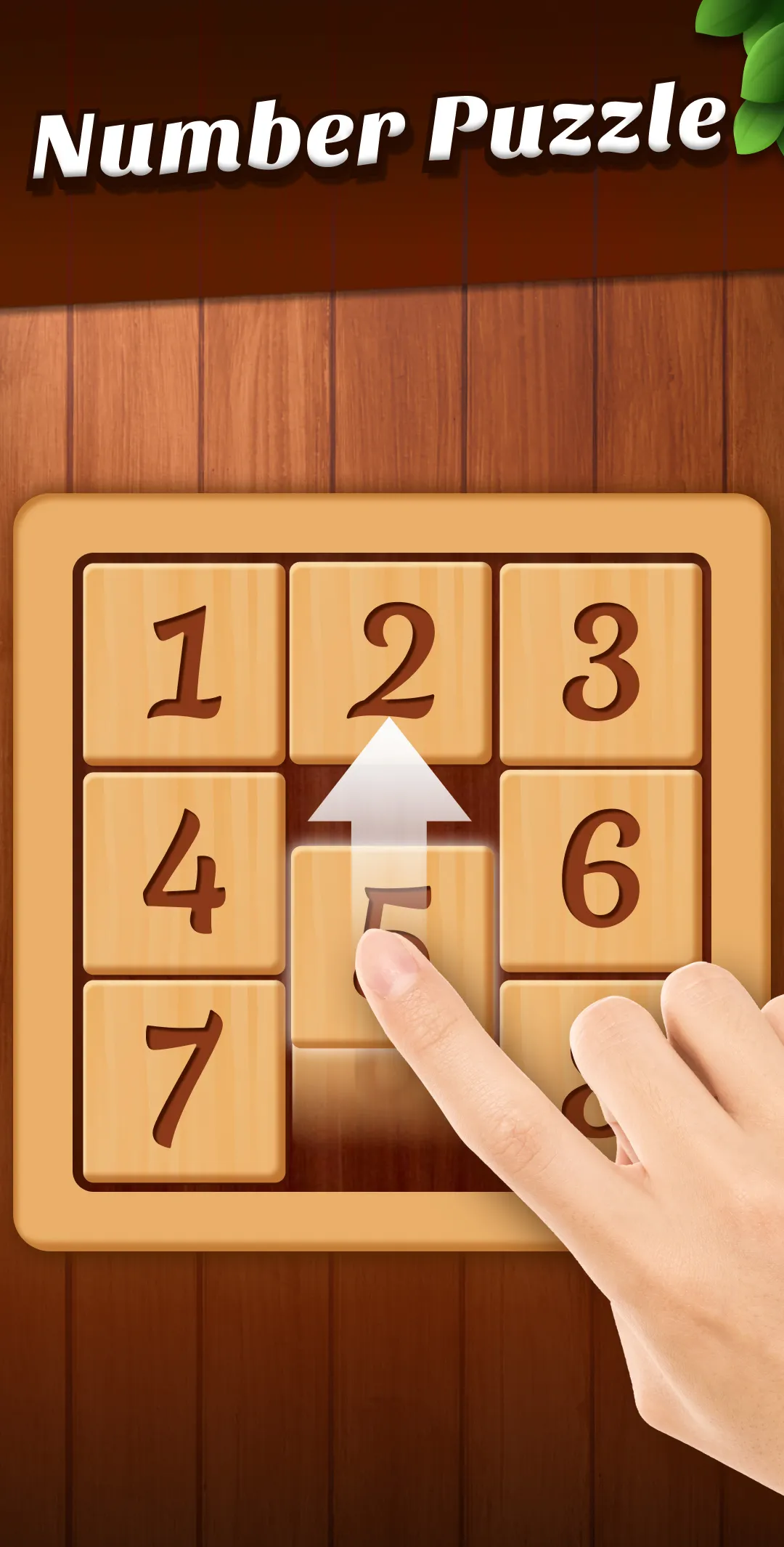
Introduction
Antistress is a fun and relaxing casual game. It offers a large selection of online simulation games. Players can control the game using simple gestures such as taps and swipes. Each control method is different, and each game is interactive and engaging. Players can switch between games at any time. It also features soothing ambient sound effects and is regularly updated, ensuring a fresh and enjoyable experience every time. Even without an internet connection, players can play offline, which is especially important during road trips or other times. Players can pass the time with these simple activities and still enjoy a great gaming experience.
Features
Many objects to touch and test
Antistress gives you a large set of virtual objects that react to taps, swipes, and simple gestures. You can try bamboo chimes, wooden boxes, buttons, Newton’s cradle, a finger scale, a finger spinner, a finger cube, slime, and other small toys. Since each object works in a different way, you can move between them when one activity no longer holds your attention.
Simple tactile activities
You interact with Antistress through direct actions on the screen, so the app is easy to understand without long instructions. You can swipe water, draw with chalks, press buttons, clean a dirty window, or move satisfying objects around. These actions are short and repeatable, which makes them suitable for a quick pause rather than a long gaming session.
Mini games for short breaks
Antistress also includes mini games and calming activities for users who want more than a single object interaction. After trying one toy, you can move into another activity and continue exploring the available choices. This variety helps the app stay useful for waiting rooms, study breaks, or quiet moments when you want something simple to do.
Offline use during travel
You can play Antistress without an internet connection, which is useful when mobile data is limited or unavailable. This matters during car rides, travel, or other situations where an online game may not load properly. As a result, the app can remain available when you only need a small activity to pass time.
New toys added over time
Antistress receives refreshed content, with new relaxation toys added regularly according to the provided app information. This gives returning users more objects and activities to discover after earlier sessions. If you use the app often, the changing collection can make repeat visits feel less repetitive.
Gameplay
Open Antistress on your Android phone and wait for the main toy selection screen to appear.
Browse the available relaxation toys and choose one object or mini game that looks suitable for the moment.
Use simple gestures such as tapping, swiping, dragging, or pressing to see how the selected toy responds.
When you want a different action, return to the selection area and open another toy or calming activity.
Use the app offline during travel, waiting time, or study breaks when you need a short distraction without starting a long game.
Pros and Cons
Pros
Provides a fun and effective way to manage stress and anxiety
Offers a wide variety of activities
Can be used offline
Cons
Not good for chronic illness
Conclusion
The overall experience of using the Antistress by JindoBlu is enjoyable and relaxing. The app offers a variety of interactive activities that simulate the experience of playing with real-world stress-relieving toys, providing a fun and engaging way to manage stress and anxiety. The activities are easy to navigate and use, and the app's customizable sound and music settings allow users to create a personalized relaxation experience.
-
Latest Updates
-
Featured Games