Muviz Widgets
Download FAQs
1.What is an APK file?
An APK (Android Package Kit) is the standard file format used to install Android apps. Simply download the APK, allow installation from unknown sources if required, and follow the on-screen instructions to complete the installation.
2.Why can't I install the APK?
Make sure your device has enough storage space, supports the required Android version, and allows installations from unknown sources. If the problem continues, try downloading the file again or restarting your device.
3. How do I fix the "App not installed" error?
This error may occur if another version of the app is already installed, the package signature is different, or your device doesn't meet the requirements. Try uninstalling the existing version, checking your available storage, and installing the APK again.
4. Is it safe to install APK files?
APK files can be safe to install when downloaded from trusted sources. Before installation, check the app version, Android requirements, and requested permissions. Keeping your device updated also helps improve security.
5. How do I update an app without losing my data?
In most cases, you can install a newer version over the existing one without losing your data, as long as both versions use the same package name and signing certificate. Creating a backup before updating is recommended.
6. The download link isn't working
If you find a broken or unavailable download link, please contact us by email. We'll verify the issue and update the link as soon as possible.
Screenshots
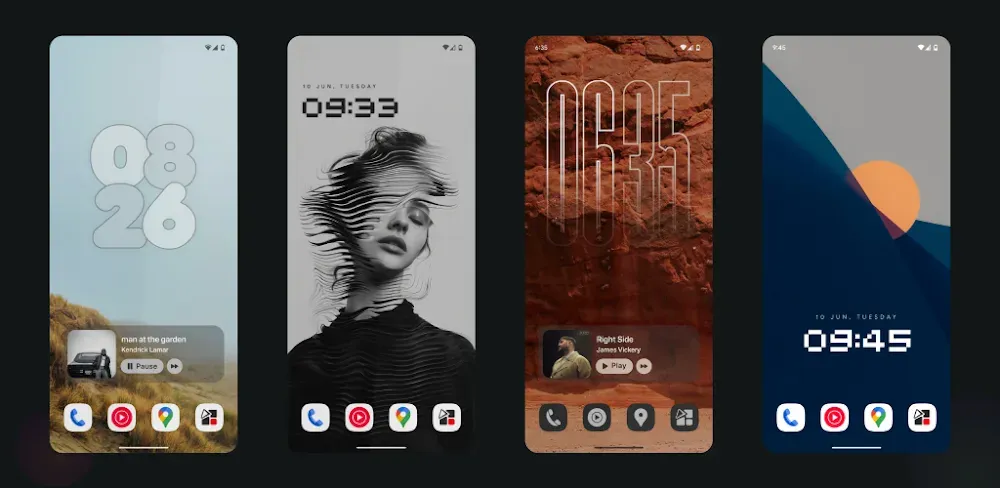
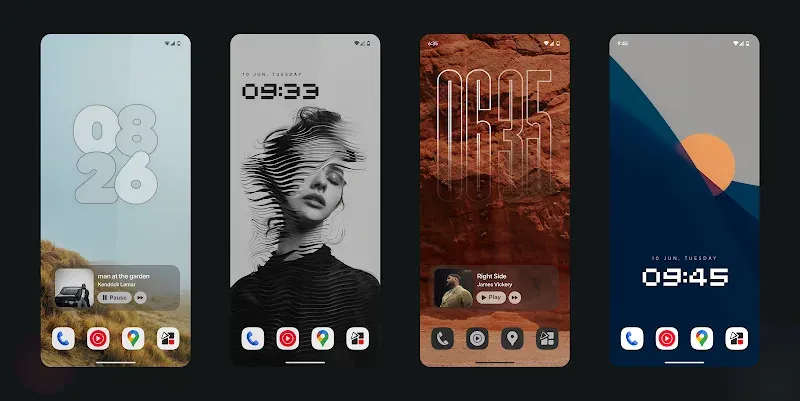
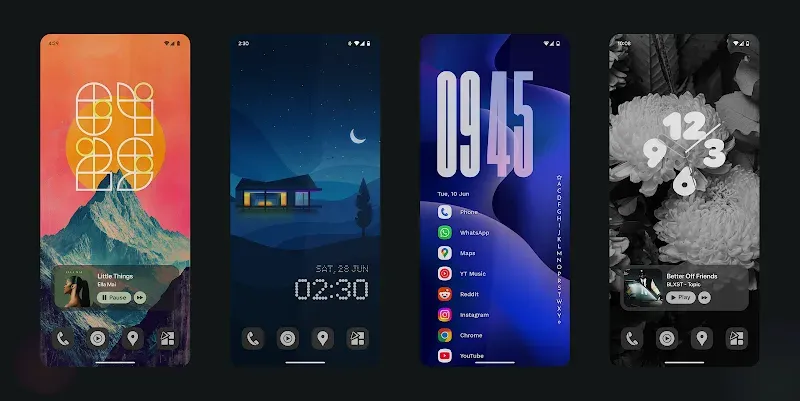
Introduction
Muviz Widgets is a desktop customization tool for Android devices. It offers users a variety of dynamic themes that automatically sync, providing a perfect user experience. With this app, you can also add various widgets to your desktop screen. You can also change the color and size of these widgets to better suit your aesthetic preferences. This app consumes very little power, providing long-lasting service, and its powerful performance ensures smooth operation.
Features:
Deep Color Control: With this app, you can adjust the colors of your icons and widgets. You'll have the most attractive interfaces, making you extremely satisfied every time you use them.
Dynamic Theme Sync: This app offers unique and vibrant themes. These themes are automatically synchronized across devices, providing you with the most perfect and professional user experience.
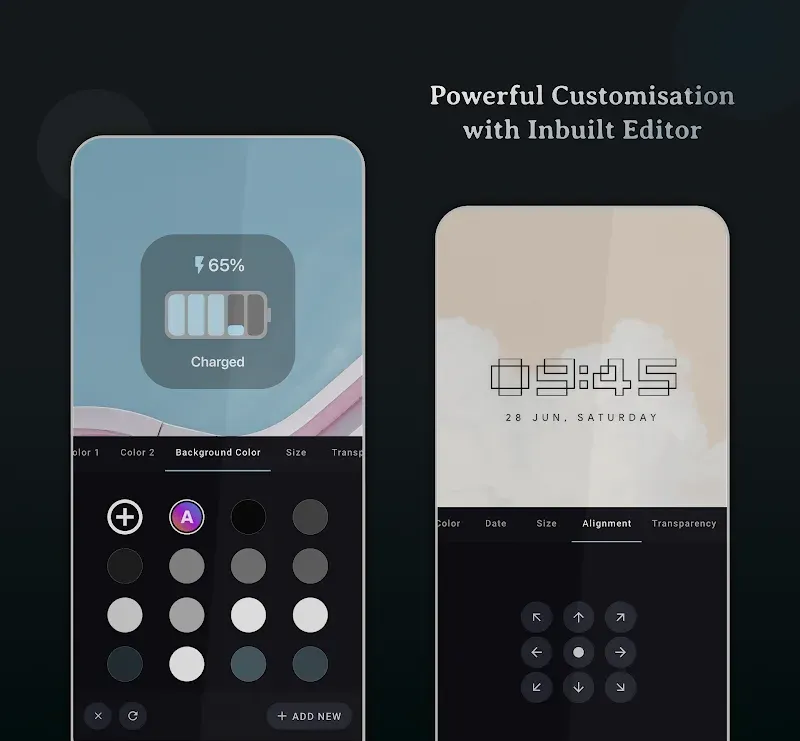
Full Widget Editor: You'll also have access to a full range of features and tools. You can customize your interface to suit your personal style and usage preferences, making it easy to use without needing much time to get used to.
Minimal Battery Impact: This app also offers a battery-saving feature, keeping your phone in optimal condition without interruptions or shutdowns.
Smooth Performance Scaling: You can also adjust the scaling of icons and widgets on your device. This provides you with perfectly sized and professional icons and widgets, ensuring your complete satisfaction every time you use them.
Pixel Perfect Crafting: In this app, you can create your own custom icons. New icons will be added in subsequent updates, providing you with a completely new and perfect experience.
Widgets:
Android 14's Clock Widgets
Android 15's Clock Widgets
Google Pixel Clock Widgets
Nothing Clock Widgets
Big Retro Clock Widgets
iPhone (or) iOS style Music Widget
Battery Widgets
and more to come.
Highlights:
User-Centric Features and Performance
Muviz Widgets is crafted to operate efficiently, keeping memory and battery consumption to an absolute minimum. By following the latest development standards, it ensures smooth performance without compromising your device's resources. Importantly, the widgets function independently, eliminating the need for any third-party apps for their activation or customization. You can experience a range of widgets inspired by various styles, from Android's latest iterations to popular designs like Google Pixel or iOS-style music widgets.
Customization and Personalization at Its Best
The app's widgets can be tailored extensively with its intuitive editing tool. Adding to its appeal, the widgets offer dynamic and personalized color options, like system-wide Material You color integration, automatic album art colorization, or the ability to create custom color palettes. This ensures a personalized and unique experience for every user.
Tips and Tricks:
Open Muviz Widgets and browse the catalog to find a clock, music, battery, calendar, or progress widget you want to use.
Long press on your home screen, open the widgets panel, then select Muviz Widgets and choose the size and style you prefer.
Tap the placed widget to open the editor, adjust layout and text, and fine tune spacing and alignment until it fits your screen.
For colors, keep Material You enabled for system sync, or pick a custom palette; in music widgets, turn on album art auto‑colors if desired.
If your device supports lock screen widgets, add the widget there as well; afterward, check battery settings to allow background updates.
Conclusion:
The app prioritizes battery efficiency, utilizing minimal resources while adhering to the latest guidelines. With a powerful inbuilt editor, users can extensively customize widget appearances, including color themes aligned with Material You design principles. Muviz Widgets allows for personalization through automatic system colors, album art integration, and a selection of predefined colors, making it a comprehensive tool for enhancing the aesthetic of Android devices.
-
Editor's Picks
-
Popular Apps