Zoom
Finance
2026-07-23
314.61MB
7.1.6.41876
Android
500
Screenshots

Introduction
Zoom is a conferencing platform for Android devices, allowing users to conduct online multi-person meetings via their mobile phones. This application boasts a wealth of features, including screen sharing during multi-person meetings to keep other members informed of the proceedings. It also provides high-quality video and audio calls for smooth operation. Users can create and initiate meetings at any time and send meeting invitation links to others for easy access.
Features:
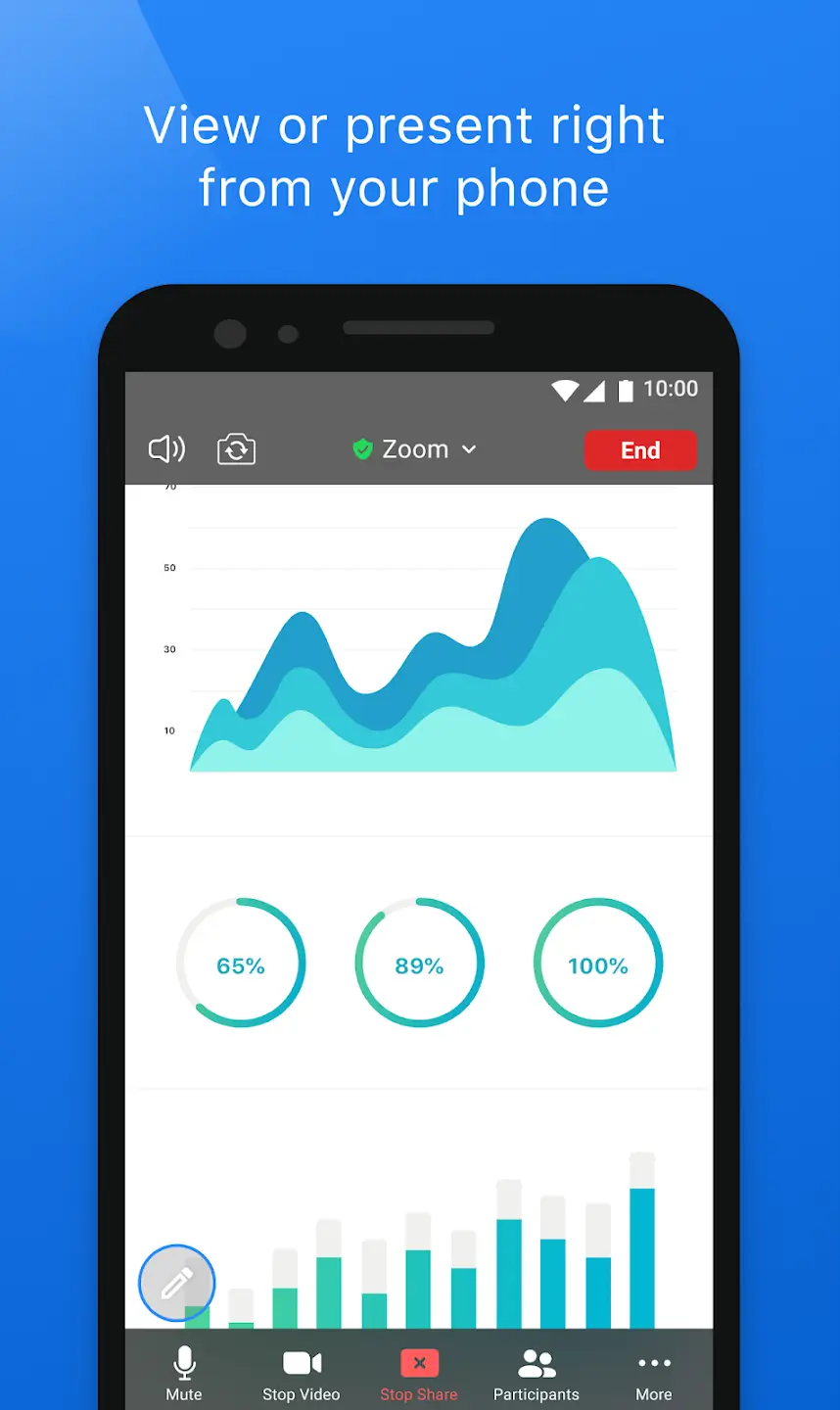
Share the Screen
You can share your screen with the members and help them understand the whole process by showing your live screen. It supports multiple tabs and reflects your entire screen processing to all the participants.
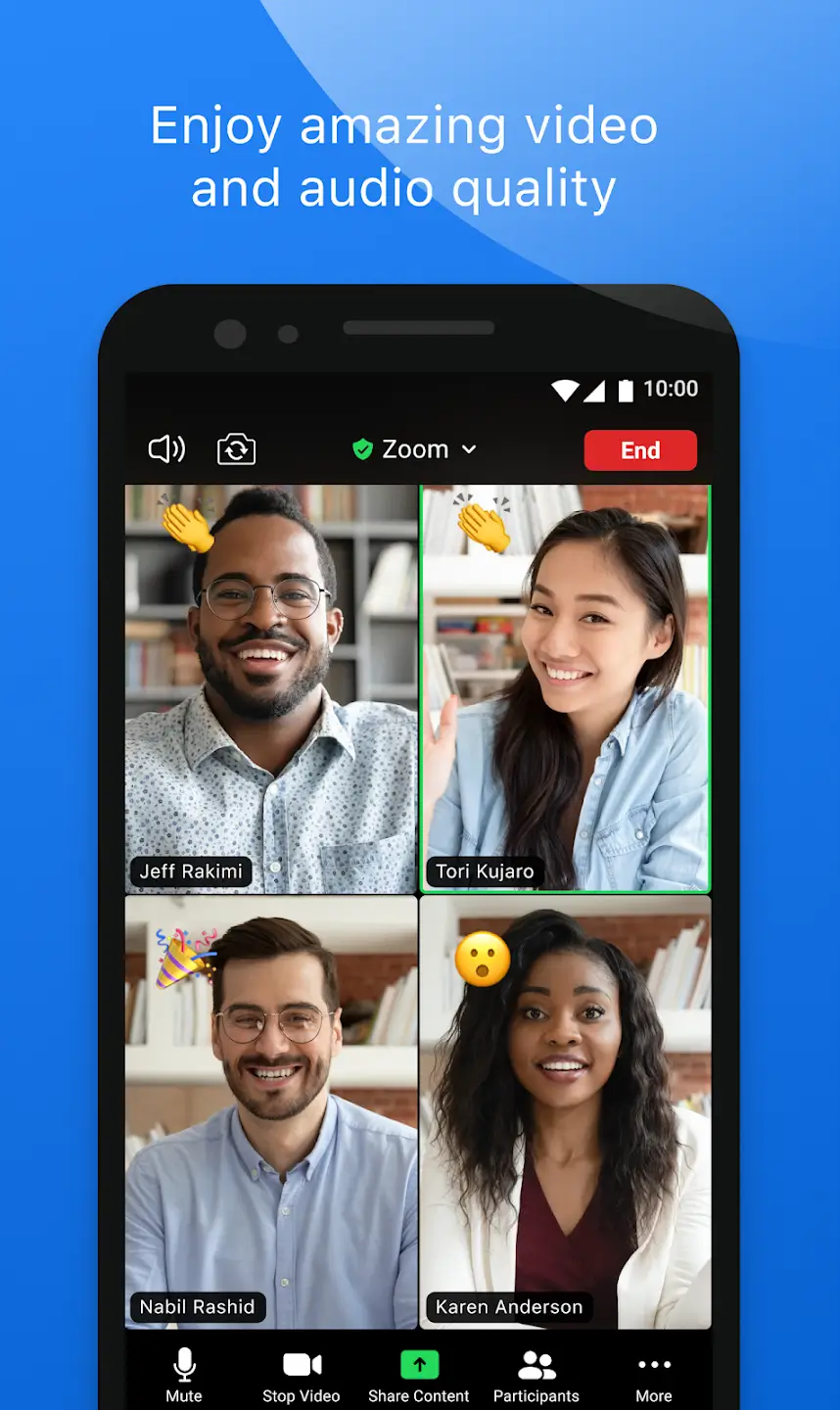
HD Video and Audio Calls
The video and audio calls will be of higher quality, and you don’t have to deal with buffering issues or network disturbance. It may need a strong internet connection to let you perform the operations.
Use Virtual Whiteboard
You can use the virtual whiteboard to explain your presentations using sketch pencils and to write on the whiteboard. It’s like a virtual classroom where you look at the whiteboard, and a professor explains the topics.
Schedule Meetings
You can create and start a meeting at any time, invite your colleagues by sending them the invite link for the discussion and ask them to join. If you want them all to stay active at the time of the meeting, you can schedule an appointment in advance and create the link before hours.
Record the Videos
If you want to record the session and want it to save offline, then you can record the screen using the inbuilt recorder. It helps you in keeping the meetings with proper audio and video quality.
Highlights:
Among the many features included in Zoom, you'll find a calendar where you can schedule all your meetings. Add reminders and set up video calls directly from this calendar so you can start your meetings without any hiccups.
When you make a video call, you can use your front or rear camera, activate or mute the microphone, and manage other basic adjustments to make your meeting the best it can be. You can also see the name of the person you're meeting with and even record everything that happens.
You can invite other people to your meetings with a unique link, create meetings remotely for other users you want to connect with, and limit access to your meetings.
Pros and Cons:
Pros
User-friendly interface
Feature-rich
Convenient collaboration tools
Robust security systems
Cons
40-minute time limit for free accounts
Usage:
First, open Zoom on your phone and sign in with your work or personal account if your organization requires it.
Next, allow microphone, camera, contacts, and notification permissions when prompted so calling and meetings function correctly.
Then, join or schedule a meeting from the home view, using your calendar connection or entering the provided meeting details.
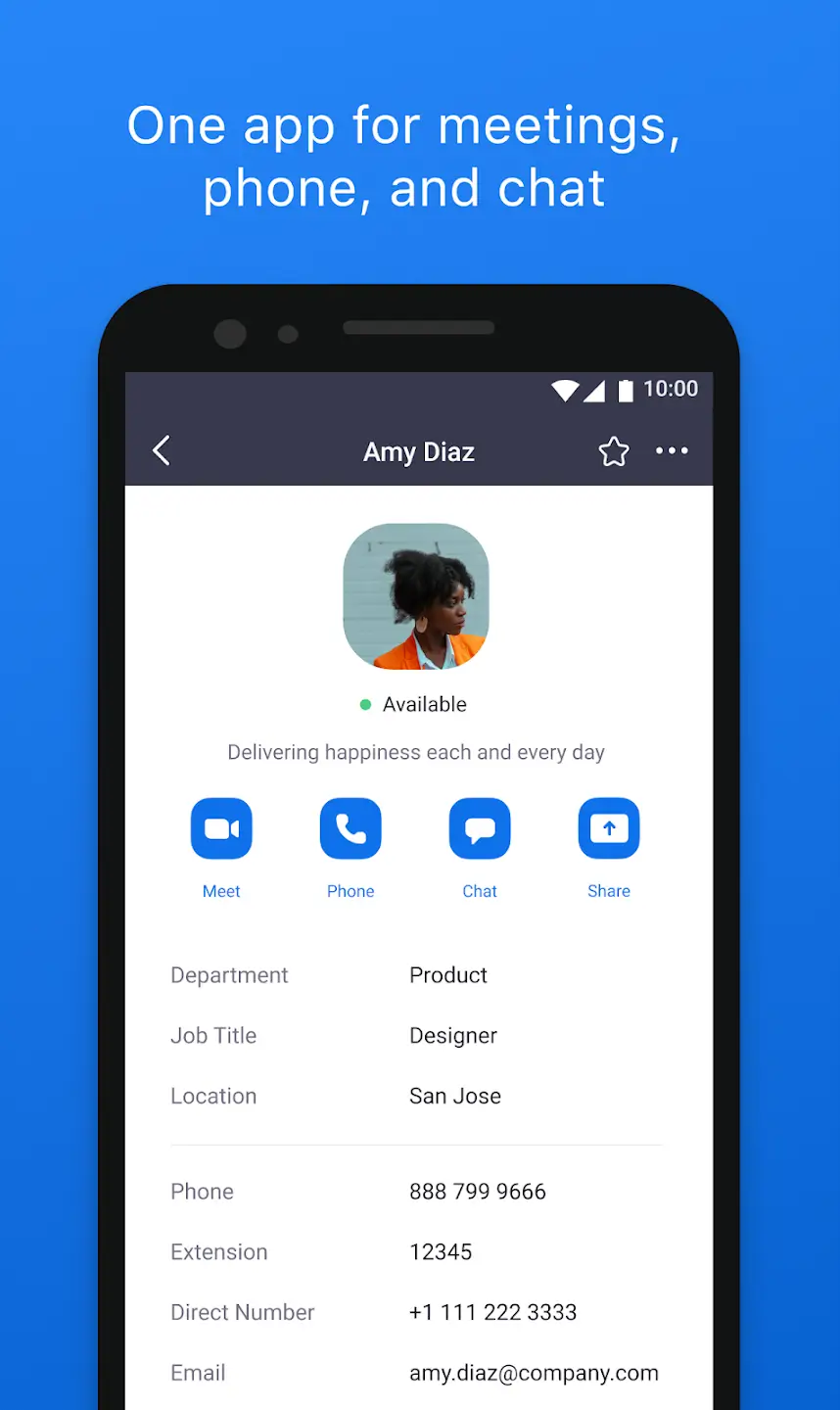
After that, open Team Chat to continue conversations, share files, or start a quick call with a contact when you need a faster reply.
Finally, use Picture in Picture to multitask during a call, or hand off an active meeting to another device when you change locations.
Conclusion:
Zoom app is the best platform to connect a lot of people through conference calls and facilitates quick real-time collaboration. It incorporates a lot of innovative features for tailoring teamwork more easily and reliably. A more productive and engaged environment helps the users, even big businesses, to manage their meetings, share important information, and get quick contributions from team members.