YoWhatsApp
Social
2026-09-04
70.92MB
2.23.13.76
Android 4.1 and up
524
Screenshots
Introduction
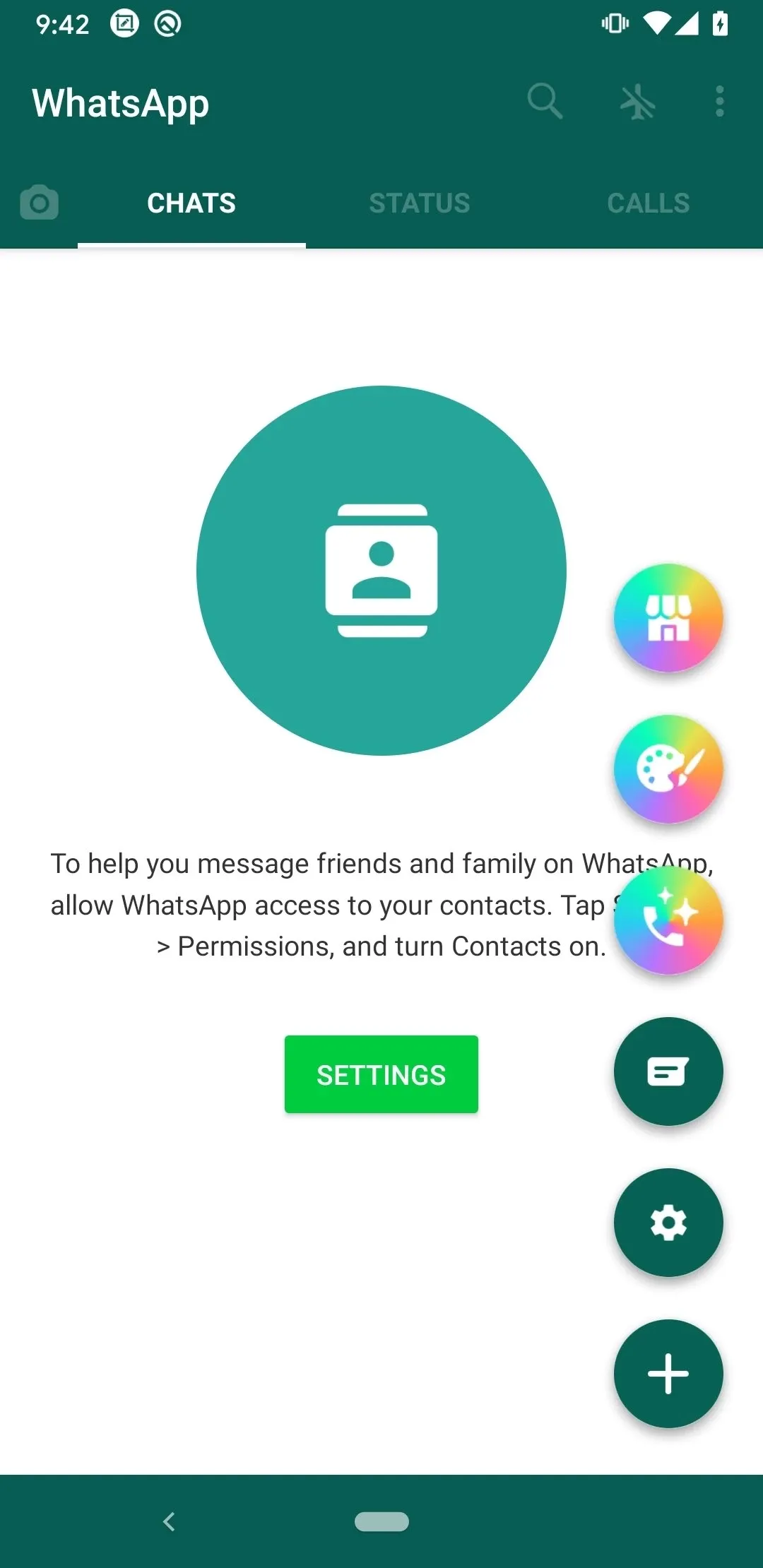
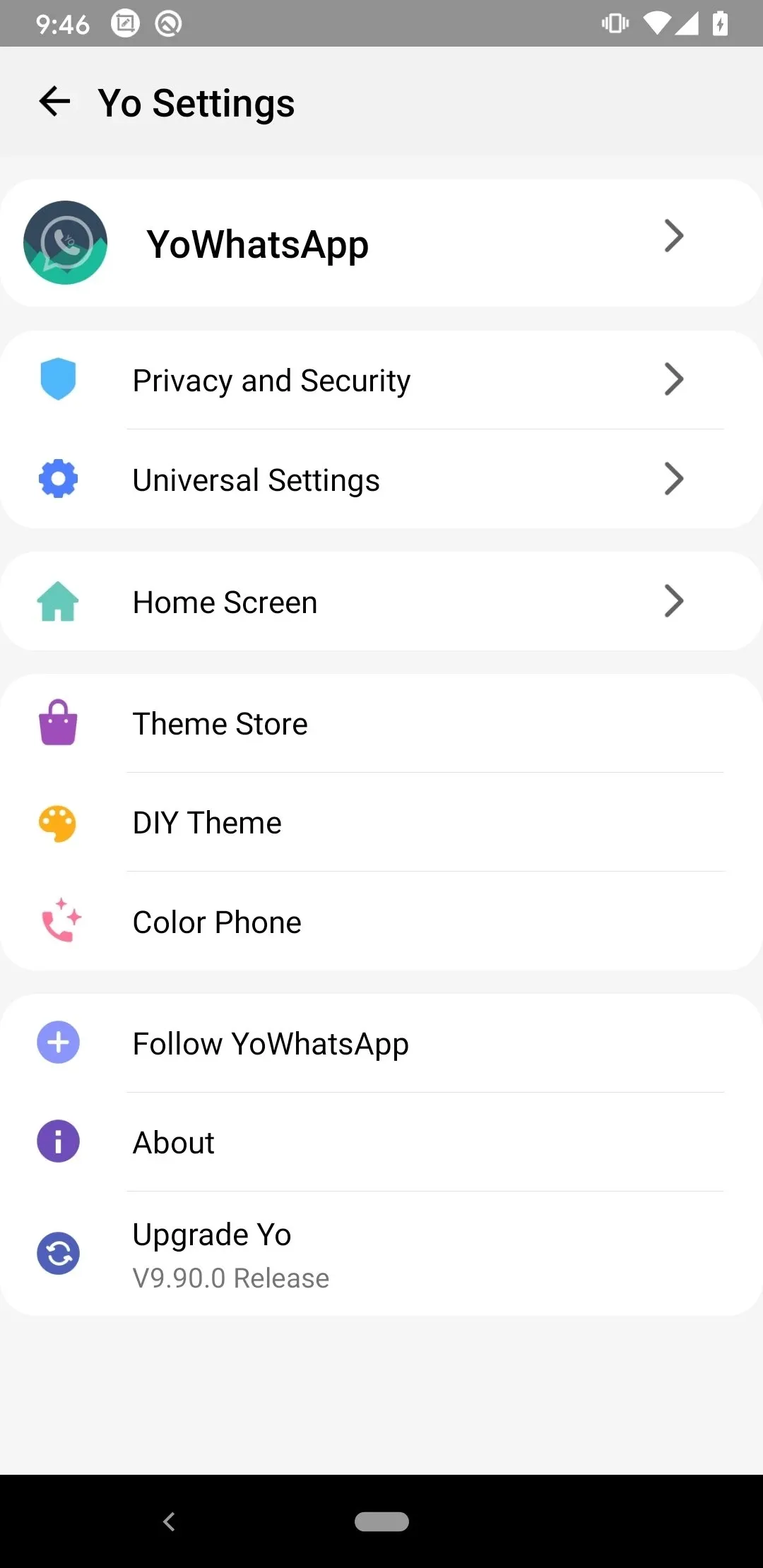
YoWhatsApp is a modified version of an instant messaging app for Android. This app boasts a high degree of customizability. Users can change themes, fonts, colors, and more to create their own unique style. The app also features advanced privacy options. Users can control who can view their profile and status, and can hide specific chats to protect their private conversations from others. For those who cannot reply to messages during work hours, the app also supports custom auto-replies and a built-in status downloader tool. Users can manage multiple accounts on the same device, greatly enhancing the user experience.
Features
Extensive customization: change themes, fonts, colors and tweak the interface for a unique look.
Advanced privacy options: hide online status, blue ticks and the second tick, and control who sees your profile and status.
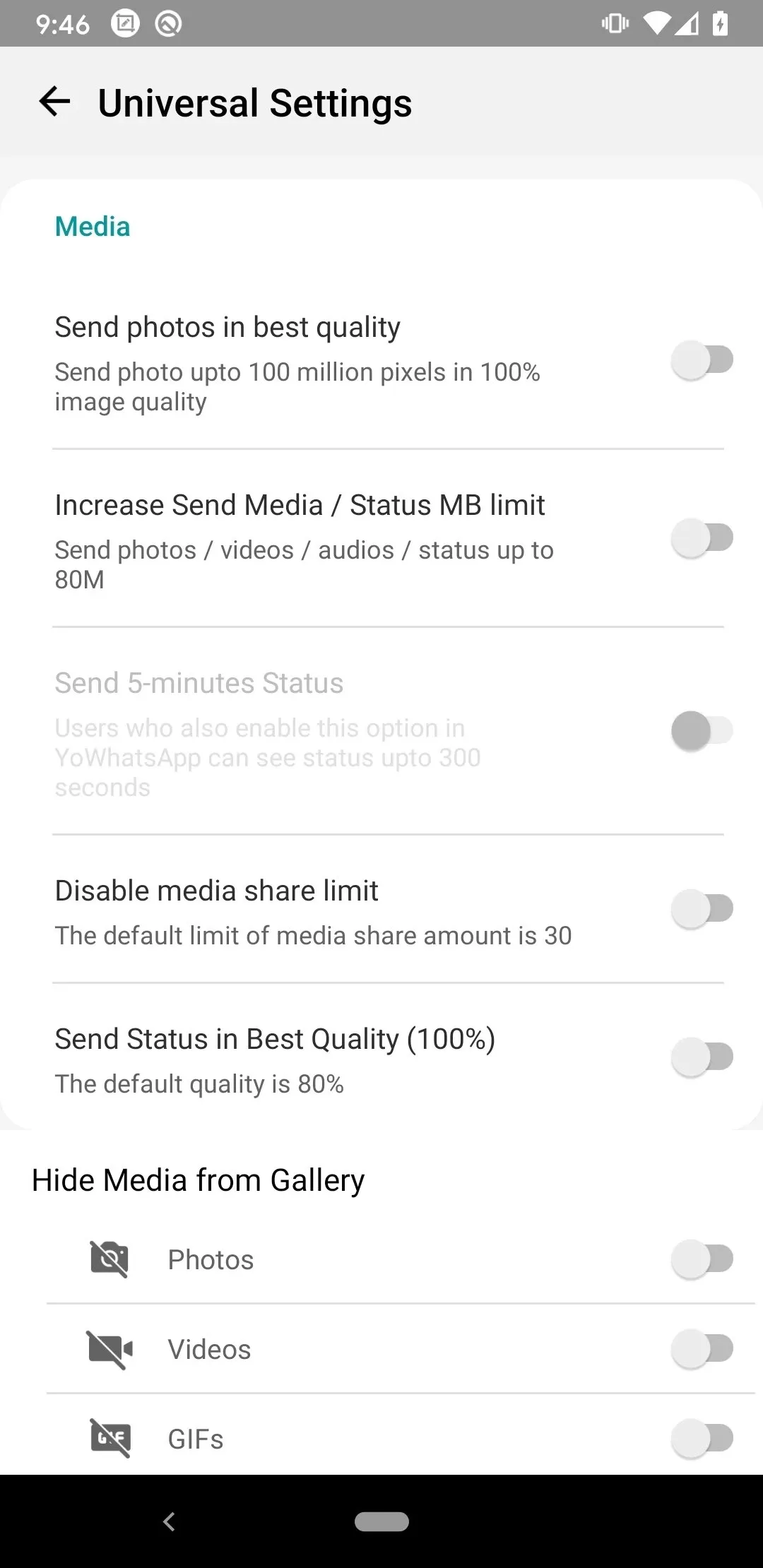
Bigger media sharing: send large videos and high-quality images with higher file-size limits.
Hide specific chats to keep private conversations out of view and better organize your inbox.
Custom auto-reply messages ideal for business hours or when you’re unavailable.
Built-in status downloader and tools to manage multiple accounts on the same device.
Function
Privacy controls
To manage conversations quietly, you can hide online status, blue ticks, and last seen. You may also hide profile photos for selected contacts and use an invisible status mode for focused chats. These tools help you control what others see while you keep chatting at your own pace.
Media sharing improvements
Send larger audio and video files with an upload limit beyond the usual 16 MB cap.
Preserve original photo quality when sharing, avoiding visible compression.
Share music easily with contacts in a familiar chat flow.
Interface customization
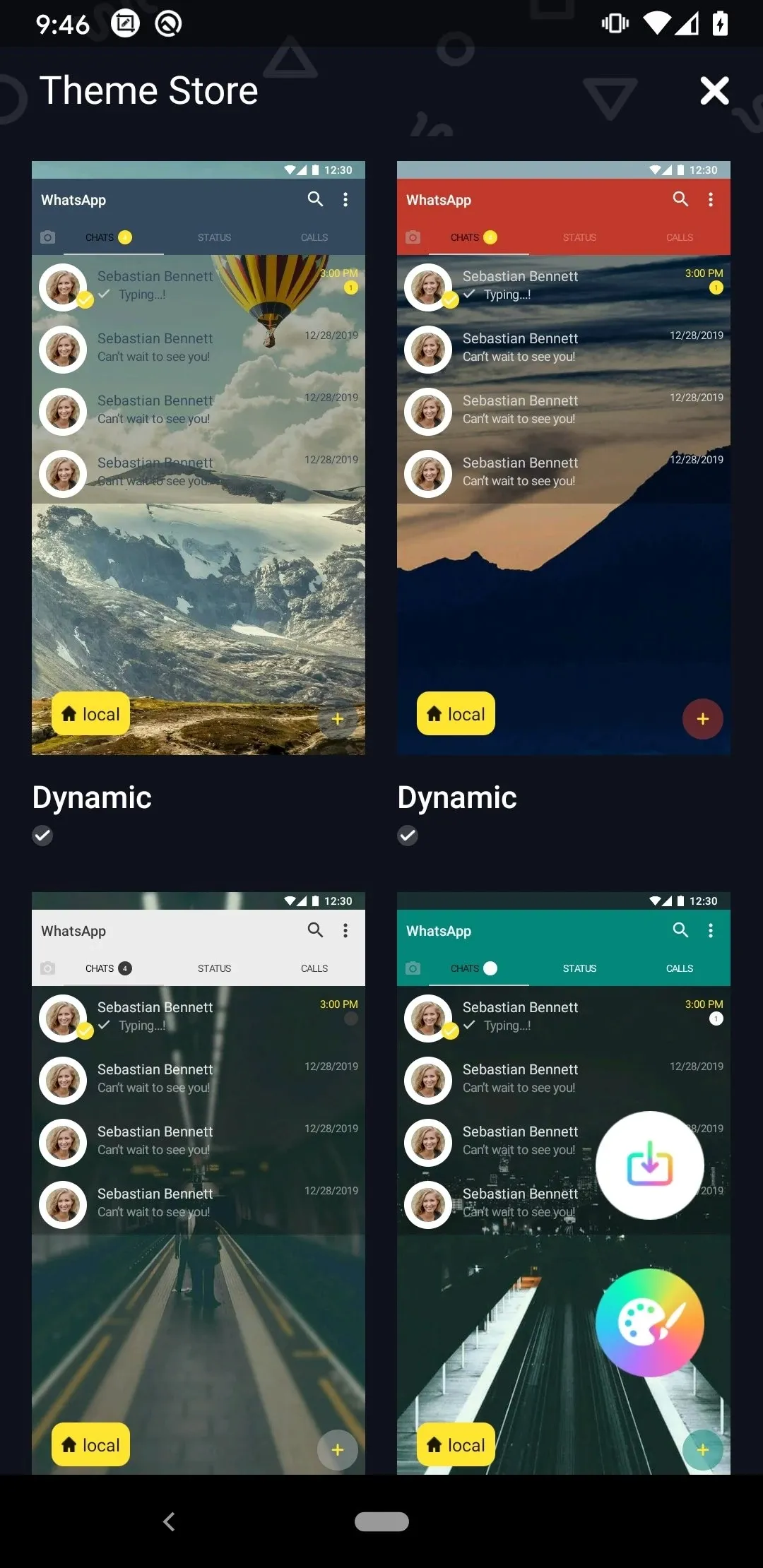
Browse the YoThemes store and save themes automatically, including a theme zip file for easy reuse.
Set any image as the home screen wallpaper to match your style.
Choose new icons and explore many emojis to refresh the look of chats.
Calls and system support
Finally, the Yo WhatsApp latest version adds a call blocker so you control who can call you. It supports white navigation bars on Android 8 and above, improves overall speed, and fixes issues with Arabic text size, RTL layouts, color options, and theme application.
Pros and Cons
Pros
Greater control over privacy settings and what others can see about your activity.
Deep personalization options to make the app fit your style and workflow.
Improved media handling for sending larger, higher-quality files without frequent compression.
Business-friendly features like auto-reply and multi-account support to separate work and personal use.
Save statuses and media quickly with the integrated downloader while keeping a familiar messaging interface.
Cons
YoWhatsApp2 is a modified version of the original app and may not be sanctioned by WhatsApp Inc.
Installing third-party or modified apps can carry privacy and security risks, so users should proceed with caution and back up important data.
FAQs
What is YoWhatsApp APK?
YoWhatsApp APK is a modified messaging app based on WhatsApp that adds extra privacy settings, visual customization, and support for larger file sharing.
What is YoWhatsApp used for?
It is used for chatting, sending media, sharing documents, reposting status updates, and managing conversations with more control over privacy and appearance.
Which features make YoWhatsApp different?
Its standout features include custom fonts, interface tweaks, app lock options, privacy controls for calls and typing status, larger file transfers, and quick chat translation.
Is YoWhatsApp safe to install?
It is a third-party APK, so users need to install it manually and judge the source carefully. Some people may see added features as useful, while others may be cautious about trust and reliability.
Who should use YoWhatsApp APK?
It suits users who want more chat customization, stronger privacy controls, and flexible file sharing, especially if the standard messaging setup feels too limited.
Conclusion
This app fits people who already use WhatsApp heavily and want more control over design, privacy, and file sharing. It can be useful for users who like customization, need stronger app lock options, or want extra chat settings in one place. For someone who prefers official app support and the simplest setup possible, the standard version may feel easier to manage.
-
Latest Updates
-
Featured Apps