Video.Guru
Entertainment
2026-09-24
48.11MB
1.601.190
Android
182
Screenshots
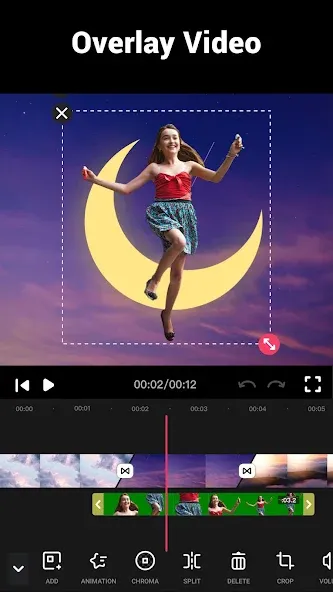
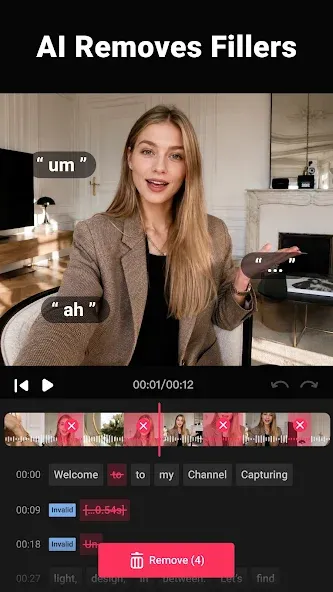
Introduction
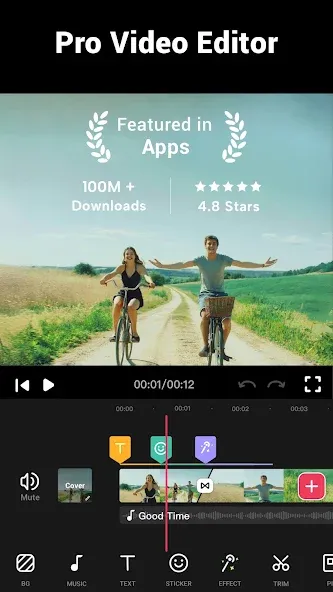
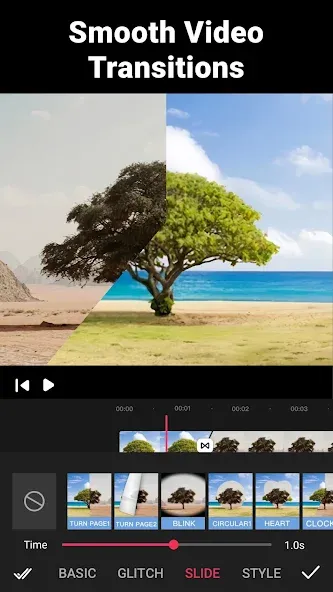
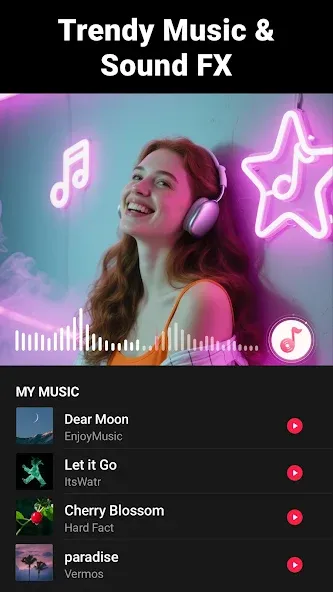
Video.Guru is a powerful video editing tool that is incredibly easy to use; simply import the video you wish to edit into the app. The software organizes the video into layers, allowing you to add music, voiceovers, and sound effects to create a polished final product. You can also incorporate transition effects—with over 50 options available—to seamlessly blend scenes. The app enables you to extract audio from any video and offers a variety of filters to help you produce professional-quality content. It also supports one-tap sharing to social media platforms and features a Picture-in-Picture mode.
Features
Multi-Layer editing, add music, voice-overs, sound effects, glitch effects, stickers & text.
Best video trimmer & video cutter to trim and cut video. Split video into multi clips.
Easy to use video maker, merge clips into one with transition effects.
50+ video transition effects to enhance your videos.
Extract audio/music from any videos, add marks to the track according to music rhythm.
Edit/combine videos with various filters, pro video editor with music and effects.
Free Video Editor and Recorder, NO banner ads & watermark.
Convert photos to video with music and effects, edit video like pro.
Easily share videos to YouTube, Instagram, Facebook, Likee, TikTok etc.
How to Use
Using Video Editor as simple as choosing a video to edit and experimenting with all the features it has to offer. Alternatively, you can select two different videos and merge them into one. The final result has the exact same quality as the original, without losing a pixel of resolution.
This app has many video editing tools that make it possible to speed up your slow down the video, change the aspect ratio (perfect for Instagram videos) or add colorful filters. On top of that, you can also manually adjust your video’s brightness, contrast, or saturation.
Advantages and disadvantages
Pros
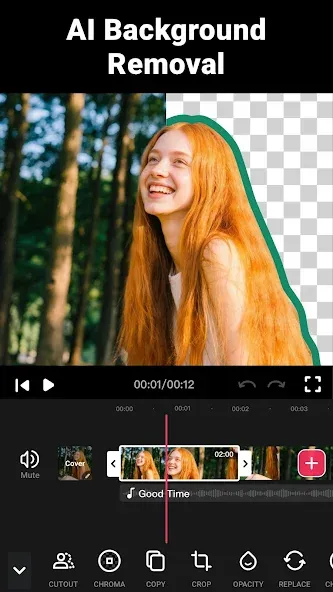
Multilayer editing with Picture in Picture and green-screen overlays
Extensive music, voice-over, and audio extraction tools
More than 50 transitions plus flexible speed controls
Developer promises no watermark or banner ads
Cons
Inserted media may disrupt carefully synchronized audio
Output quality still depends heavily on the original photos
User comments
Works extremely well for the price that you pay. so they help me fix my problem they don't tell you you cannot have multiple emails accounts in your phone for different things otherwise this app has a malfunction with understanding which account you're using. so far it has been working out and I do appreciate it I mean we could make it a little better but it's good for what it's worth.
amazing app with a lot of tools to use.Great for content creation ,video editing and mixing is perfect though sometimes when I record a selfie music video the music does not sync well with the video but I always load the video again and edit it adding the music separately to sync.Overally this is a perfect app and a must have in this era of content creation
I have been using this videomaker app since 2022 and it has always been so awesome and user friendly. Their upgrades and wide variety of cinematic effects was really superb. This app is really recommendable. Their subscription fee for PRO users is not expensive so you can actually subscribe for a whole year without spending much. I love this app.
Summarize
Incorporating these diverse features, Video.Guru assists users in crafting engaging and visually appealing videos. Its multifaceted approach to video editing caters to a broad audience, from casual users to dedicated content creators. The combination of an intuitive interface, extensive editing tools, and seamless social sharing makes Video Maker a valuable resource for anyone looking to elevate their video content.