Rubika
Lifestyle
2026-09-17
78.59MB
3.8.2
Android 5.0+
524
Screenshots
Introduction
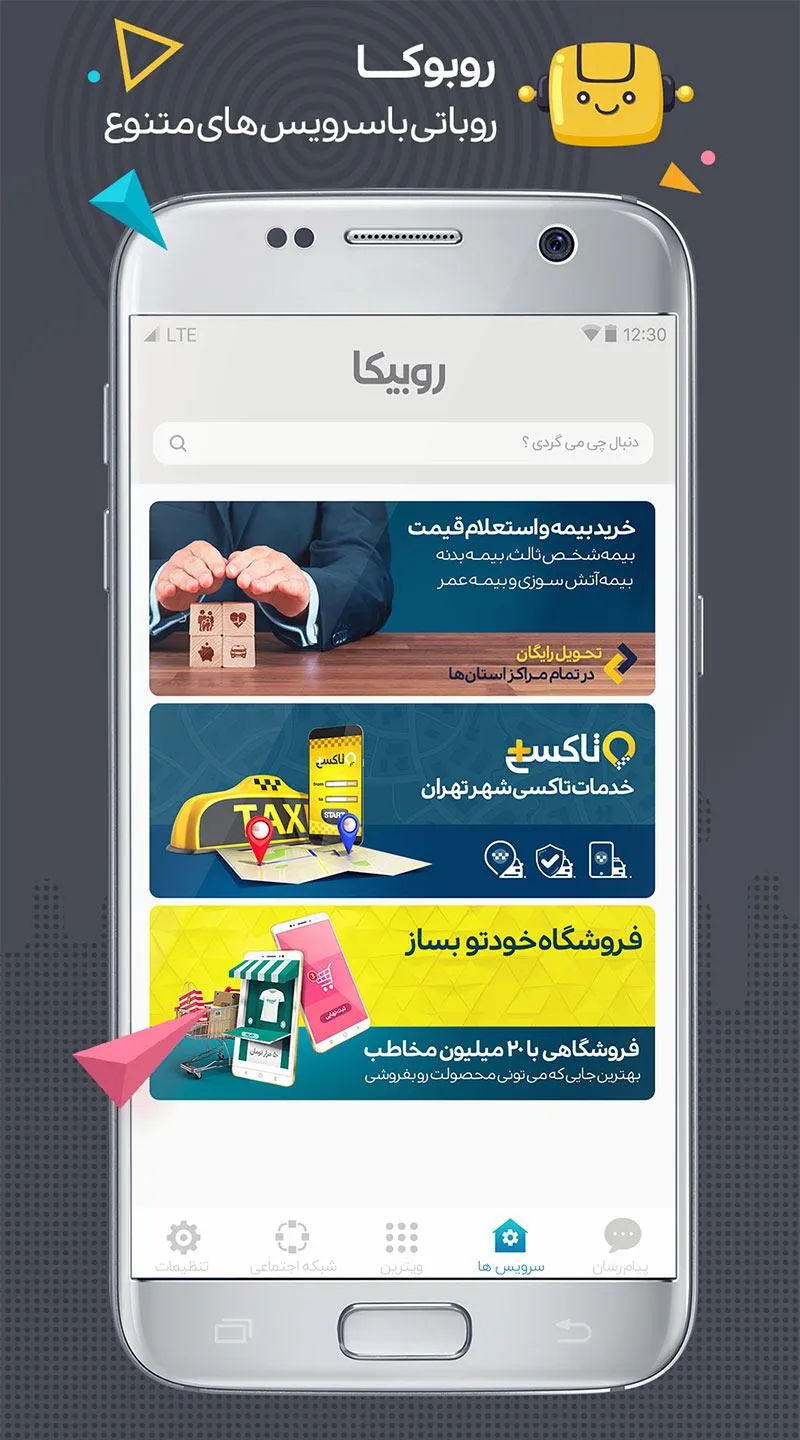
Rubika is a versatile app for Android devices that offers a wide range of features catering to various sectors and needs. Users can publish their work and earn income through content creation, as well as use the app for instant messaging. It also supports ticket booking—including for long-distance buses—and ensures the security of user information (login is required via mobile number). Whether you want to chat or watch movies and videos, you can do it all on Rubika.
Features
Generating income through content creation
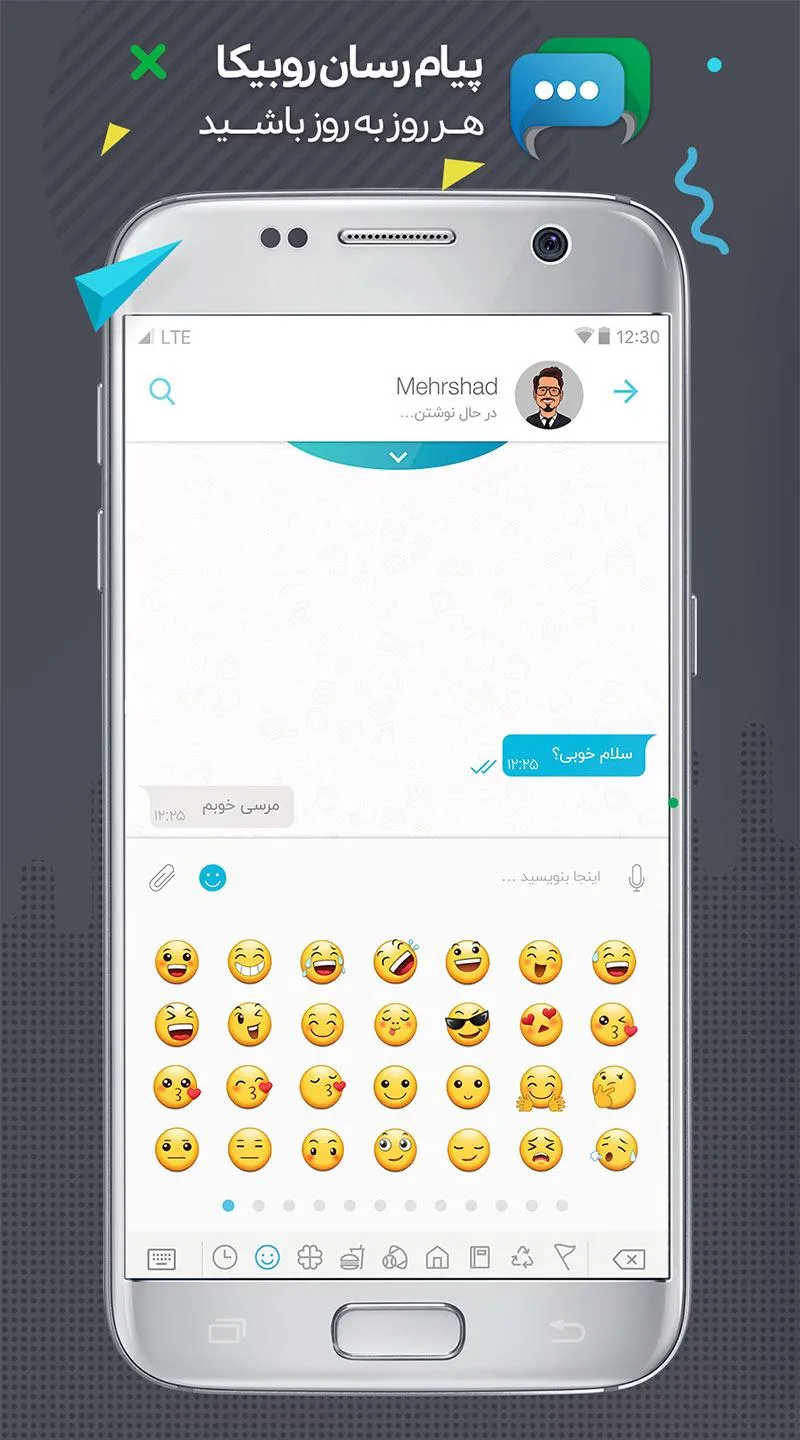
Messenger service
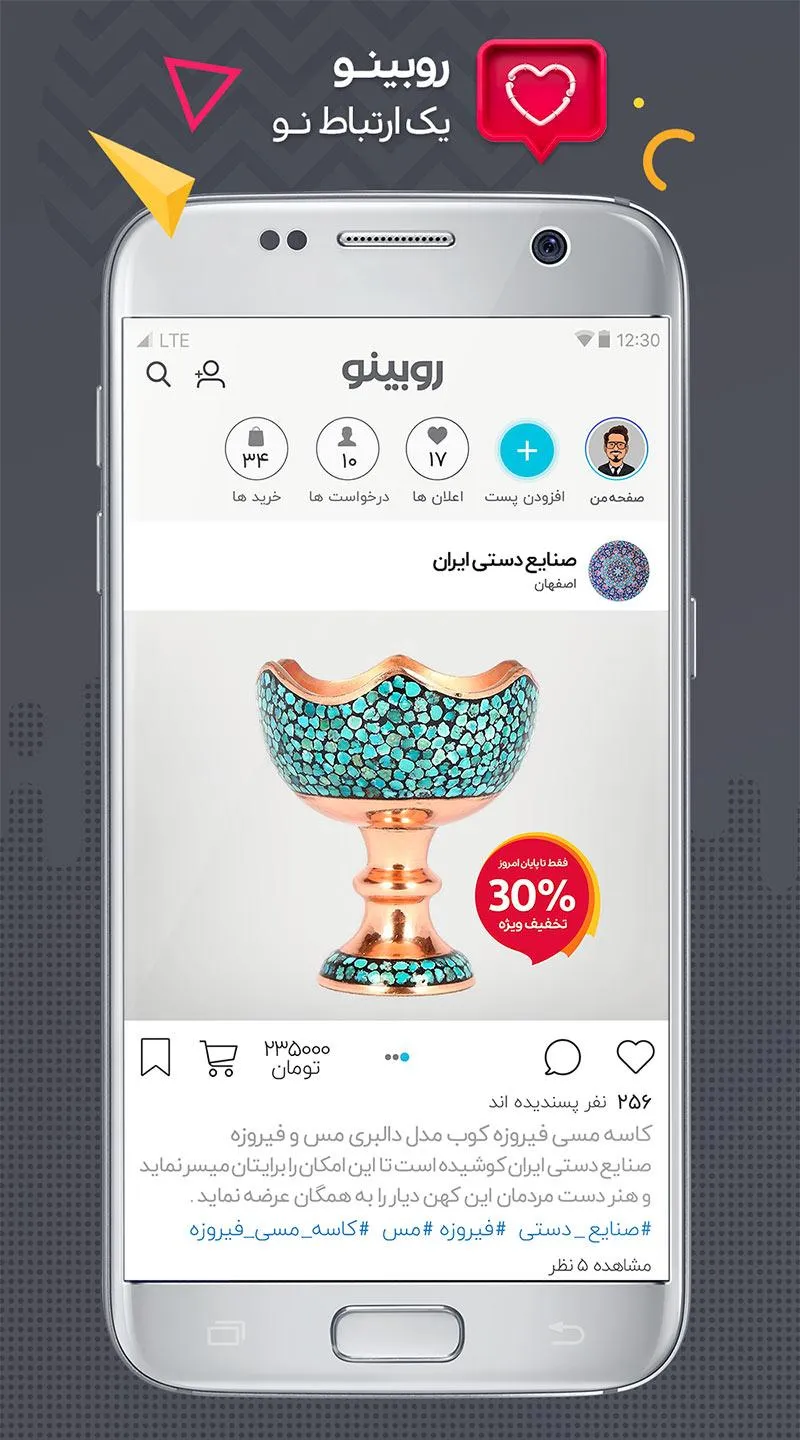
Rubino (social media)
Rubiclass (education)
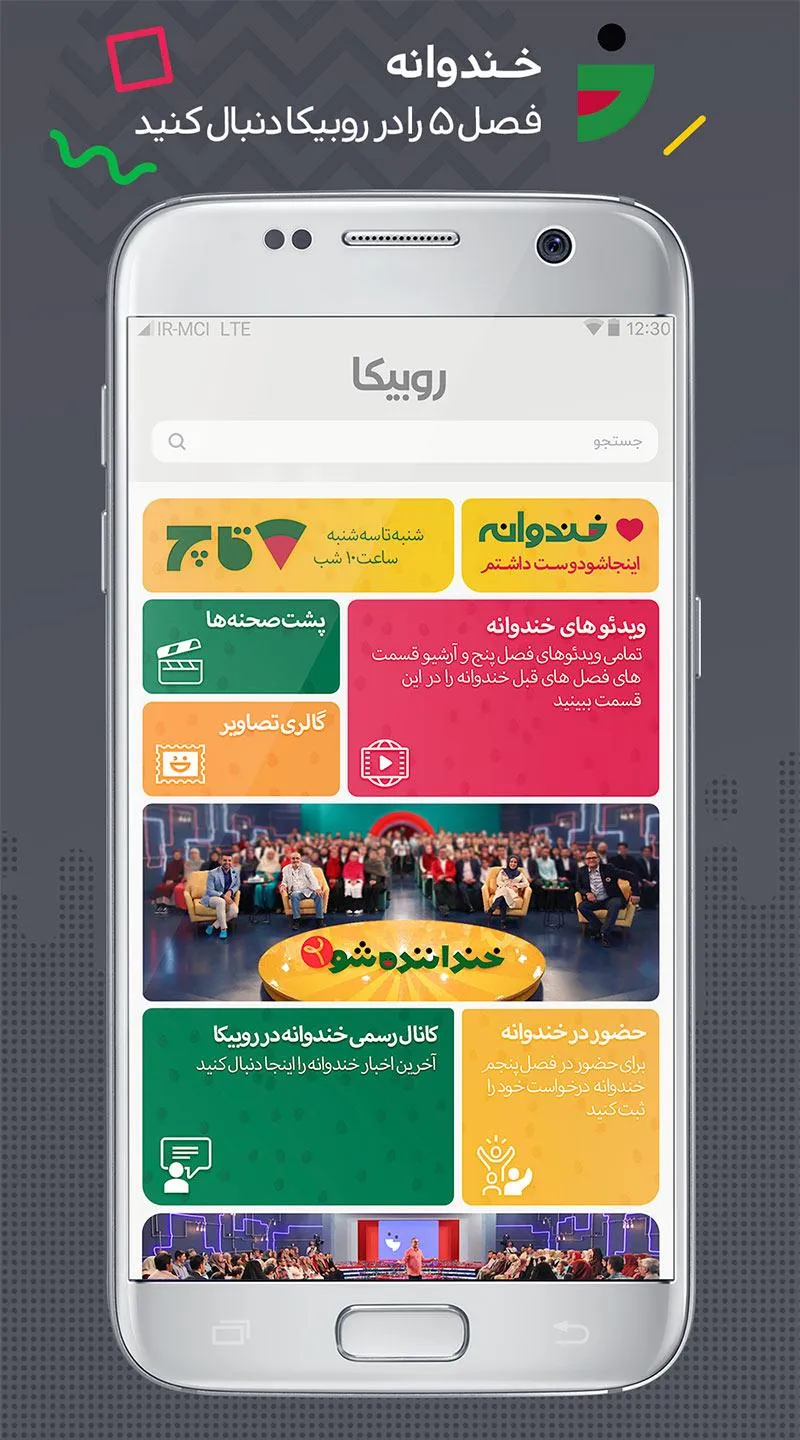
Film, series, and animation service
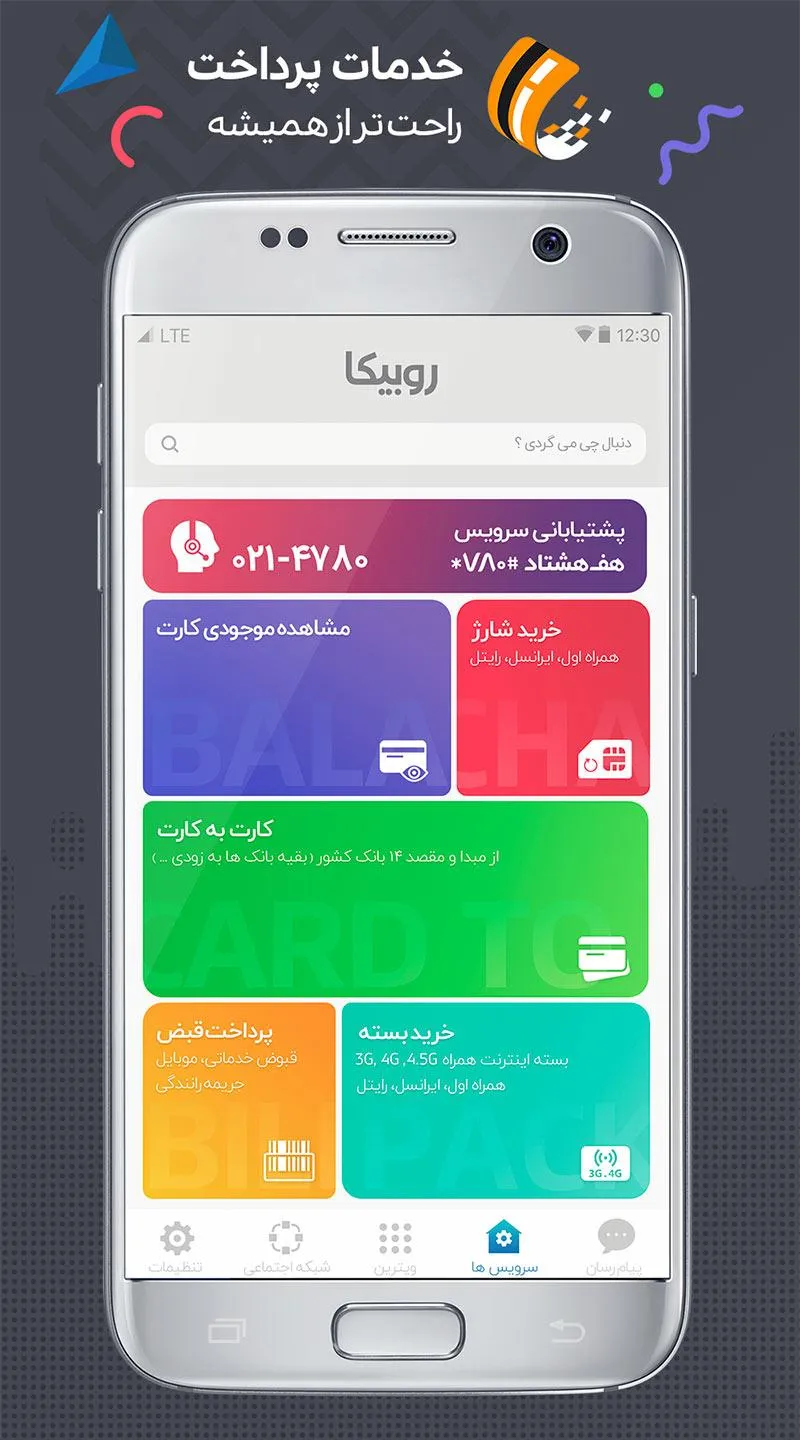
Payment and financial transaction service
Charity service
Access to channels of the most reputable news agencies
Access to popular channels
Sports streaming service
FAQS
What is Rubika?
Rubika is a mobile app available on Android and iOS that combines media streaming, social networking, and practical services like bill payments and ticket booking.
Does Rubika offer free internet for users?
Yes, if you're using MCI or Irancell mobile networks in Iran, Rubika won’t consume your mobile data — making it a cost-saving choice for frequent users.
Can I use Rubika outside Iran?
Some features may not work fully outside Iran due to regional limitations, but basic functions like content browsing and messaging might still be accessible.
Is Rubika safe to use for payments and messages?
Yes, Rubika supports encrypted messaging and secure payment systems aligned with Iranian data regulations, ensuring both safety and privacy for users.
How to Use
Install Rubika on your Android device, then open the app to start setup.
Enter your mobile number, request the verification code, and sign in. Keep this code private and do not share it.
Go to the Messenger tab to start a private chat or create a group, then send text, images, voice notes, or files. When needed, place voice or video calls.
Open Rubino to post images or videos, add stories, and follow pages you like. Interact with posts using likes and comments, and explore business pages for orders.
Switch to Movies and Series to watch content, or open Services to buy bus and flight tickets or manage insurance. Use the Wallet to handle payments, and check the Monetization section if you plan to earn from your channel or page.
Summarize
Whether you want to chat, share updates, watch shows, or handle other tasks, Rubika meets your daily needs without the hassle of switching between multiple apps. Available on both mobile and web, it allows you to stay connected, browse social media feeds, and manage travel or insurance arrangements whenever necessary. For quick access, simply search for "Download Rubika" and install the app to explore these features at your own pace.