Quick Launcher for Android 15
Personalization
2026-08-06
30.5MB
12.6
Android
257
Screenshots
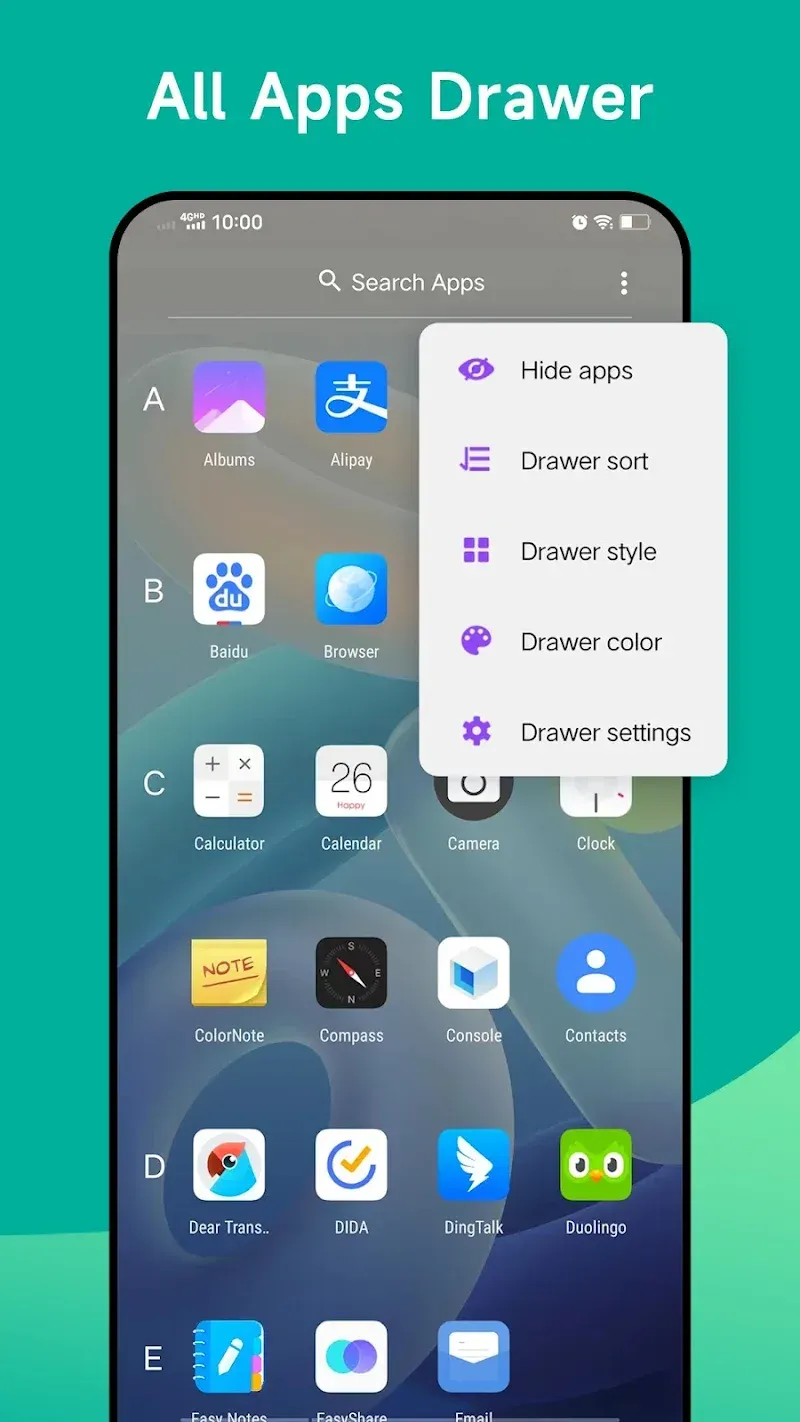
Introduction
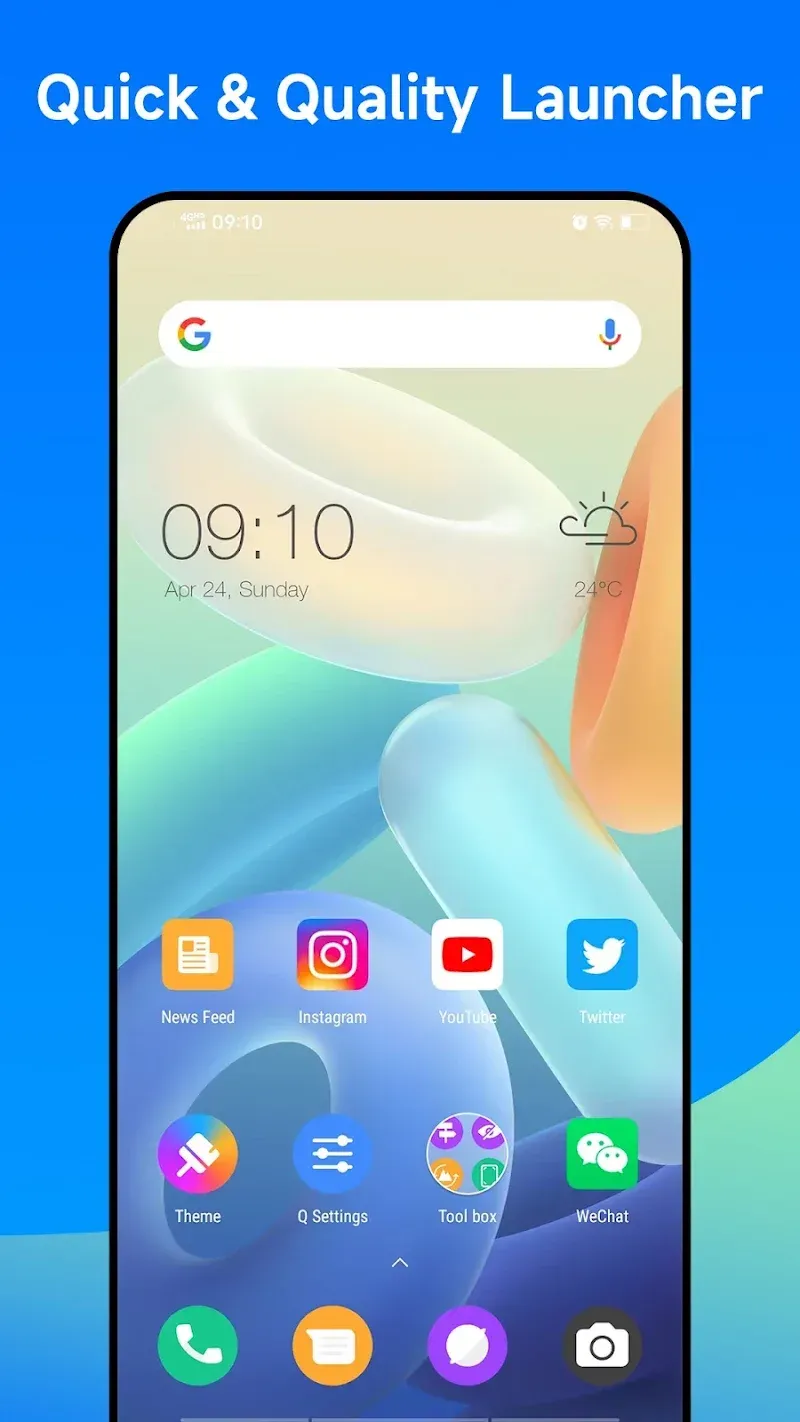
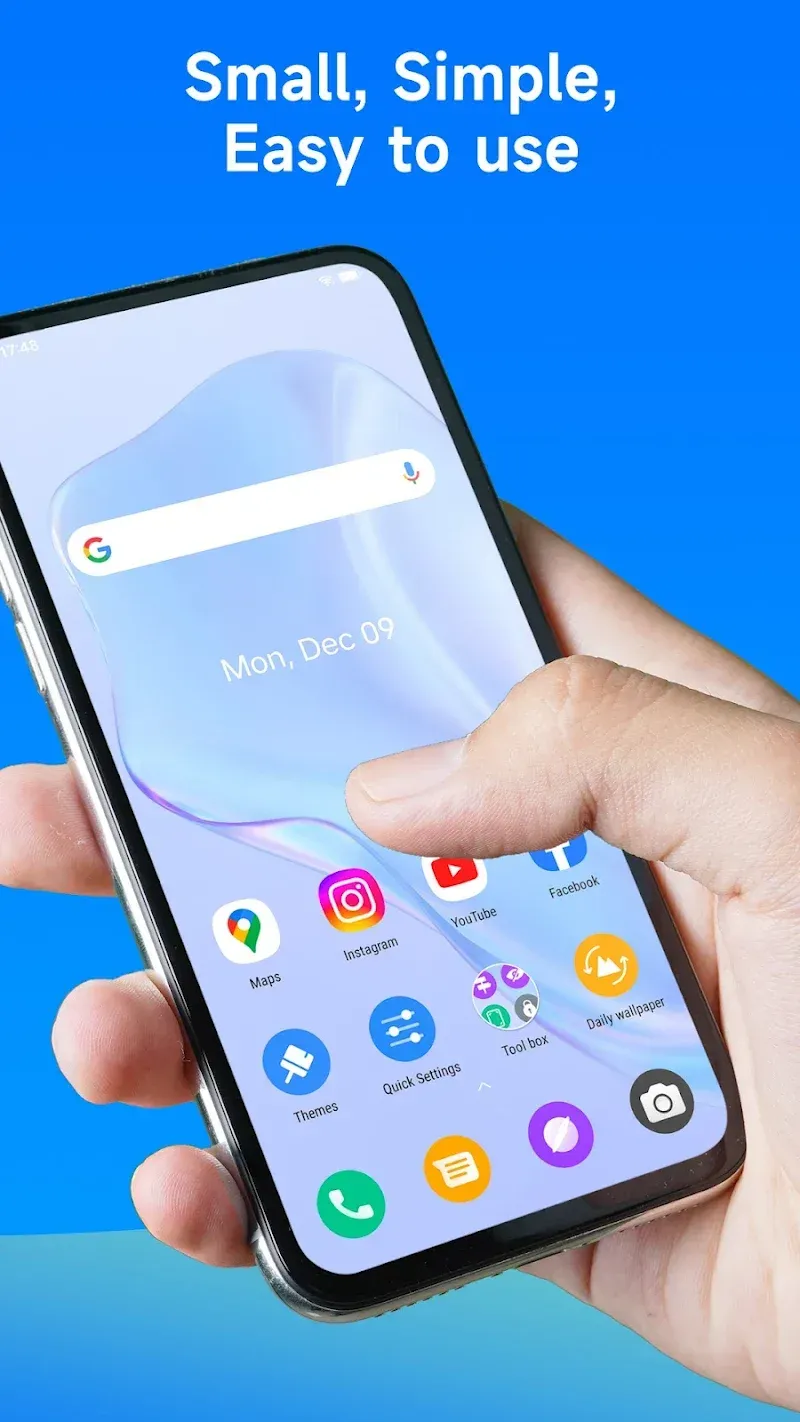
Quick Launcher for Android 15 is a theme customization tool for Android devices. This application is compatible with all Android 4.4 and above devices, bringing users a brand new interface. Users can make many changes to the interface and sort applications according to their preferences. This application also supports multiple themes and provides over 2000 customizable interface styles, helping users create a completely new Android interface.
Features:
Latest Android 15 launcher features adapted for ALL Android 4.4+ devices
A-Z classified app drawer for easy app access
Support for 2000+ launcher themes and third-party icon packs
Online collection of beautiful wallpapers
Customization options, including app icons shape and gestures support
Hide App feature and unread notification counters
Edit app icons and names individually
Launcher grid size and search bar style options
Customizable Dock and Drawer backgrounds
Ability to lock the launcher desktop to prevent unwanted changes
Status bar hiding functionality
Highlights:
Modern Launcher Features: This launcher brings a series of fresh settings to the interface. Users can apply many great features of this application to redesign the interface. Not only that, the application also supports users in creating a major interface reform.
Supports Older Devices: Devices running Android 4.4 or higher can install and use the features of the application. Users can reset to a new interface that is more modern than the old interface. Beautiful designs will replace the outdated design style.
Organized App Drawer: The application drawer will be reset according to the user's wishes. They can rearrange the components in the drawer to suit their needs. In addition, arranging a specifically classified drawer also helps users easily find the utility they want.
Supports Many Themes: The application provides more than 2000 interface customization styles to help users create a completely new space. The application has supported users in setting a new theme on the new interface. More unique styles will be used to increase the artistry of the interface.
Individually Edit Icons: Beautiful icon packs are also designed specifically for the device interface. Users can find beautiful icon templates that match the style they pursue. Besides, these icon templates are also suitable for modern trends.
Adjustable Layout Options: The interface layout will be reset by users using the tools in the application. The system provides many virtual keys that allow users to adjust the position of components in the new interface. Thanks to that, users can enhance the beauty of the device interface.
Changelog:
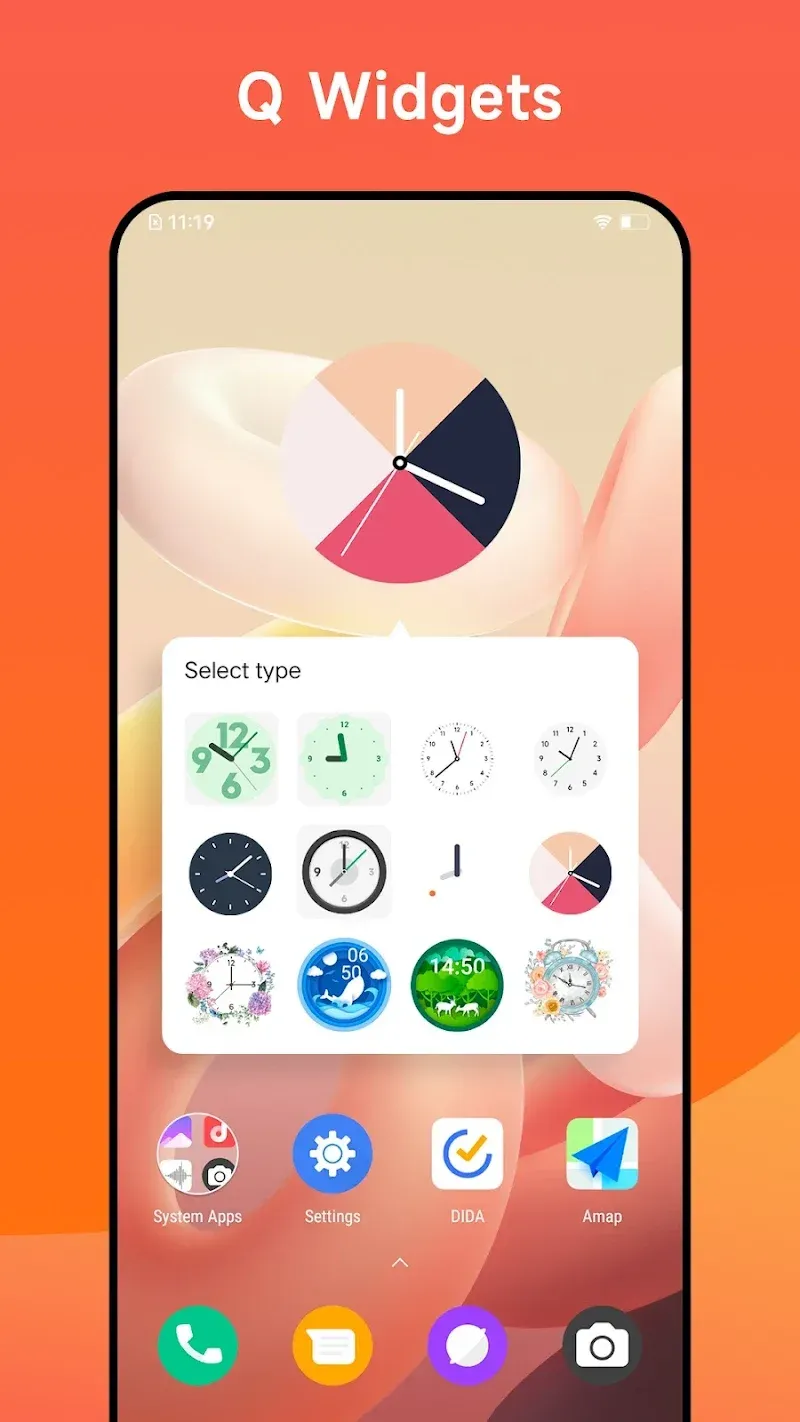
Fixed the issue where the word widget couldn't add applications
Fixed the issue where the word widget couldn't load other styles
Optimized the preview images of themes
Optimized the search bar
FAQs:
Is the Quick Launcher for Android 15 compatible with all Android devices?
Yes, the launcher is compatible with all Android 4.4+ devices. Whether you have a high-end smartphone or a budget-friendly device, you can enjoy the benefits of the app.
Can I customize the appearance of my device with the Quick Launcher for Android 15?
Absolutely! The Quick Launcher for Android 15 offers over 2000 launcher themes and supports third-party icon packs. You can personalize your device by choosing from a wide selection of beautiful online wallpapers and unifying your app icons into circle or square shapes.
Does the Quick Launcher for Android 15 offer any privacy features?
Yes, the launcher includes a Hide App feature that allows you to keep certain apps private. You can hide sensitive apps from prying eyes and ensure your privacy.
Conclusion:
Quick Launcher for Android 15 brings a robust set of features designed to improve the user experience on Android devices. With its extensive customization options, gesture support, and organizational tools, it provides a comprehensive solution for those looking to enhance their smartphone interface. Users can enjoy a personalized and efficient experience that aligns with their preferences and needs.
-
Latest Updates
-
Featured Apps