Q Launcher
Personalization
2026-09-24
21.04MB
11.4.1
Android
207
Screenshots
Introduction
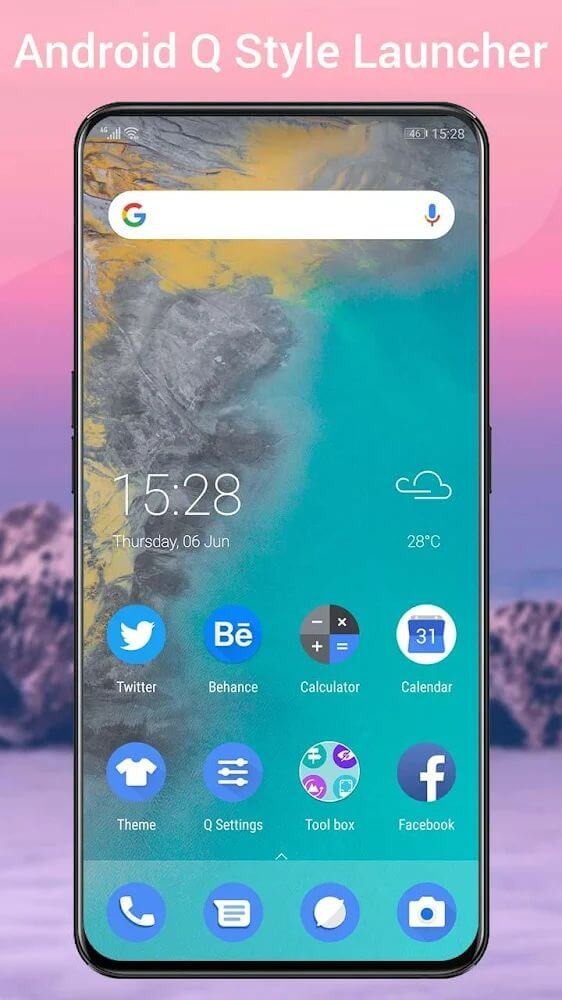
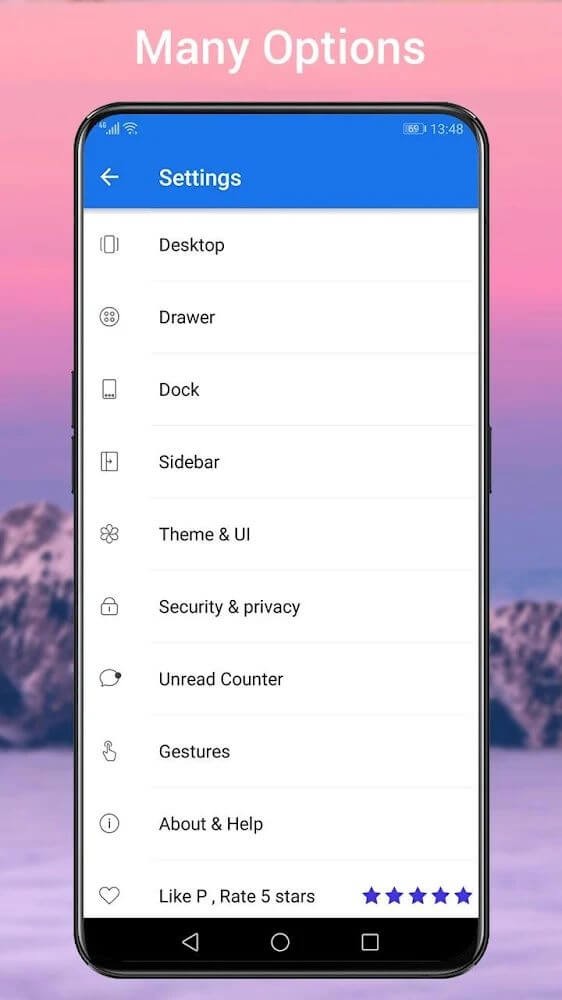
Q Launcher is a theming app designed for Android users that brings the latest Android 12 visual style to your device. It offers a wide range of themes and icon packs, all organized alphabetically from A to Z for quick and easy browsing. The app also includes a collection of beautiful wallpapers ready for immediate use. With excellent compatibility, it supports most icon packs, allowing you to import them seamlessly. Additionally, Q Launcher provides extensive customization options, enabling you to adjust app icon sizes, background bars, the status bar, and more to suit your preferences and create a truly personalized home screen.
Features:
With latest Android 12 Q launcher features, available for ALL Android 5.0+ devices
Q Launcher is an Android 12.0 Pixel style launcher, offers omnipotent customization and useful features
Theme support, Icon pack support, support most of the icon pack in Google Play Store
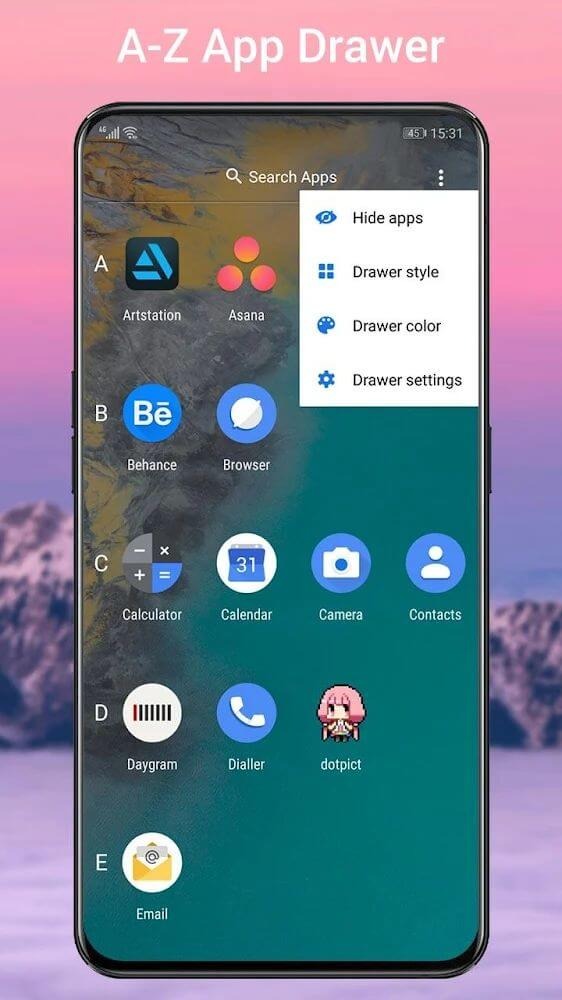
A-Z classified launcher app drawer, it is easy to find apps
Q Launcher support hide unused or private apps
Q Launcher has many beautiful wallpapers
Gestures support: swipe up/down/left/right, long press gestures, etc.
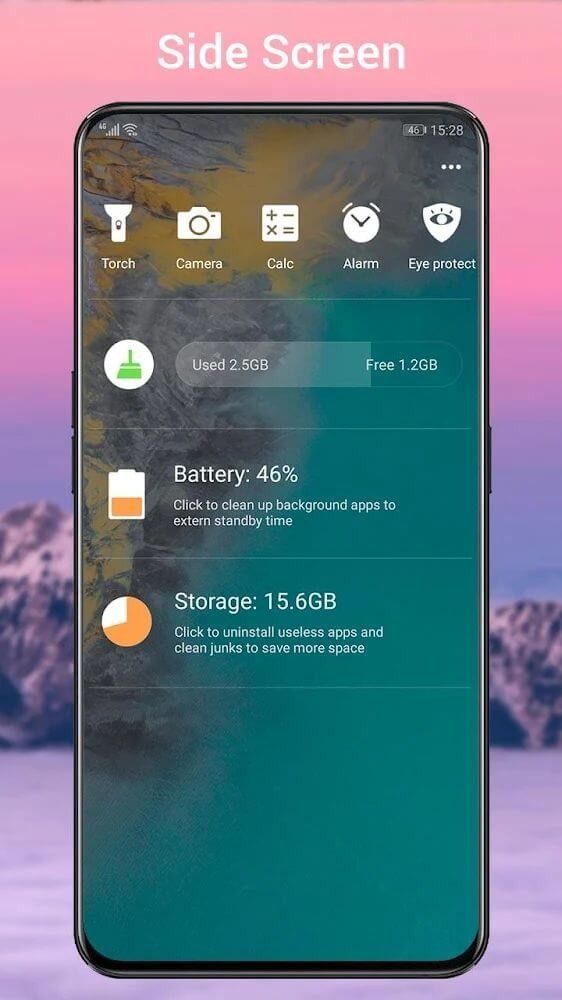
Useful toggles on Q Launcher side screen: Data, Brightness, WiFi, Sync, Bluetooth, Location, Auto-rotation
Launcher drawer grid size option
Launcher Dock background customization
Hide status bar, hide dock bar, hide icon labels
Android 12.0 widgets drawer
Highlights:
Users will be able to own several valuable tools on the screen freely and comfortably according to their purposes.
Customize and choose for yourself the most suitable wallpaper to install for your phone.
Do not forget to share and recommend this application to your friends around.
Enjoy a simple, unique, and eye-catching interface that benefits users.
Advantages:
This simple app is not official, but it adds all the features and aesthetics of Android 12 to older models, so you can use your smartphone more efficiently. Among the features included in Q Launcher, you'll find a folder that organizes your apps alphabetically, making it easier to find them. It also supports more than 2,000 launcher themes, as well as online wallpapers and third-party icons. Basically, you can make your smartphone look however you want.
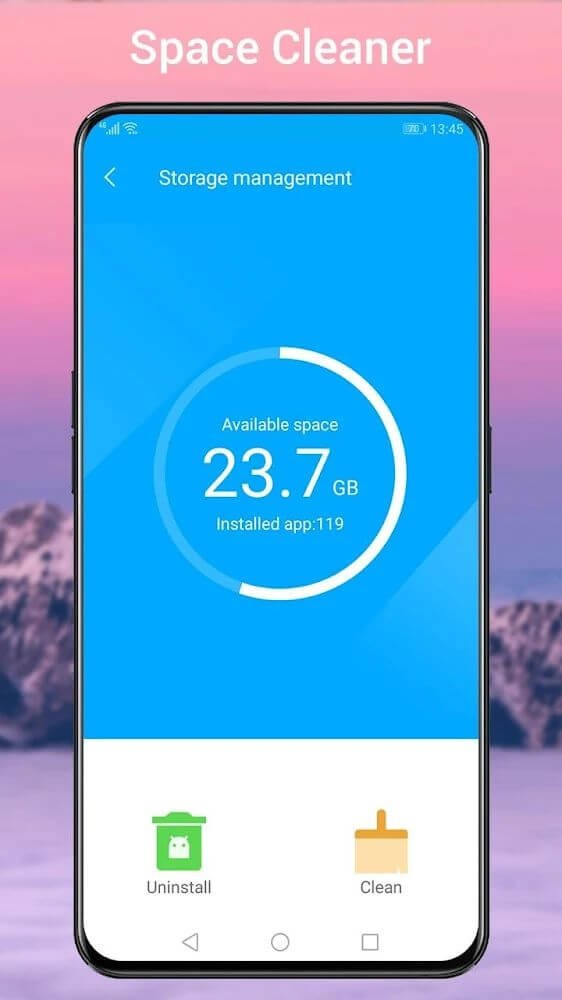
Q Launcher works on all Android smartphones with version 5.0 or later. Some of the tools include a flashlight, cleaner, battery saver, storage control, and the ability to favorite apps. You can modify the app icons, as well as their names, sizes, colors, and more. You can even lock your launcher's desktop to prevent anyone from modifying it, which is especially useful if you have kids.
FAQs:
Q: Is it a replica of Android 12 or just a visual overhaul?
A: It not only emulates the visual style of Android 12 but also integrates many functional features akin to the latest Android iteration, enhancing the overall user experience.
Q: Can it be customized extensively?
A: Yes, it provides extensive customization options, allowing users to tailor the interface, icon appearance, gestures, and many visual aspects of their devices.
Conclusion:
It is a comprehensive solution for Android users eager to experience the aesthetics and features of Android 12, irrespective of their device's native software version. With a plethora of customization options, app management features, and an interface closely resembling Android 12, it offers a modern and efficient mobile experience. Whether seeking a visual overhaul or functional enhancements, it caters to a diverse range of user preferences, making it a valuable addition to the Android ecosystem.
-
Latest Updates
-
Featured Apps