Oxford Dictionary of English
News & Books
2026-08-08
100.62MB
16.3.1172
Android
118
Screenshots
Introduction
Oxford Dictionary of English is an English dictionary app for Android devices. This app boasts a comprehensive vocabulary of over 350,000 words, including regionally specific terms. It also provides pronunciations for various common and less common words. Users can customize the interface layout to suit their preferences. Furthermore, the app offers four beautiful themes for users to choose from.
Features:
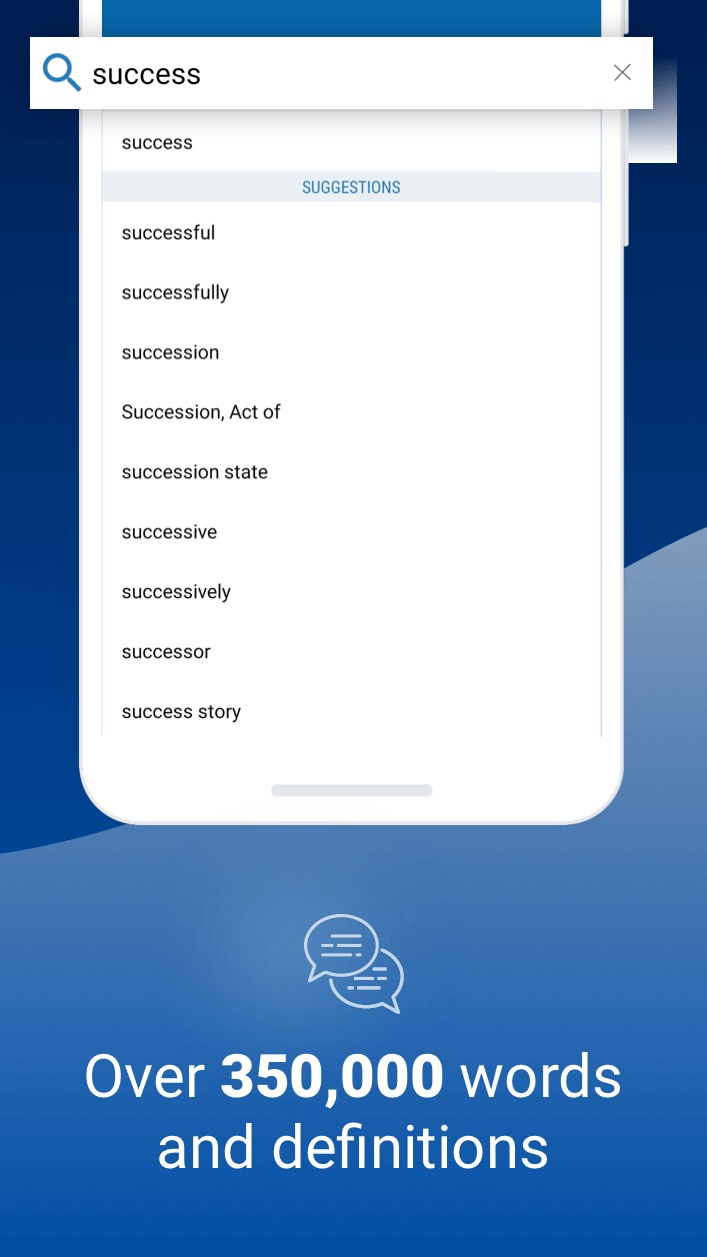
Search autocomplete helps you find words quickly by displaying predictions as you type
Keyword lookup allows you to search within compound words and phrases
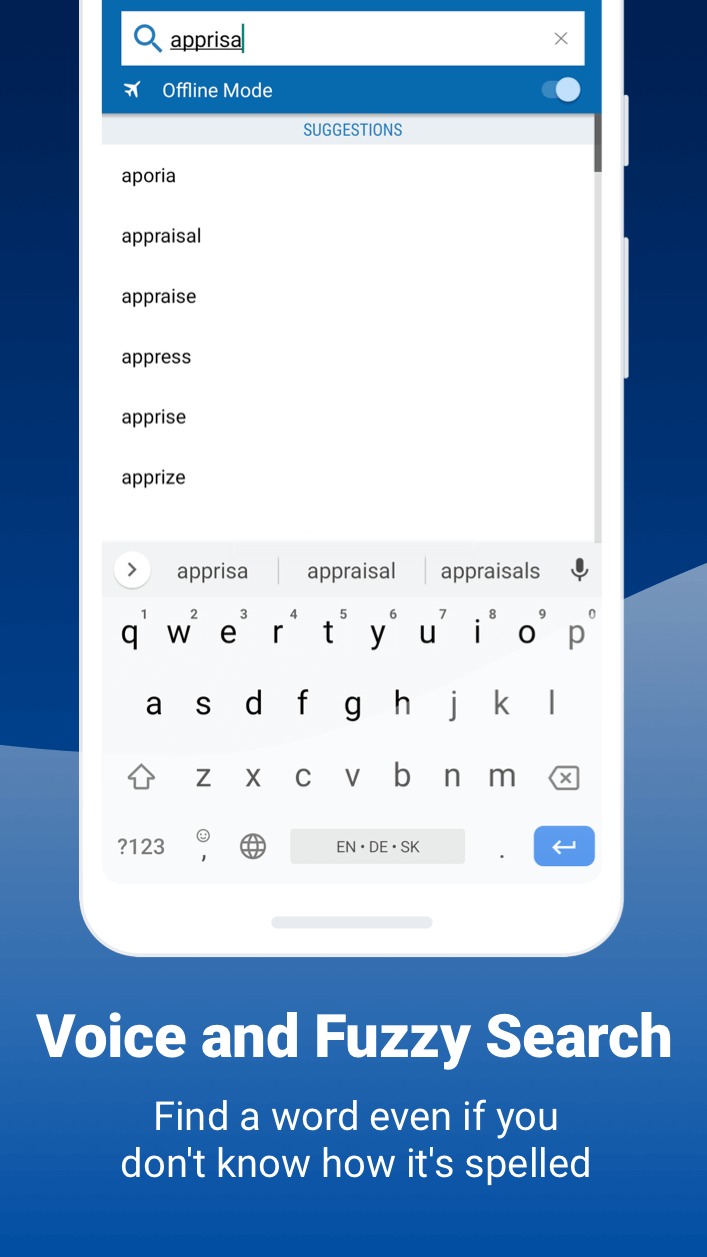
Looking for a specific word but don't know how it's spelled? We've got you covered with our automatic 'Fuzzy filter' to correct word spelling, as well as 'Wild card' ('*' or '?') to replace a letter or entire parts of a word
Camera search looks up words in the camera viewfinder and displays results in seconds
Use our Voice search when you don't know how an entry is spelled
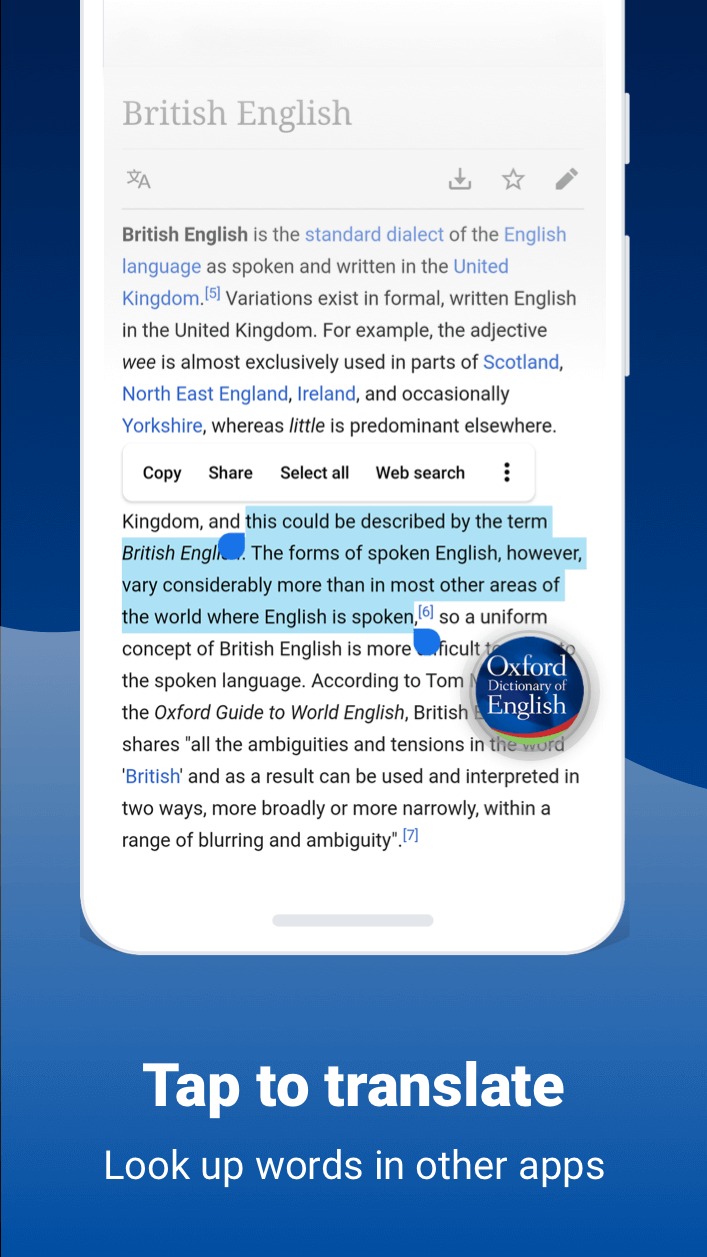
Tap to Translate entries in other apps
Share word definitions via installed apps on your device
Highlights:
The very latest vocabulary, with over 350,000 words, phrases and meanings
With tens of thousands of regionally specific entries The Oxford Dictionary of English reflects the unique richness and global adaptability of English.
Have the strength of The Oxford English Corpus' research excellence at your fingertips.
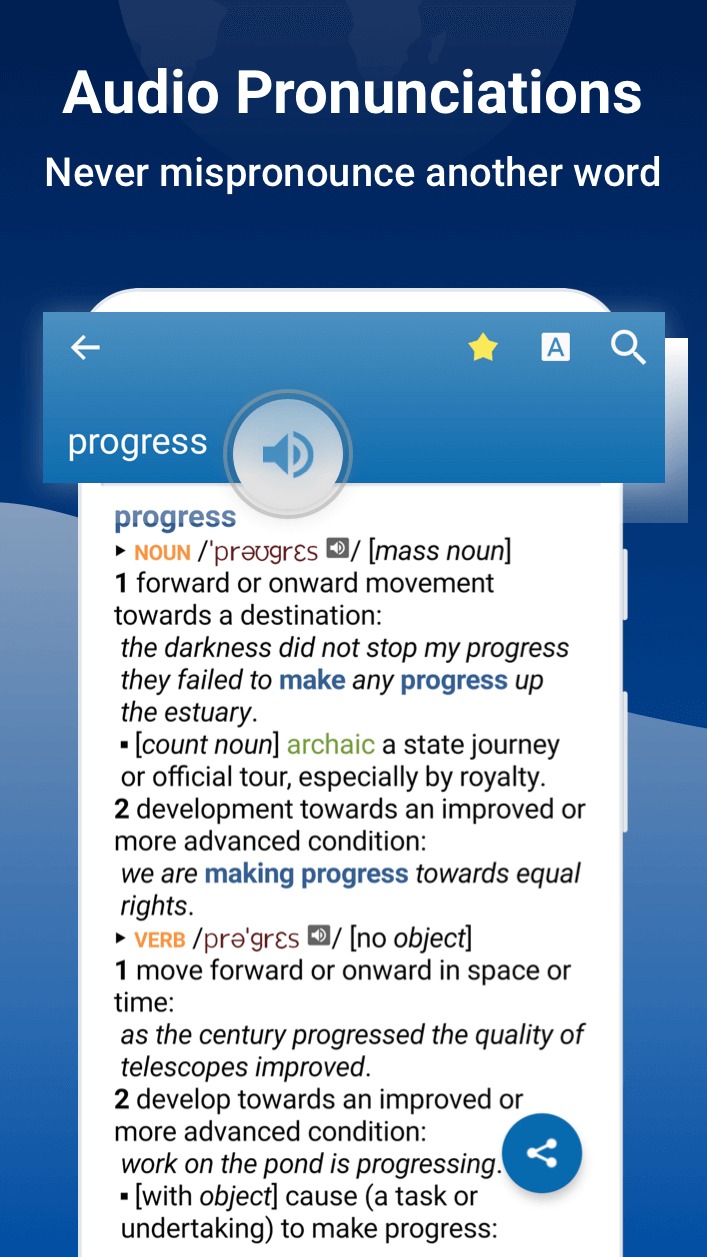
75,000 audio pronunciations of both common and rare words, including those with varying pronunciations
With a convenient Home page, a sleeker and more intuitive visual layout, as well as innovations in the speed of searches you can delve right into the intricacies of English faster and easier than ever!
Translate words while using other apps with our Tap to Translate feature.
Learn and translate in style with one of four beautiful themes.
Pros and Cons:
Pros
Vast Word Library
Easy-to-Use Interface
Advanced Search Function
Engaging Features
Cons
Lacks Synonym and Antonym Features
No Dark Mode
No Cloud Syncing Option
Sometimes Unresponsive
Conclusion:
Designed with user-friendliness in mind, the app incorporates a sleek interface with customizable themes and an intuitive homepage layout. Advanced search functionalities, including auto-complete, keyword lookup, camera search, and voice search, facilitate efficient word discovery. Users can also create custom folders for word organization and utilize features like word-of-the-day and sharing options to enhance their learning experience. Overall, this dictionary app combines educational value with practical features for anyone needing a comprehensive English reference.
-
Latest Updates
-
Featured Apps