Opera Mini
Social
2026-10-19
44.30MB
99.7.2254.2684
Android 5.0 and up
148
Screenshots
Introduction
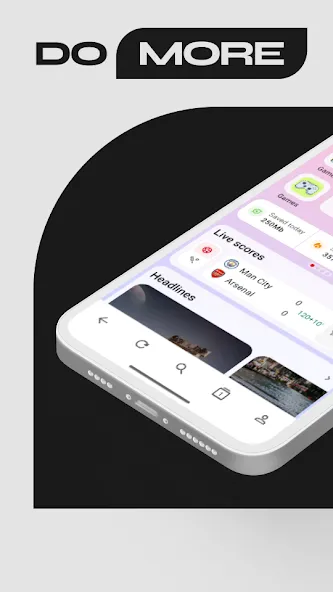
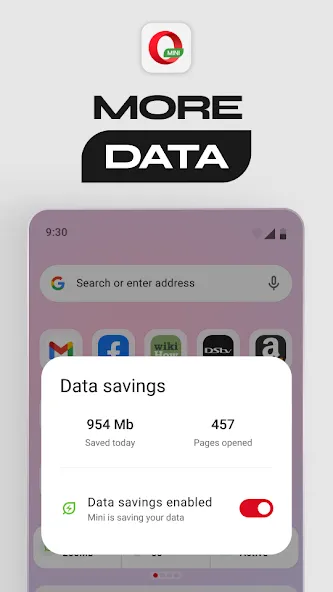
Opera Mini is a powerful web browser designed for the Android operating system. It features a user-friendly interface, allowing new users to get started quickly. The browser is highly versatile, offering tools to help users save data, reduce bandwidth consumption, and access a wide range of functional features. It ensures strong privacy protection, blocks intrusive advertisements, and enhances both browsing speed and efficiency. Furthermore, it boasts excellent compatibility, functioning seamlessly across a broad spectrum of Android devices. It also supports the synchronization of browsing data—including bookmarks and history—enabling the organized and useful storage of information.
Features:
Fast Browsing and Data Saving
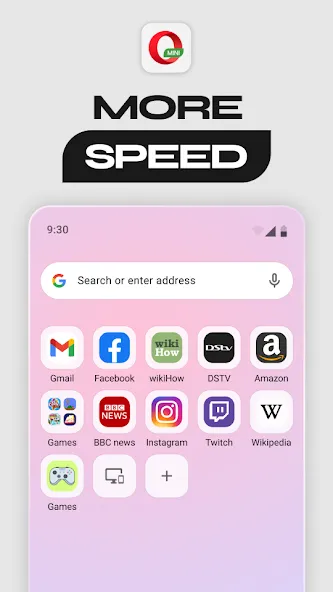
Utilizes compression technology to significantly reduce webpage size, ensuring quick loading even when your network connection is slow or unstable.
Built-in Ad Blocker
Features a built-in ad blocker that automatically removes most advertisements from the websites you visit, providing a smooth, uninterrupted browsing experience.
Secure and Private Browsing
Ensures safe, anonymous browsing through tools like Incognito mode, which does not store your browsing history or cookies. It also alerts you when you attempt to visit potentially dangerous websites and employs advanced security technologies to protect your personal and financial data.
Cross-Device Synchronization
Allows you to sign in with an Opera account to sync your browsing data—such as bookmarks, history, and settings—across multiple devices.
Highlights:
Fast, lite browser for smooth browsing
Free data – available for select markets
Adblock for faster and cleaner browsing
Private browsing & incognito mode
AI chat built into your browser
Locked mode with PIN protection
Night theme for comfortable browsing in the dark
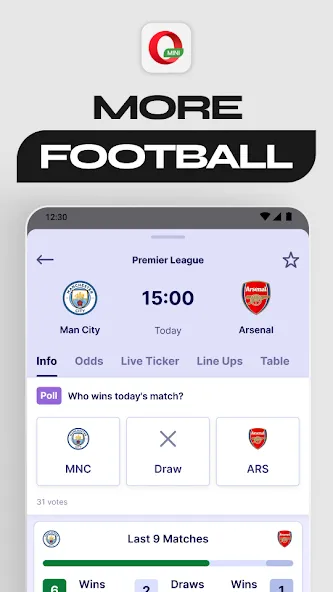
Football scores and updates
News tailored to your interests
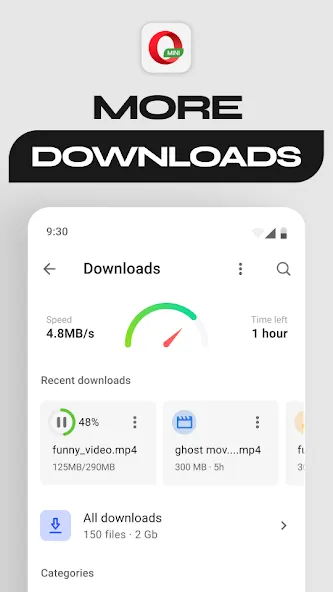
Fast downloads & offline pages
FAQs:
How do I download Opera Mini?
To download this mini browser—which includes a built-in VPN—simply click the download button above.
Is this a free browser app?
Yes, it is a free browser app. There are no subscription fees or data usage limits, and you can use it without needing to register.
Does Opera Mini support offline file transfers and themes?
Opera Mini features attractive themes and a user-friendly interface. A function for downloading videos from YouTube is currently in development. The navigation and toolbars disappear as you scroll down the page.
Advantages and disadvantages:
Pros
Video player
Personalized news feed
Browser customization and themes
Cons
Stability issues need fixing
Conclusion:
A compact, feature-rich, fast, and secure web browser that helps you save both phone storage and data. Download Opera Mini to experience one of the fastest ways to browse the web on your mobile device. We look forward to hearing from you!
-
Latest Updates
-
Featured Apps