MyScript Notes
Lifestyle
2026-10-23
169.28MB
7.0.7
Android 6.0+
287
Screenshots
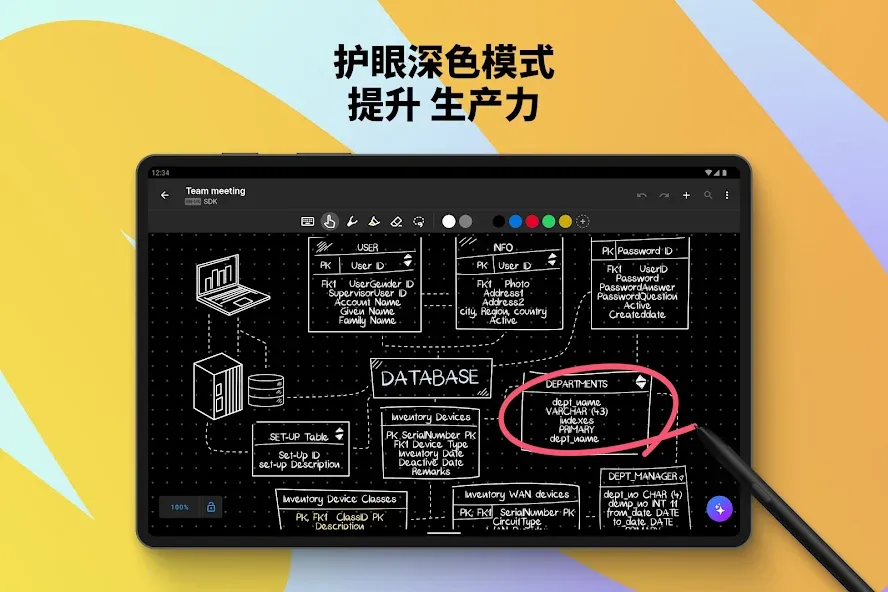
Introduction
MyScript Notes is a highly practical, portable digital notebook. Featuring a user-friendly interface, it allows users to get started with ease. You can use the app to write, take notes, or even create drawings. It offers a wide array of brushes and tools, enabling you to select the perfect options for your specific needs. With robust customization features, you can adjust brush sizes and color combinations to your liking. The app supports multiple languages—catering to a diverse range of users—and even provides direct access to word definitions.
Features:
Digital Handwriting
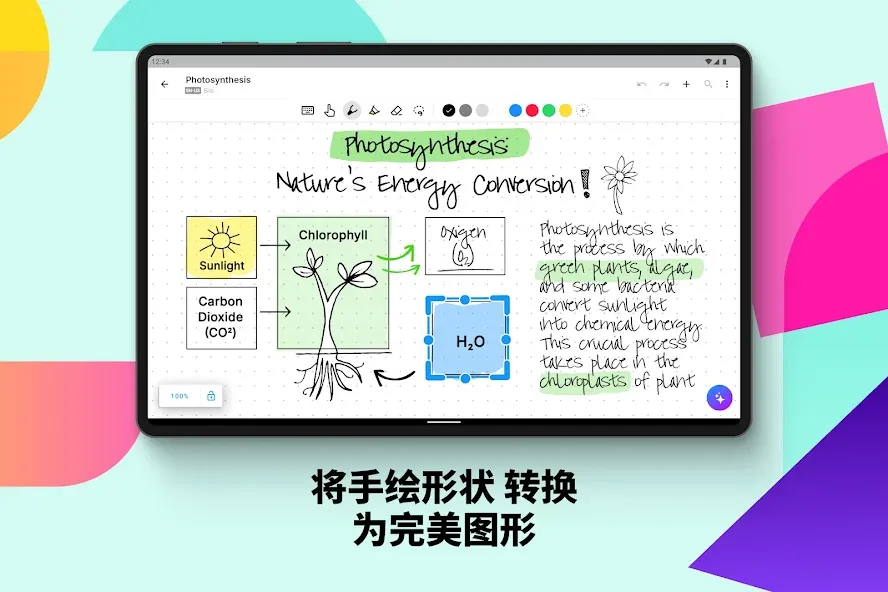
Write¹, type, or dictate—all on the same page, within the same sentence, or even the same word. Accurately convert your handwriting and mathematical formulas into typed text, and transform hand-drawn diagrams into perfectly rendered shapes. Diagrams remain fully editable even after being pasted into PowerPoint! Use your stylus to draw emojis and symbols.
Edit with Your Stylus
Edit and format your content using intuitive pen gestures, without ever interrupting your workflow. Use a highlighter to add emphasis or color, the lasso tool to make selections, and an eraser to remove entire strokes or specific, targeted elements.
Write, Type, and Draw Freely on a Whiteboard
Enjoy an infinite canvas—perfect for brainstorming, mind mapping, and freeform note-taking. Pan and zoom to gain a fresh perspective. Use the lasso tool to select, move, copy, delete, or resize content—and convert your handwriting into typed text.
Switch to Document Mode for a Responsive Experience
Create and edit structured notes; your handwriting will automatically reflow and reformat as needed. Edit, adjust layouts, rotate your device, or use split-screen view—all while maintaining perfect readability.
Enrich Your Notes
Personalize your content using a variety of pen types and page backgrounds. Add photos, sketches, and smart objects, such as mathematical formulas and diagrams. Write out complex math equations and matrices across multiple lines, solve simple calculations, and export your formulas as LaTeX code or images.
Highlights:
Advanced handwriting-to-text OCR
Interactive ink gestures for erasing and formatting
Multimodal input support: handwriting, typing, and voice
PDF annotation for course materials
Infinite canvas for brainstorming and diagramming
Smart shape recognition for geometric figures
Powered by the MyScript engine for precise, lag-free performance
Seamless conversion of mathematical and chemical equations
Handwriting indexing and search capabilities
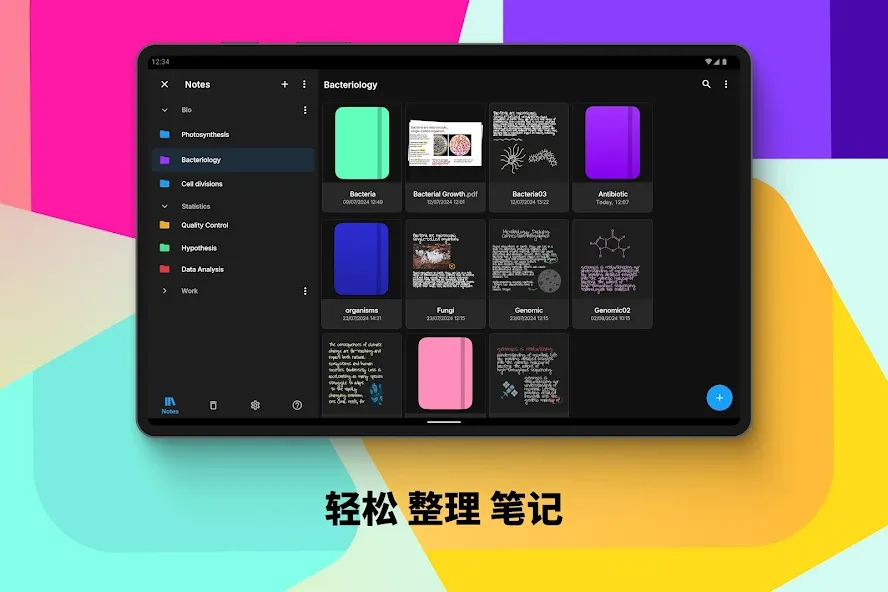
Customizable notebook covers and paper types
FAQS:
Can this app convert messy handwriting into text?
Yes, it can recognize and convert even messy handwriting with high accuracy.
Does it support equations and diagrams?
Yes, you can handwrite mathematical formulas and diagrams, and they will be converted into editable objects.
Can I add annotations to PDF files in this app?
Yes, you can import PDF files and add annotations as you like.
Is cloud synchronization supported?
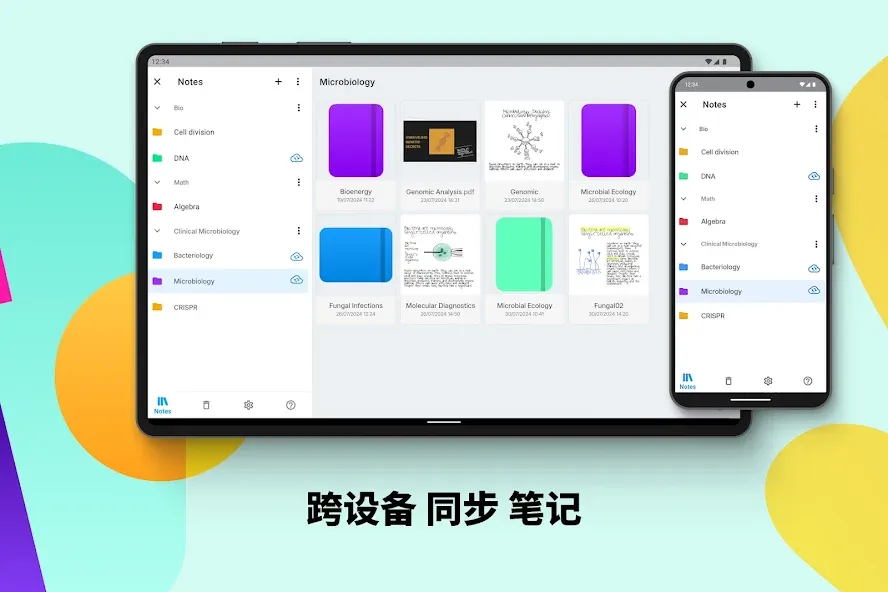
Yes, it supports synchronization with Google Drive, iCloud, and Dropbox.
User comments:
An excellent app with a rich feature set. The developers listen to user feedback and strive to make improvements. It’s user-friendly—it’s wonderful to have a tool that never gets in the way of my work! I can dive straight into my tasks and start taking notes.
A perfect app! I used it on my phone previously, and now I’ve installed it on my tablet for note-taking. The interface is fantastic! The note management system is clean, intuitive, and easy to navigate. The inking experience feels realistic and fluid.
I absolutely love it! It’s been incredibly helpful for my studies, so I even purchased a lifetime subscription. It’s truly great to have a tool that doesn’t get in the way of my work—I can get down to business and take notes in no time!
Summarize:
In short, MyScript Notes can be tailored to your specific needs. Whether you need to record information or create diagrams, the app supports handwriting input and data conversion. You can also choose to keep your original drawings or notes intact and share them with others. So, what are you waiting for? Download it now and see for yourself!